Photo effect
AI Snow Filter
Add realistic falling snow and winter pine lighting to your photo while keeping your own face and clothes.
Real before-and-after snow portraits
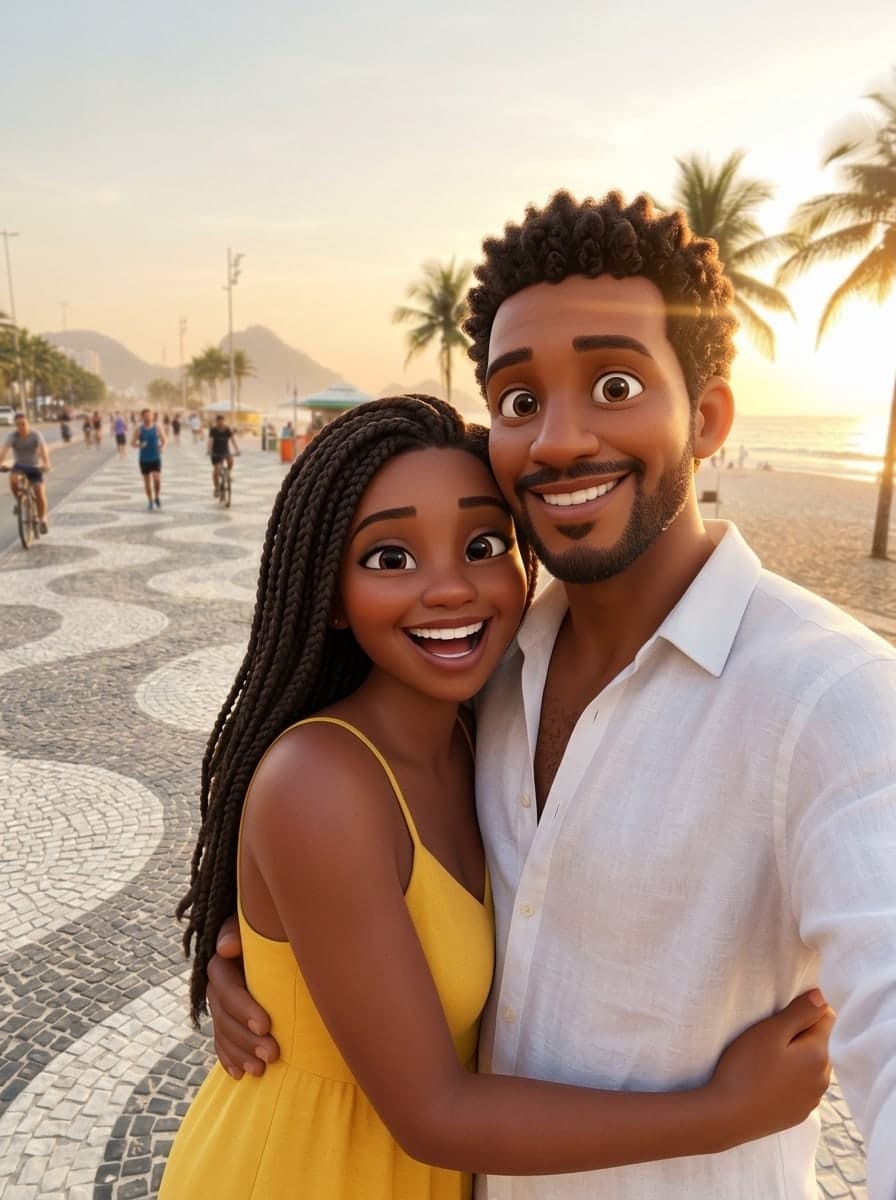
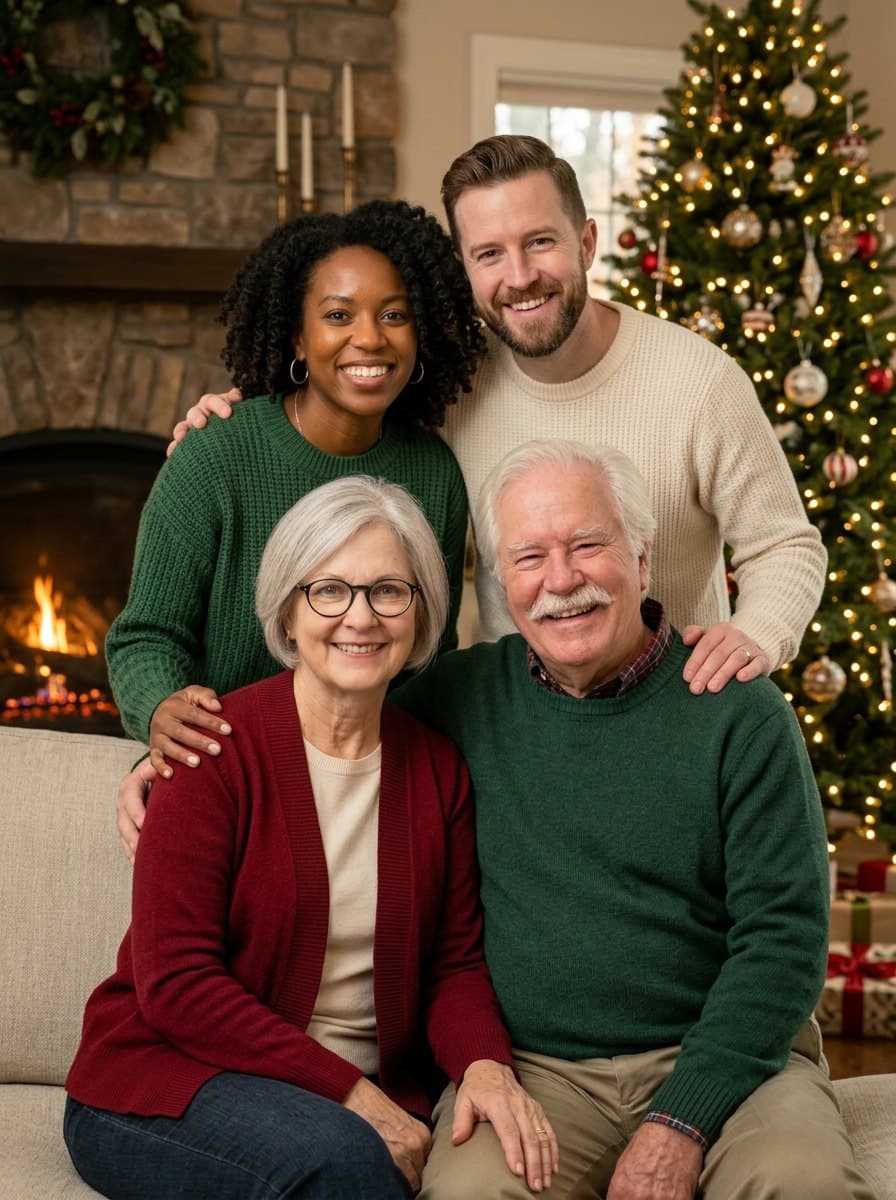
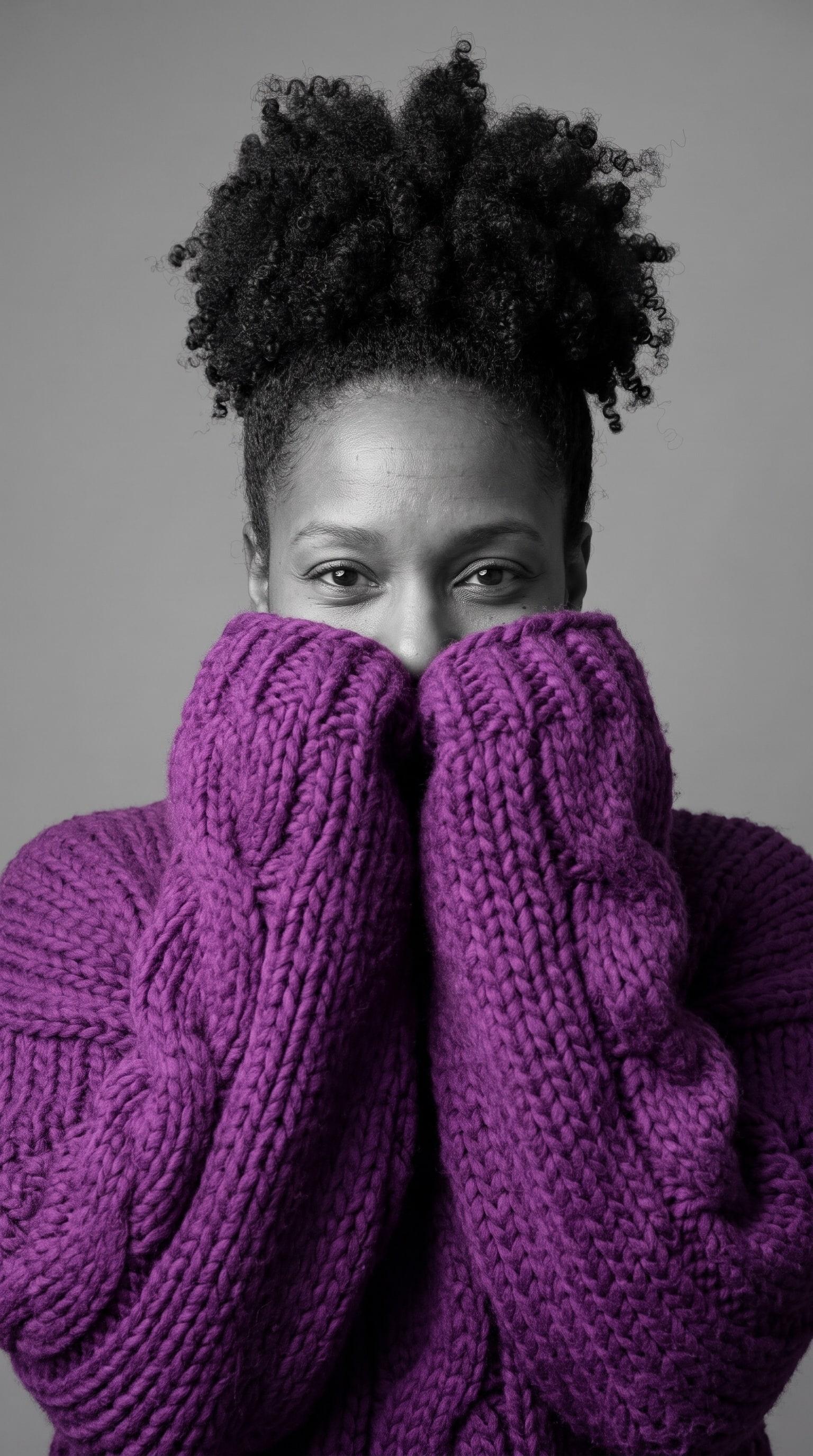
Six examples made with the exact same winter snow pipeline, shown next to each original photo. All people shown are fictional AI-generated subjects.
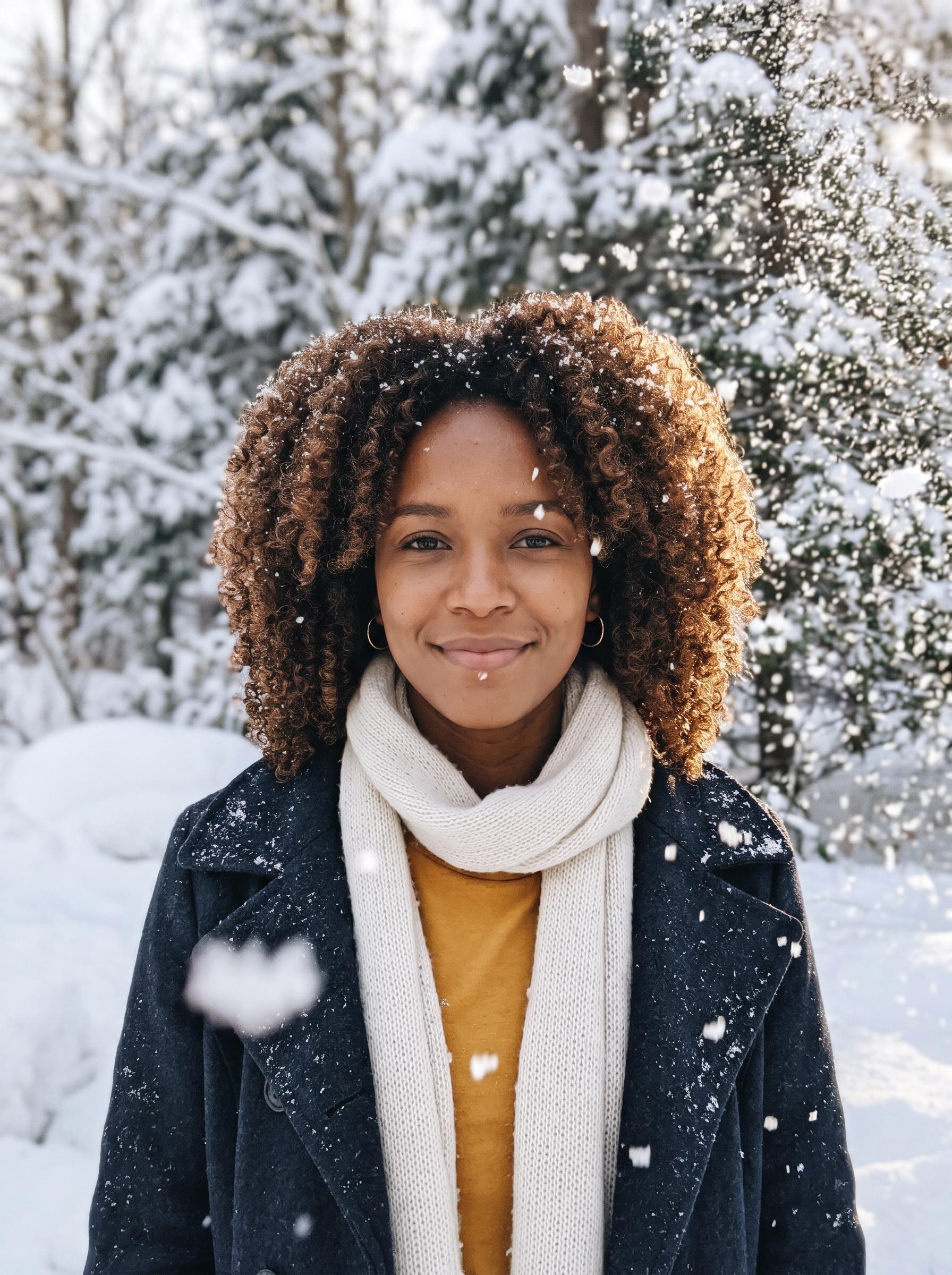
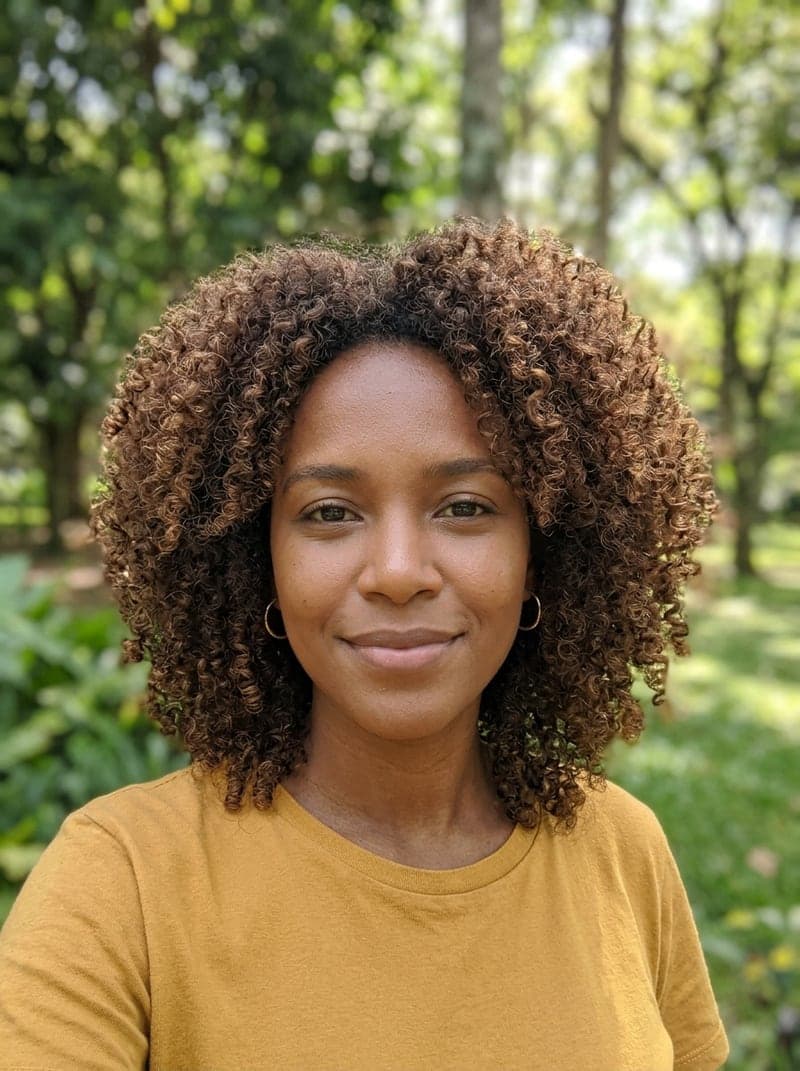 Curly-haired portrait in falling snow
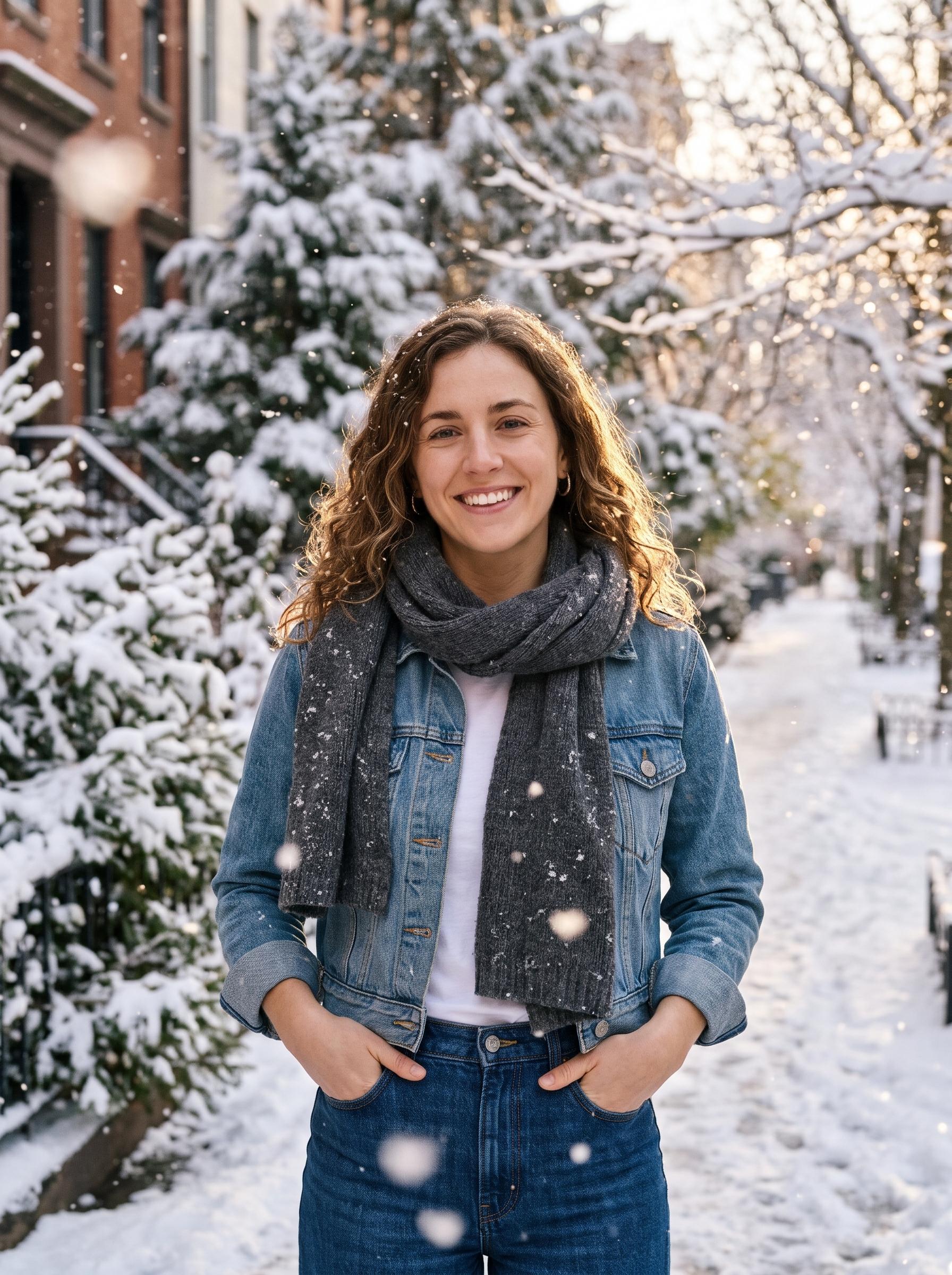
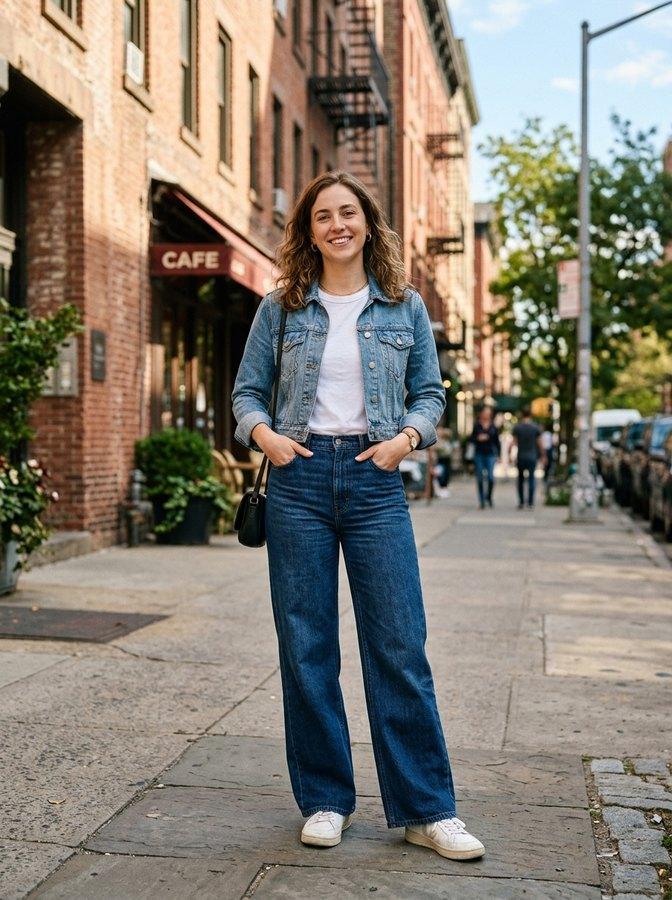 Denim jacket portrait on a snowy city street
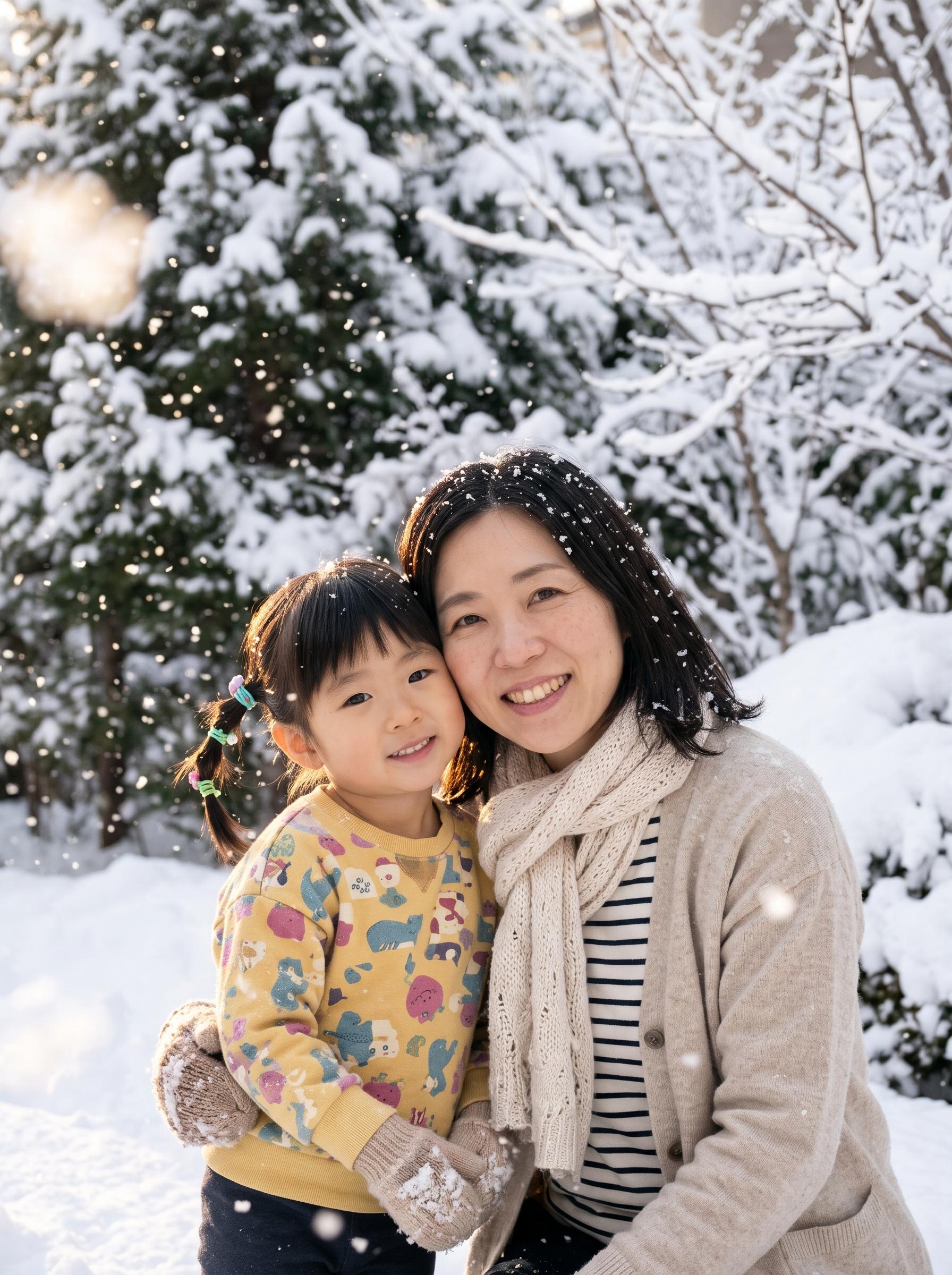
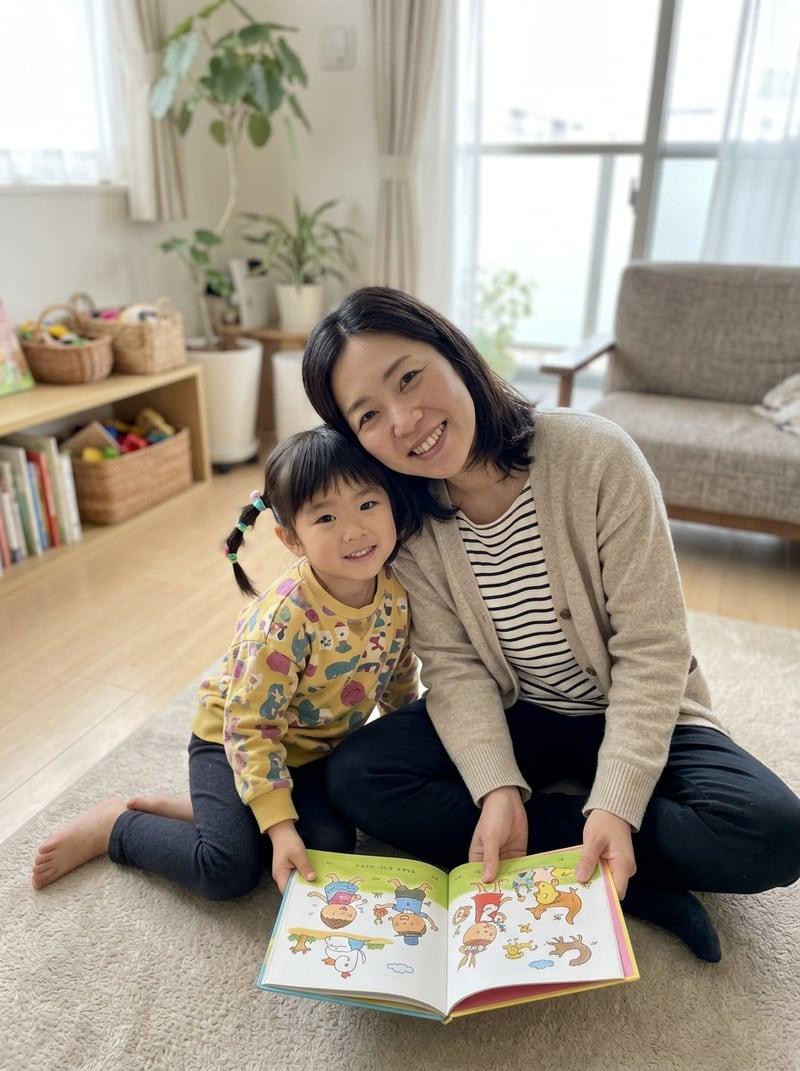 Mother and daughter in gentle snowfall
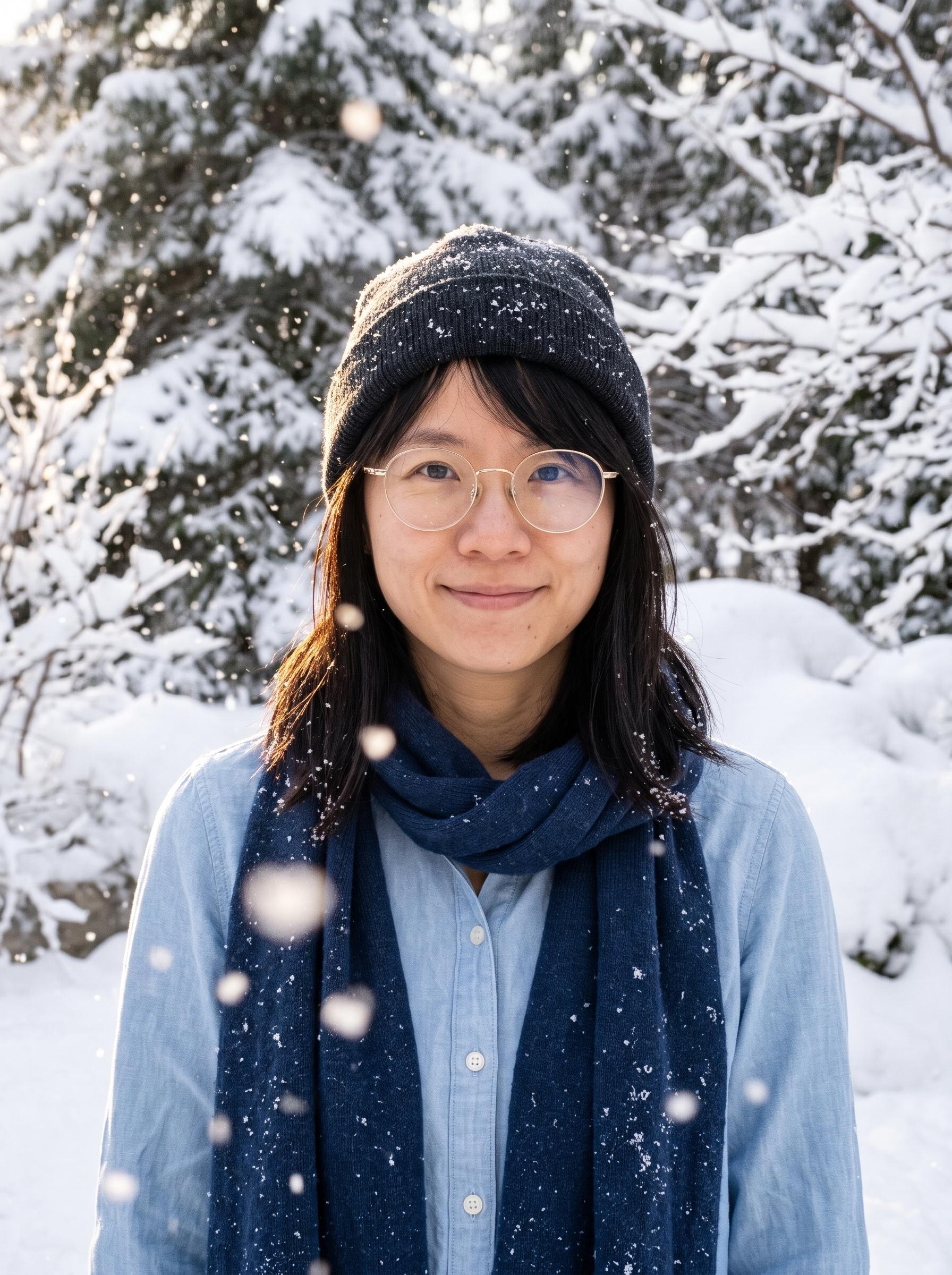
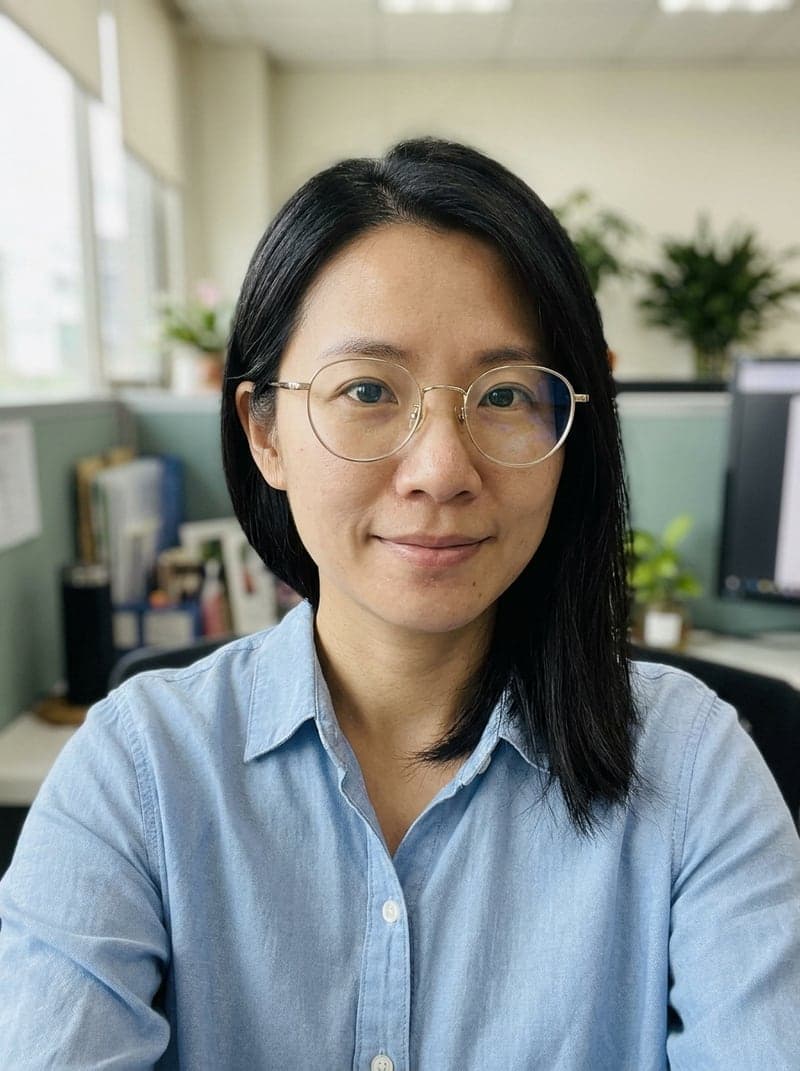 Portrait with glasses in winter snowfall
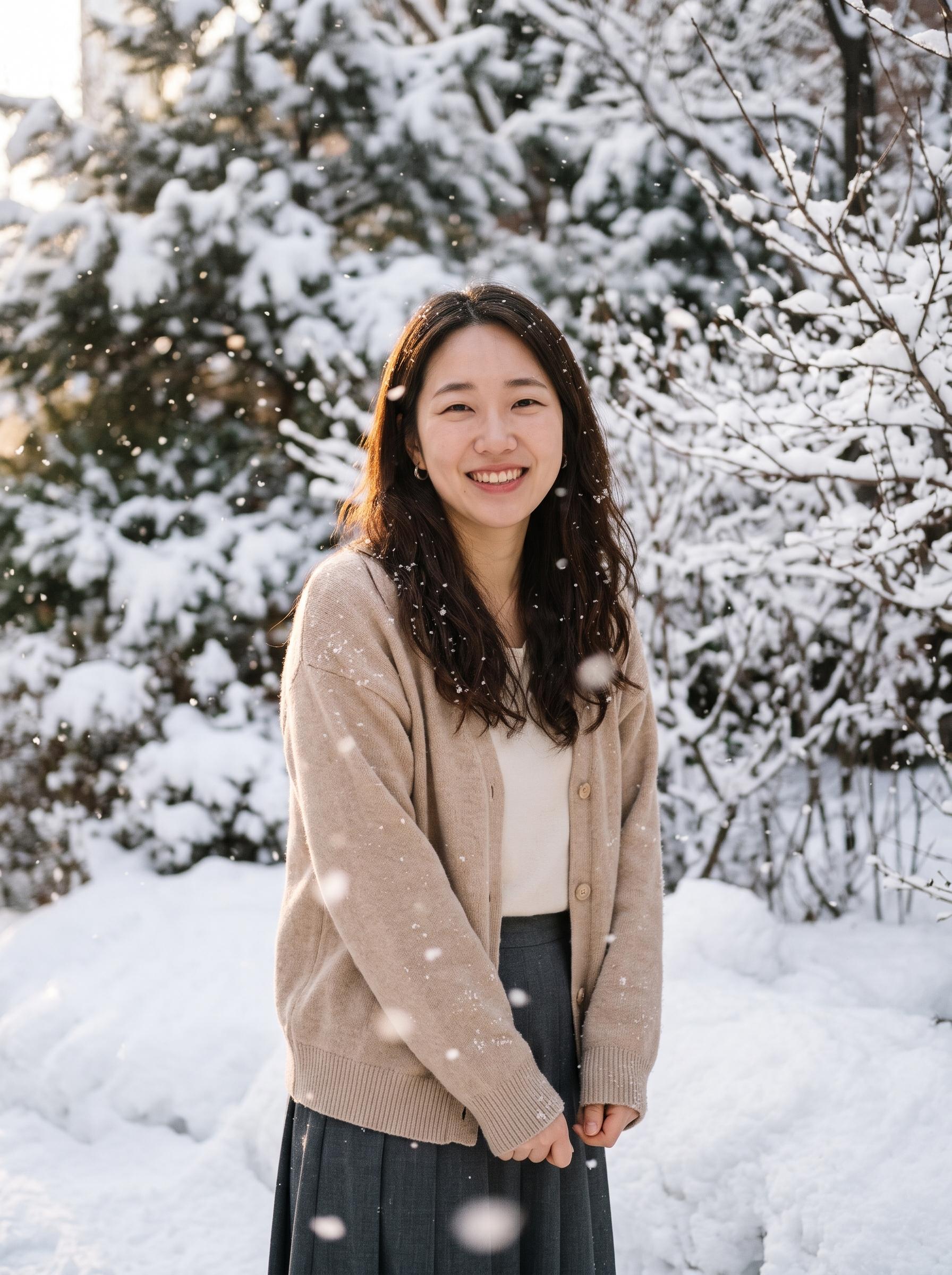
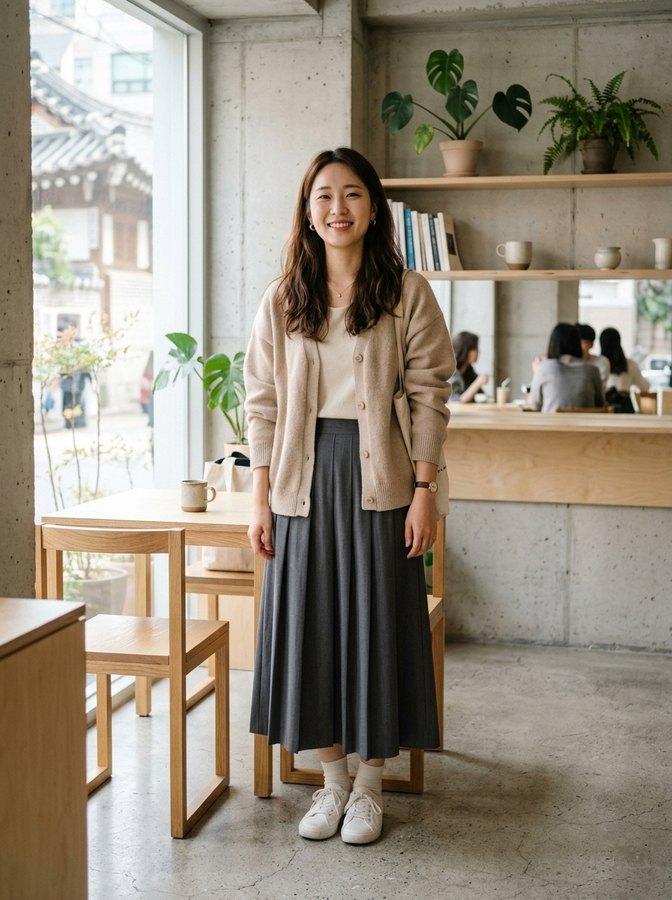 Indoor portrait transformed into outdoor snow
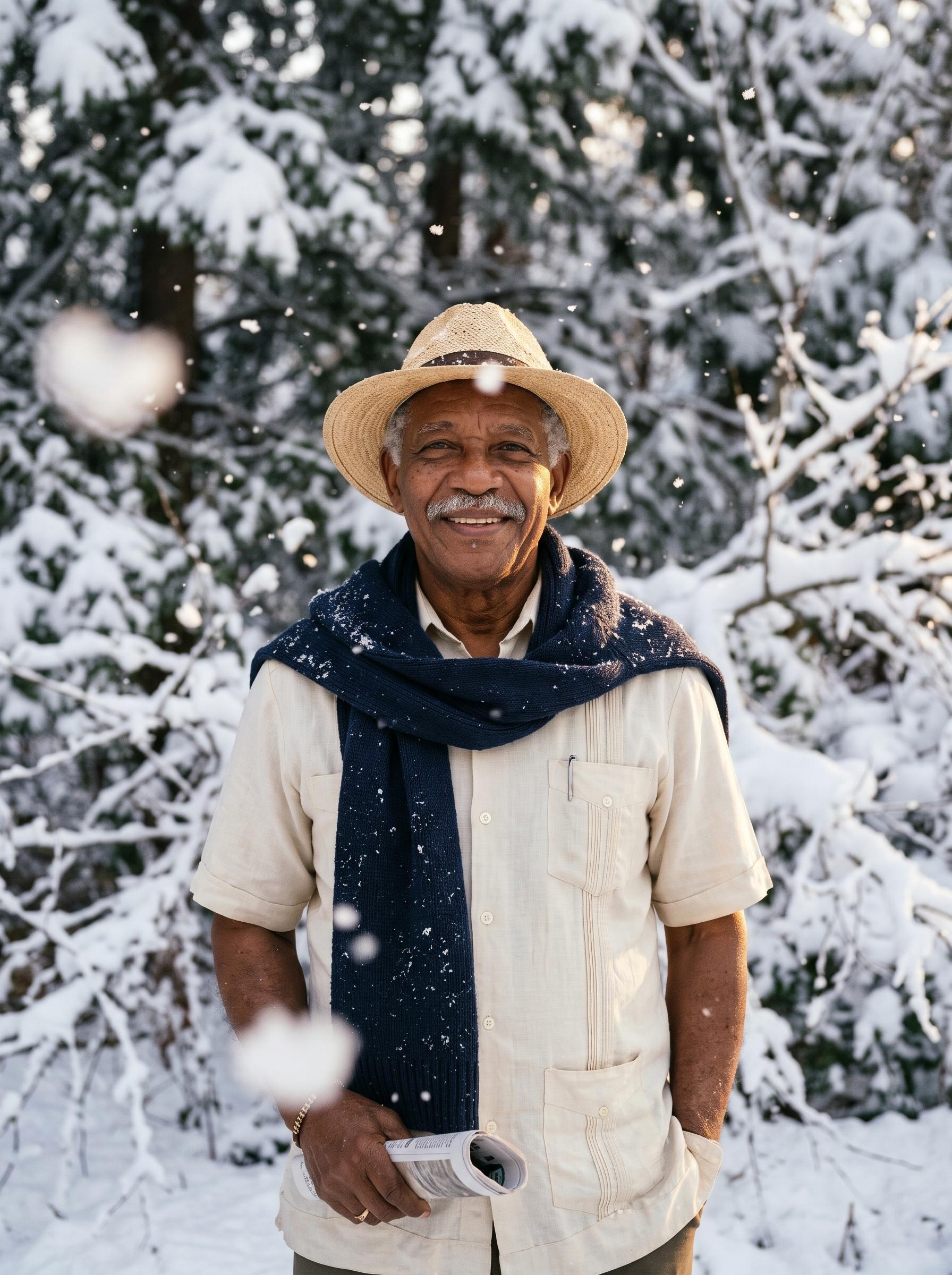
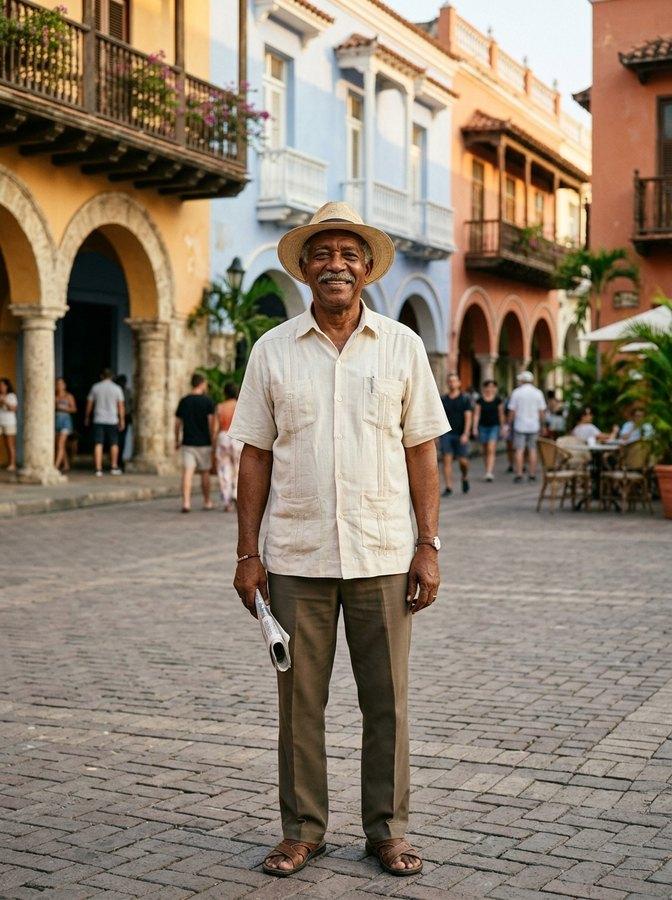 Warm-season street portrait turned snowy winter
Layered falling snow, not flat sticker dots
Instead of stamping white dots on top of a summer background, the effect rebuilds the backdrop into frosted evergreens and bare snow-covered branches. Soft foreground bokeh flakes, swirling mid-air snow, and light dusting on hair and shoulders work together with warm golden side-backlighting.
Start freeOriginal photoSnow portraitYour real face, glasses, hair and outfit stay intact
Every person in the photo stays recognizable with their natural skin tone, age, glasses, hijab or hat, and original clothing clearly visible. Solo portraits, mother-and-child shots, and outdoor street snapshots all keep natural varied postures instead of repeating one stock pose.
Start freeHow to add the AI snow filter to a photo
Upload one clear photo and get a crisp 2K winter portrait in 3:4 vertical framing.
At a glance
- Add realistic falling snow and winter pine lighting to your photo while keeping your own face and clothes.
- Images are made with Nano Banana 2.1 by Google.
- Each image costs 5 credits.
- New accounts get 6 to 12 free credits depending on country, no card needed, so even the smallest allowance covers 1 image at 5 credits per image.
- You can also pay once with no subscription: $0.99 for one image or $1.99 for three, and those credits stay valid for 12 months. Prices in USD before tax. Checkout shows your final total, usually in your local currency.
- Images come out at 2K resolution, 1792 × 2400 pixels (3:4).
- You upload one photo (JPG, PNG or WebP, up to 10 MB).
- A typical image is ready in about 75 seconds.
- Free-plan downloads carry a small Vidney watermark; paid plans download without it, and so do downloads for 12 months after any one-time purchase.
- One still 3:4 photo per generation. Keeps real subjects in winter snow without Christmas props or video motion.
Frequently asked questions
How is this AI snow filter different from a snow overlay?
A snow overlay only pastes translucent white dots over your original room or sunny park. This AI snow filter replaces indoor walls and green summer foliage with snow-laden evergreens, adds three layers of depth-of-field snow, and re-lights your hair and face with soft winter backlighting.
How much does one snow filter photo cost?
Each 2K winter snow portrait uses 5 credits. New accounts start with free credits to test the tool first. Credits come from a monthly plan; the lowest tier, Starter, is $9 a month. You can also pay once with no subscription: $0.99 for one image or $1.99 for three, and those credits stay valid for 12 months. Prices in USD before tax. Checkout shows your final total, usually in your local currency. Downloads on the free plan carry a small Vidney watermark, while paid plans download clean.
Will it replace my clothes or put everyone in the same winter coat?
No. The recipe is built to keep your own shirt, sweater, denim jacket, or trench coat clearly visible instead of swapping everyone into an identical parka. For short-sleeve or bare-neck photos it may add a matching knit scarf without hiding your original top.
Does the AI snow filter work on glasses, dark skin, hijabs and group photos?
Yes. The examples above include curly hair and deep skin tones, clear eyeglasses, and a mother-and-daughter photo. It keeps exact headcount, clear lenses, natural skin tone without greying, and existing headwear intact.
Does it add Christmas trees or holiday props?
No. This page produces a pure universal winter snowfall scene with snow-covered evergreens and frosted branches, with no Christmas trees, Santa hats, ornaments, or text signs. If you want a festive holiday scene, try our AI Christmas Photo page below.
What resolution and ratio do I get?
Every output is generated in vertical 3:4 portrait framing at 2K resolution (1792 × 2400 pixels in our benchmark set), ready for Instagram, Xiaohongshu, profile avatars, and mobile wallpapers.
More photo effects