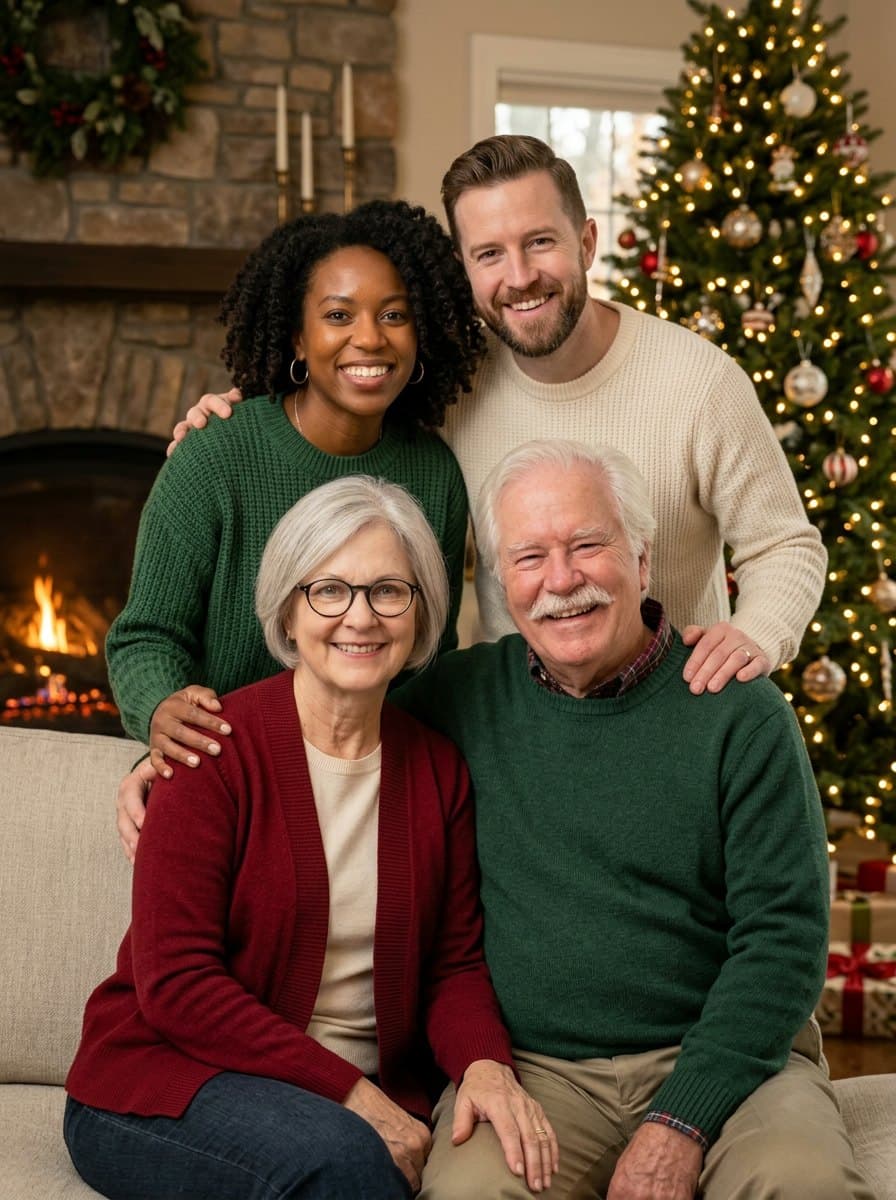
Family portrait
Everyone from your photo, or from up to six separate photos, in matching sweaters by the tree.
Photo effect
Someone missing from the family photo? Merge up to six separate photos into one Christmas picture. Portraits, pets and cards with your names work too.
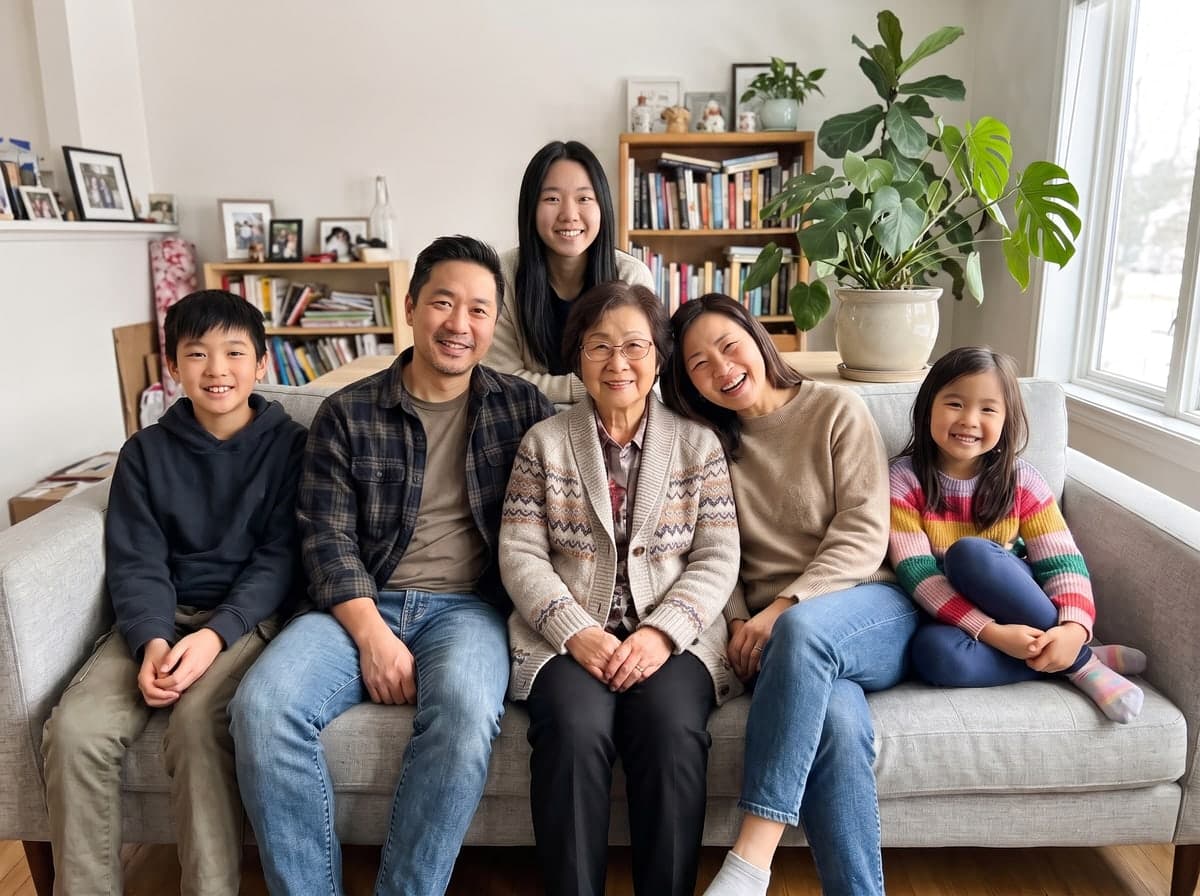
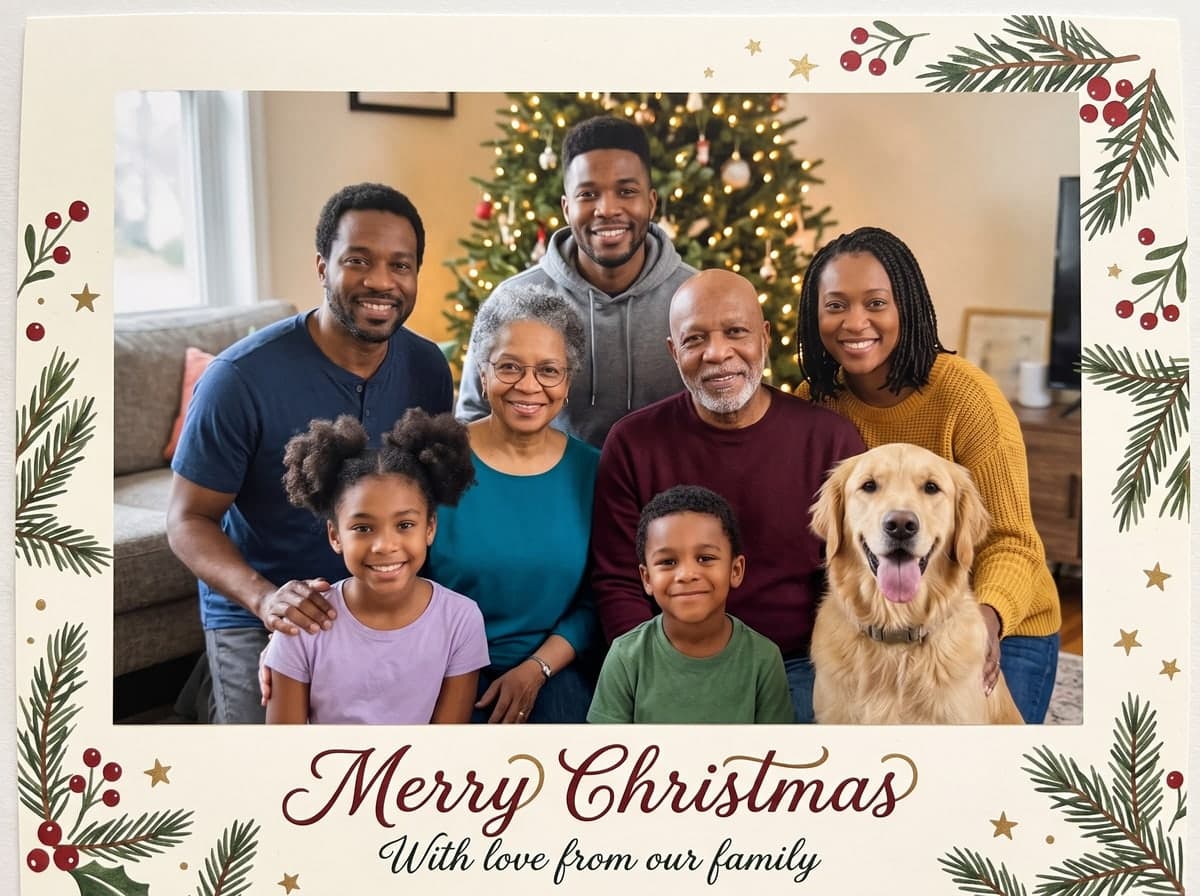
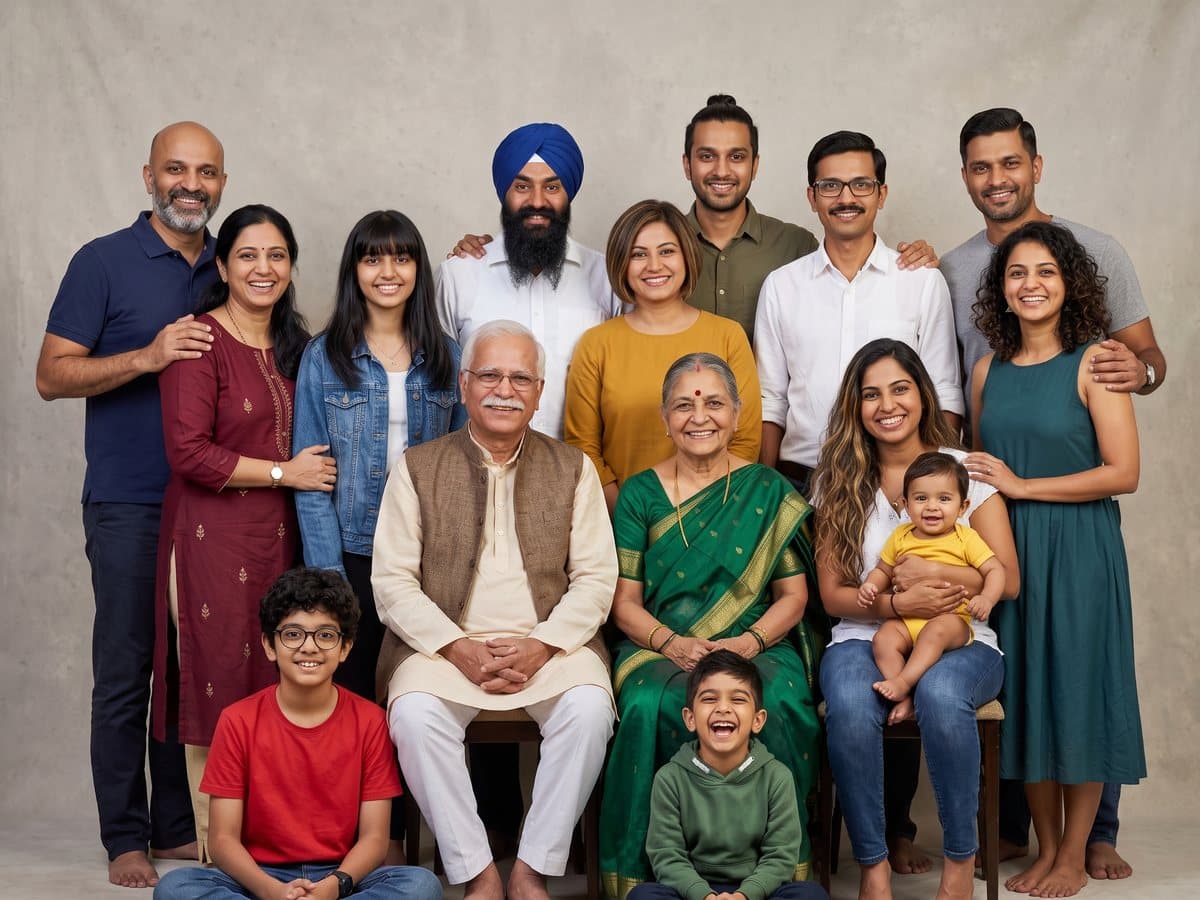
Each picture started as an ordinary phone photo. The two family portraits were made from separate photos, one from two and one from six; the card is a single photo with the names typed into the prompt.
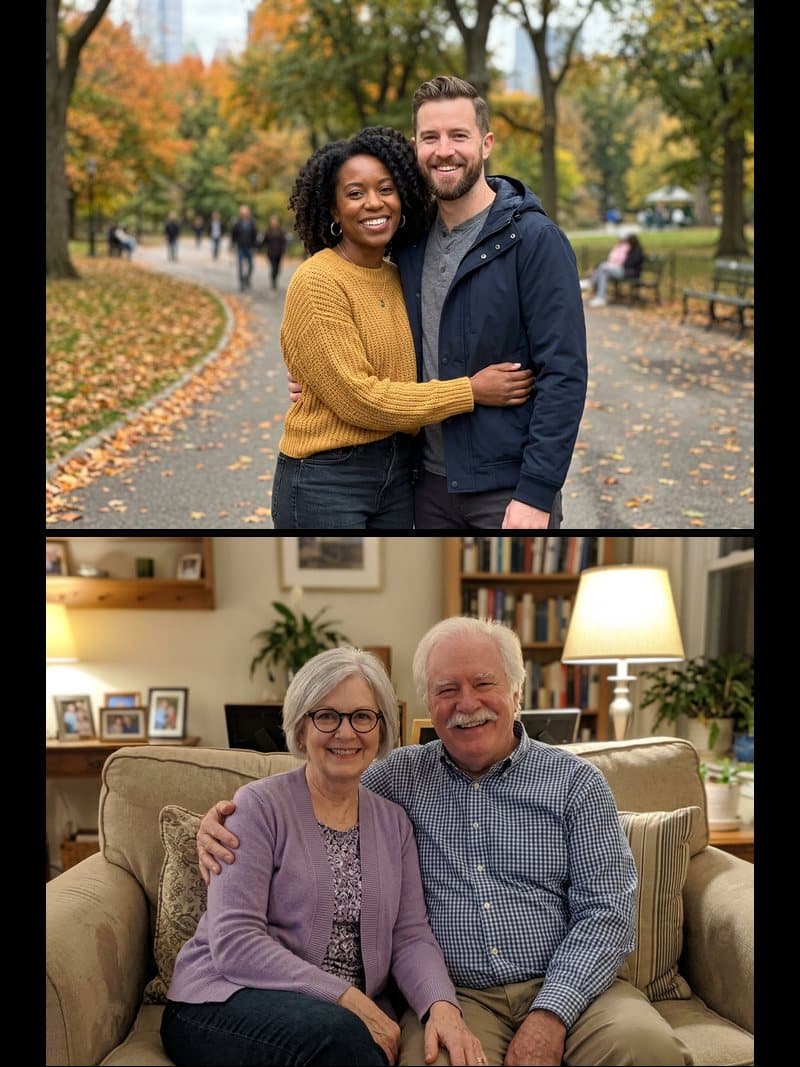 Family of four, from two photos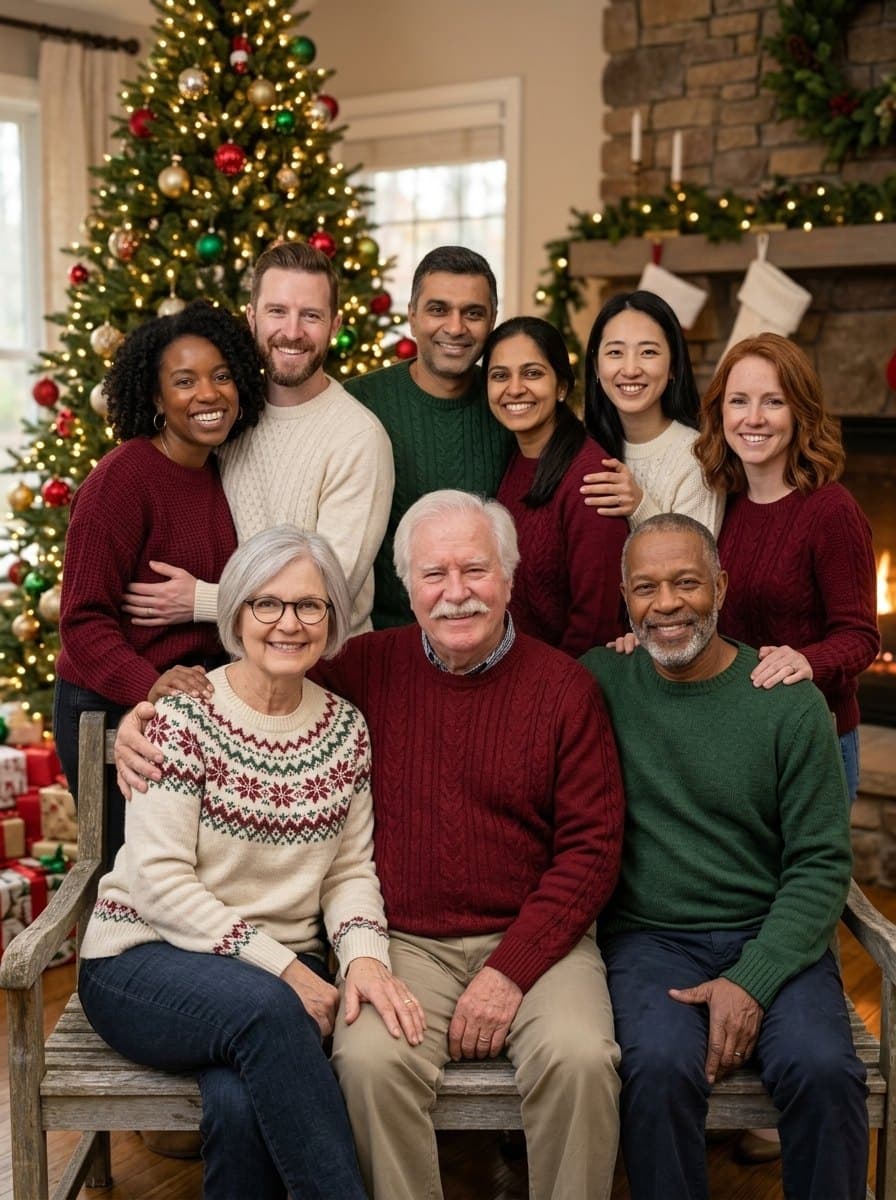
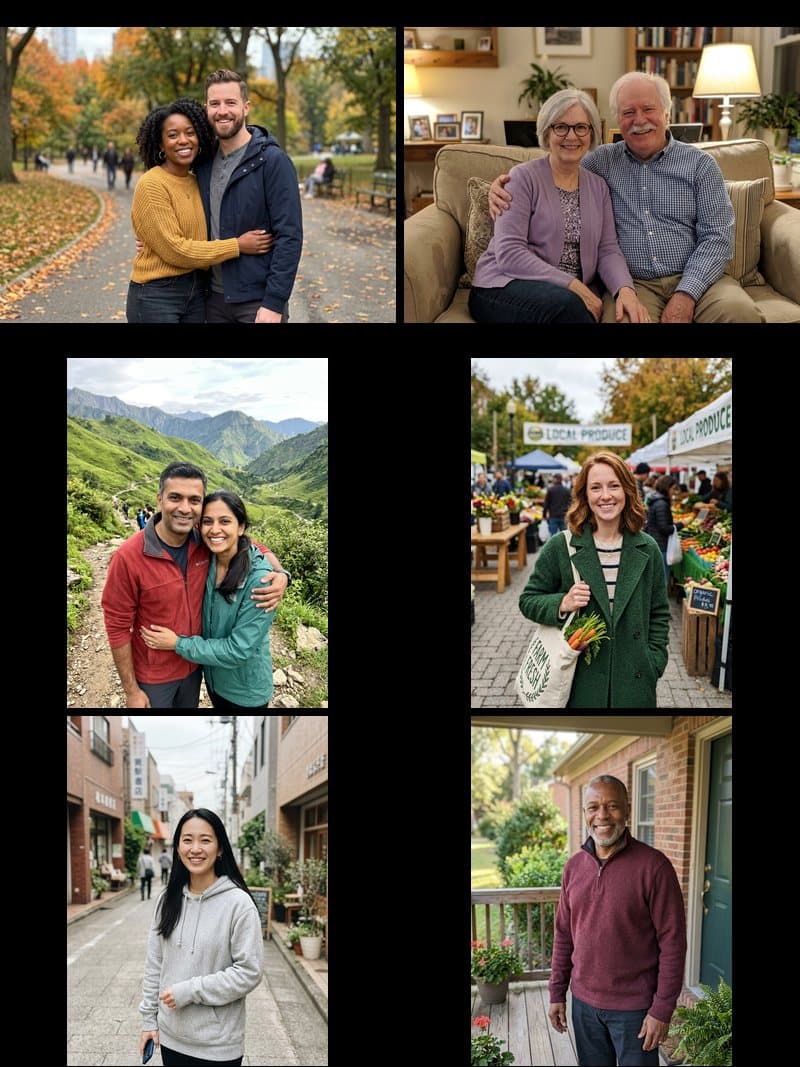 Family of nine, from six photos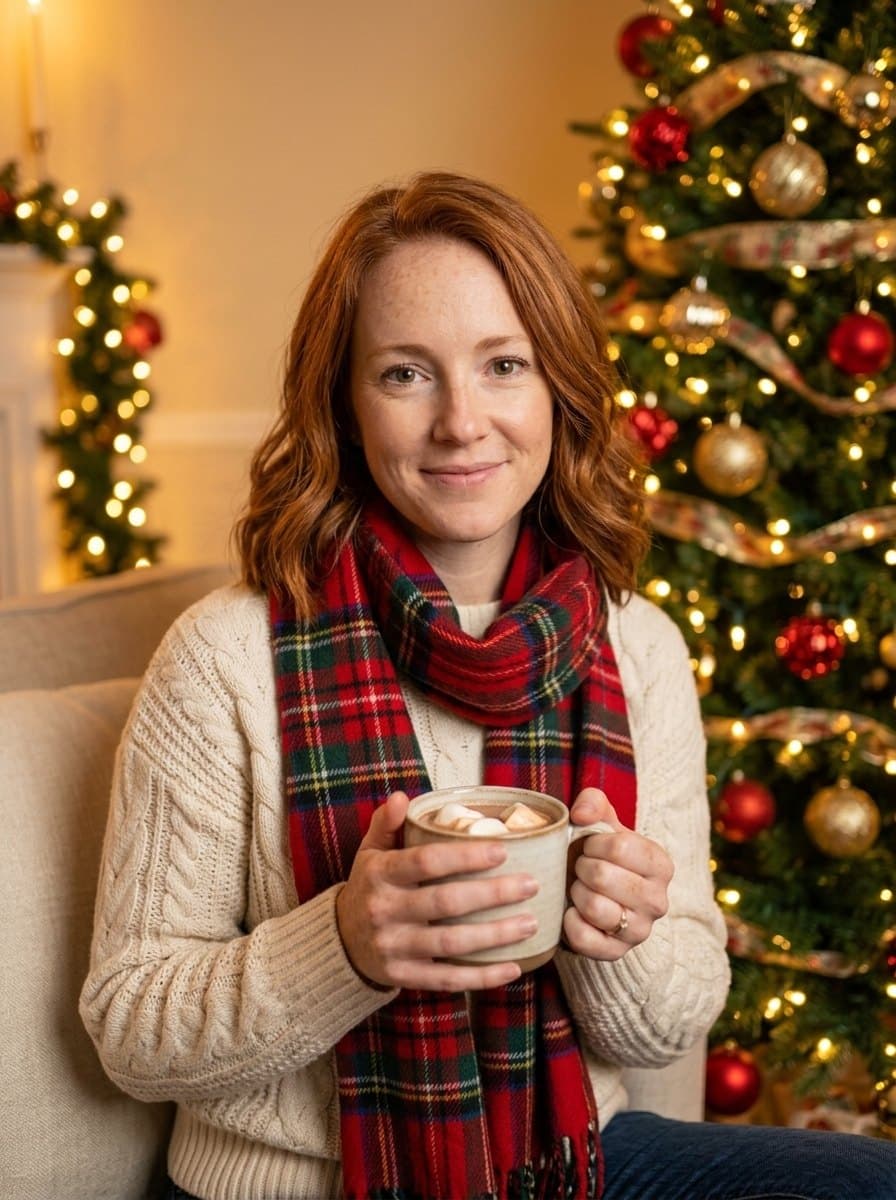
 Christmas portrait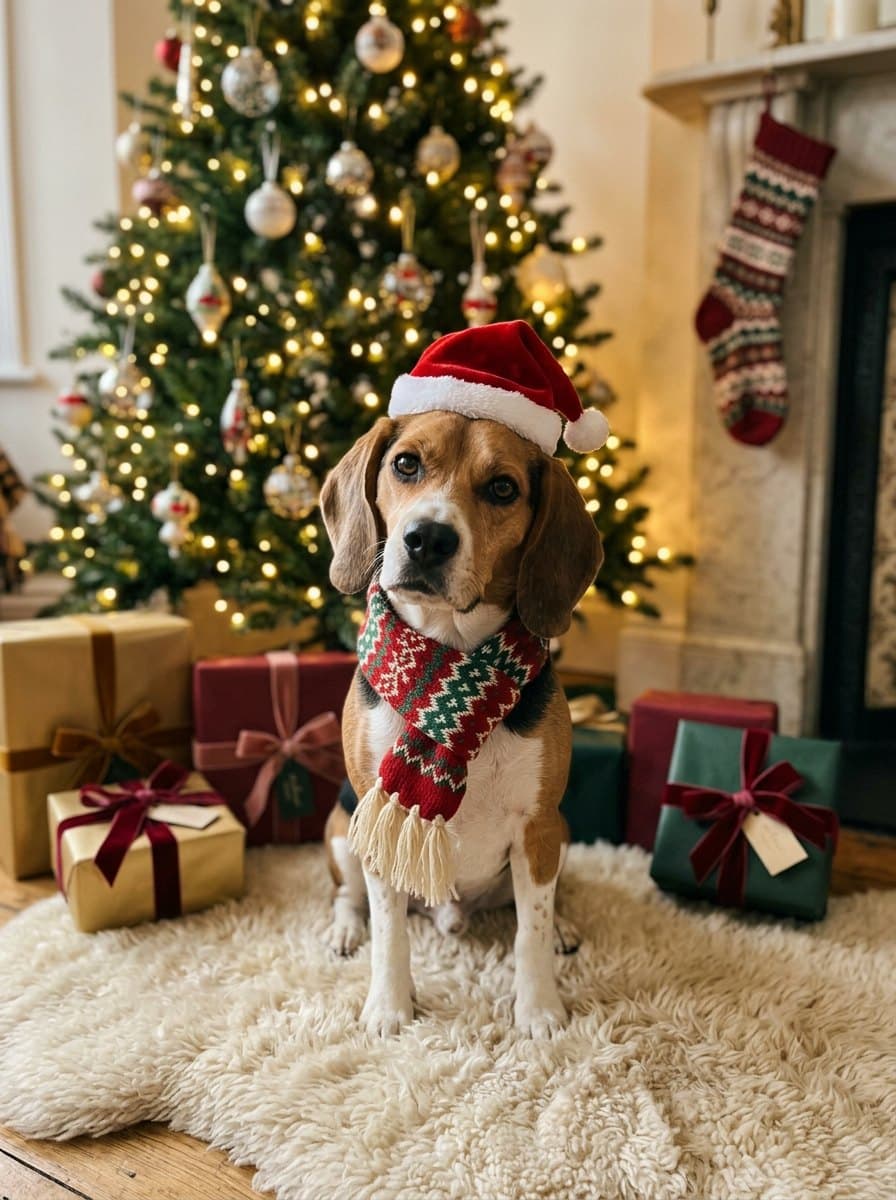
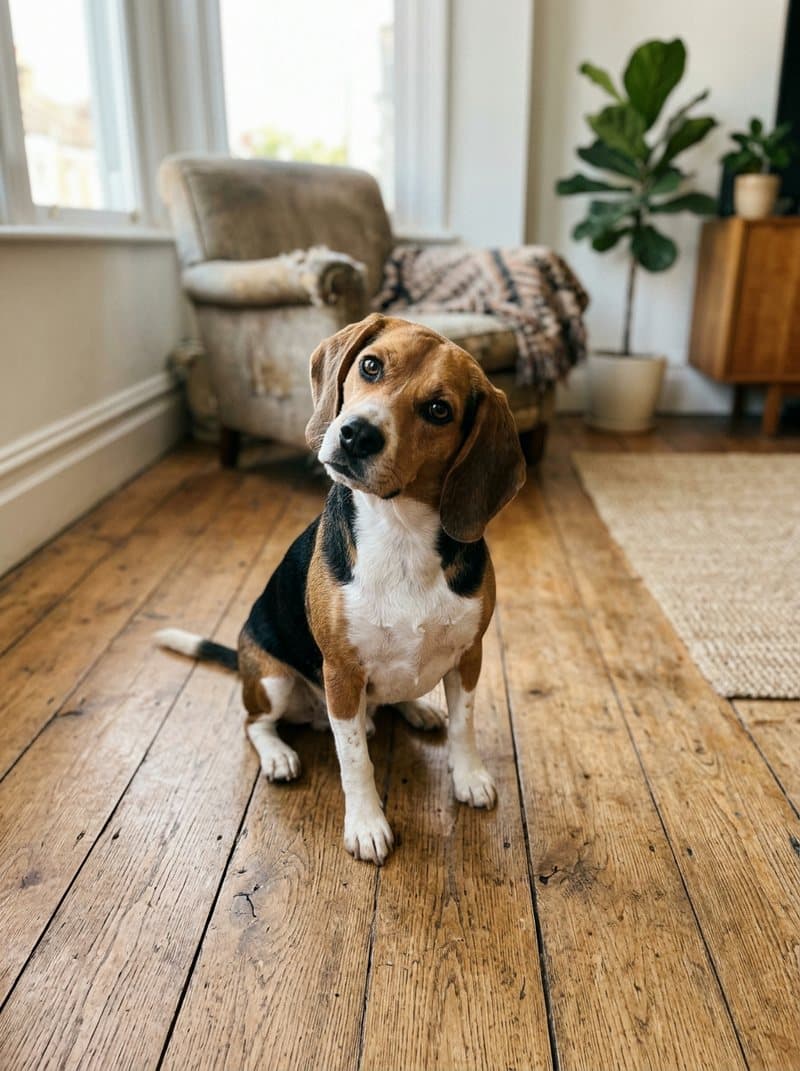 Beagle in a Santa hat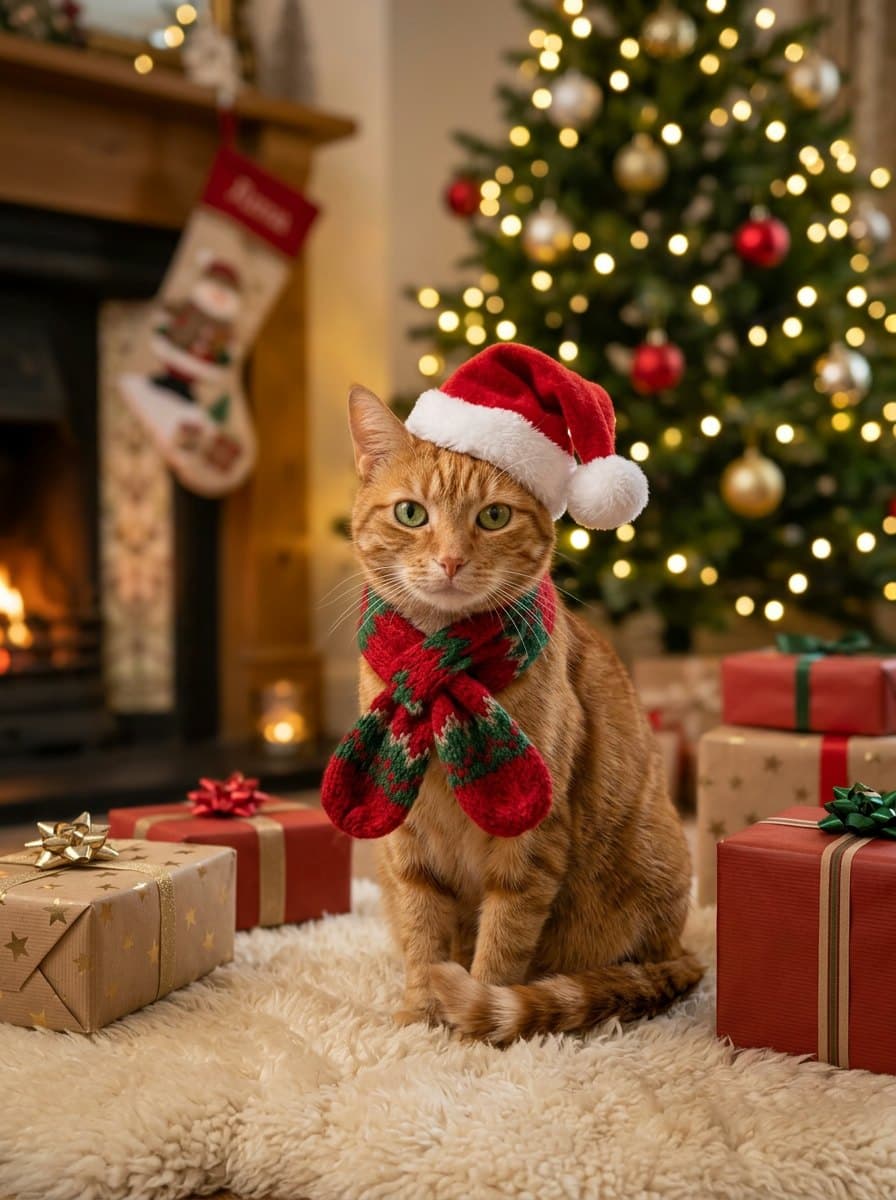
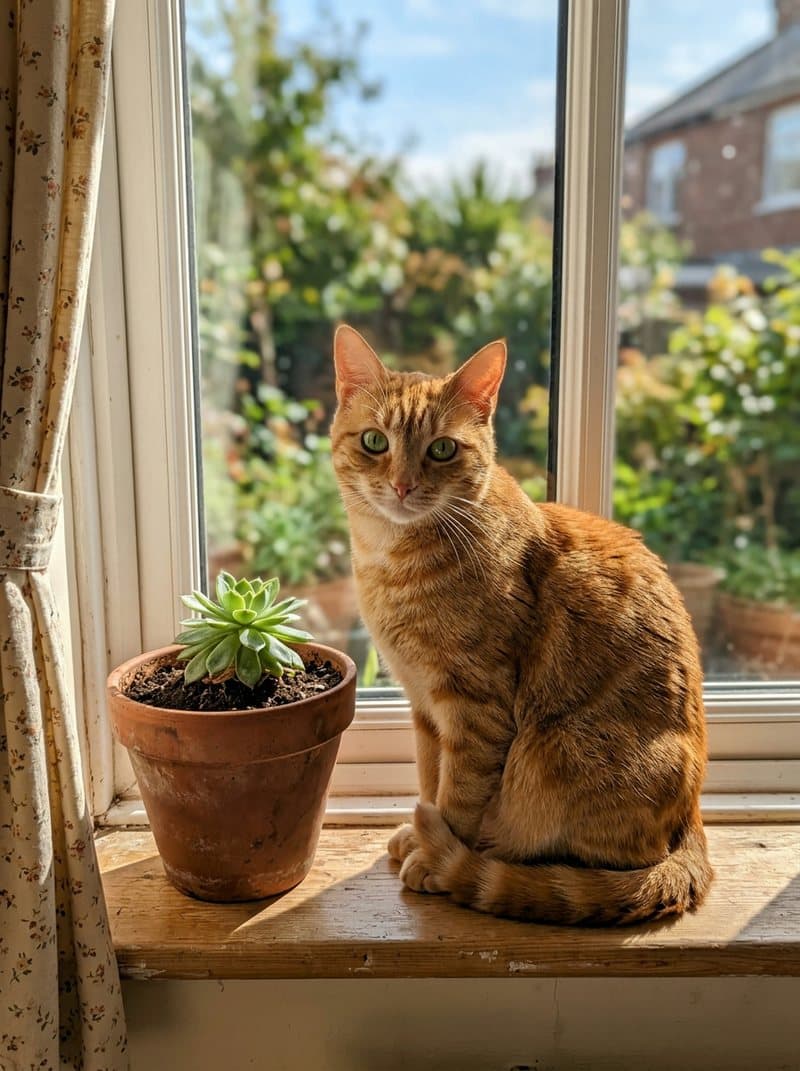 Ginger cat in a Santa hat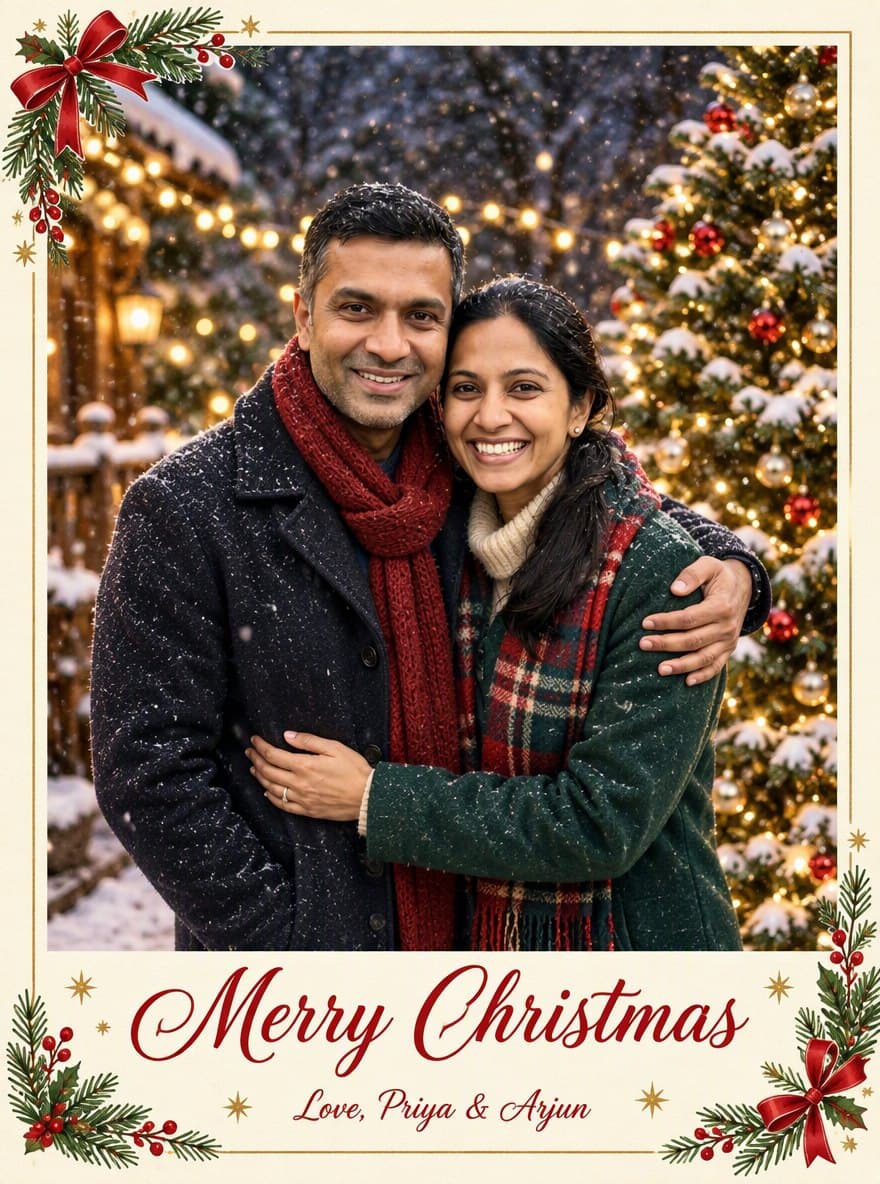
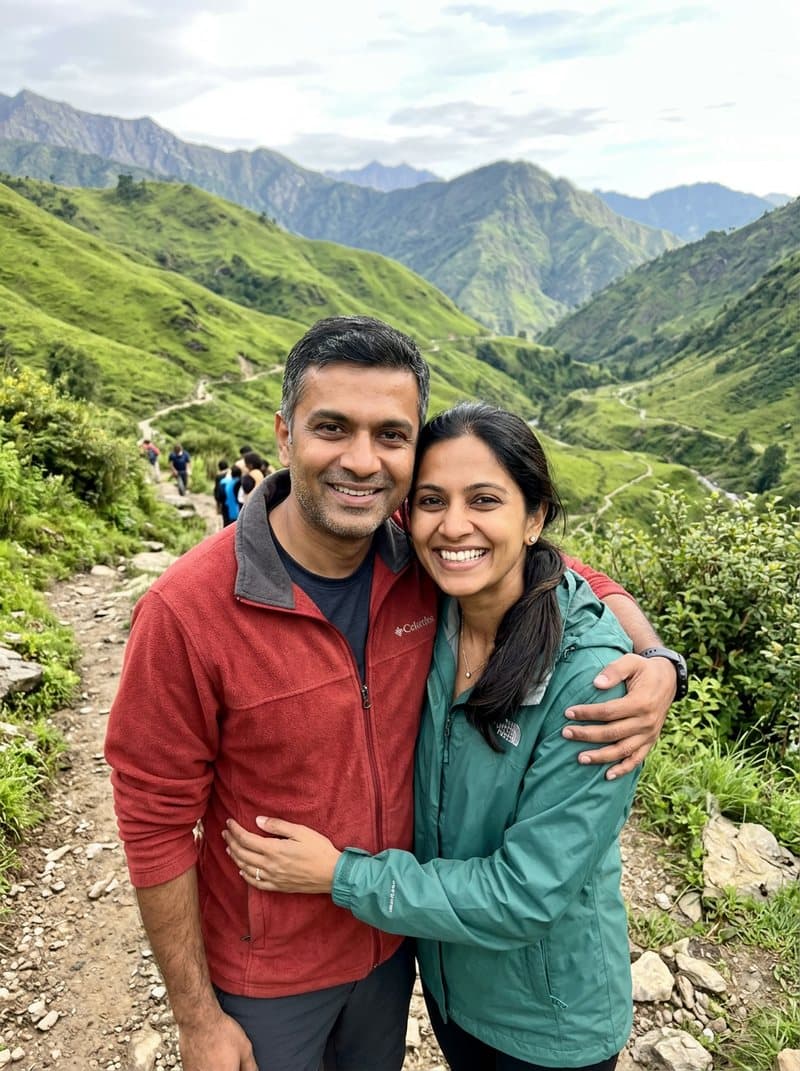 Card with their names
Each one is a tested preset. Pick it in the panel above and run your own photo through it.
Everyone from your photo, or from up to six separate photos, in matching sweaters by the tree.
One person, a cozy sweater and hot cocoa by the tree lights.
Your dog or cat in a Santa hat and scarf among the presents.
A printed card with "Merry Christmas" and a line of your own, names included.
Grandparents in another city, a sister abroad, the dog who never sits still: add up to five more photos and everyone in them is first placed together in one natural picture, then dressed for Christmas by the tree. Each photo can hold one person or several, and faces, hair and skin tones stay as they are.
Start freeYour photoChristmas photoPick the Christmas card style and the photo becomes a printed card with "Merry Christmas" lettered on it. Open "Adjust the prompt" and replace the second line in quotes with your own, such as "Love, Priya & Arjun", and it is spelled exactly as you typed it.
Start freeThree steps, about one to three minutes of waiting.



Upload the first photo, then add the others in the "Another photo" slots, up to six photos in total. Everyone in them is first placed together in one natural group picture, then turned into a Christmas family portrait by the tree. Each photo can show one person or several, and pets count too. Faces, hair and skin tones stay as they are, and nobody extra is added.
Yes. Pick the pet style and upload a clear photo of your pet with the face visible. It keeps the breed, fur colors and markings and adds a small Santa hat and scarf among the presents. To have your pet in the family picture instead, use the family style and add the pet as another photo.
Yes. Pick the Christmas card style, open "Adjust the prompt" and replace "From our family to yours" with your own line, such as "Love, the Parkers". Keep the quotation marks and the words are lettered exactly as you typed them. Short lines work best.
New accounts get free credits, enough for a few Christmas photos. One picture costs 3 credits at the default settings, and adding more photos adds 3 credits for putting everyone together first, whether you add one more or five. The card style costs a little more because it uses a model built for lettering; the total is on the button before you confirm. Credits come with a subscription plan; the cheapest, Starter, is $9 a month. You can also pay once with no subscription: $0.99 for one image or $1.99 for three, and those credits stay valid for 12 months.
Clear, well-lit photos with every face visible, framed from the waist up or closer, as JPG, PNG or WebP. Group photos work as long as nobody is hidden behind someone else. Sunglasses and heavy shadows give the AI less to work with. We tested six separate photos with up to nine people, and seven people with a dog, and everyone was in the picture.
Yes, the image is yours to use, including commercially, subject to the source model terms. Downloads on the free plan carry a small Vidney watermark; on any paid plan they download clean.
Same kind of photo, three short videos: your pet dances, talks, or sings Happy Birthday.
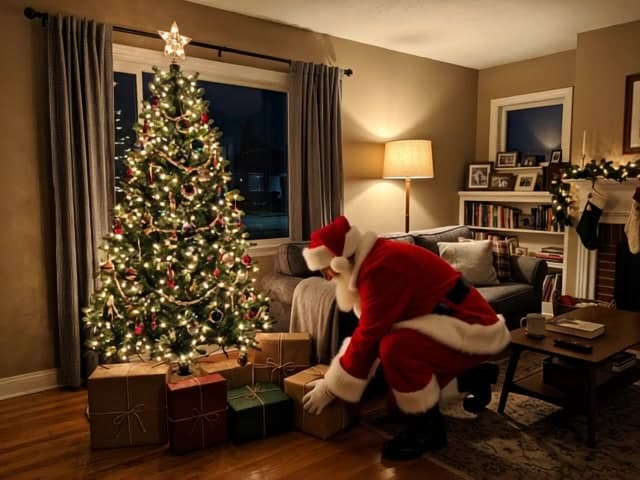
Turn a photo of your room into proof that Santa stopped by. A fictional Santa arrives in the same space, with a quiet night-camera look.
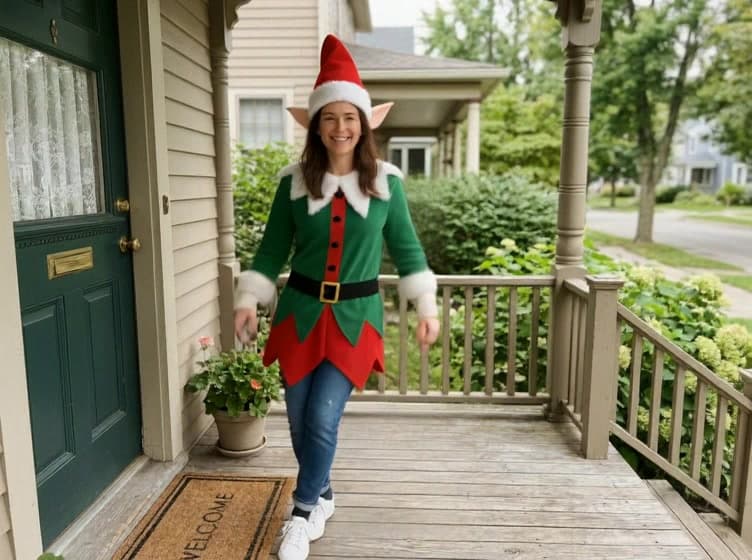
Make a Christmas elf dance from one photo. The person keeps their face while a festive outfit, pointed hat and cheerful movement appear.
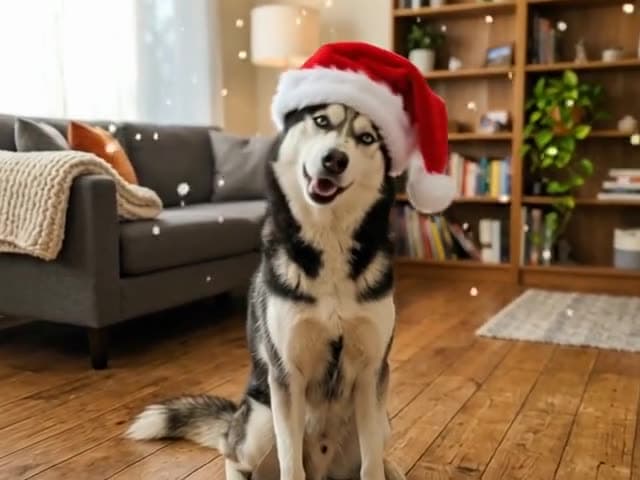
Turn one photo of your dog or cat into a Christmas video: a Santa hat on its head, snow drifting down, tree lights glowing behind.