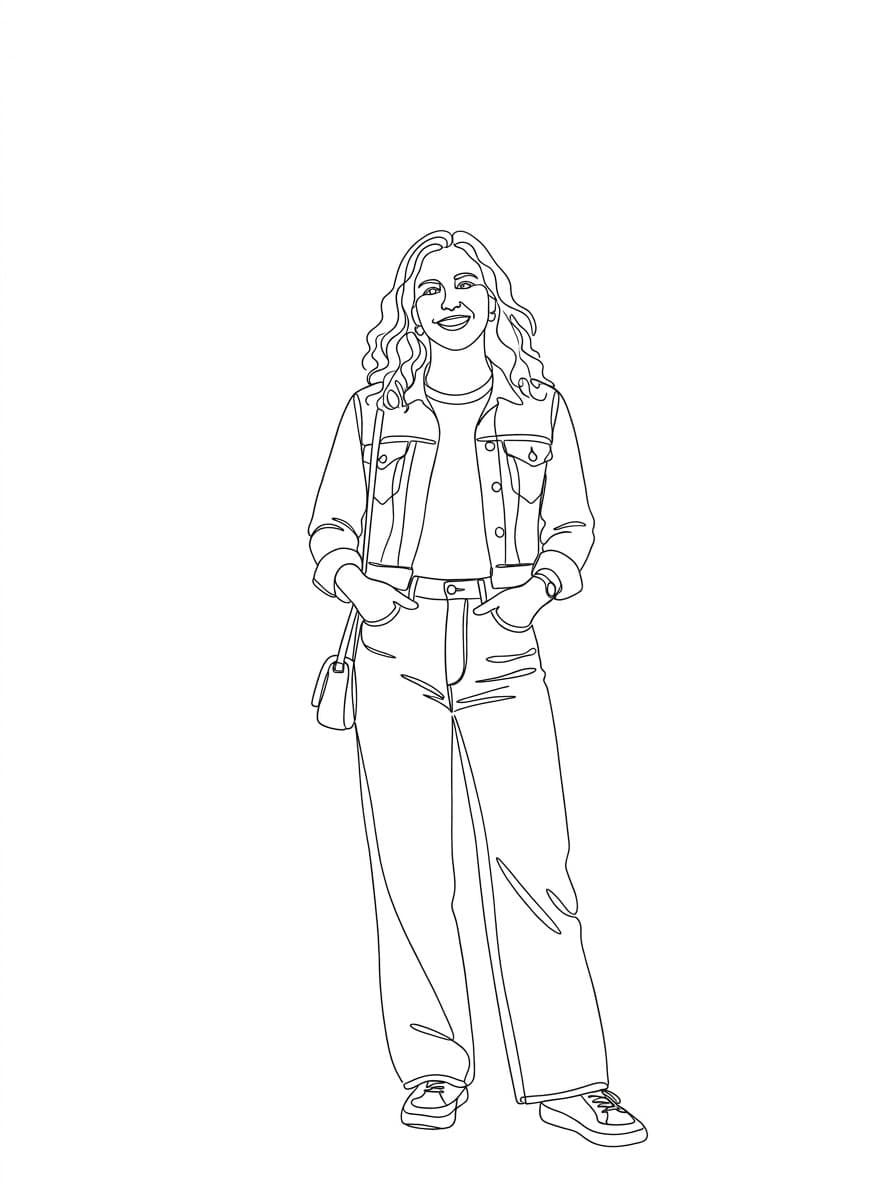
One Continuous Line
The whole portrait drawn without lifting the pen, in a single unbroken line.
Photo effect
A photo in, a drawing out. Seven ways to reduce a picture to line, from one unbroken stroke to charcoal.
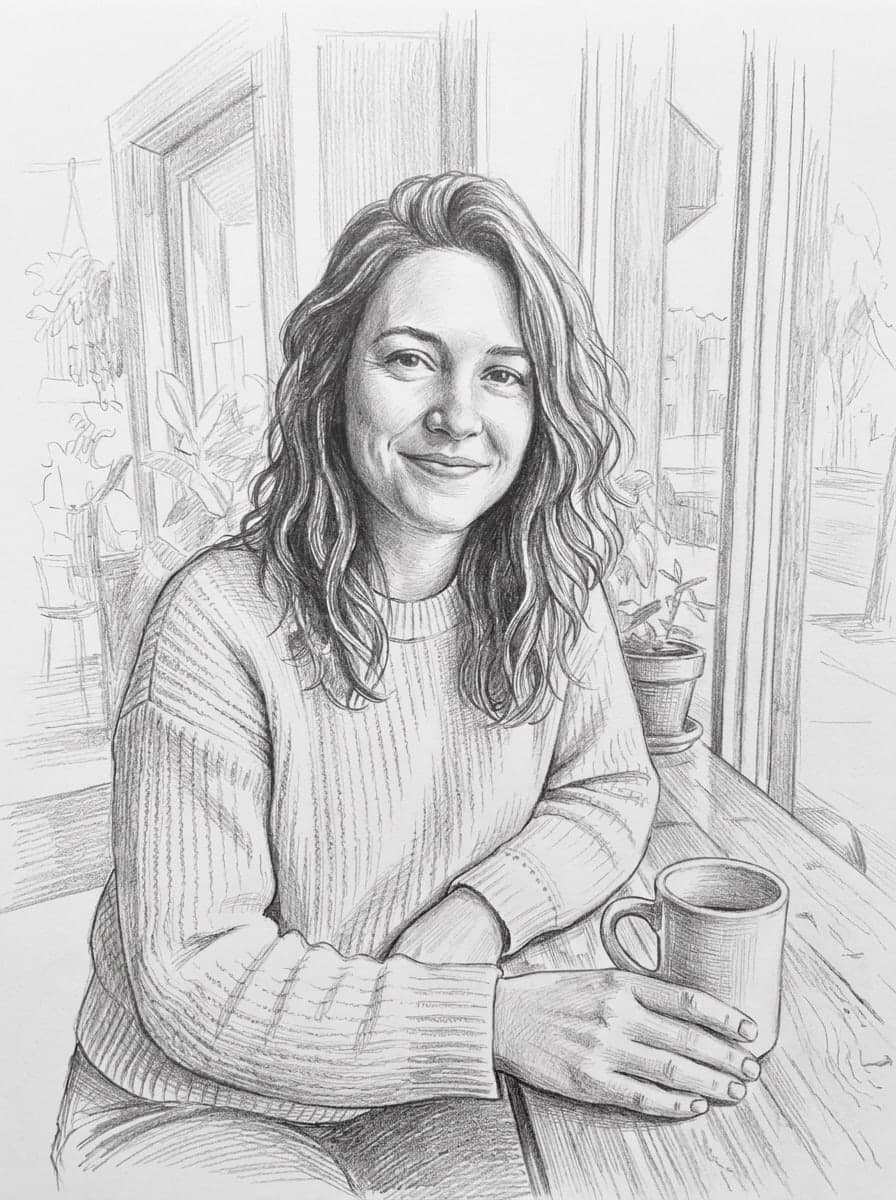
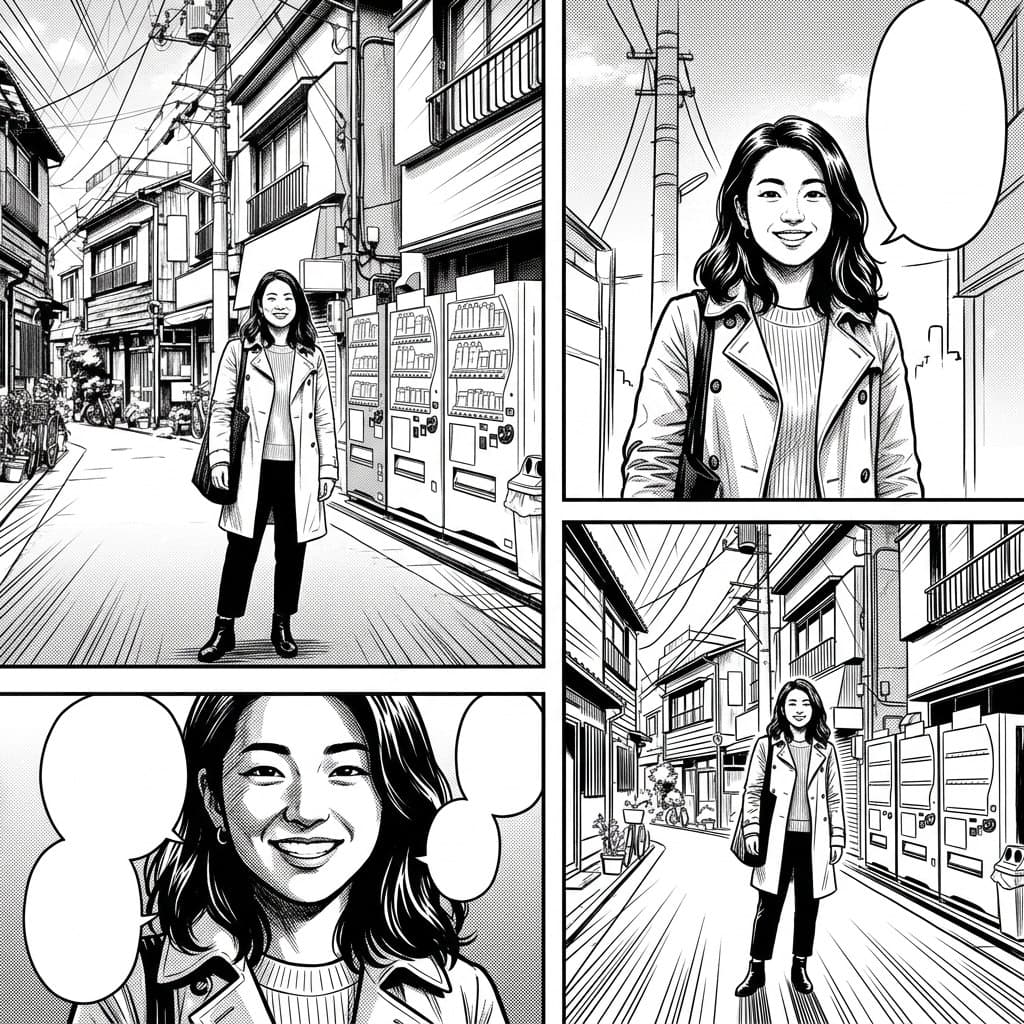
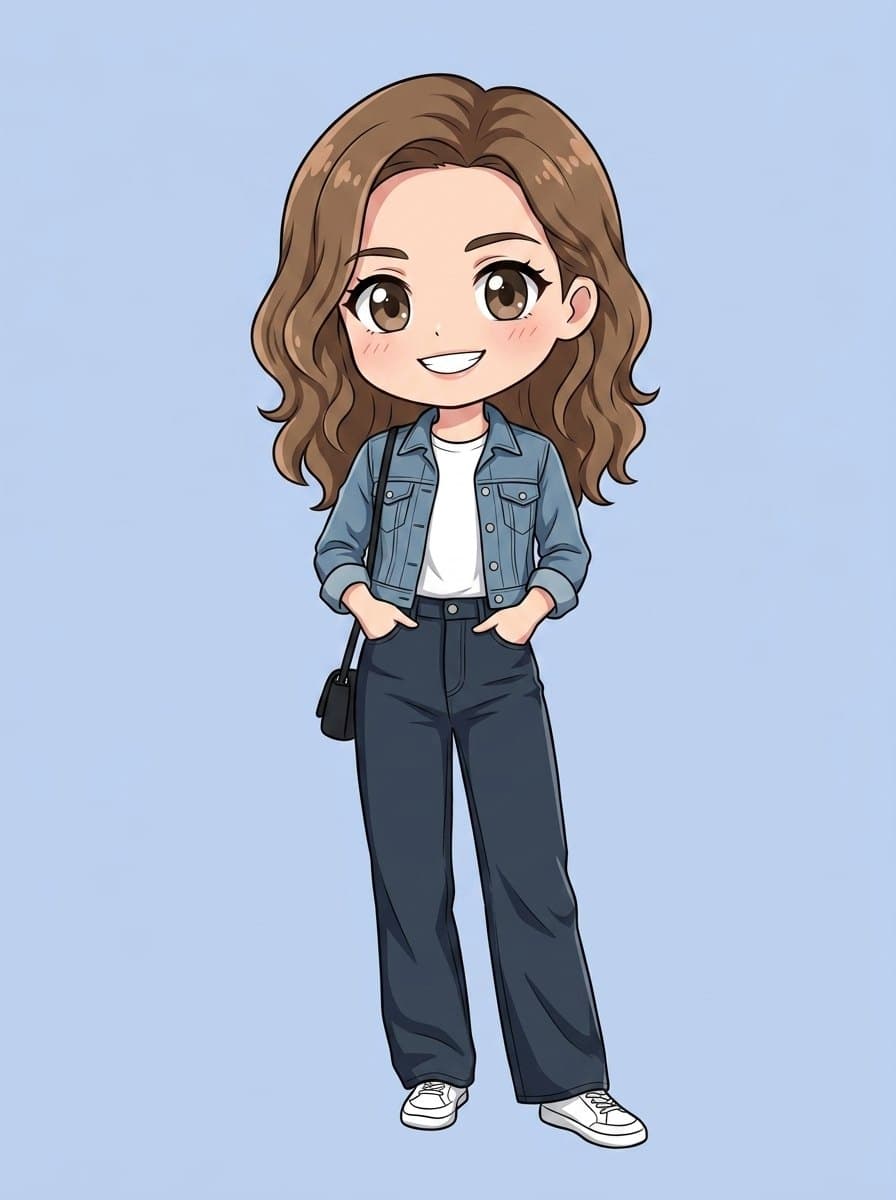
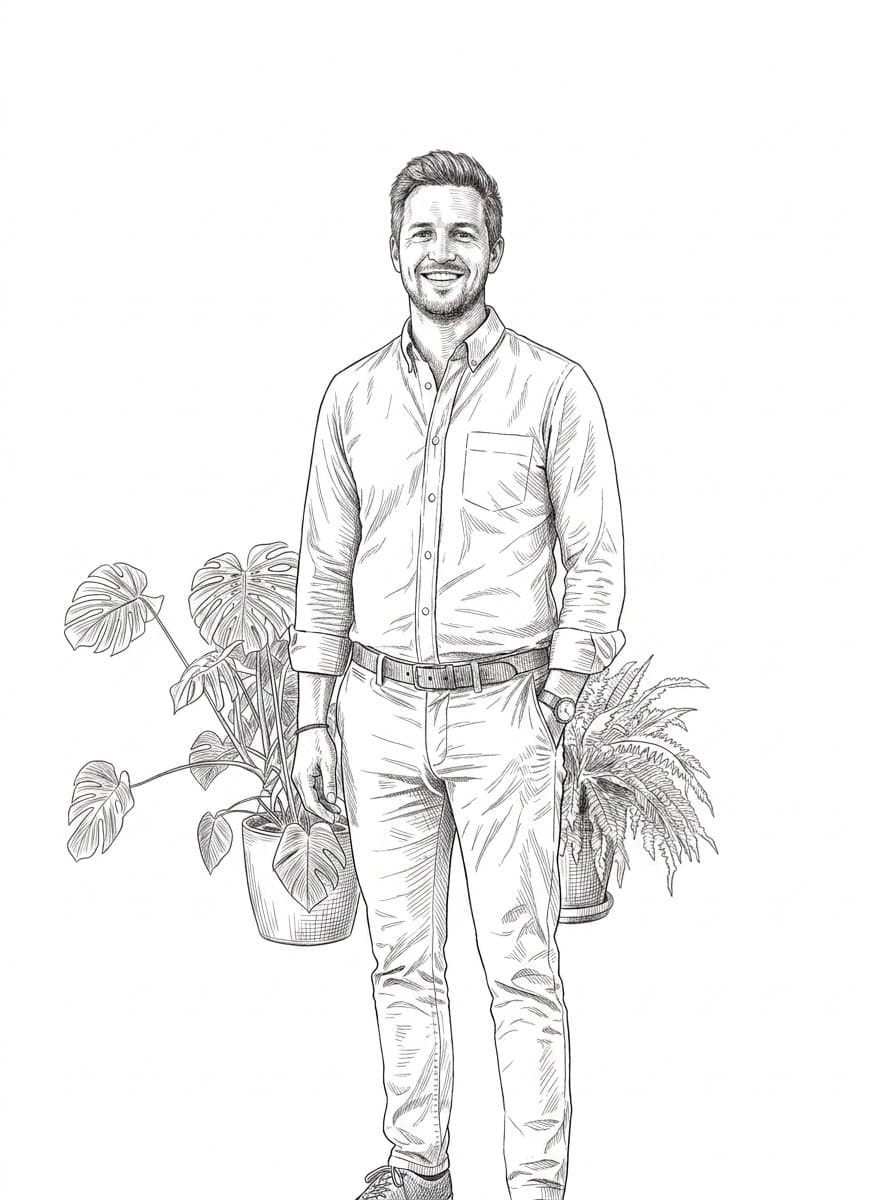
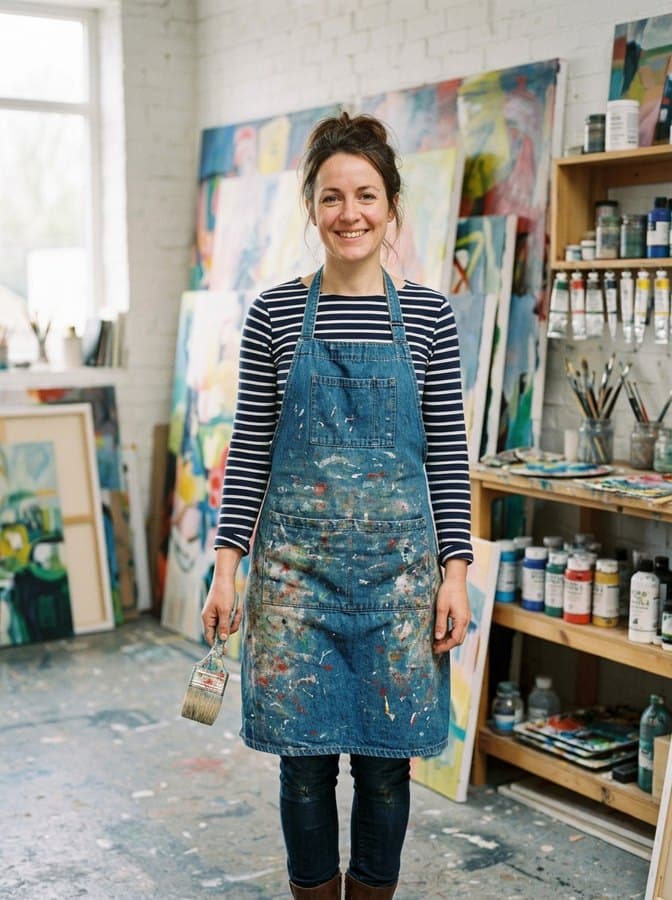
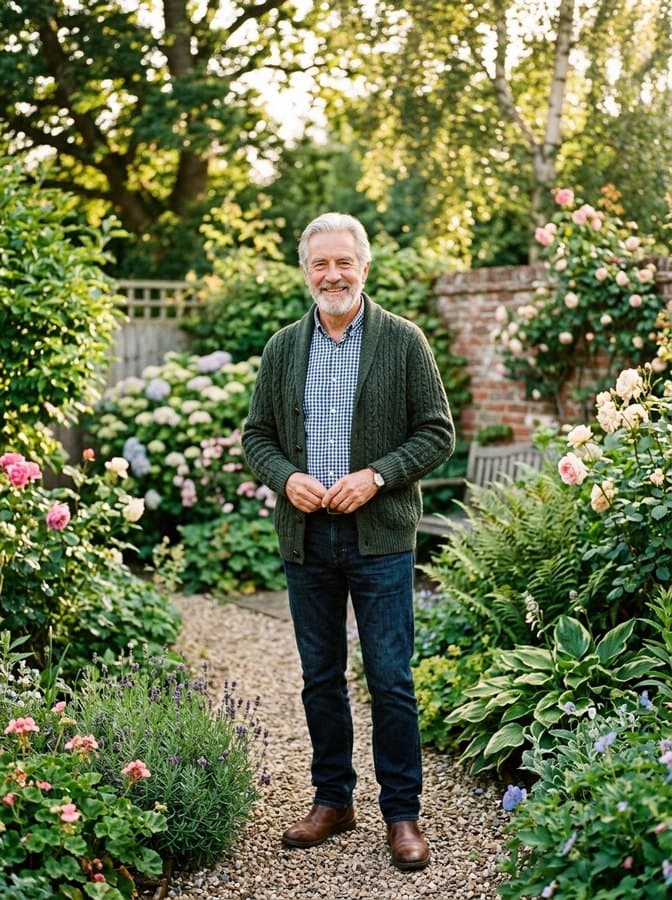
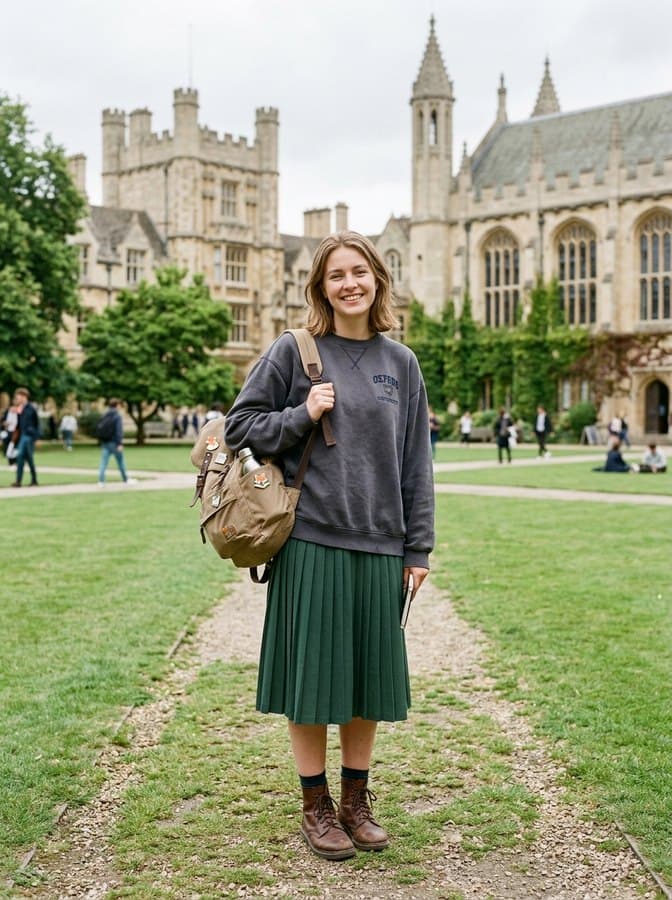
Every drawing below started as an ordinary photo, and each one uses a different style preset. The pose and proportions hold; everything else is reduced to line and tone.
 Example 1: Line drawing
 Example 2: Line drawing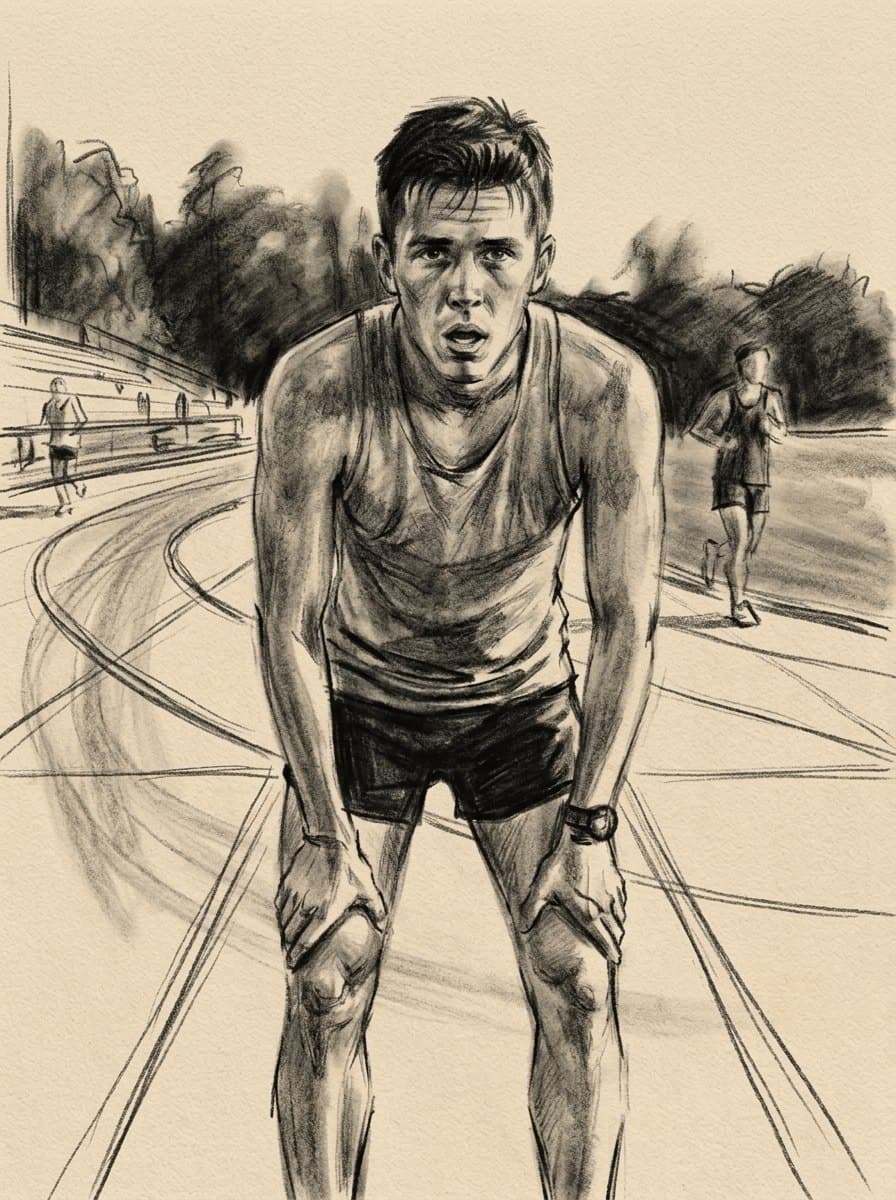
 Example 3: Line drawing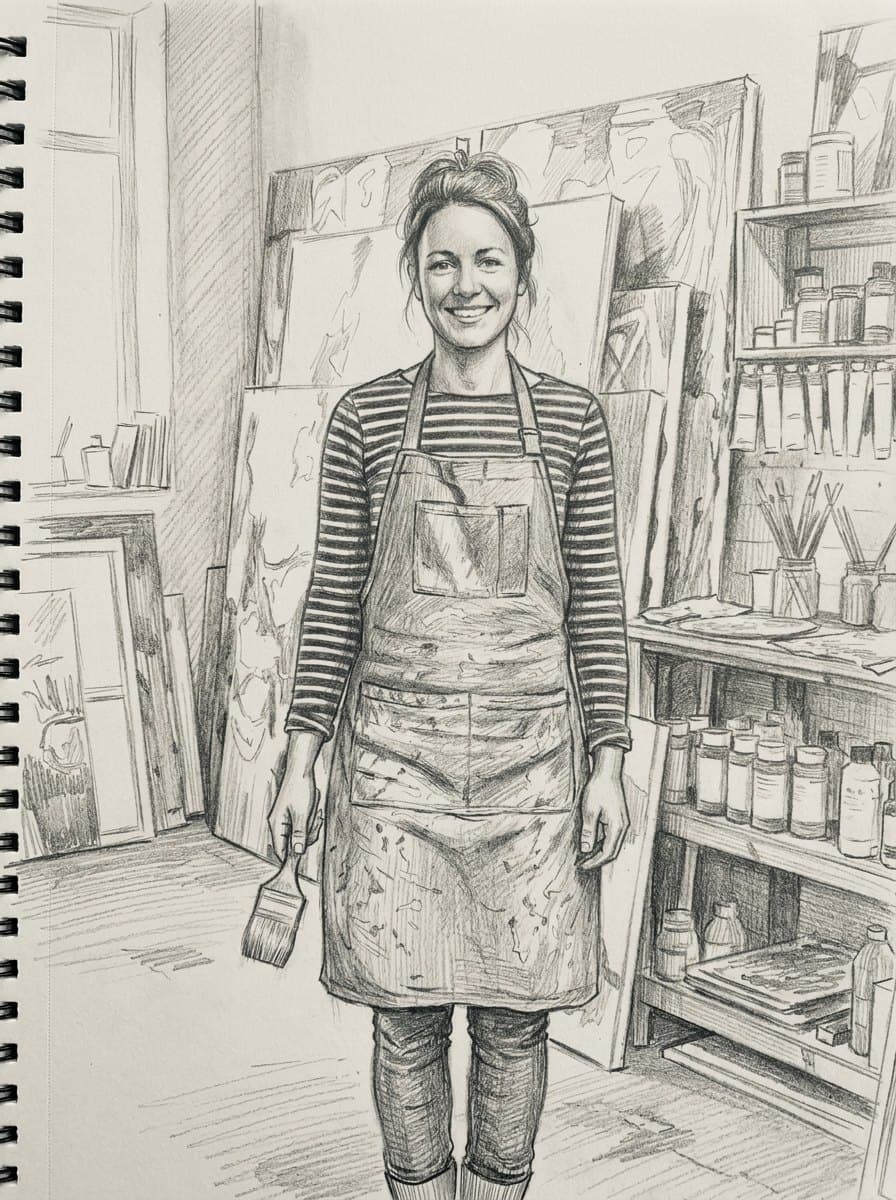
 Example 4: Line drawing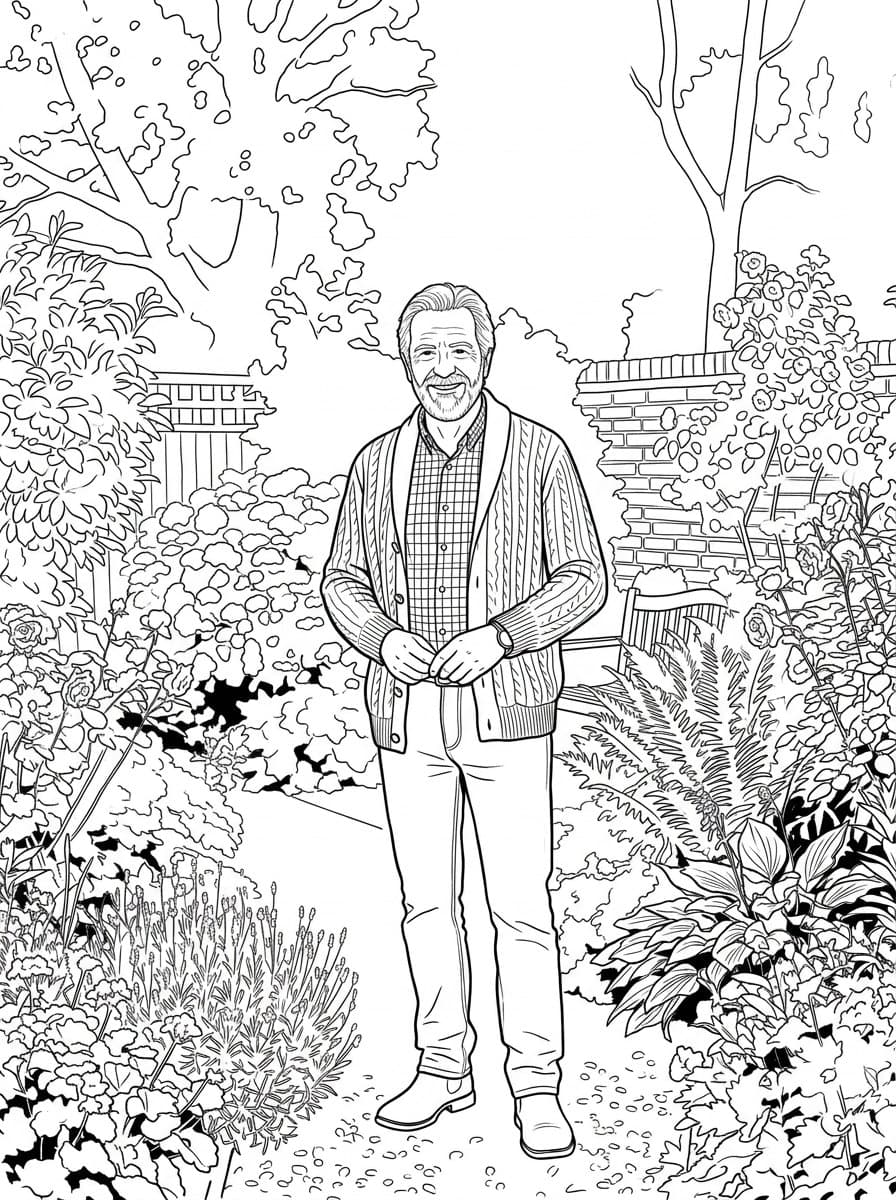
 Example 5: Line drawing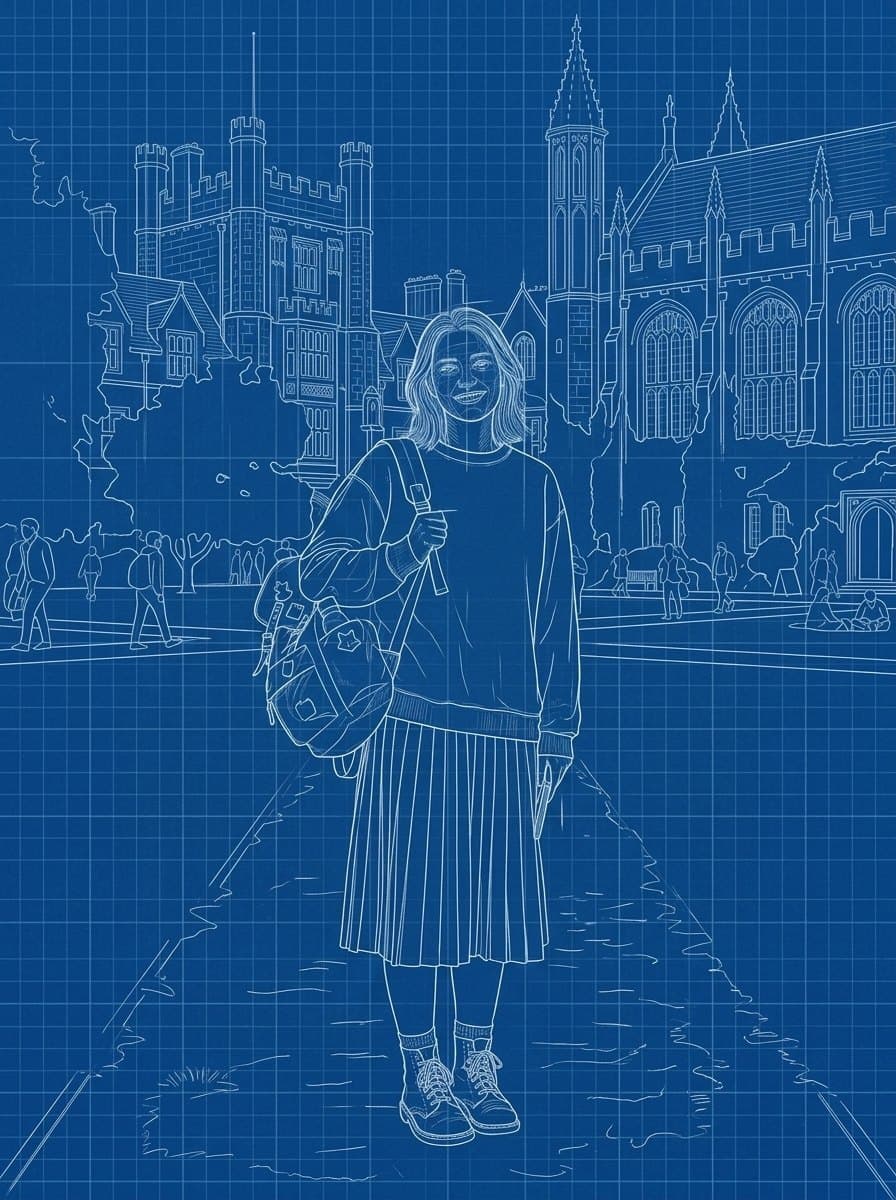
 Example 6: Line drawing
Each one is a tested preset with its own light, palette and line. Pick it in the panel above and run your own photo through it.
The whole portrait drawn without lifting the pen, in a single unbroken line.
Technical pen line work with delicate hatching, at editorial illustration weight.
Graphite on paper: soft shading, visible strokes and the tooth of a real sketchbook.
White line work on deep blueprint blue, drafted like a technical plan.
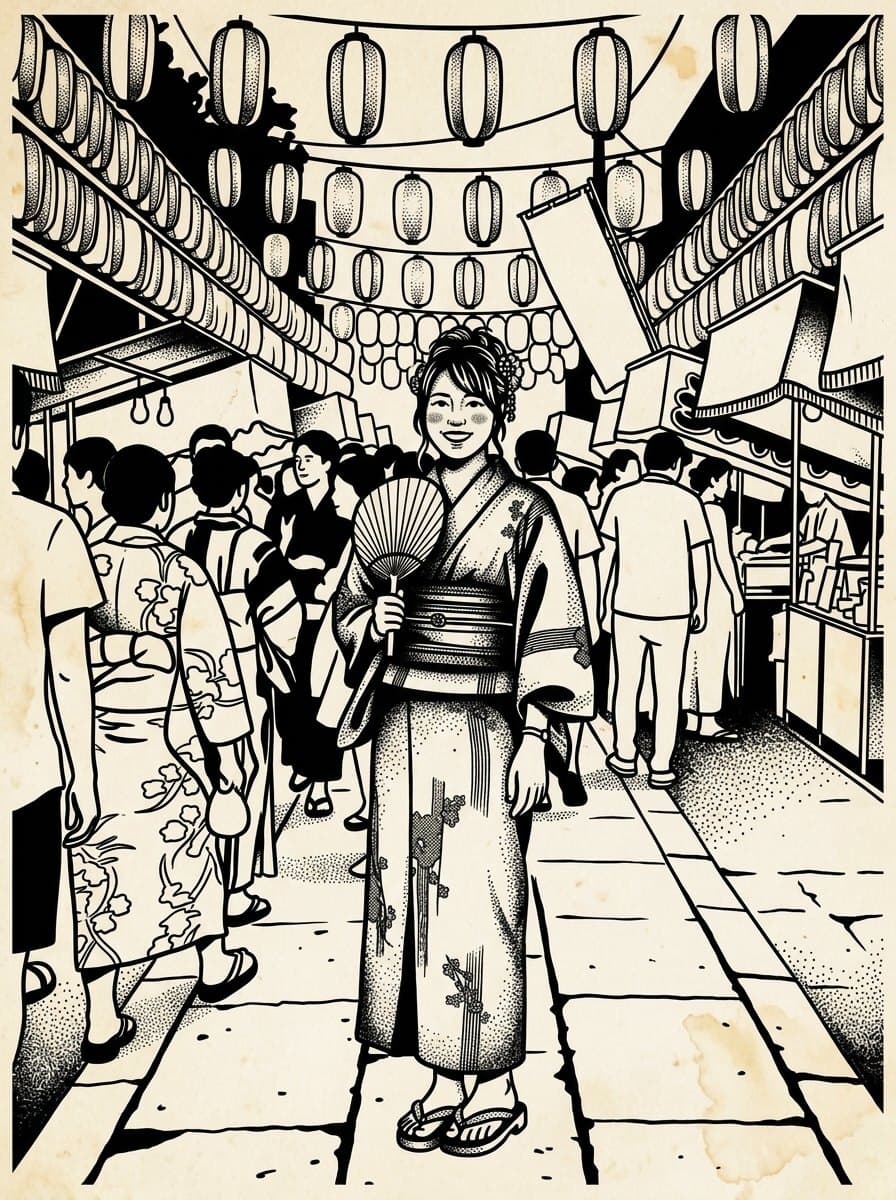
Bold even outlines with solid black fills, drawn the way tattoo flash is drawn.
Thick clean outlines and pure white space, ready to print and color in.
Loose charcoal strokes and smudged tone on textured paper.
An edge-detect filter traces every contrast boundary in the photo and leaves noise everywhere. These presets redraw the subject: the lines follow form, unimportant detail is dropped, and the drawing has the decisions a person would have made about what to leave out.
Start freeYour photoLine drawing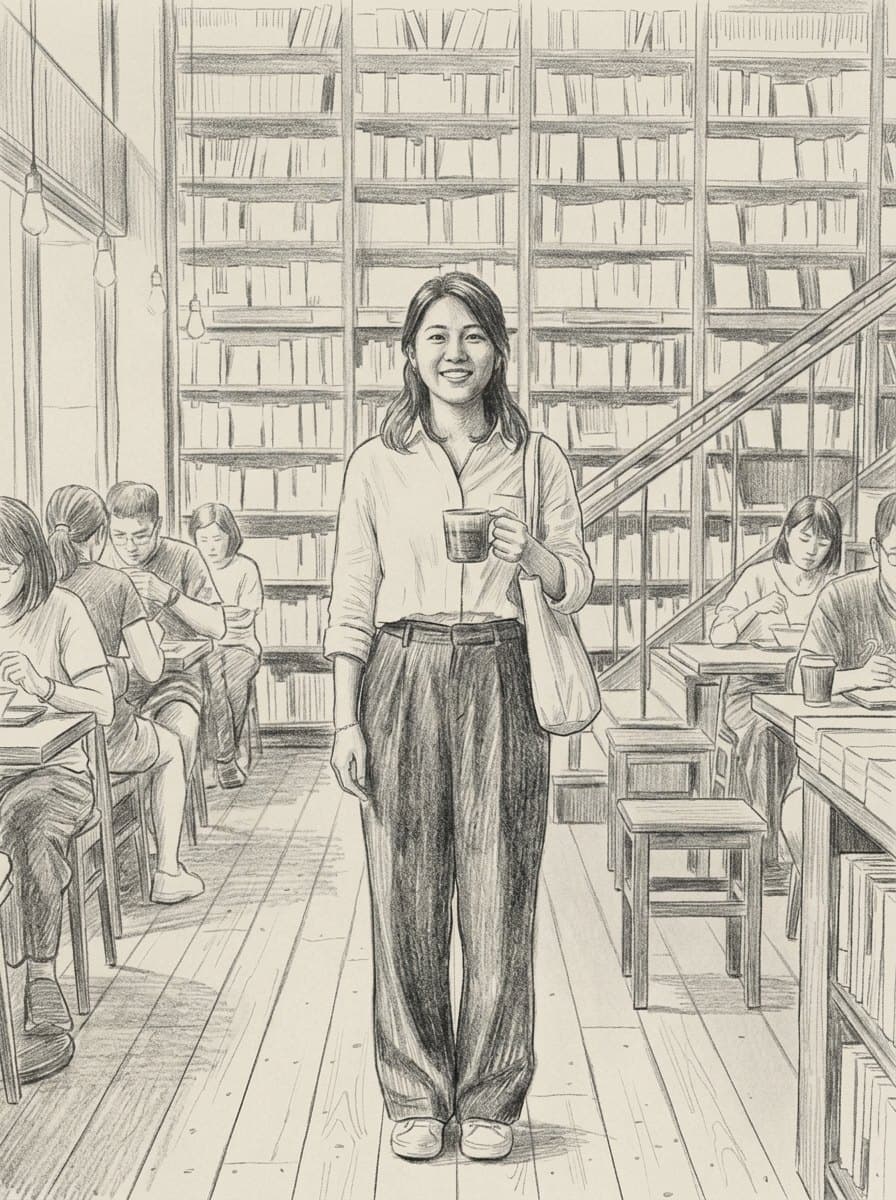
One continuous unbroken line for a minimal print. Technical pen with cross-hatching for editorial work. Graphite and charcoal when you want visible strokes and smudge. Blueprint white-on-blue, bold tattoo flash, and a thick-outline coloring page you can print and hand to a child.
Start freeThree steps, a few seconds of waiting.



Upload the photo, pick one of the seven line styles, and generate. The subject is redrawn as line work rather than filtered, so the result reads as a drawing instead of a traced outline.
New accounts receive free credits, enough for your first drawings. After that, each image uses credits, and the price is shown on the button before each run. Credits come with a subscription plan; the cheapest, Starter, is $9 a month. You can also pay once with no subscription: $0.99 for one image or $1.99 for three, and those credits stay valid for 12 months.
Yes. The coloring page preset returns thick clean outlines with no shading and large white areas, sized to print on a standard sheet.
The tattoo flash preset gives bold even outlines with solid black fills, which is the right starting point for a design. Take the output to an artist rather than straight to the needle.
Clear subjects with decent contrast and an uncluttered background. Very dark or very busy photos give muddier lines.
Yes. Generated output is yours to use, including commercially, subject to the source model terms. No watermark on paid plans.