Photo effect
Add Person to Photo with AI
Upload the group photo and a photo of the person who missed it. They are added at the right size and in the same light, and everyone else stays exactly as they were.
One person added to an existing group photo
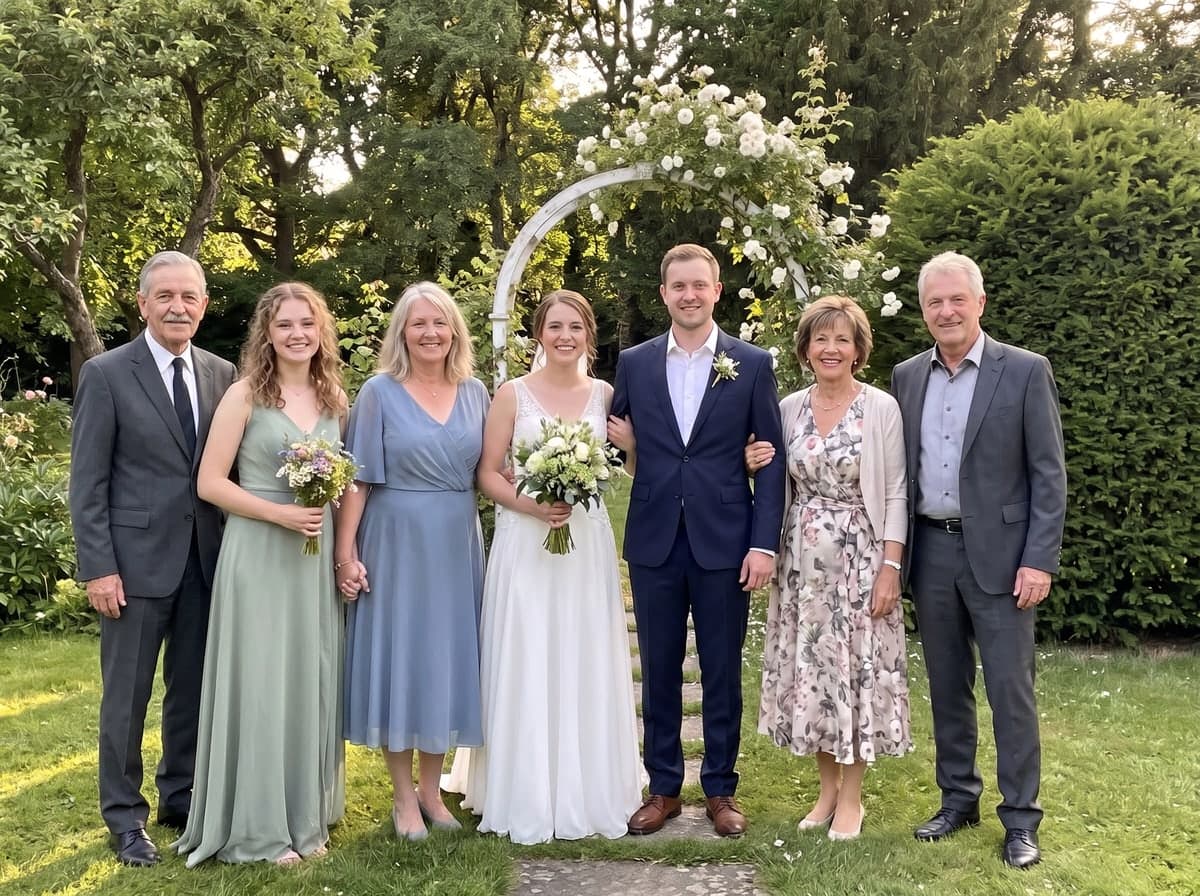
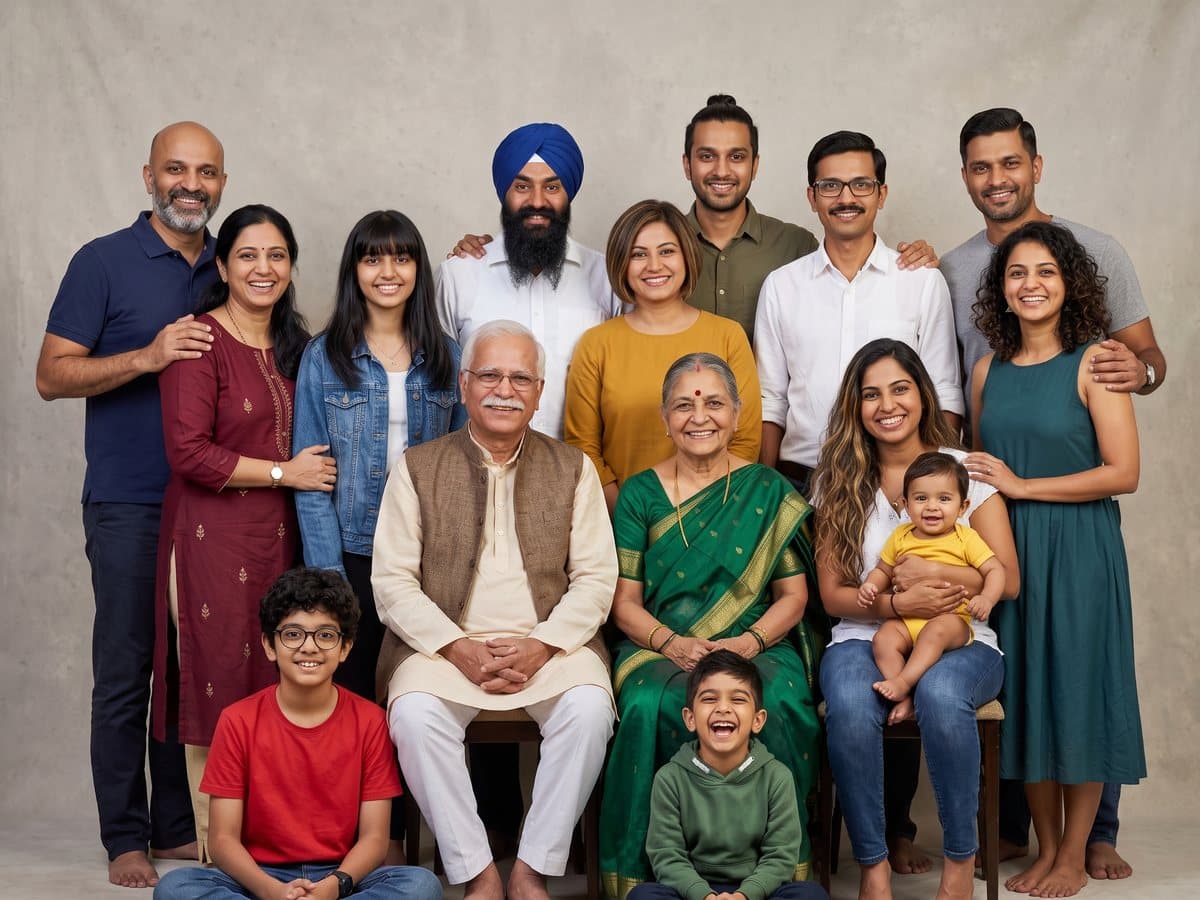
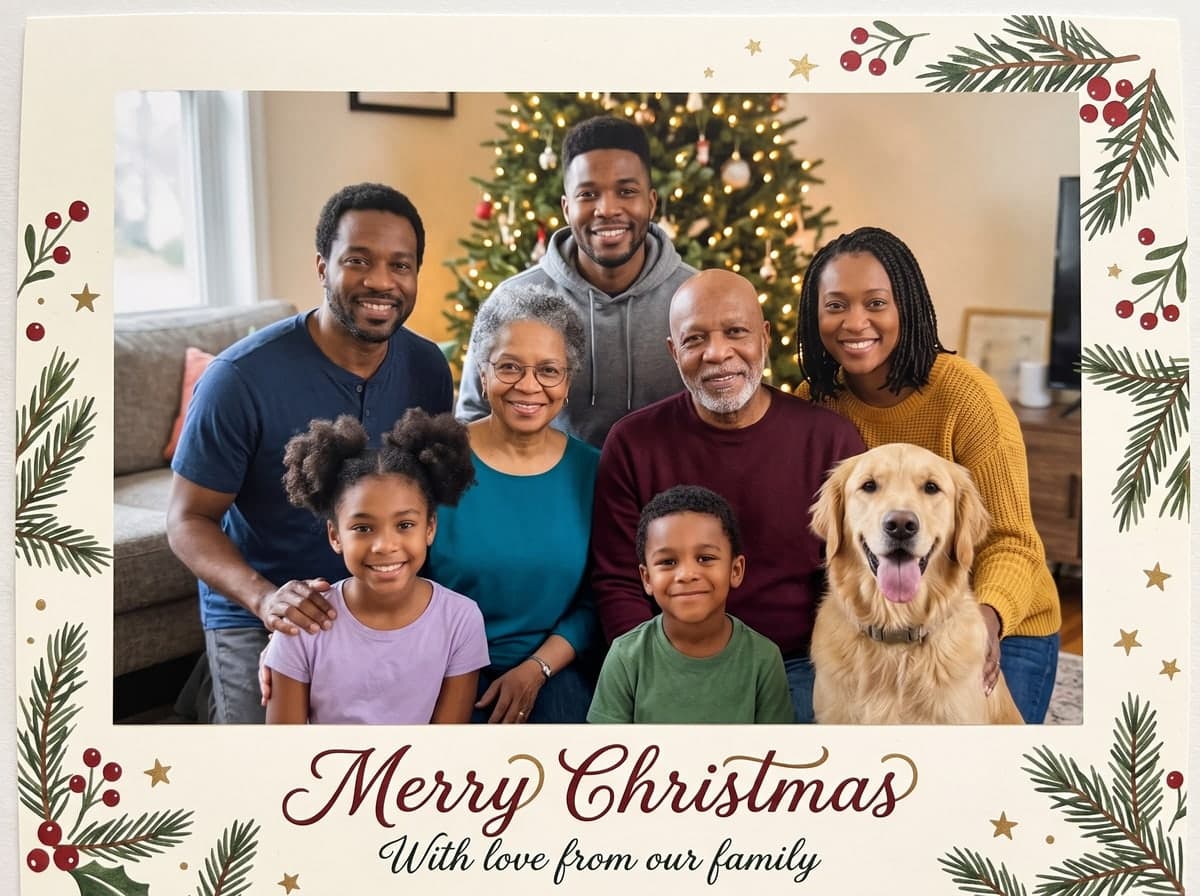
Each example started as a group photo and a separate photo of one person, taken somewhere else in different light. The families are AI-generated examples, not real people. In all three, nobody in the original photo was moved or changed; only the added person is new.
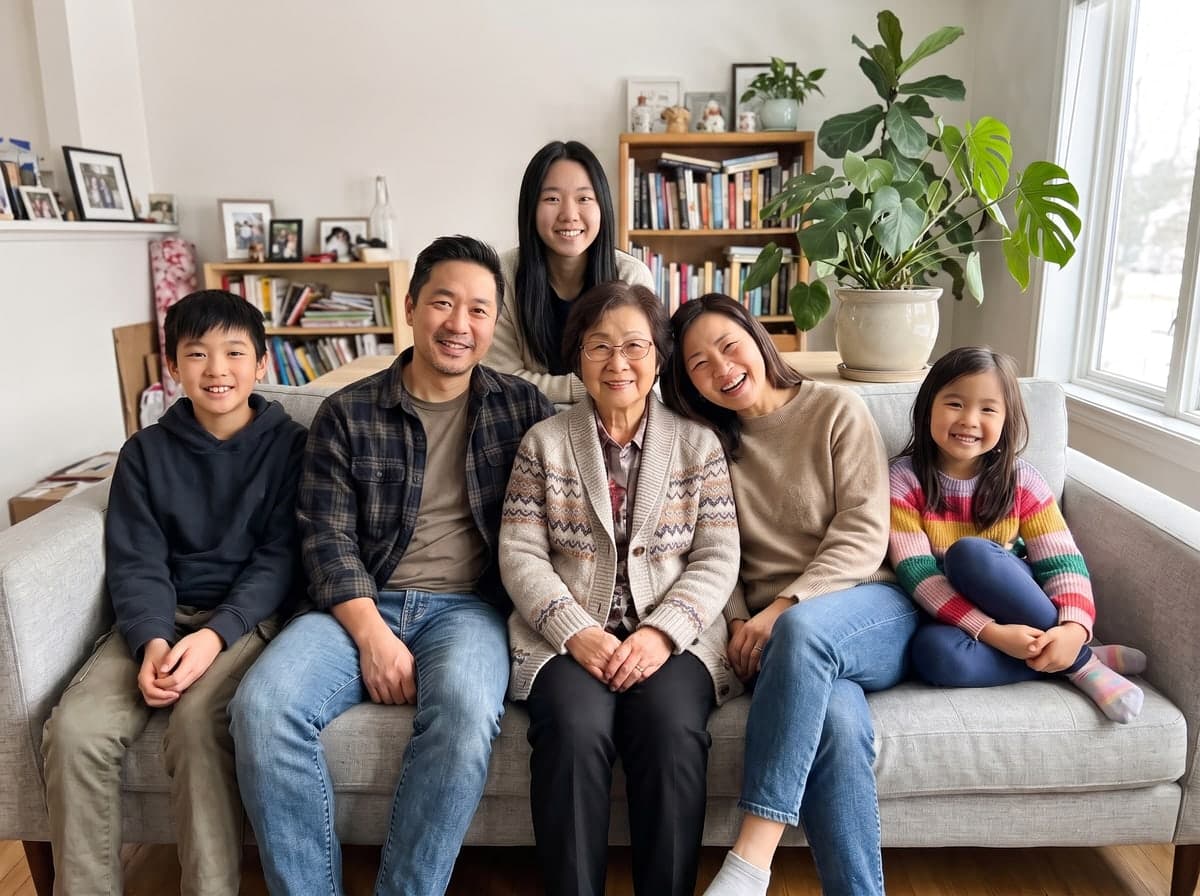
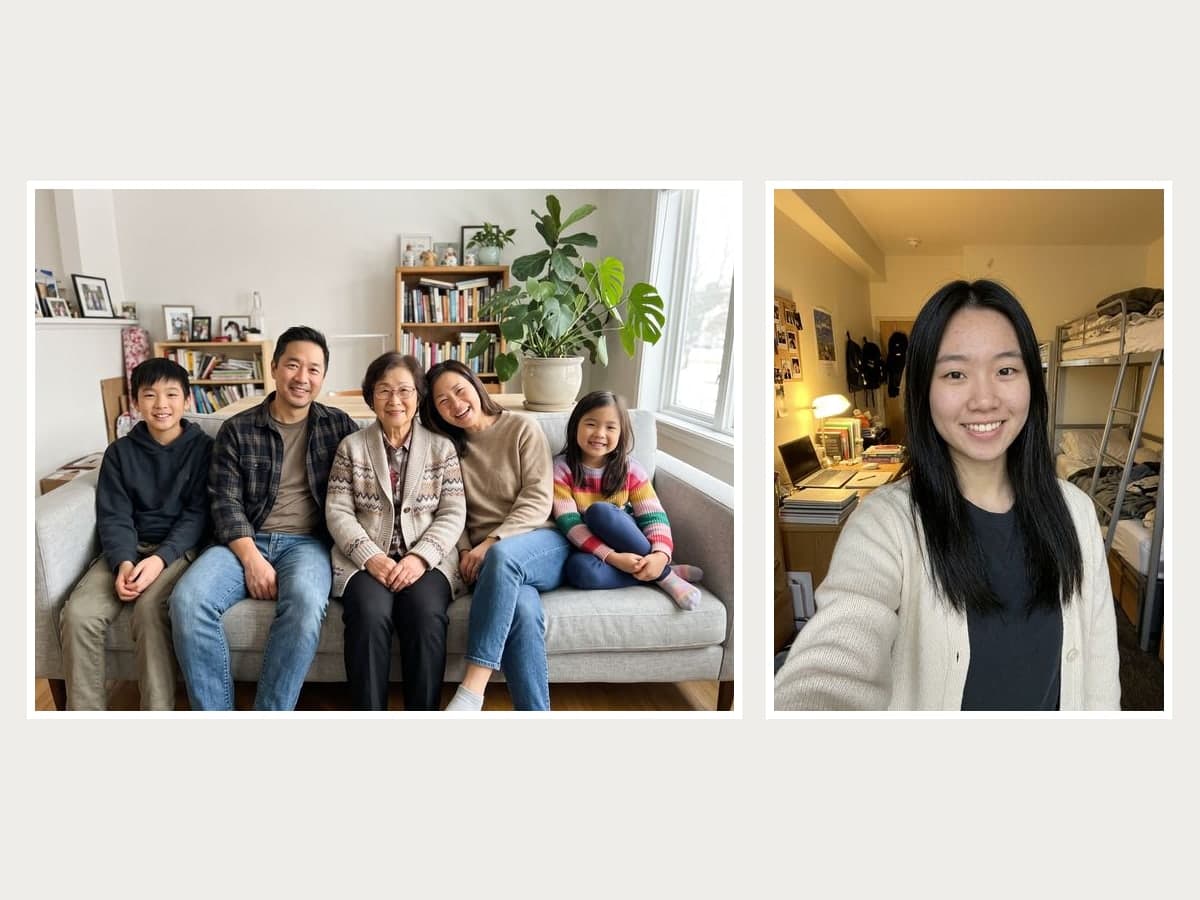 Daughter added behind the sofa, 6 people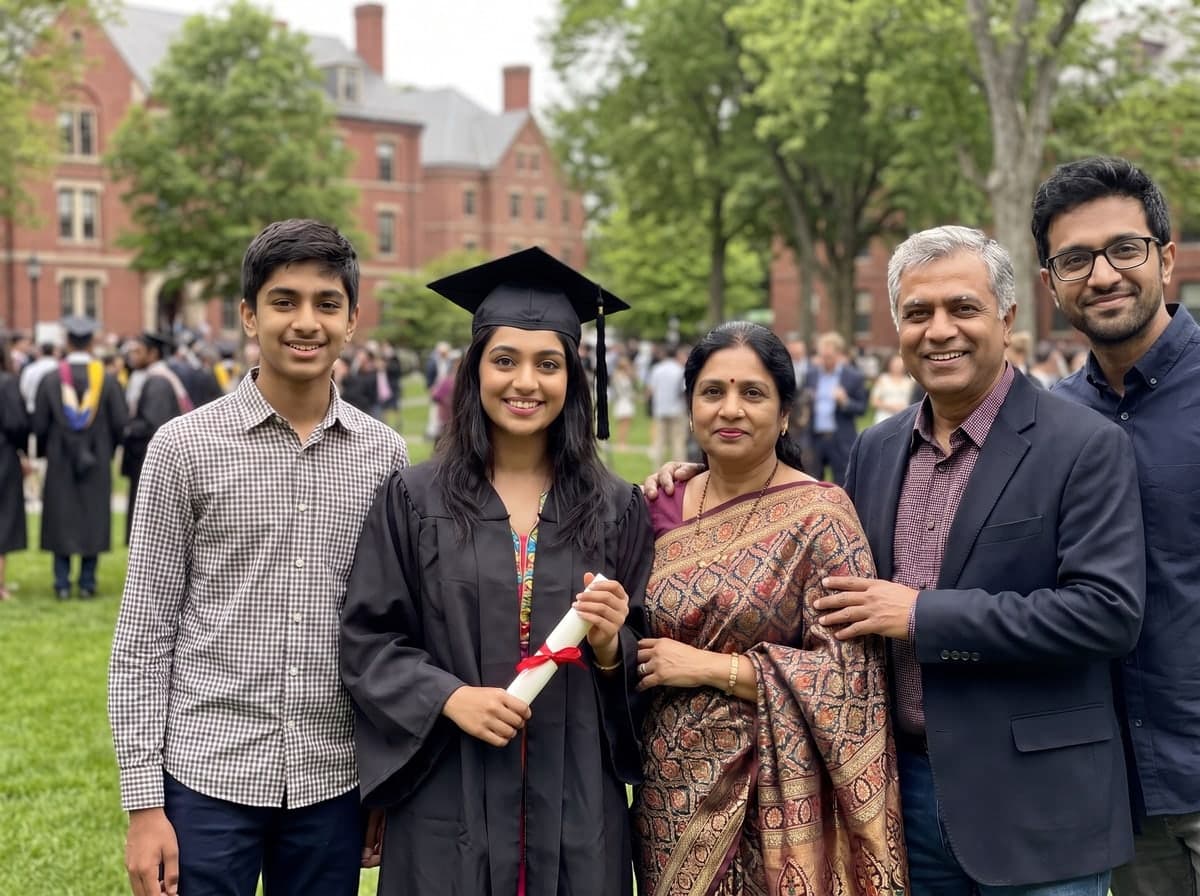
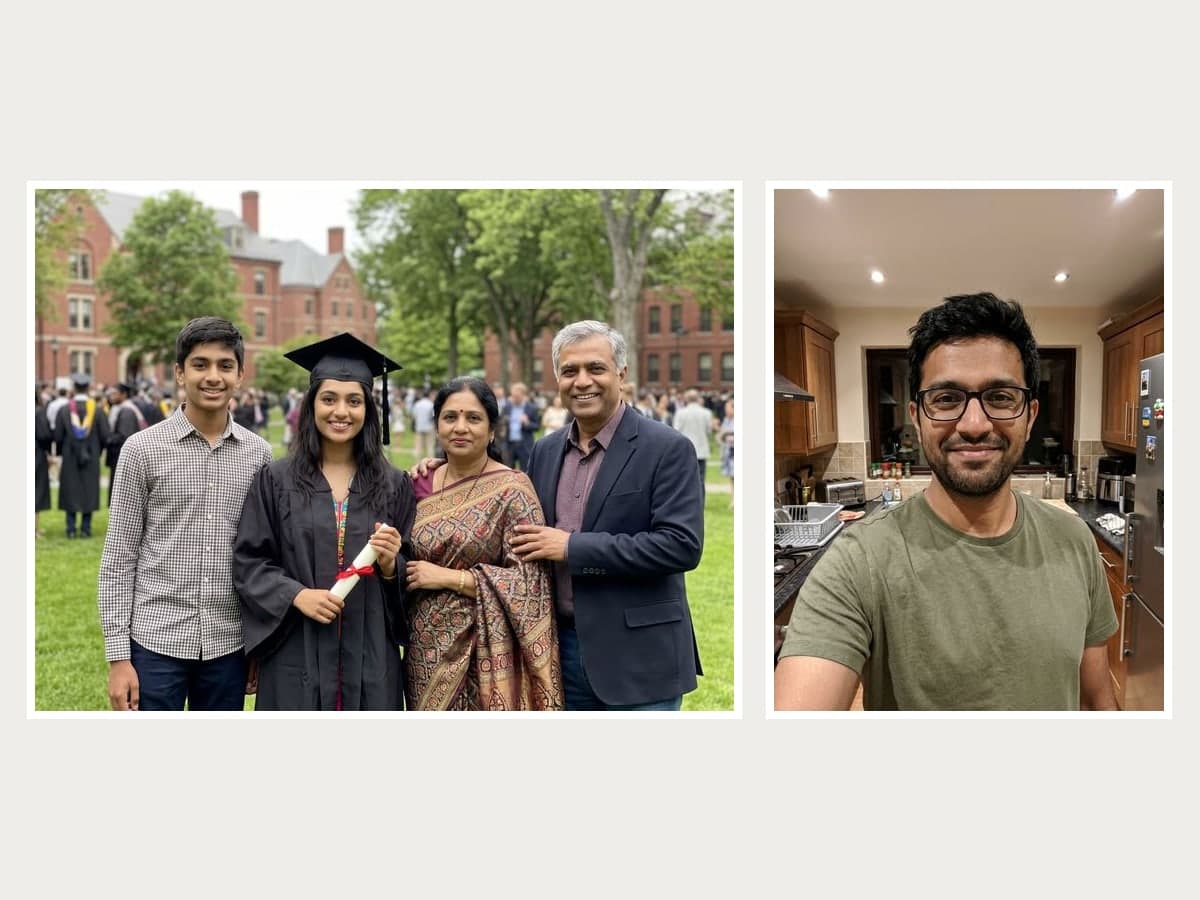 Brother added at the right end of a graduation photo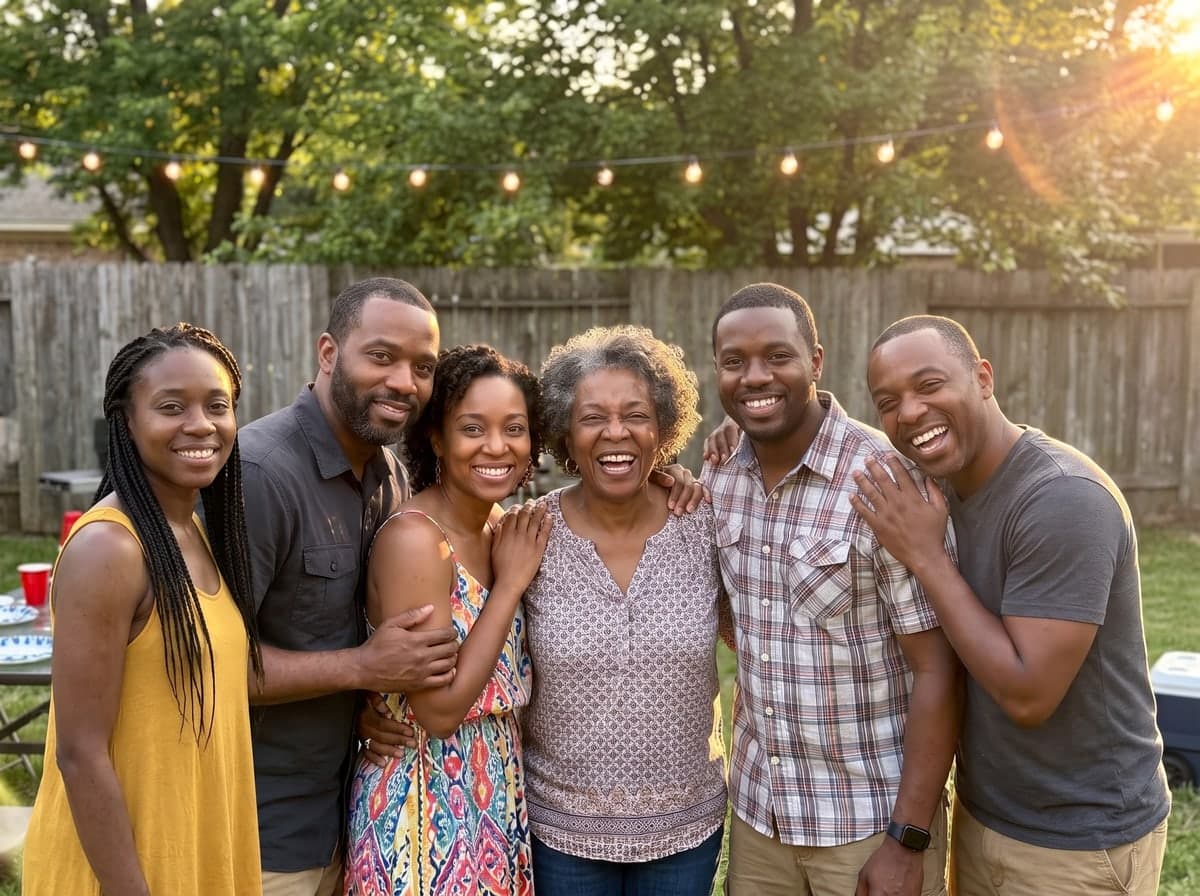
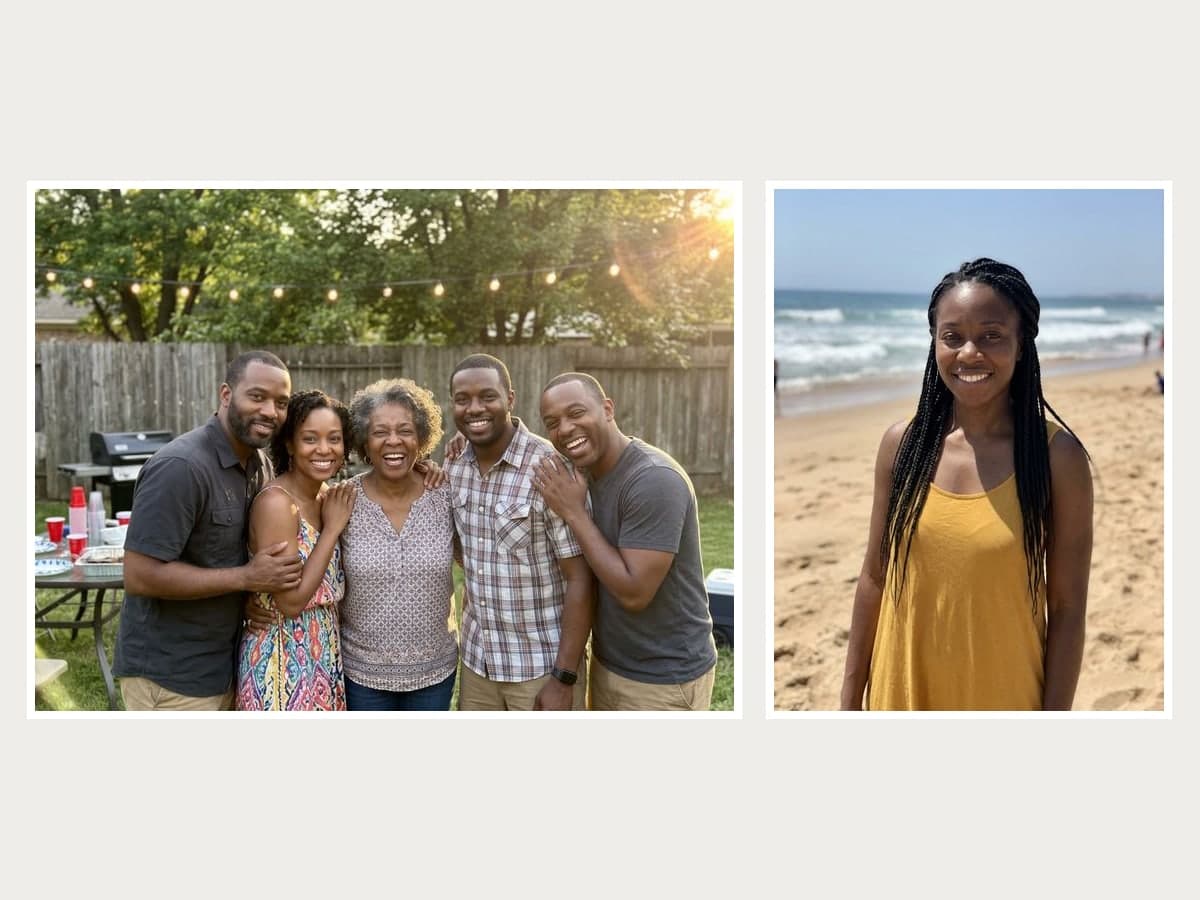 Sister added at the left end, from a beach photo
Everyone else stays exactly as they were
The original photo is kept as it is: the same faces, expressions, poses, background and framing. Only the new person is drawn in, standing or sitting like the people beside them, at the right size for where they stand and in the same light with matching shadows. Here the brother joins his sister’s graduation from a photo taken in his kitchen at night.
Start freeYour two photosPhoto with the person addedChoose where they stand
Leave it on "Natural spot" and the AI finds a free place at one end or in a gap, or pick the left end, the right end or standing behind the group. A photo from the beach at noon still comes out in the warm evening light of the party, as with the sister added on the left here. Tick print quality for a 4K file.
Start freeHow to add a person to a photo
Three steps, about a minute of waiting.



At a glance
- Upload the group photo and a photo of the person who missed it. They are added at the right size and in the same light, and everyone else stays exactly as they were.
- Images are made with Nano Banana 2.1 by Google.
- Each image costs 5 credits.
- A print-quality 4K version costs 9 credits.
- New accounts get 10 to 30 free credits depending on country, no card needed, so even the smallest allowance covers 2 images at 5 credits per image.
- You can also pay once with no subscription: $0.99 for one image or $1.99 for three, and those credits stay valid for 12 months.
- Images come out at 2K resolution, 2400 × 1792 pixels (4:3).
- You upload two photos, and both are required: the main photo and the photo to add to it (JPG, PNG or WebP, up to 10 MB each).
- Before creating, you confirm that the photos are of you or that everyone in them agreed.
- A typical image is ready in about 68 seconds.
- Free-plan downloads carry a small Vidney watermark; paid plans download without it, and so do downloads for 12 months after any one-time purchase.
- One person per run, and it needs a clear photo of their face. The added person is drawn from their photo, so clothes and pose may differ, and the result is an edited image, not a photo that was taken.
Frequently asked questions
How do I add someone to a photo with AI?
Upload the photo you want to keep first, then a clear photo of the person you want to add. The AI keeps the original as it is, with the same people, background and framing, and draws the new person in at the right size, in the same light, with matching shadows and color. Pick where they should stand, or let it choose a natural spot.
Can I add a person to a group photo without changing everyone else?
Usually, yes: in our examples the people already in the photo kept their faces, poses and places, and only the area around the new person changed. Once in a while the AI nudges someone aside to make room, especially when everyone is sitting tightly together. If that happens, generate again or choose "Standing behind the group" or one of the ends.
Is there a free way to add a person to a photo with AI?
Yes, you can try it for free. New accounts get 10 to 30 free credits depending on country, no credit card needed. Adding a person costs 5 credits in standard 2K quality, so the free credits cover at least 2 photos. Downloads on the free plan carry a small Vidney watermark; on any paid plan, or for 12 months after a one-time purchase, they download clean. After that, credits come with a subscription plan; the cheapest, Starter, is $9 a month. You can also pay once with no subscription: $0.99 for one image or $1.99 for three, and those credits stay valid for 12 months. The price is always on the button before you create.
What kind of photo of the person works best?
One person with the face clearly visible and in focus, from the waist up or full length. A selfie, a portrait or a crop from another photo all work, and the light and background of that photo do not matter. Their face, hair, glasses and skin tone are kept; their clothes and pose may be adapted to fit the scene.
Can I add more than one person, or a loved one who has passed away?
One person per run. To add two people, add the first, download the result and upload it as the photo to keep for the second. For a loved one who has passed away there is a memorial version of this tool: an old or faded print works, and they are shown in the same color and light as everyone else.
Can I use photos of celebrities or people I do not know?
No. Only use photos of yourself, your family and people who agreed to be in the picture; you tick a box confirming this before you create. Photos of celebrities and other public figures are not supported, and the result should never be passed off as a real photo of an event someone did not attend.