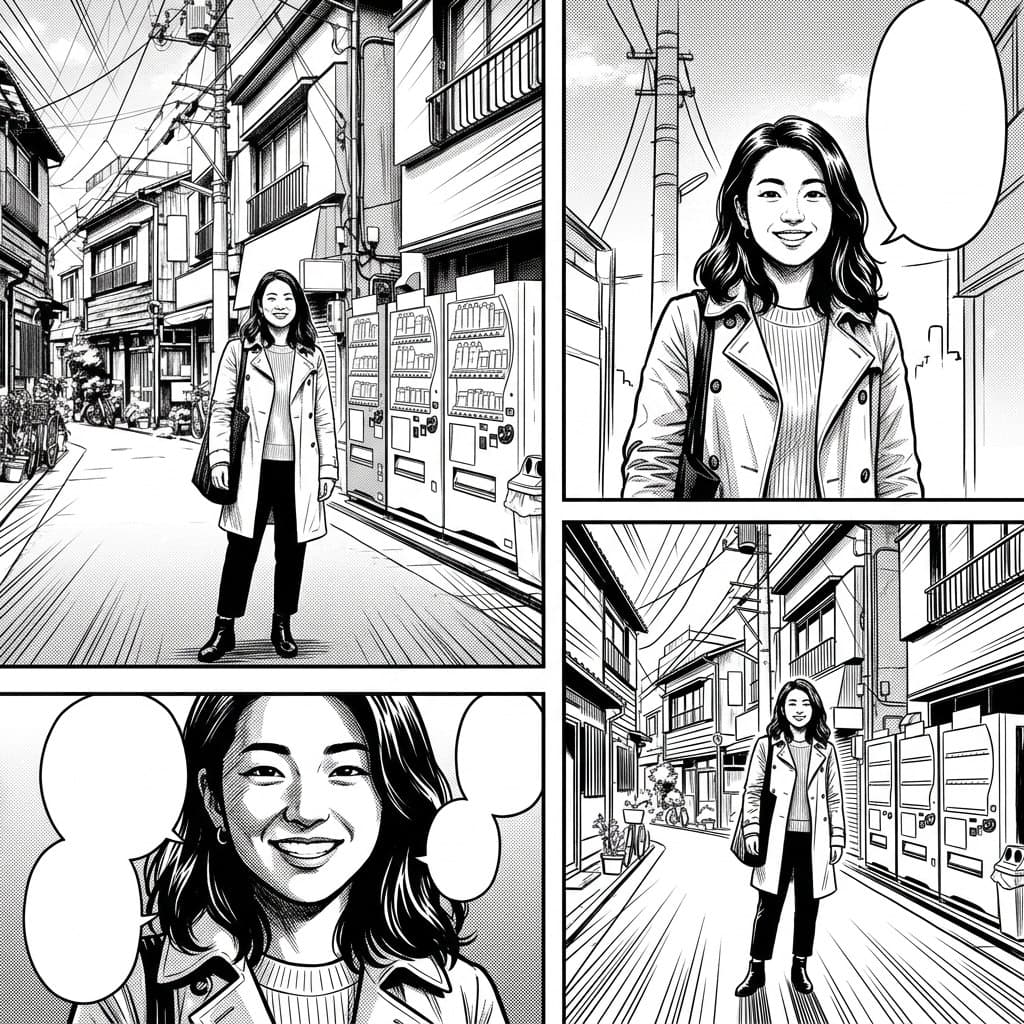
Black and White Manga
Screentone shading, speed lines and expressive ink, laid out as a manga page.
Photo effect
Your photo, redrawn as a comic page. Ten styles, from black and white manga to a Sunday strip.
Every page below started as an ordinary photo, and each one uses a different style preset. The AI breaks the moment into panels and redraws the person in that drawing tradition.
 Example 1: Comic page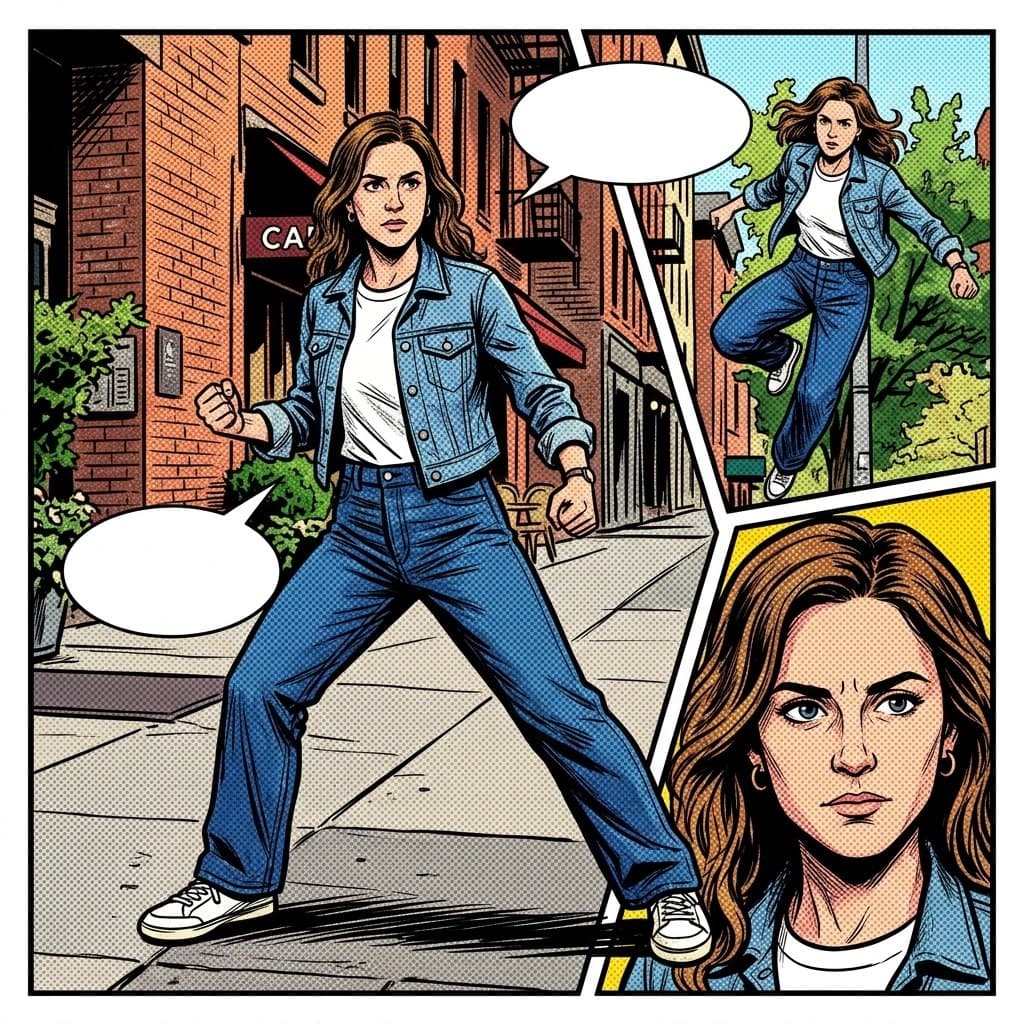
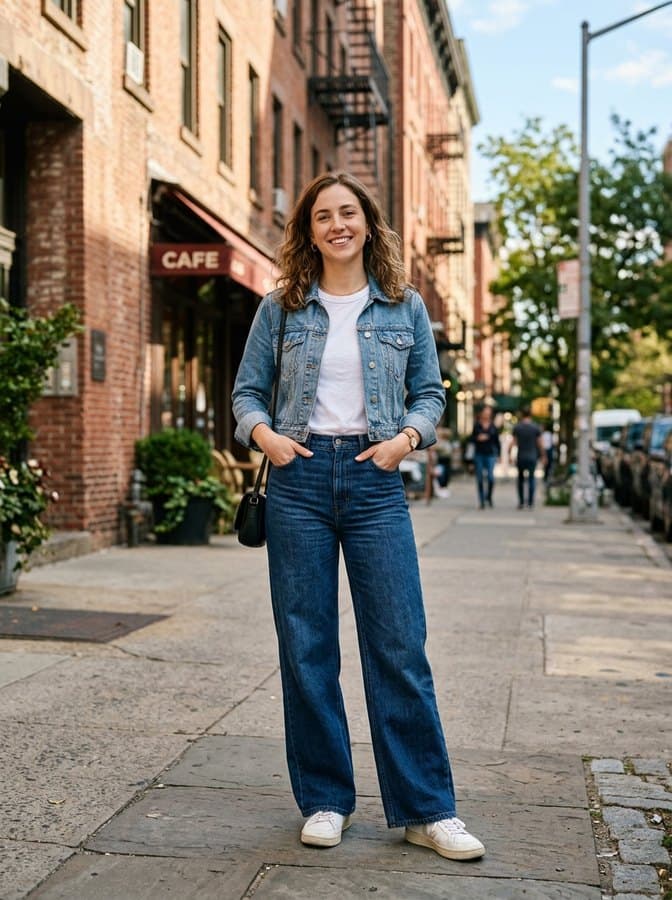 Example 2: Comic page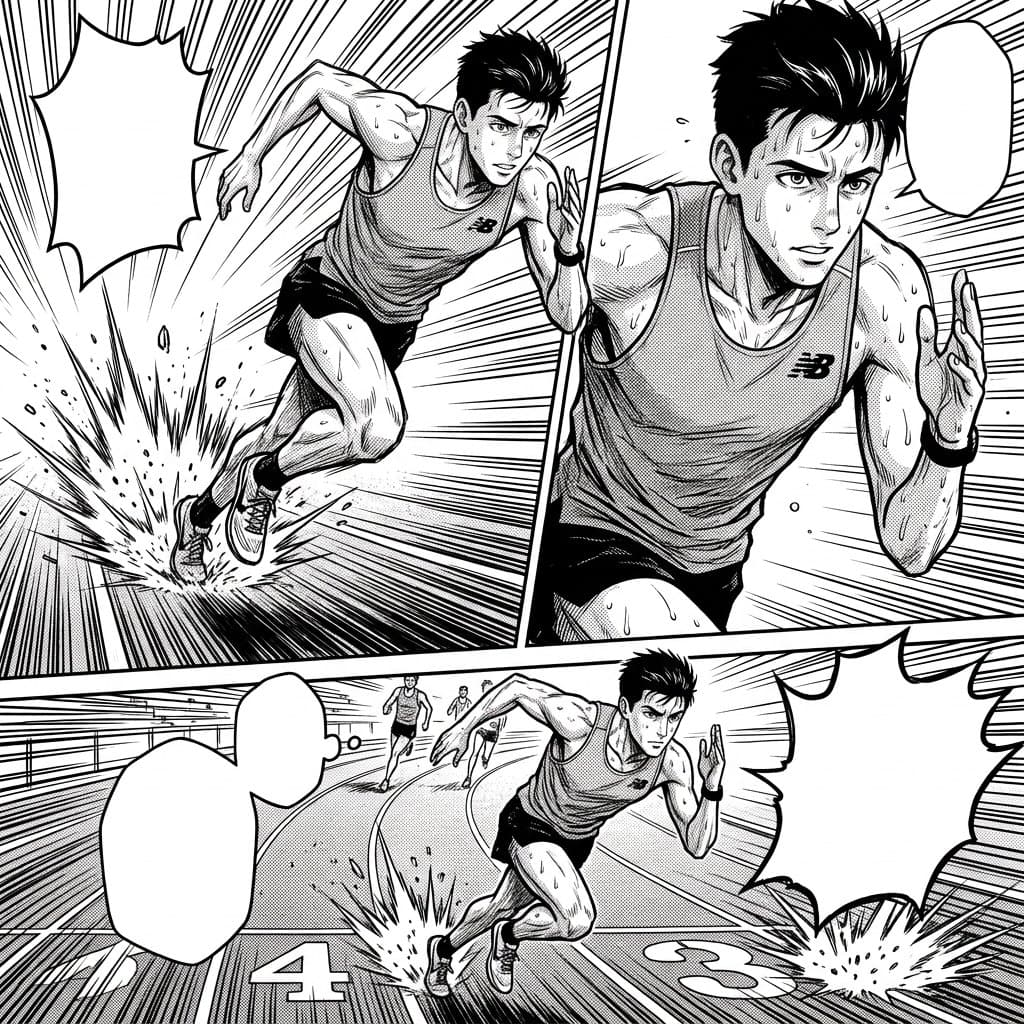
 Example 3: Comic page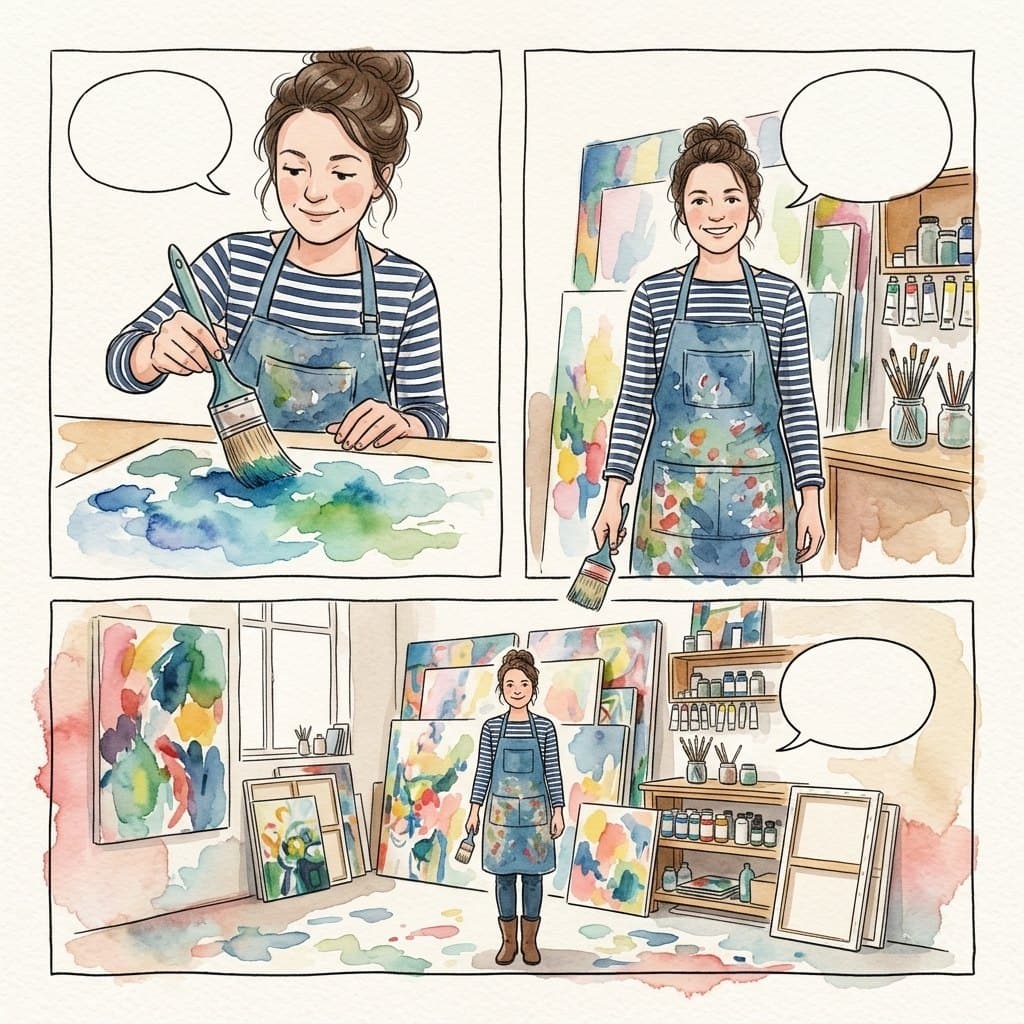
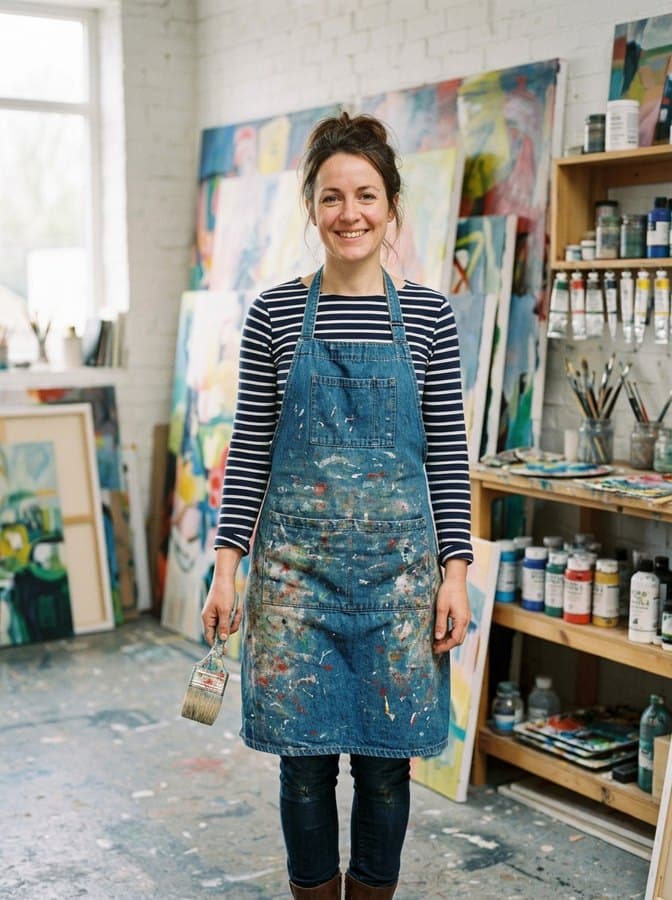 Example 4: Comic page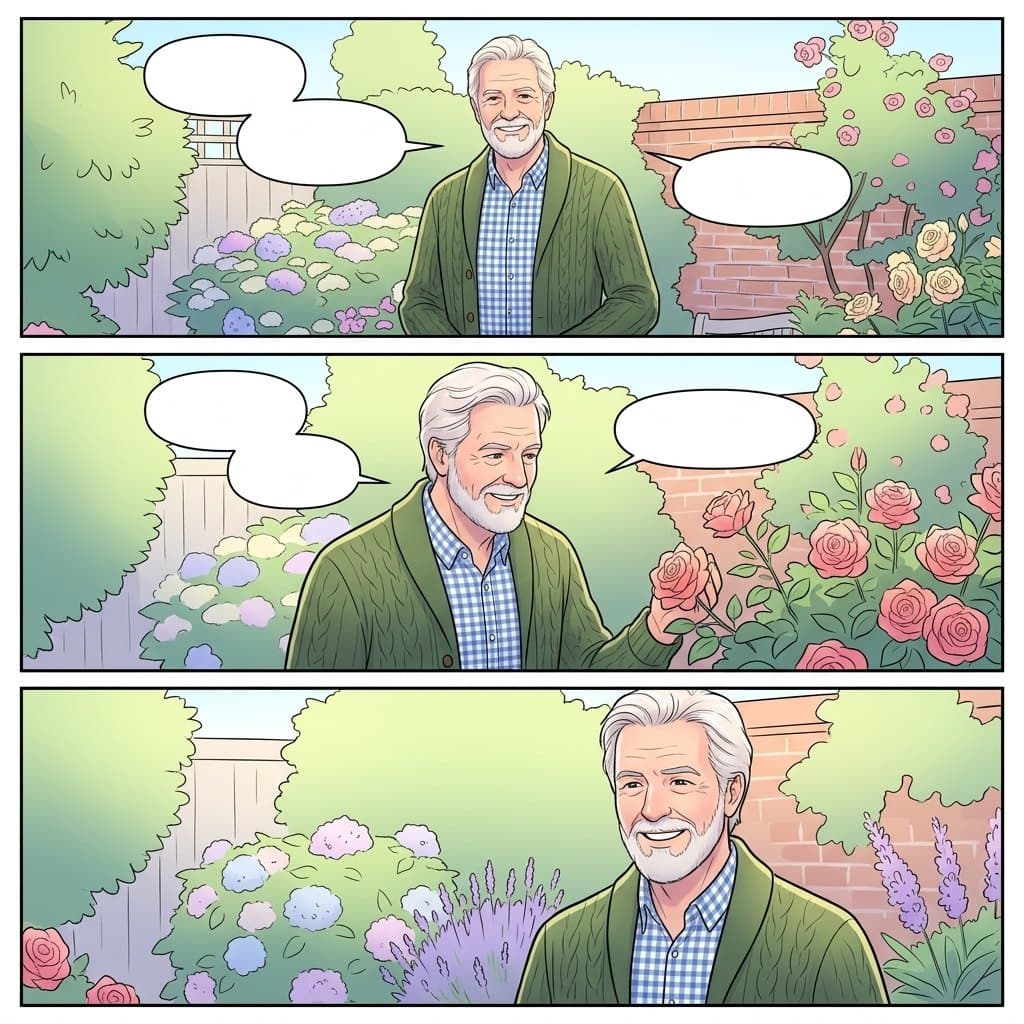
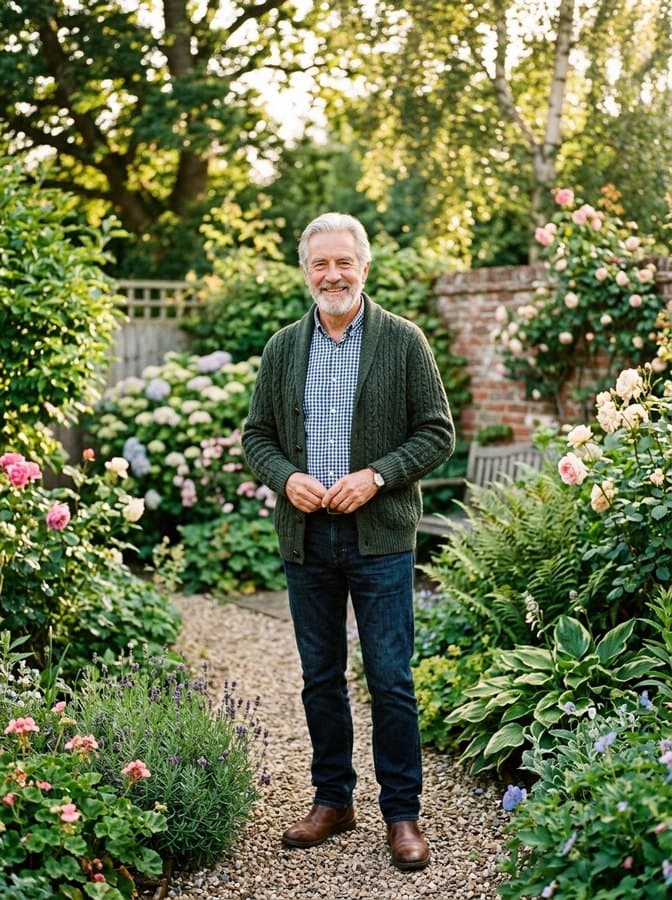 Example 5: Comic page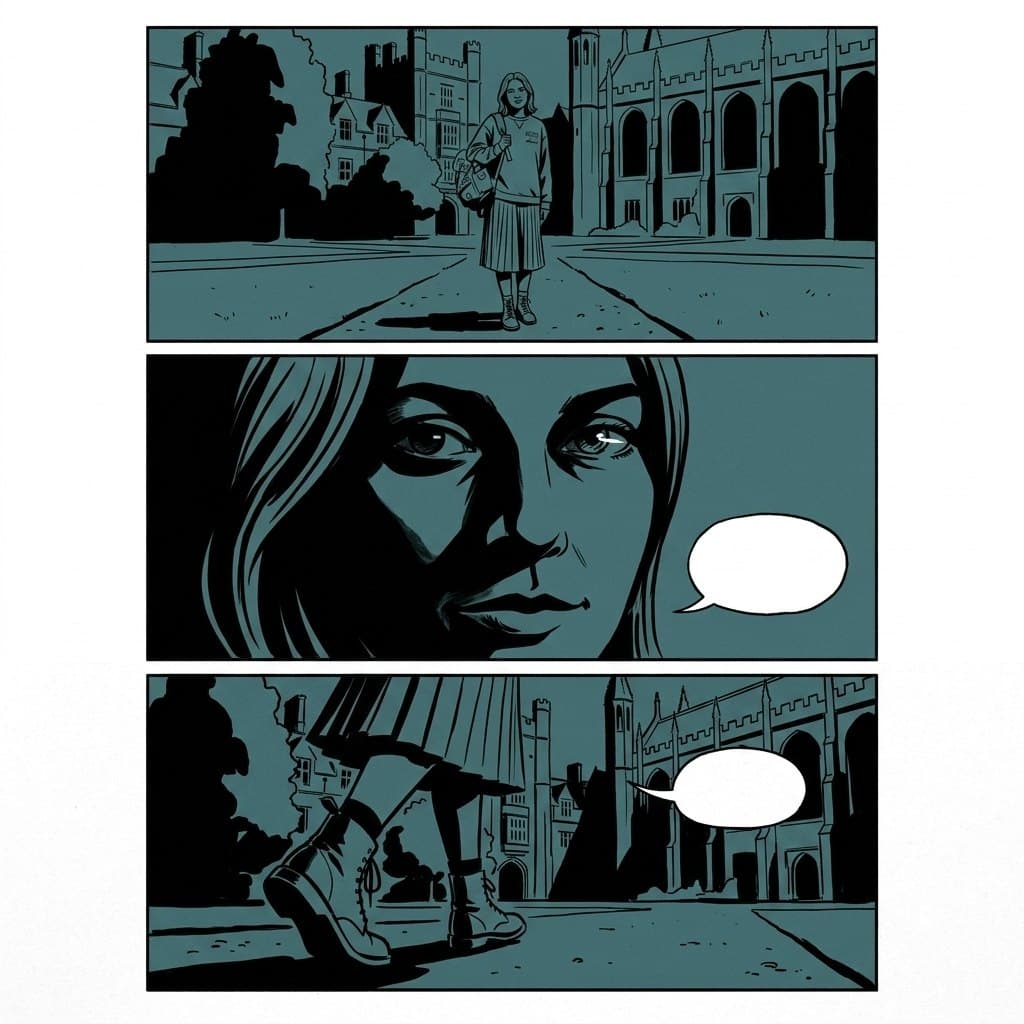
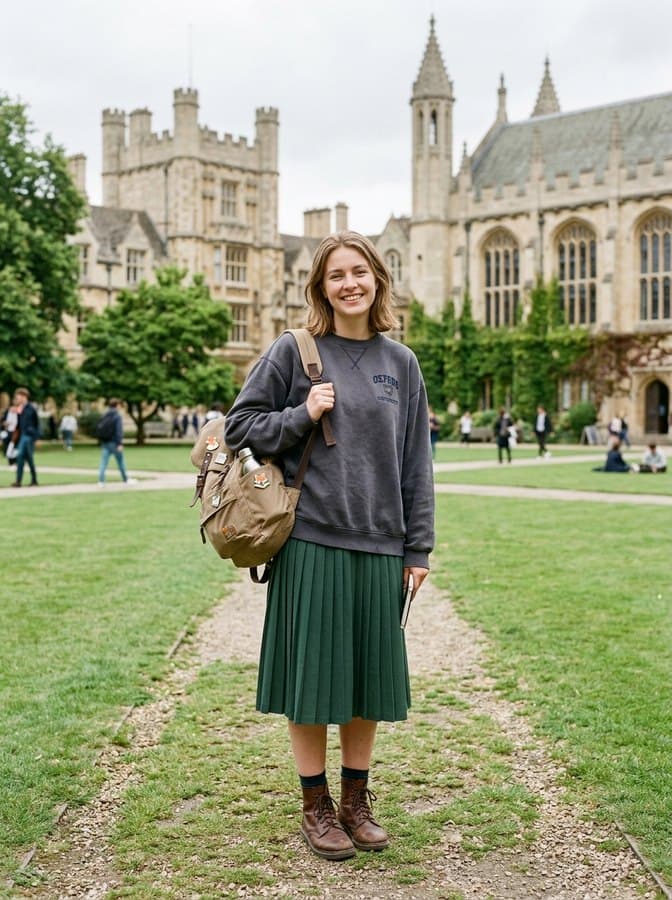 Example 6: Comic page
Each one is a tested preset with its own light, palette and line. Pick it in the panel above and run your own photo through it.
Screentone shading, speed lines and expressive ink, laid out as a manga page.
High-energy action manga: dramatic angles, motion streaks and heavy ink weight.
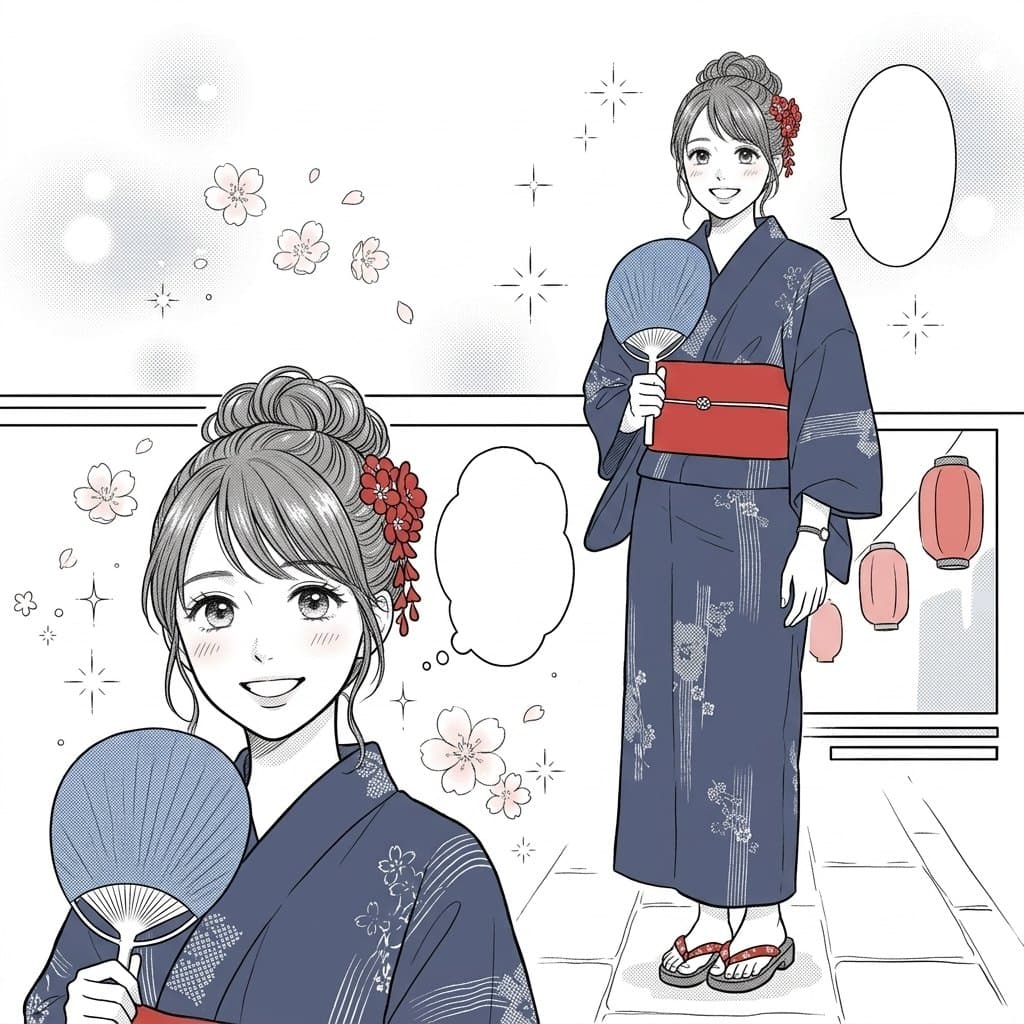
Delicate line work over soft screentone, with florals and sparkle floating in the background.
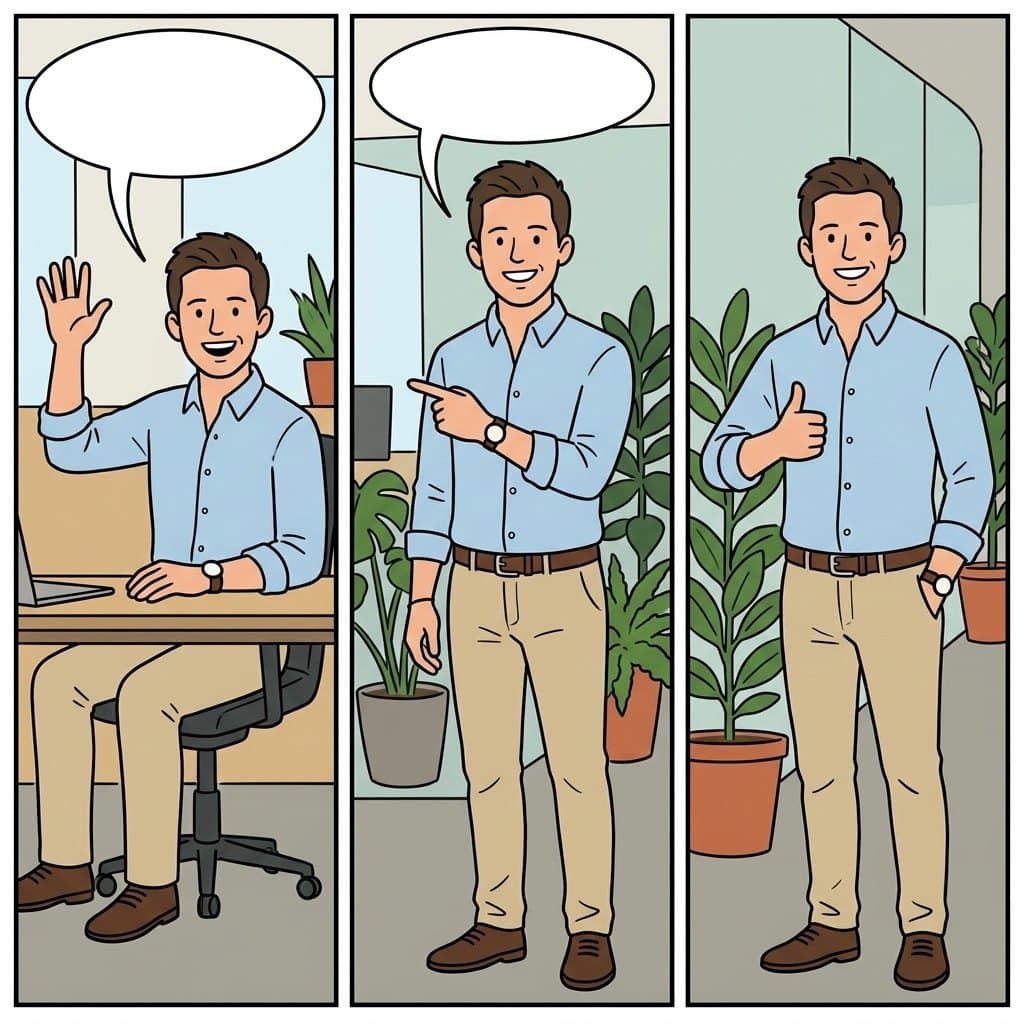
Three panels across in simple flat color, the daily comic strip look.
Halftone dots, saturated primaries and thick black ink, printed like a classic comic book.
Heavy black shadow and spare line work across a moody two-tone page.
Clean digital color and soft gradients, stacked the way a vertical scroll comic reads.
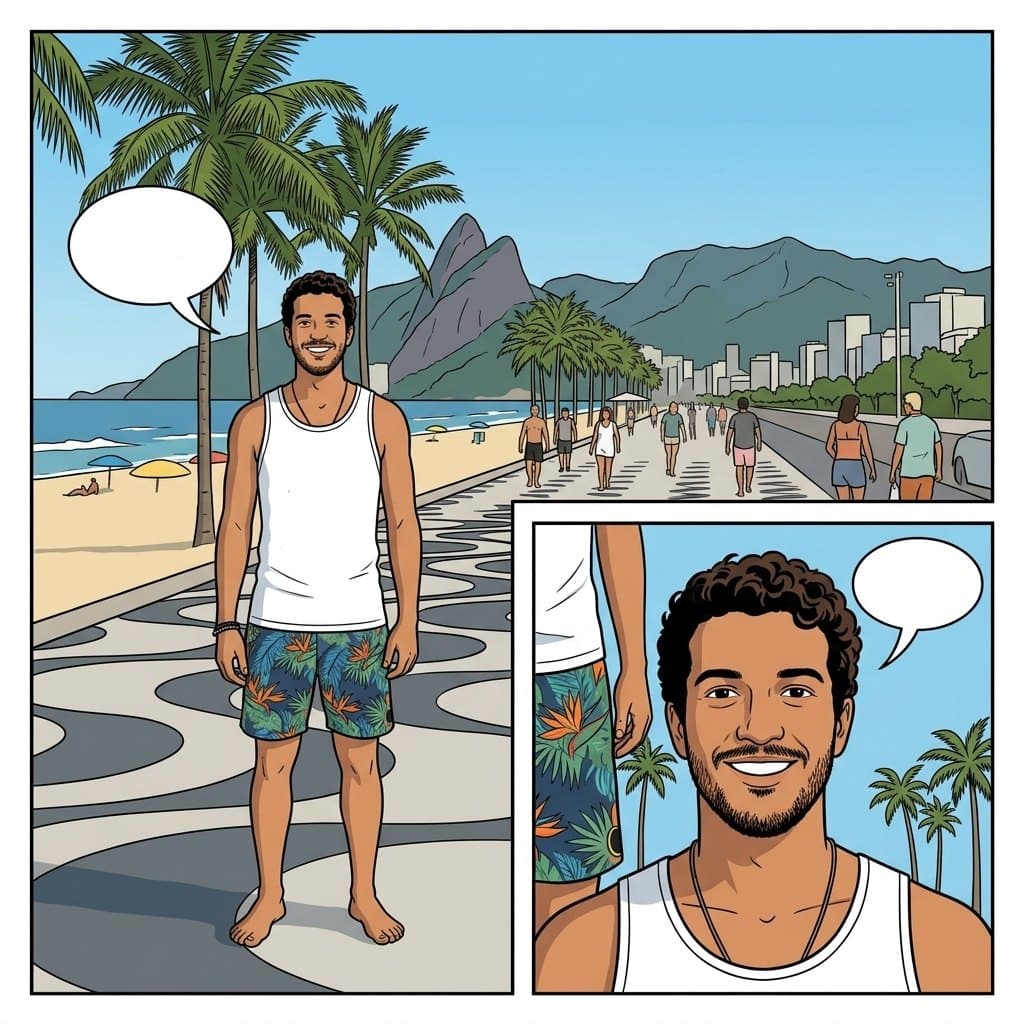
Even line weight, flat color and no hatching: the Franco-Belgian album look.
Loose ink outlines over soft watercolor washes, panelled like a picture book.
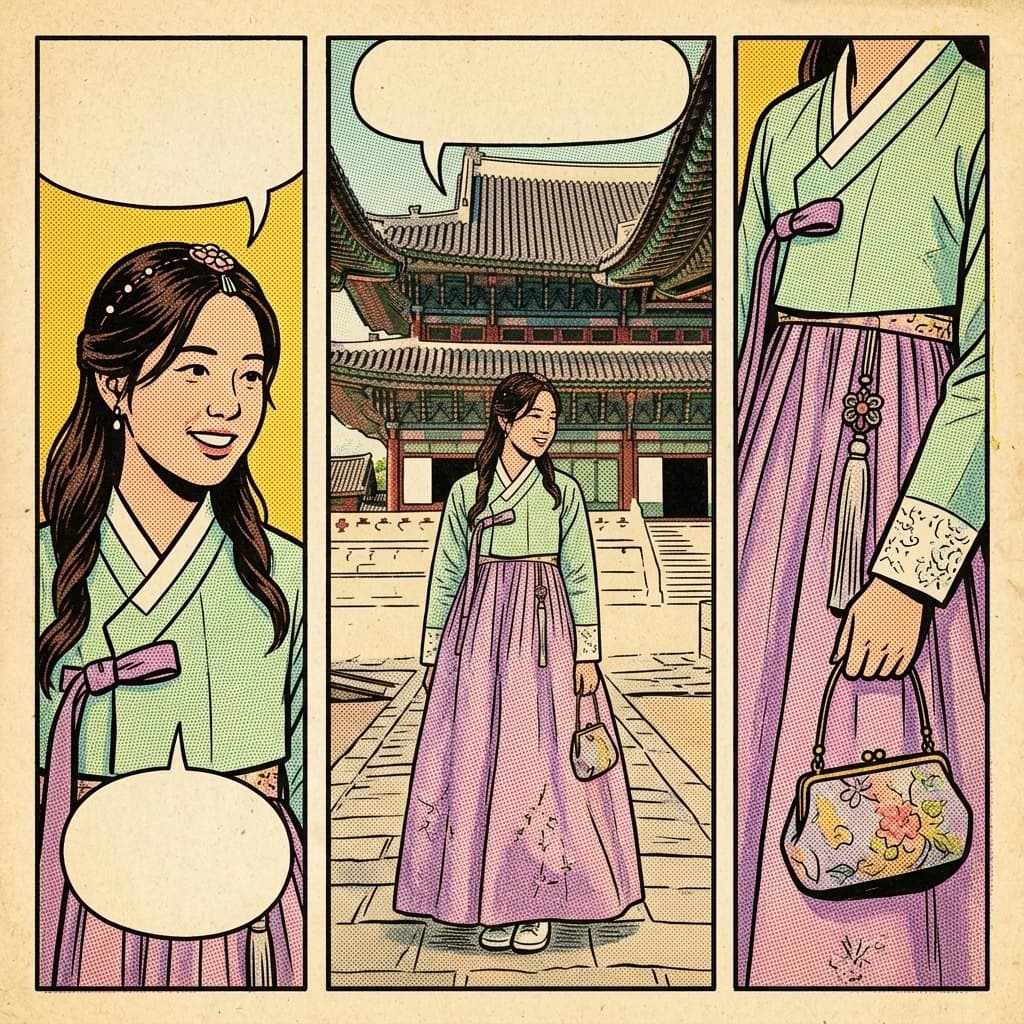
Aged newsprint, off-register color and the flat palette of a 1950s pulp comic.
This is not a cartoon overlay on your photo. The moment gets broken into two to four panels with gutters, angles and pacing, the way a page is actually laid out. Pick black and white manga and you get screentone and speed lines; pick a newspaper strip and you get three flat panels across.
Start freeYour photoComic page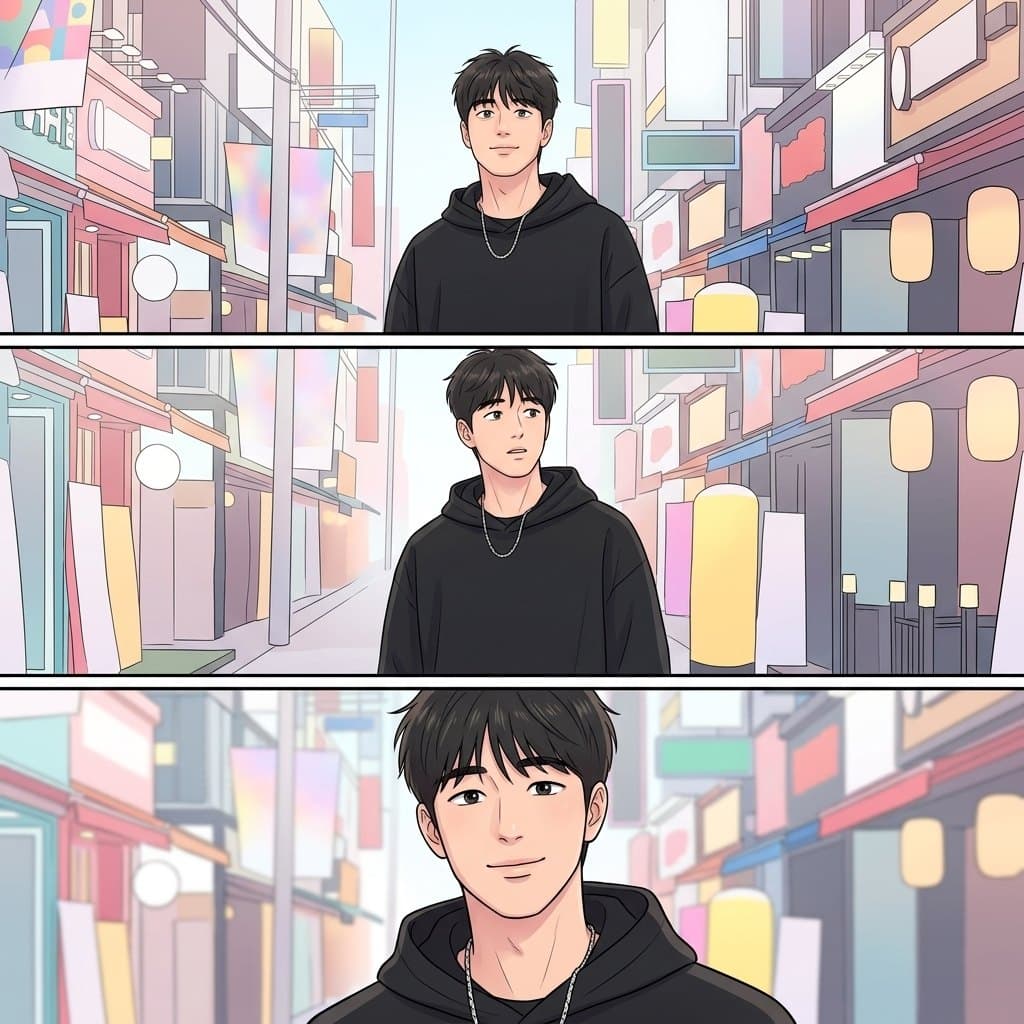
Manga, shonen, shojo, webtoon, superhero, graphic novel, ligne claire, newspaper strip, watercolor storybook and retro pulp. Each one is a separate tested preset with its own line weight, shading and palette, so the styles read as genuinely different rather than as one look with the colors changed.
Start freeThree steps, a few seconds of waiting.



A tool that redraws a photo as a laid-out comic page: the moment is split into panels and the people are drawn in the comic tradition you pick, from black and white manga to a color newspaper strip.
Yes. The newspaper strip preset lays the moment out as three panels side by side. The manga and webtoon presets use taller, more cinematic panel layouts instead.
New accounts receive free credits, enough for your first pages. After that, each image uses credits, and the price is shown on the button before each run. Credits come with a subscription plan; the cheapest, Starter, is $9 a month. You can also pay once with no subscription: $0.99 for one image or $1.99 for three, and those credits stay valid for 12 months.
On purpose. Generated lettering comes out garbled, so the bubbles ship blank and you add the dialogue yourself in any editor, in a font you actually like.
Photos with a clear subject and a readable setting. Group photos work; the panels will feature everyone in the frame.
Yes. Generated output is yours to use, including commercially, subject to the source model terms. No watermark on paid plans.