

Video effect
AI Hug Generator
Turn any photo of two people into a warm, natural hug. Faces stay the faces you uploaded.
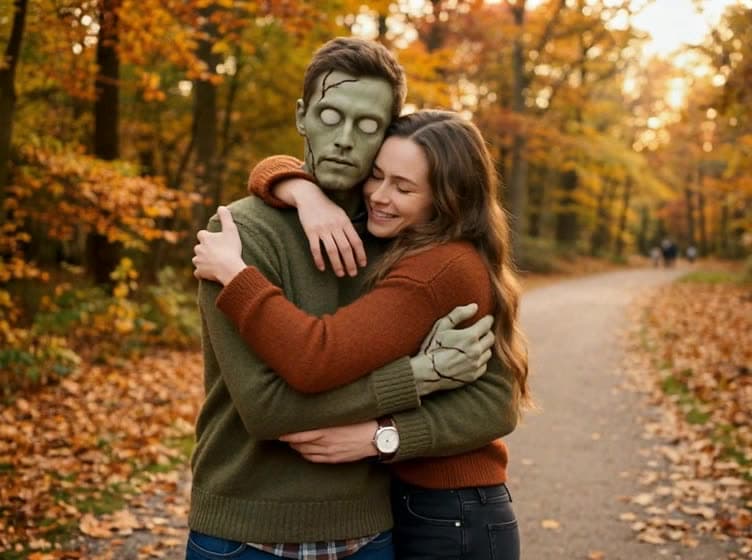
Hug videos made from one photo
Every clip below started as a single still photo. The AI animates the step in and the embrace, and keeps the people, clothes and background exactly as they were.
A real embrace, the same two people
They turn toward each other, step in and hold. Arms wrap naturally, both faces stay visible and relaxed. Old prints and black-and-white photos keep their original look, which is why this is the effect people reach for with reunions and family photos.
Start free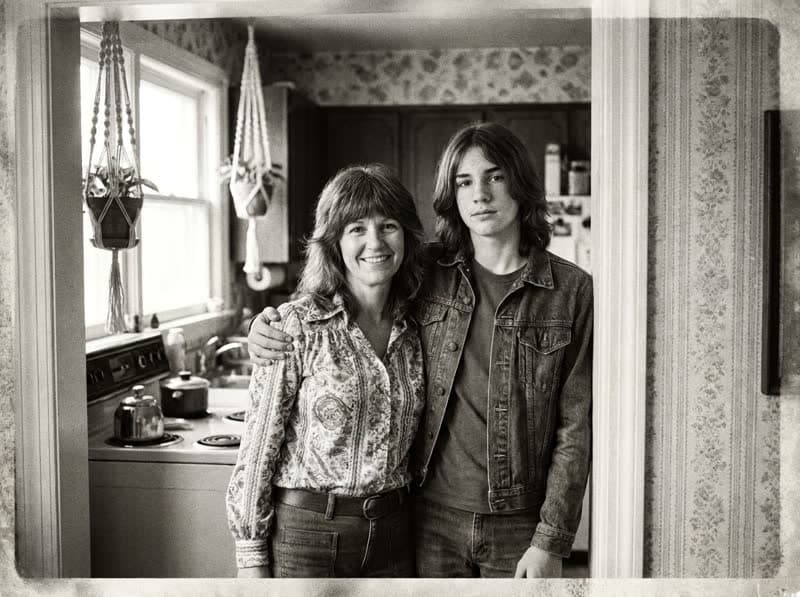 Your photo
Set the mood if you want to
The default prompt is tuned and tested. Open "Adjust the prompt" to change the mood: a long hug at a station, a quick hug and a laugh, a hug from behind. Everything else stays one click.
Start freeHow to make an AI hug video
Three steps, about a minute of waiting.



At a glance
- Each video costs 10 credits and lasts 5 seconds.
- New accounts receive 10 to 30 free credits, so your first video fits within the minimum free allowance.
- You can also pay once with no subscription: $2.99 for one video or $5.99 for three, and those credits stay valid for 12 months.
- The video is silent, and its aspect ratio follows your photo.
- The model is made by ByteDance, and most videos are ready in under 60 seconds.
- If you upload two separate photos, they are first combined into one for 3 credits, so that route costs 13 credits in total.
- Free-plan downloads carry a small Vidney watermark; paid plans download without it, and so do downloads for 12 months after any one-time purchase.
Frequently asked questions
What is an AI hug video?
A short clip generated from a still photo in which the two people turn toward each other and hug. The AI keeps their faces, clothes and the background and animates only the motion. Read our tested guide
Which photos work best?
Two people, faces visible, framed from the waist up with a small step between them. Group photos work if you crop to the two people who should hug.
Is the AI hug video generator free?
New accounts get free credits, enough for your first videos. After that, each video uses credits, and the price is shown before each run. Credits come with a subscription plan; the cheapest, Starter, is $9 a month. You can also pay once with no subscription: $2.99 for one video or $5.99 for three, and those credits stay valid for 12 months.
Can I use an old or black-and-white photo?
Yes. Scanned prints and black-and-white photos animate normally; the model keeps the original color style rather than colorizing it.
Can I make a hug with someone who has passed away?
Yes, this is one of the most common uses. Use the clearest photo you have of the two of you. The result keeps their face; it does not invent new features.
Do I own the video?
Yes. Generated output is yours to use, including commercially, subject to the source model terms. No watermark on paid plans.
