

Video effect
AI Talking Pet
Type a line, upload a photo, and your cat or dog says it out loud, its mouth moving with every word.
Talking pet videos made from one photo
Each clip started as one still photo and one typed line. The pet looks into the camera and says the line in a voice that fits, with its mouth, ears and brows moving along. Tap the speaker on a clip to hear it.
It says your words, out loud
The video comes with sound: a voice speaks the line you typed while your pet’s mouth moves in time with the words, and its ears and brows play along. The pug here swears it did not eat your sock. Fur, markings, face and the room stay exactly as in your photo.
Start free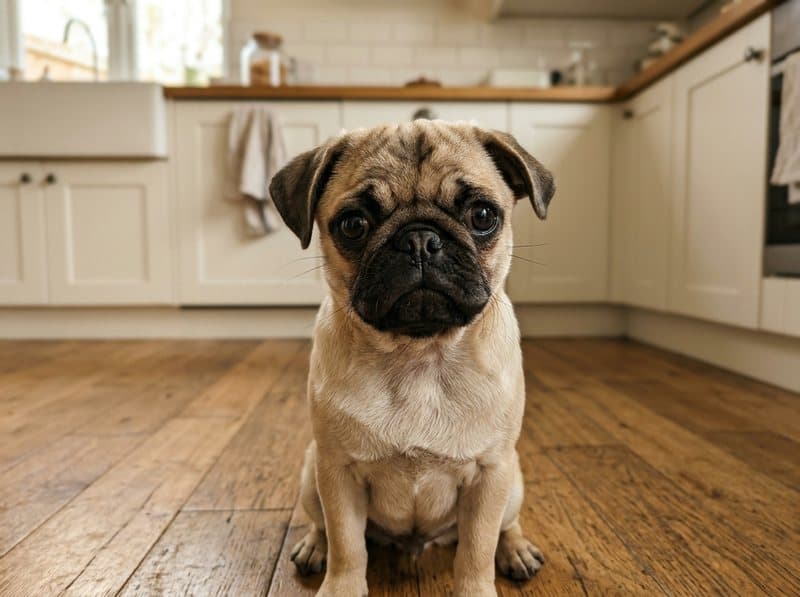 Your photo
Write any line you like
The default line is "Excuse me, human. Where is my dinner?" Open "Adjust the prompt" and change only the words inside the quotes: the Shiba here wants five more minutes in bed. Keep it to one or two short sentences so it fits in five seconds.
Start freeHow to make your pet talk with AI
Three steps, about a minute of waiting.



At a glance
- Each video costs 10 credits and lasts 5 seconds.
- New accounts receive 10 to 30 free credits, so your first video fits within the minimum free allowance.
- You can also pay once with no subscription: $2.99 for one video or $5.99 for three, and those credits stay valid for 12 months.
- The video includes sound, and its aspect ratio follows your photo.
- The model is made by ByteDance, and most videos are ready in under 60 seconds.
- Free-plan downloads carry a small Vidney watermark; paid plans download without it, and so do downloads for 12 months after any one-time purchase.
Frequently asked questions
How do I make my cat or dog talk with AI?
Upload a photo of your pet, open "Adjust the prompt", replace the words in quotes with what your pet should say, and press Create. In about a minute you get a 5-second video with sound in which your pet looks at the camera and says the line, its mouth moving with the words. It runs in the browser on your phone or computer, with nothing to install.
Is it free? How many credits does it cost?
New accounts get free credits, enough for a first video. After that, one 5-second talking video costs 10 credits at the default settings, sound included, and the price is on the button before you confirm. Credits come with a subscription plan; the cheapest, Starter, is $9 a month. You can also pay once with no subscription: $2.99 for one video or $5.99 for three, and those credits stay valid for 12 months.
What can my pet say, and how long can the line be?
Anything you type between the quotes, as long as it fits in about five seconds: one or two short sentences, around a dozen words. Longer lines get rushed or cut off. Lines that break the content rules are refused.
Can my pet talk in another language?
English is the most reliable. In our tests, a Japanese line and a Spanish line also came out clear, while a German line came out garbled. For any other language, try a short line first.
What photo works best?
A clear, well-lit photo in which your pet’s face is big in the frame and turned toward the camera, as a JPG, PNG or WebP. Framing from the chest up shows the mouth best. One pet per photo. A vertical photo gives a vertical clip.
Do I own the video? Is there a watermark?
Yes, the video is yours to use, including commercially, subject to the source model terms. Downloads on the free plan carry a small Vidney watermark; on any paid plan they download clean.
More pet video effects
Same kind of photo, three short videos: your pet dances, talks, or sings Happy Birthday.
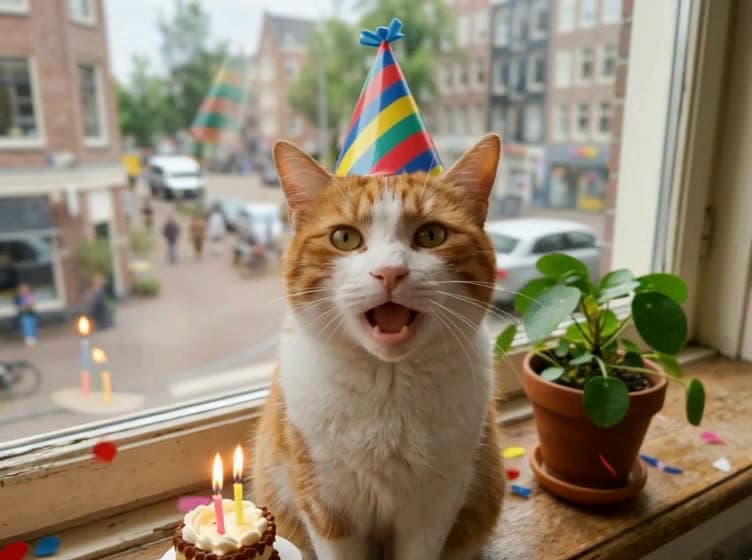
Dog & Cat Singing Happy Birthday
Type their name, upload one photo, and your dog or cat puts on a party hat and sings Happy Birthday to them, out loud, in an 8-second video.
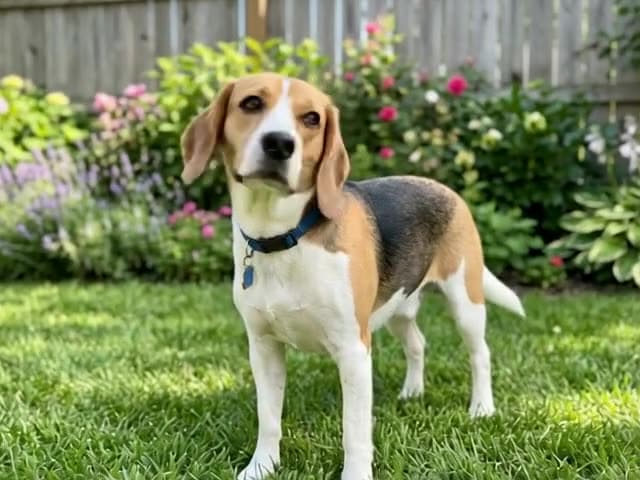
AI Pet Video Generator
Turn one photo of your dog or cat into a video: your pet comes to life and moves like a real animal, right where the photo was taken.
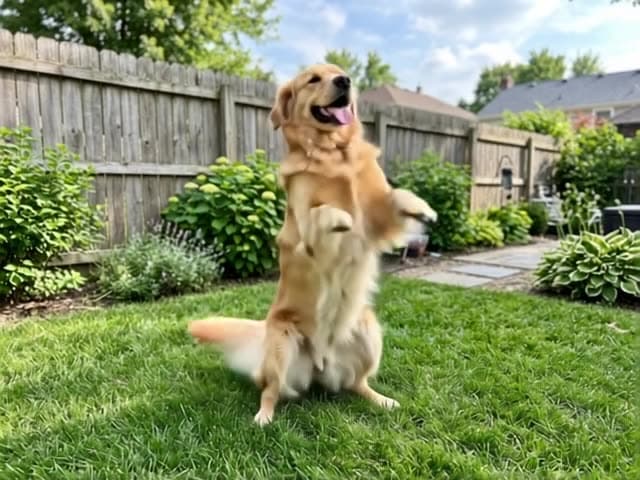
AI Pet Dance Generator
Make your dog or cat dance from one photo: it gets up on its back legs and dances right where the photo was taken.
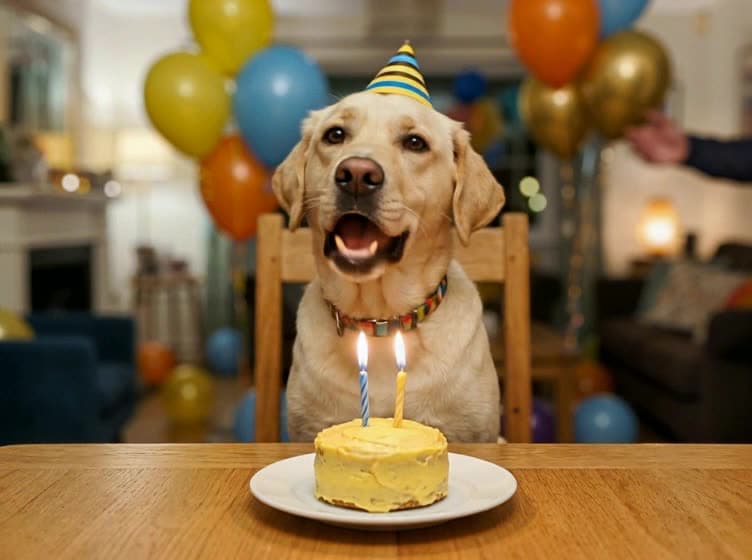
AI Singing Pet
Your dog or cat sings out loud, its mouth moving with every word, in an 8-second video made from one photo. Keep the ready-made lyric or write a short one of your own.
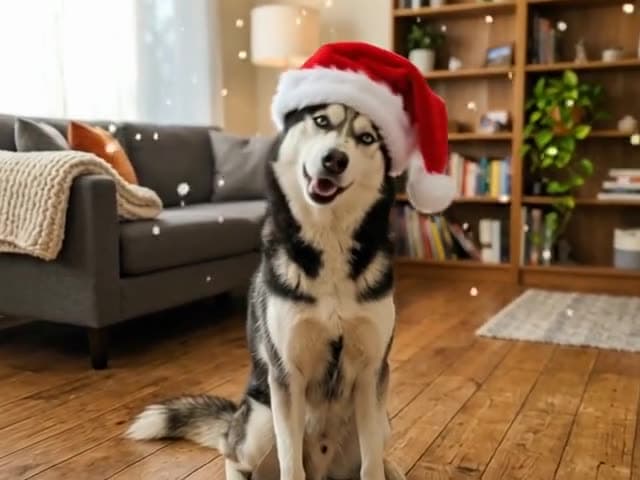
AI Pet Christmas Video
Turn one photo of your dog or cat into a Christmas video: a Santa hat on its head, snow drifting down, tree lights glowing behind.
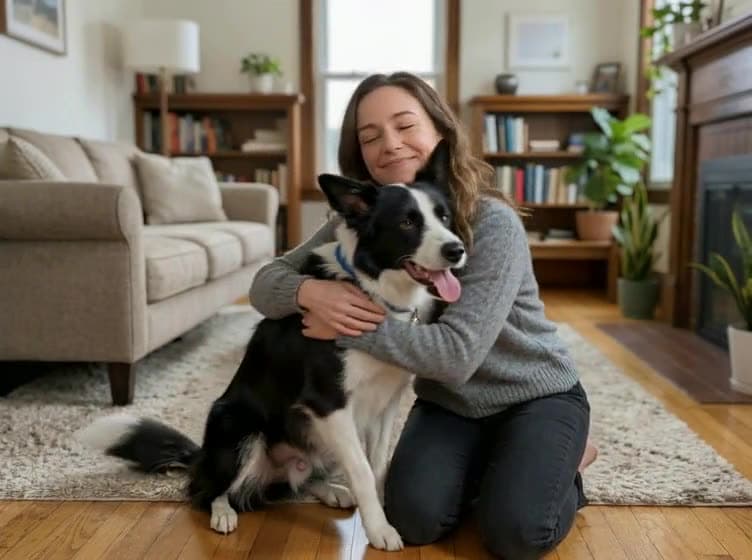
AI Pet Hug
Turn a photo of you and a photo of your pet into a warm 5-second hug video, even if you never took a photo together.
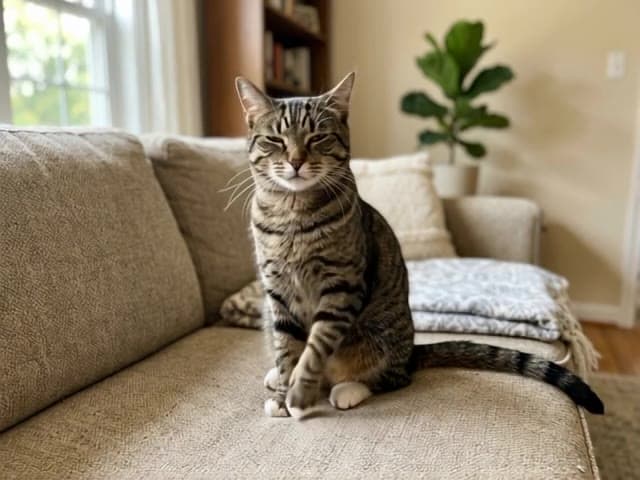
AI Pet Meme Generator
One photo of your cat or dog becomes a short, loop-ready meme clip: your pet slaps itself, claps its paws or struts up to the camera, and it still looks exactly like your pet.
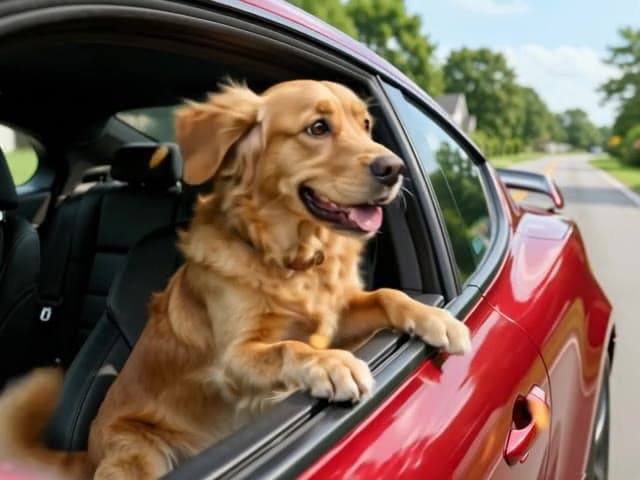
AI Pet Fast Car Video
Your pet’s first ride in a fast car: wind in its fur, snacks flying past and a reaction worth posting, all from one ordinary photo.
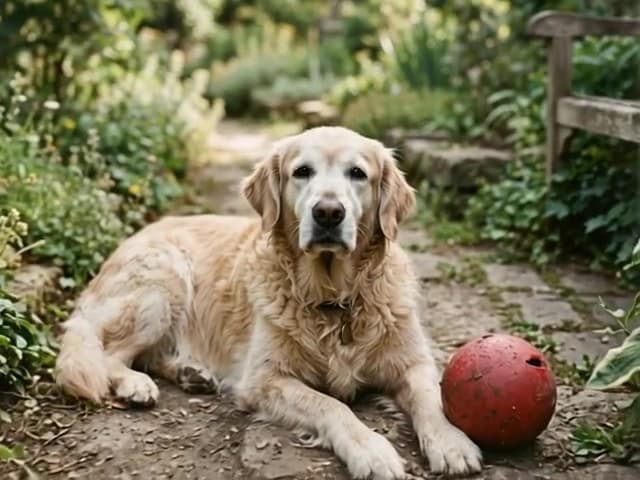
AI Pet Memorial Video
Turn one favorite photo of your dog or cat into a quiet tribute video with gentle, natural motion.
