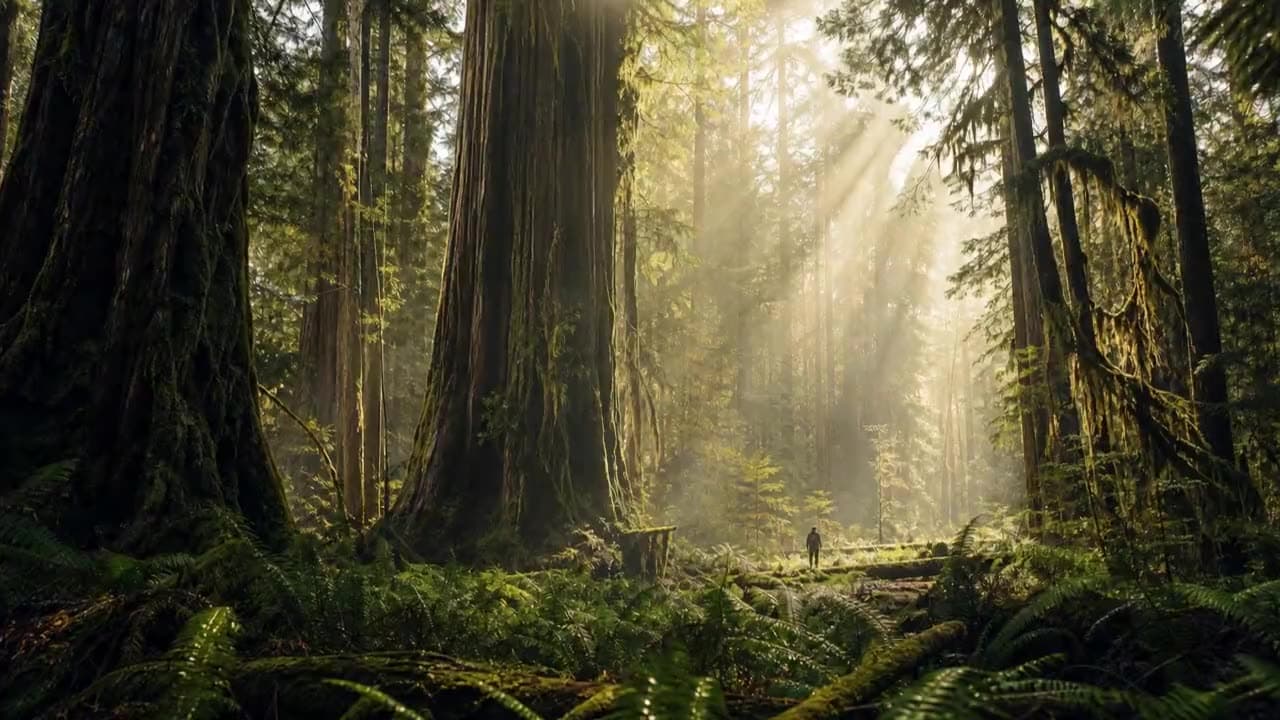
AI Video Generator
AI Video Generator
Turn a text prompt into AI video. Pick any supported model, one workspace.
See what you can make
Real prompts and their results from the models you can run here.
A diver leaps from a high board into a pool, water splashing up and rippling outward as the surface settles
A martial artist performs a powerful spinning kick, hair and loose clothing trailing the motion with real weight
A three-shot sequence at a small stone harbor at sunrise, the same woman in every shot. Shot 1, wide aerial: a red wooden fishing boat motors into the harbor past a white lighthouse, gulls circling overhead. Shot 2, medium handheld on deck: a young fisherwoman with a dark braid, a yellow oilskin jacket and a grey knit beanie hauls a dripping net full of silver fish over the side, water pouring off the net. Shot 3, close-up: she wipes sea spray from her cheek with the back of her glove, looks down at the catch and laughs. Sound: engine chug, gulls, waves against the hull, the net slapping onto the deck, her laugh. No music, no subtitles.
Models for AI Video Generator
24 models support this task type. Open any one for full specs.
Every clip comes back with its own sound, dialogue and lip sync included.
The lighter Grok video model: sound in every clip, a quicker turnaround and a cheaper 720p.
Kuaishou's newest Kling: up to half a minute in one take, with the sound generated alongside the picture.
Three ways into a shot, and the sound arrives in the same pass as the picture.
Generate AI video with MiniMax H3 Max: text to video and image to video, all from one Vidney workspace.
Up to 30 seconds in one pass, sound included: write the scene, animate a start frame, or cast it from reference images.
Generate AI video with Seedance 2.5: text to video, image to video, and reference to video, all from one Vidney workspace.
Generate AI video with MiniMax H3: text to video, image to video, and reference to video, all from one Vidney workspace.
Generate AI video with Seedance 2.0: text to video and image to video, all from one Vidney workspace.
OpenAI closed Sora, but text to video still runs here: 4, 8 or 12 seconds, 720p, with sound.
Generate AI video with Veo 3.1: text to video and image to video, all from one Vidney workspace.
Generate AI video with Kling 3.0: text to video and image to video, all from one Vidney workspace.
Generate AI video with Kling 2.6: text to video and image to video, all from one Vidney workspace.
Alibaba's Wan 2.6 with its Flash tier: the lowest price per second in the Wan family for putting a still in motion.
Generate AI video with Kling V3 Omni: text to video and image to video, all from one Vidney workspace.
Generate AI video with Runway Gen-4 Turbo: text to video and image to video, all from one Vidney workspace.
Generate AI video with Seedance 1.5 Pro: text to video and image to video, all from one Vidney workspace.
Generate AI video with Kling 2.5 Turbo: text to video and image to video, all from one Vidney workspace.
Alibaba's Wan 2.7 makes the frame and then moves it: stills, edits and clips with sound from one model family.
Generate AI video with Kling O1: text to video and image to video, all from one Vidney workspace.
Write the scene, the lines and the sound, and Shengshu's Q3 returns all three together, from one second to sixteen.
Alibaba's first Wan with sound built in: speech, effects and music come out with the picture, from a low-cost 480p tier.
Generate AI video with Pixverse V6: text to video and image to video, all from one Vidney workspace.

The video model that topped the blind arena before anyone knew Alibaba made it, with sound in every clip.
How to use the Vidney AI Video Generator
Create AI video with the Vidney AI Video Generator in three steps.


Frequently asked questions
What is the Vidney AI Video Generator?
The Vidney AI Video Generator lets you create AI video from text to video using any supported model in one workspace.
Which models can I use with the AI Video Generator?
You can use Grok Imagine Video 1.5, Grok Imagine Video 1.5 Lite, Kling 4.0, Gemini Omni 1.1 Flash, MiniMax H3 Max, Wan 3.0, Seedance 2.5, MiniMax H3, Seedance 2.0, Sora 2, Veo 3.1, Kling 3.0, Kling 2.6, Wan 2.6, Kling V3 Omni, Runway Gen-4 Turbo, Seedance 1.5 Pro, Kling 2.5 Turbo, Wan 2.7, Kling O1, Vidu Q3, Wan 2.5, Pixverse V6, and HappyHorse 1.0.
Do I need an API key to use the AI Video Generator?
No. Vidney handles provider access and billing, so there are no API keys to manage and no provider account to set up.