Photo effect
Add Santa to Photo with AI
Upload your photo and Santa shows up in it: posing with the family, leaving gifts by the tree, eating the cookies or peeking around a corner. Nothing else in the photo changes.
3 credits per image. New accounts get 10 to 30 free credits depending on country, no card needed.
Santa added to everyday Christmas photos
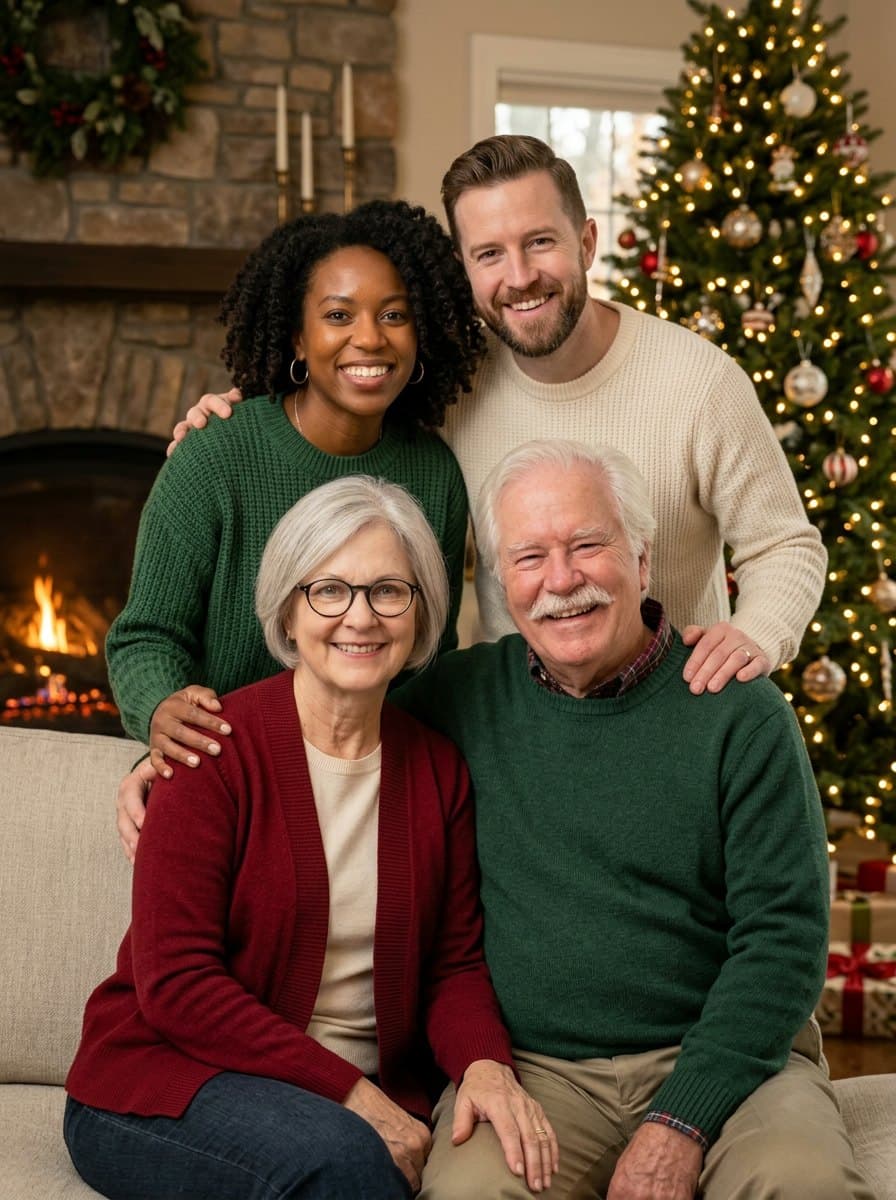
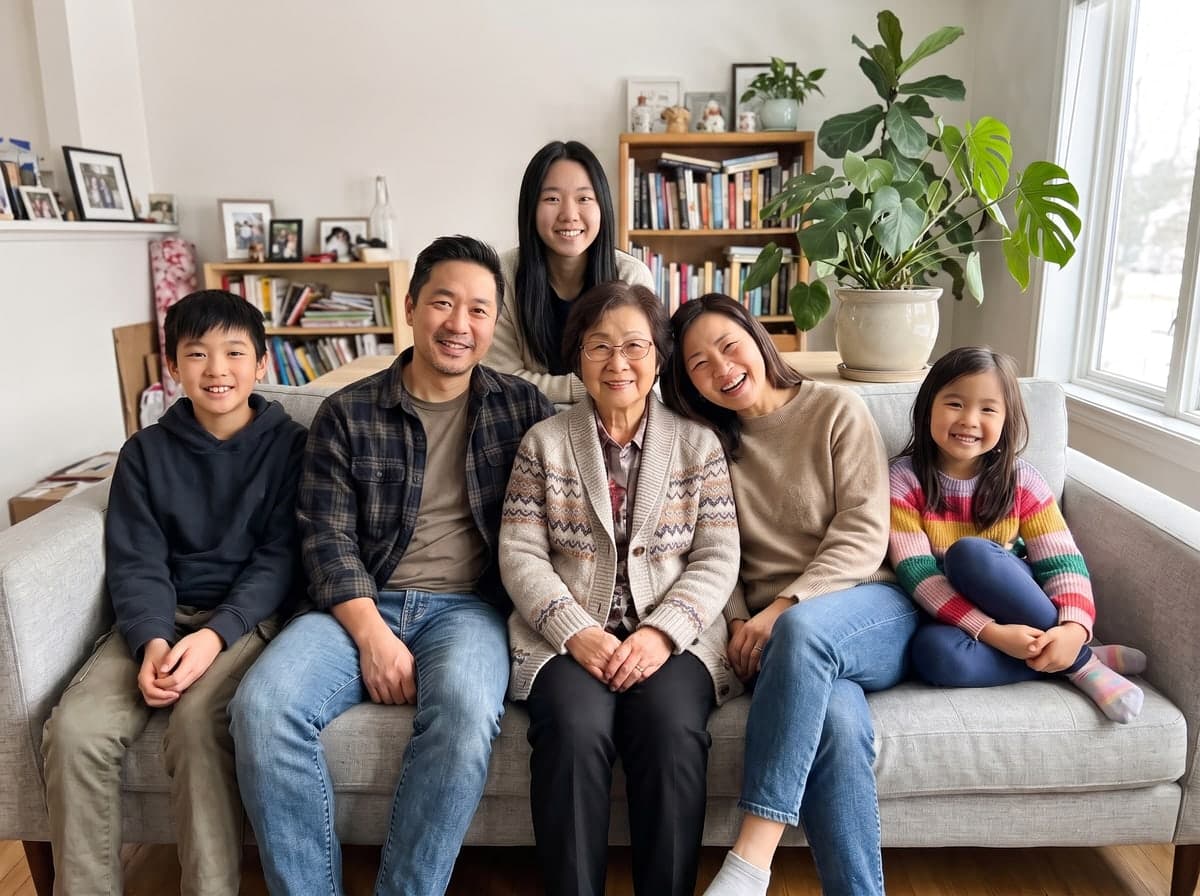
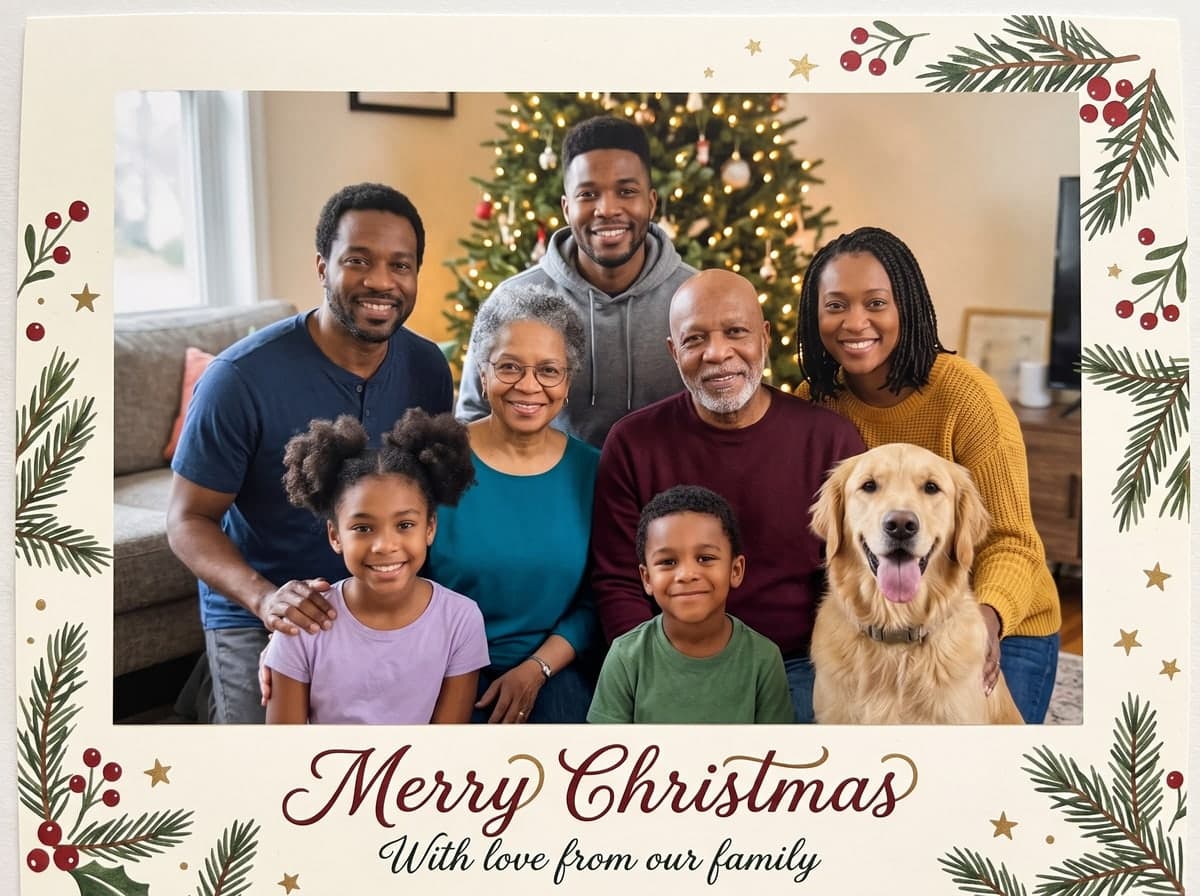
Each result started from one ordinary photo and one pick from the scene menu. The people, pets, furniture and decorations stay where they were; only Santa is new, at the right size and in the same light.
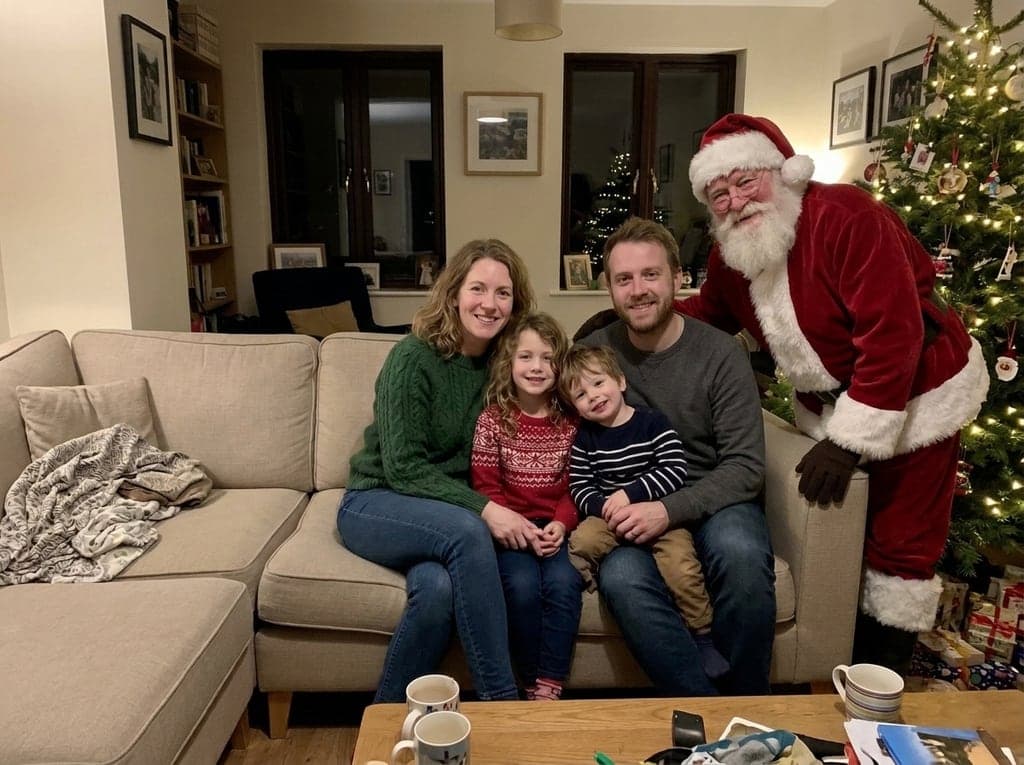
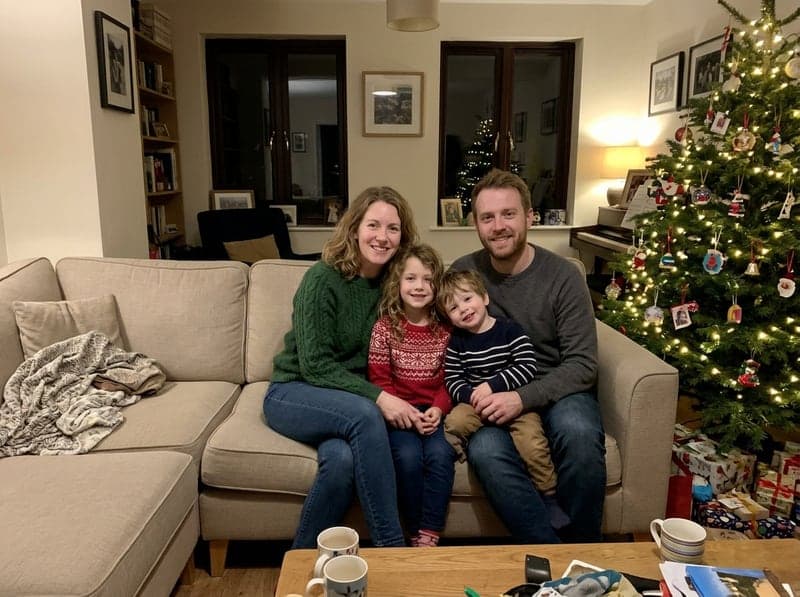 Family on the sofa, Santa poses with them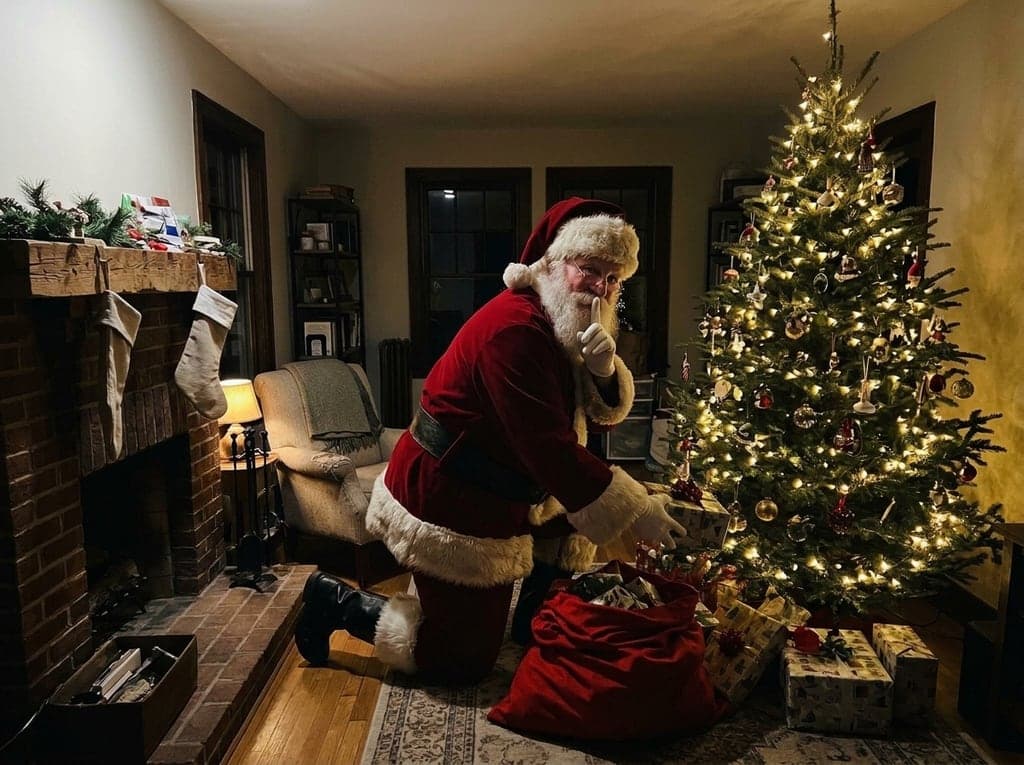
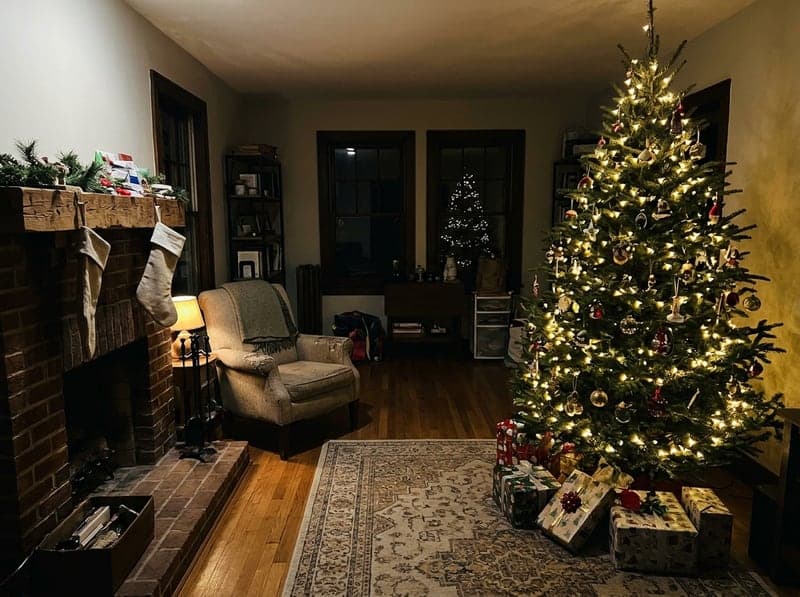 Empty living room, Santa leaves gifts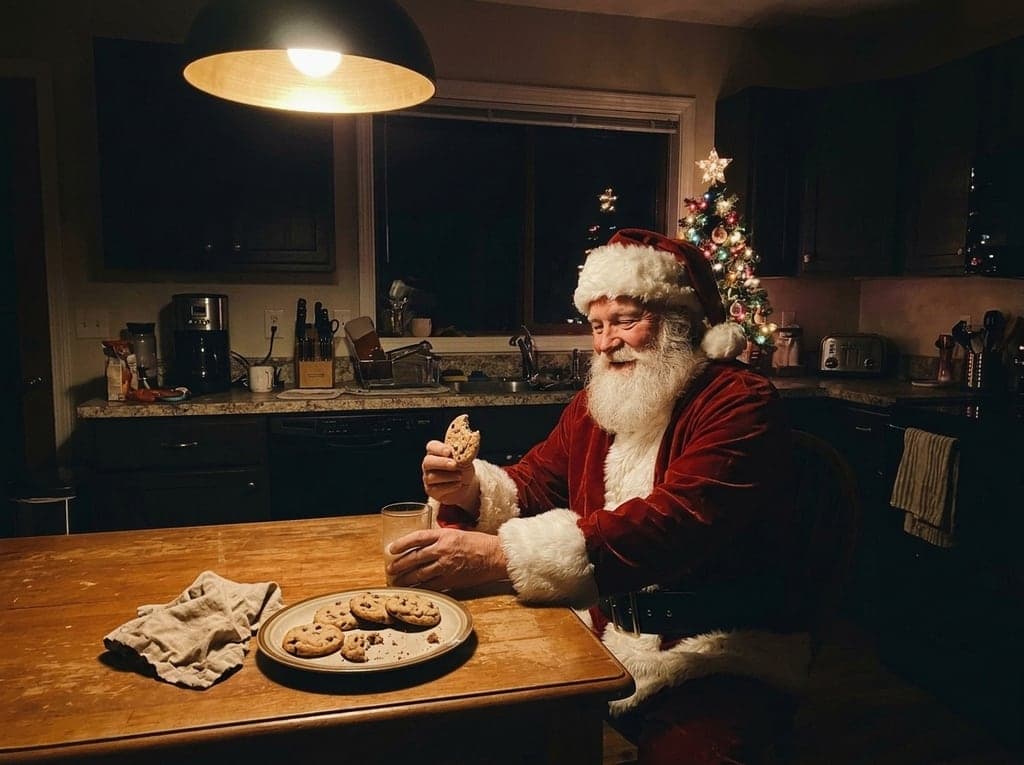
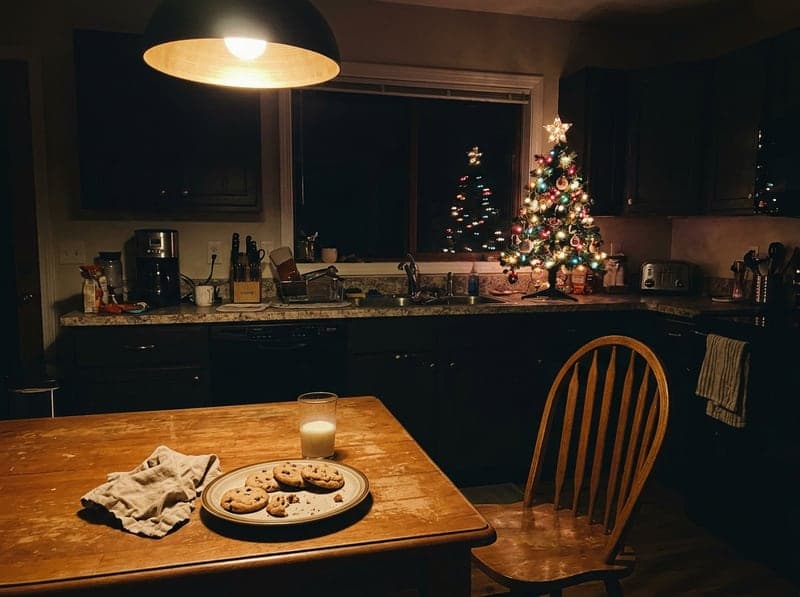 Kitchen table, Santa eats the cookies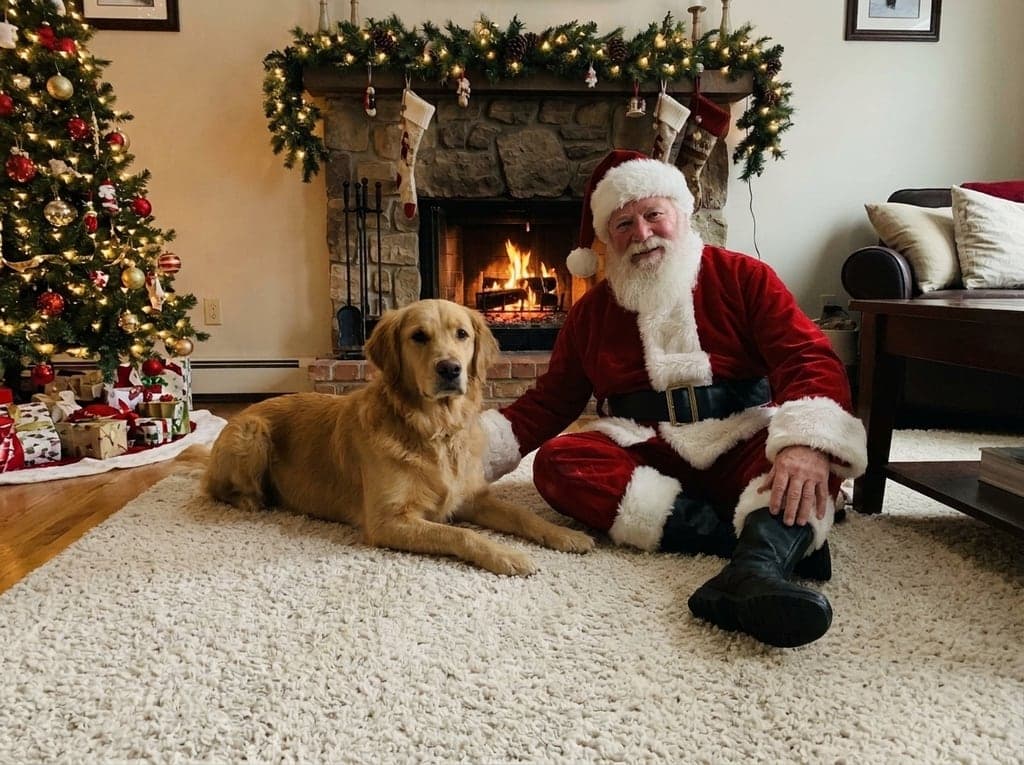
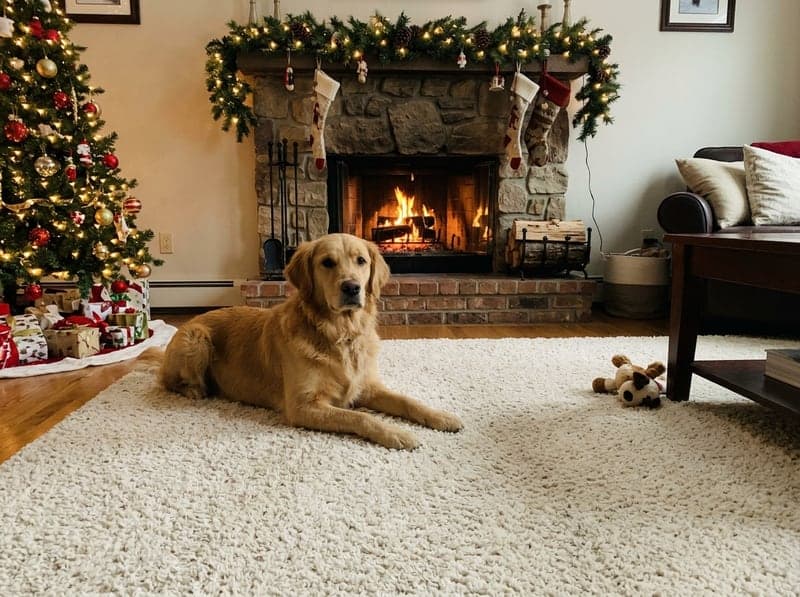 Golden retriever with Santa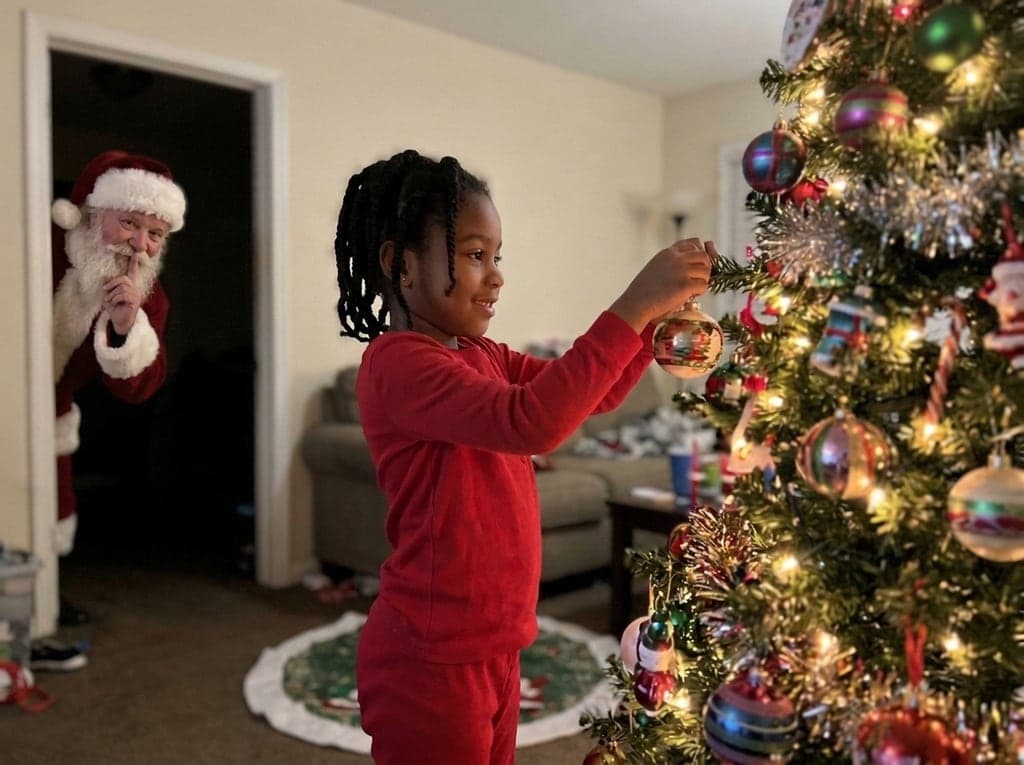
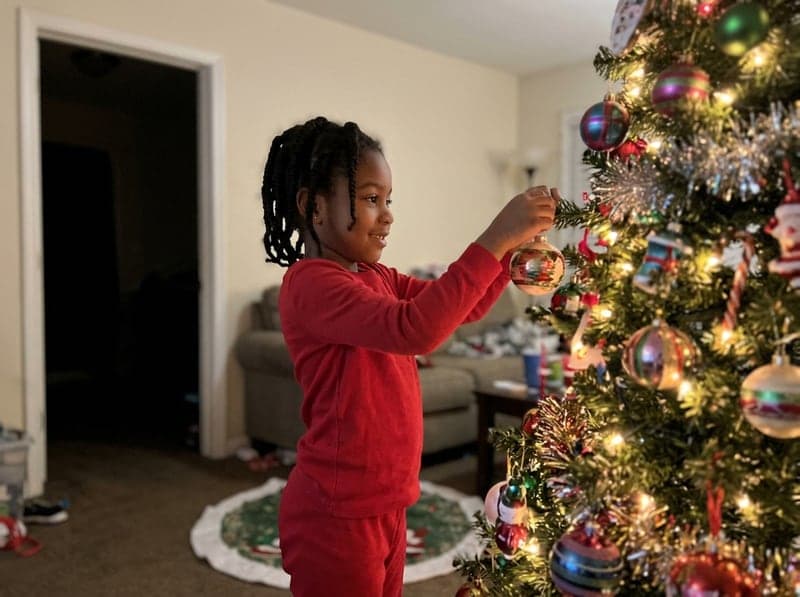 Girl at the tree, Santa peeks in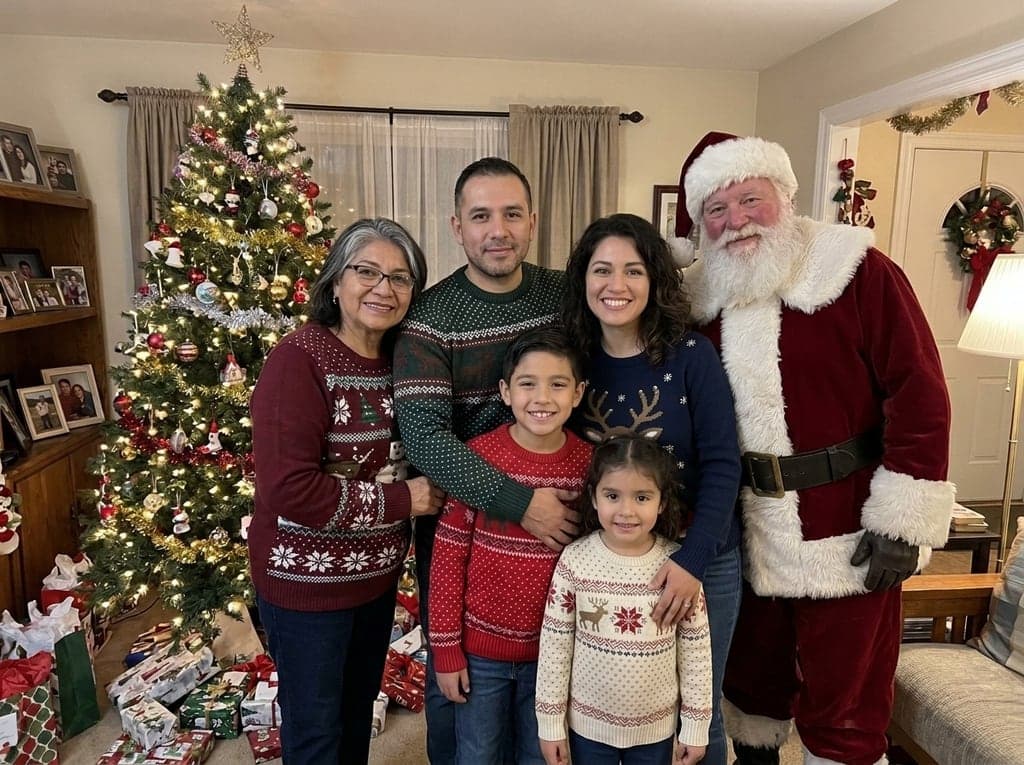
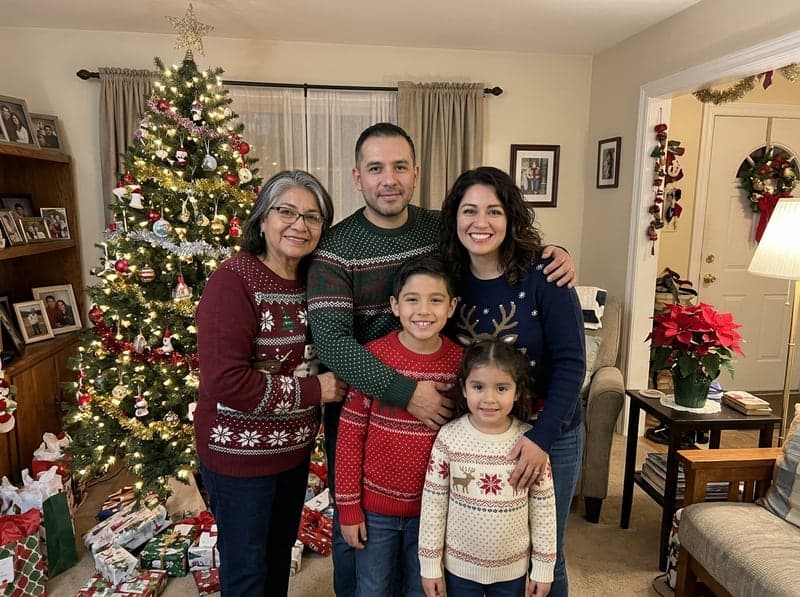 Family of five with Santa
Your photo stays your photo
Faces, poses, clothes, the room and the light are kept as they were, and nobody is moved or retouched. Santa is added at the right size for where he stands, lit from the same side as everything else, with matching shadows and grain, so the picture looks taken that night rather than edited.
Start freeYour photoPhoto with SantaFour ways for Santa to show up
Pick Pose with us for a family picture with Santa, Leaving gifts for the classic caught-in-the-act photo by the tree, Eating the cookies for the plate you left out, or Peeking in for a playful glimpse from a doorway. Santa looks like a real man in a classic red suit, never a mascot costume.
Start freeHow to add Santa to a photo with AI
Three steps, about a minute of waiting.



At a glance
- Upload your photo and Santa shows up in it: posing with the family, leaving gifts by the tree, eating the cookies or peeking around a corner. Nothing else in the photo changes.
- Images are made with Nano Banana 2.1 by Google.
- Each image costs 3 credits.
- New accounts get 10 to 30 free credits depending on country, no card needed, so even the smallest allowance covers 3 images at 3 credits per image.
- You can also pay once with no subscription: $0.99 for one image or $1.99 for three, and those credits stay valid for 12 months.
- Images come out at 1K resolution, 1200 × 896 pixels (4:3).
- You upload one photo (JPG, PNG or WebP, up to 10 MB).
- A typical image is ready in about 52 seconds.
- Free-plan downloads carry a small Vidney watermark; paid plans download without it, and so do downloads for 12 months after any one-time purchase.
- One photo at a time and exactly one Santa per photo. Everything else in the photo is kept; it does not add other people, change faces or move anyone.
Frequently asked questions
How can I add Santa to a photo for free?
Right here. New accounts get free credits, enough for a first photo with Santa: upload your photo above, pick a scene and press Create. After the free credits, one photo costs 3 credits, and the price is on the button before you confirm. Credits come with a subscription plan; the cheapest, Starter, is $9 a month. You can also pay once with no subscription: $0.99 for one image or $1.99 for three, and those credits stay valid for 12 months.
Which scenes can I choose?
Four: Pose with us (selected by default), where Santa stands or sits beside the people or pets and smiles at the camera; Leaving gifts, where he kneels by the tree with a sack of presents and a finger to his lips; Eating the cookies, where he sits at the table with a cookie and a glass of milk; and Peeking in, where he looks in from a doorway or a corner. Each one was tested on real runs before it went into the menu.
Will the rest of my photo change?
No, that is the main rule of this page: the same people with the same faces, expressions, poses and clothes, the same room, furniture, decorations, framing and light. Exactly one Santa is added and nobody else. He can cover what was behind him, like a chair or a plant. In all six sample runs every face and every room stayed as it was; if something looks off, run it again.
Which photos work best?
A clear photo with a little free space beside the people or near the tree, as a JPG, PNG or WebP. Indoor Christmas photos work best, but porches and gardens work too. A photo of the empty room is perfect for Leaving gifts and Eating the cookies, the classic proof for the kids that Santa came.
Can I make a photo of my dog or cat with Santa?
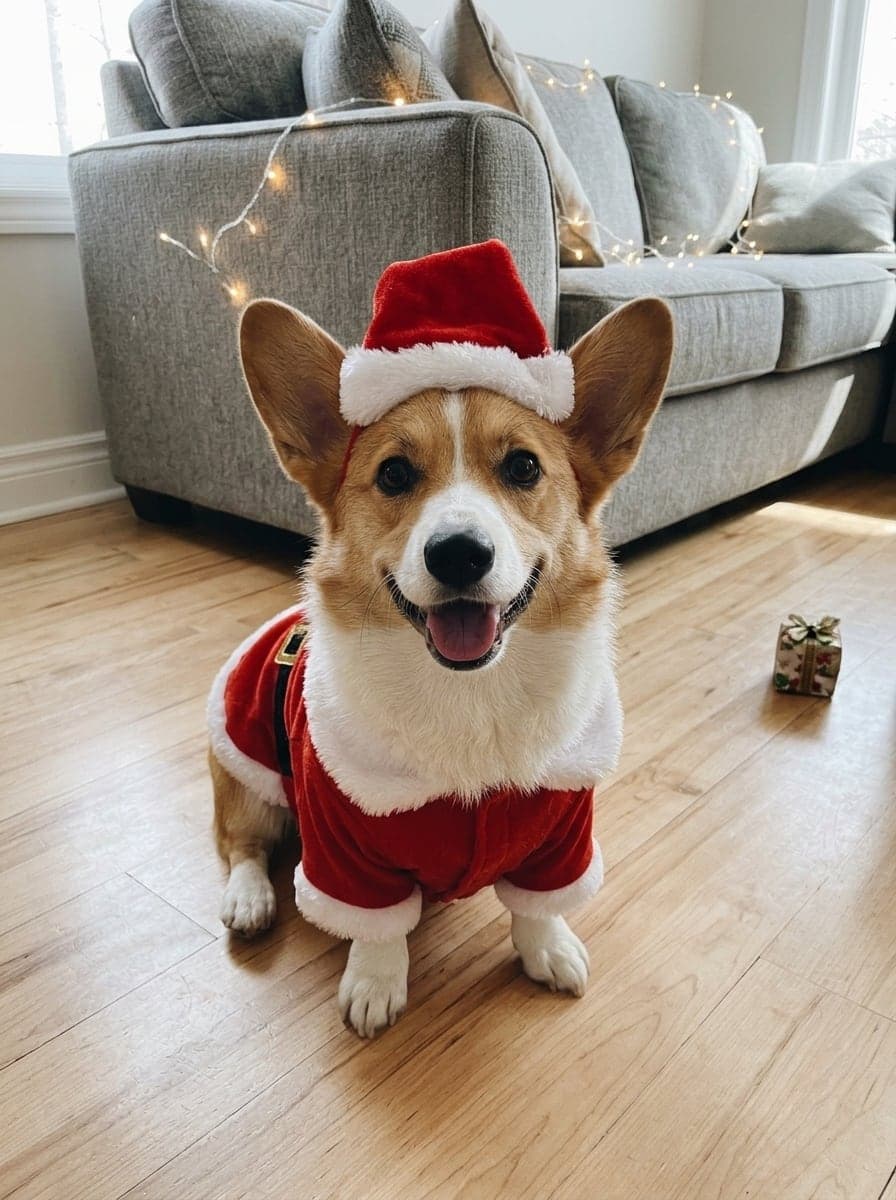
Yes. Upload a photo of your pet and keep Pose with us: Santa sits or kneels next to them and the pet stays exactly as it is, like the golden retriever above. To dress your pet in a Santa suit instead, use the AI Christmas Pet Photo page linked below.
Do I own the image? Is there a watermark?
Yes, the image is yours to use, including commercially, subject to the source model terms. Downloads on the free plan carry a small Vidney watermark; on any paid plan they download clean.