New item
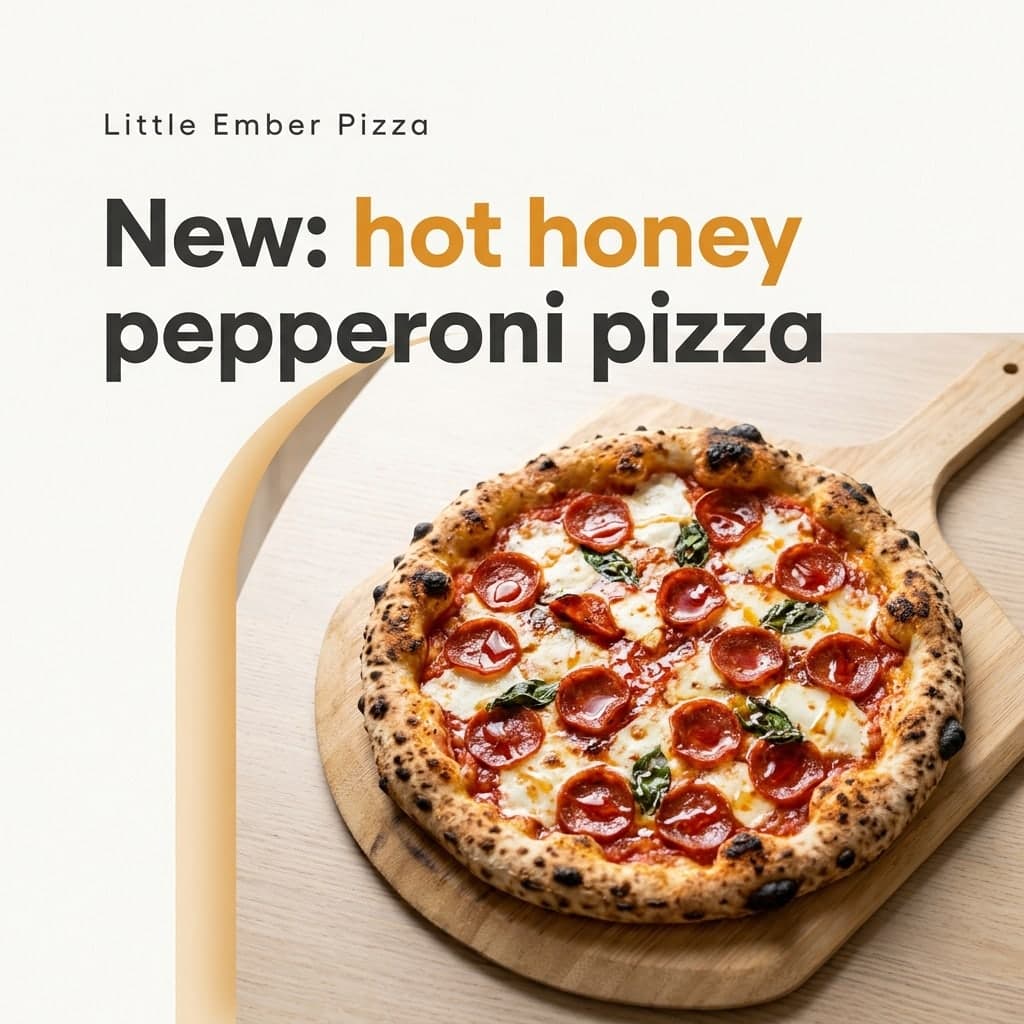
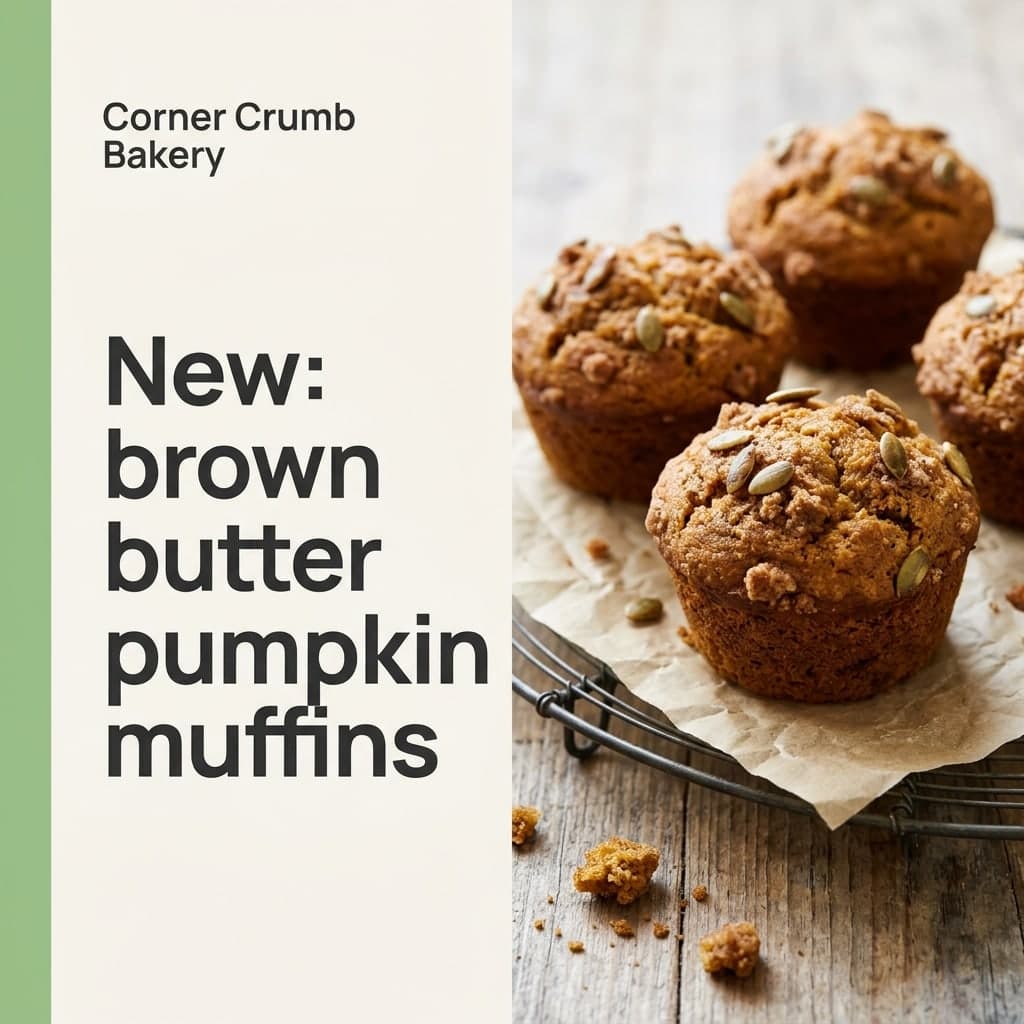
Your new product or menu item as the hero photo, clean and bright.
Typed in: “Little Ember Pizza” · “New: hot honey pepperoni pizza”
Photo effect
Type your shop name and one line about what is new, pick a post type, and get a finished square Instagram post. No prompt, no template to edit.
3 credits per image. New accounts get 10 to 30 free credits depending on country, no card needed.
Each post below came from exactly what is written under it: a shop name, one line and a post type. Fictional shops, real outputs, no edits afterwards.
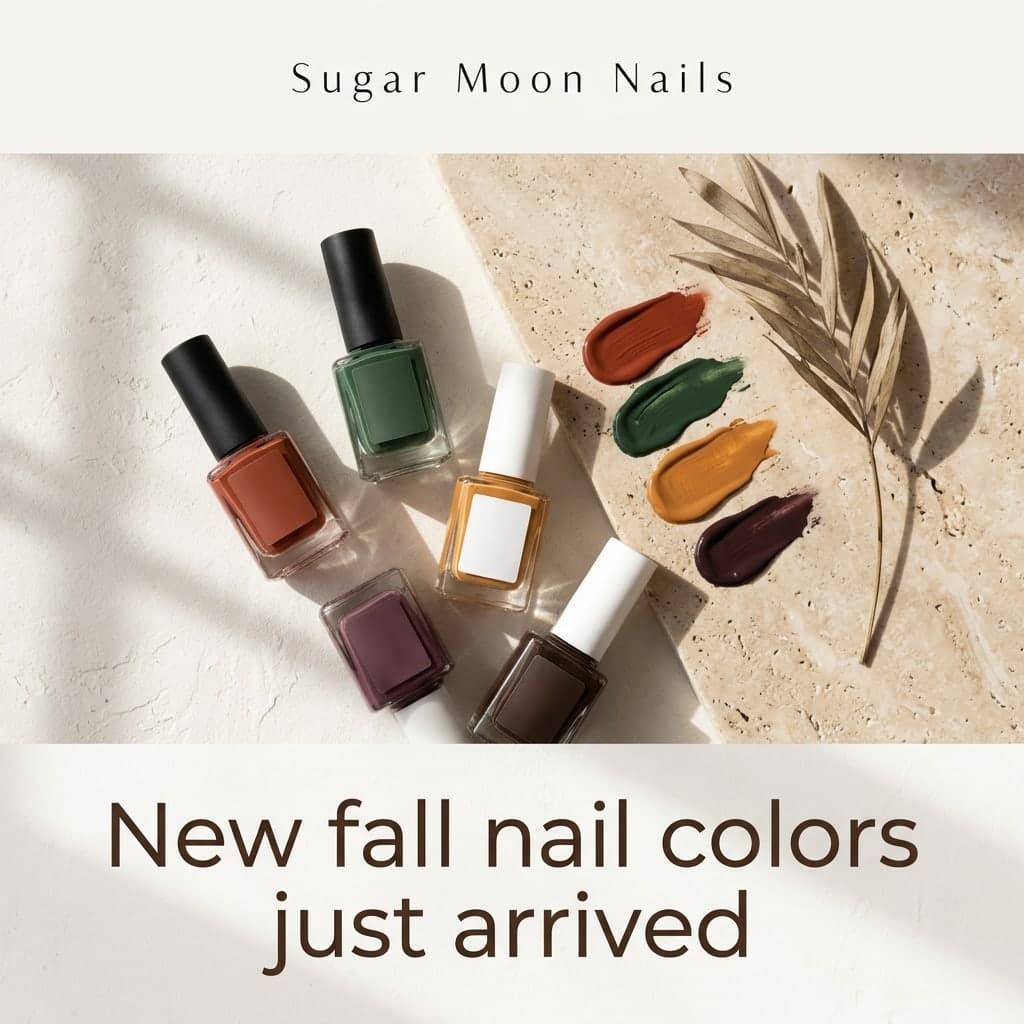
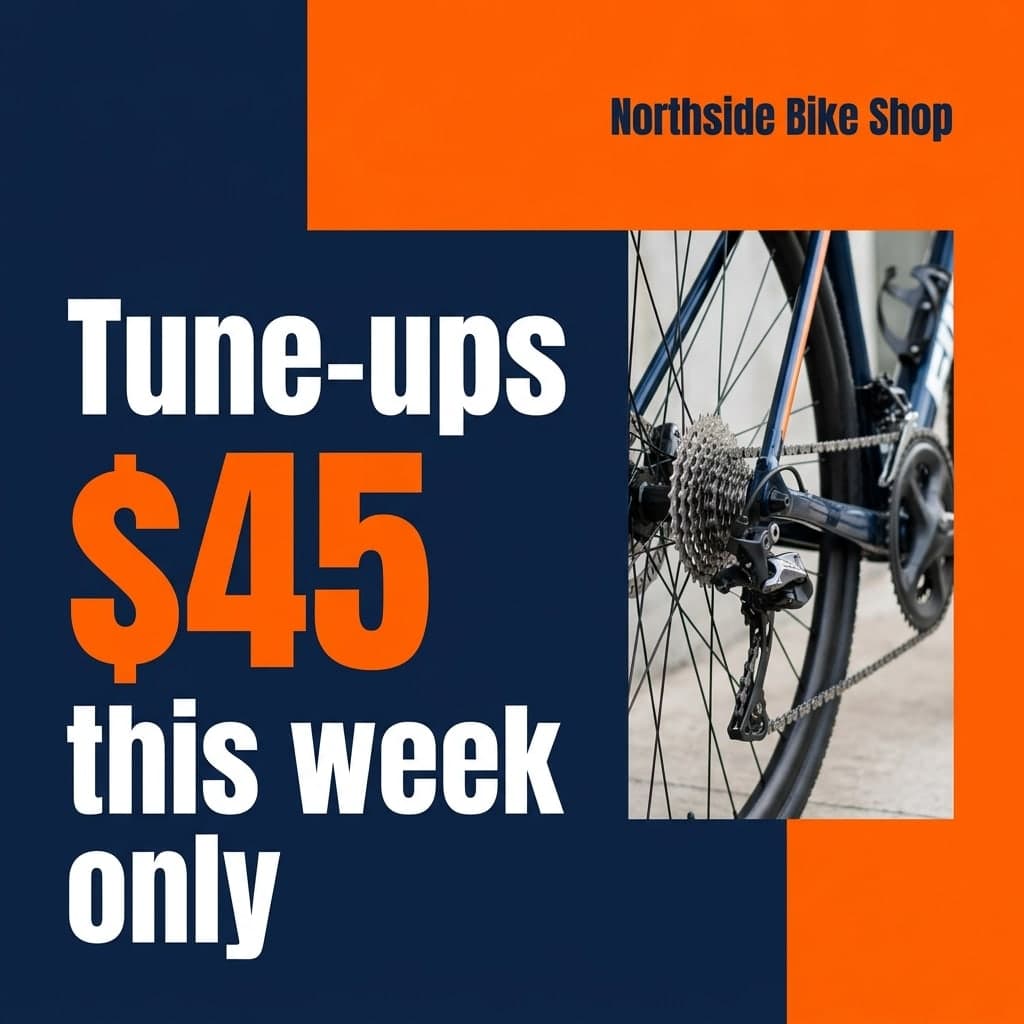
Each design is tuned for one kind of post. Pick it in the panel above and type your own shop name and line.
Your new product or menu item as the hero photo, clean and bright.
Typed in: “Little Ember Pizza” · “New: hot honey pepperoni pizza”

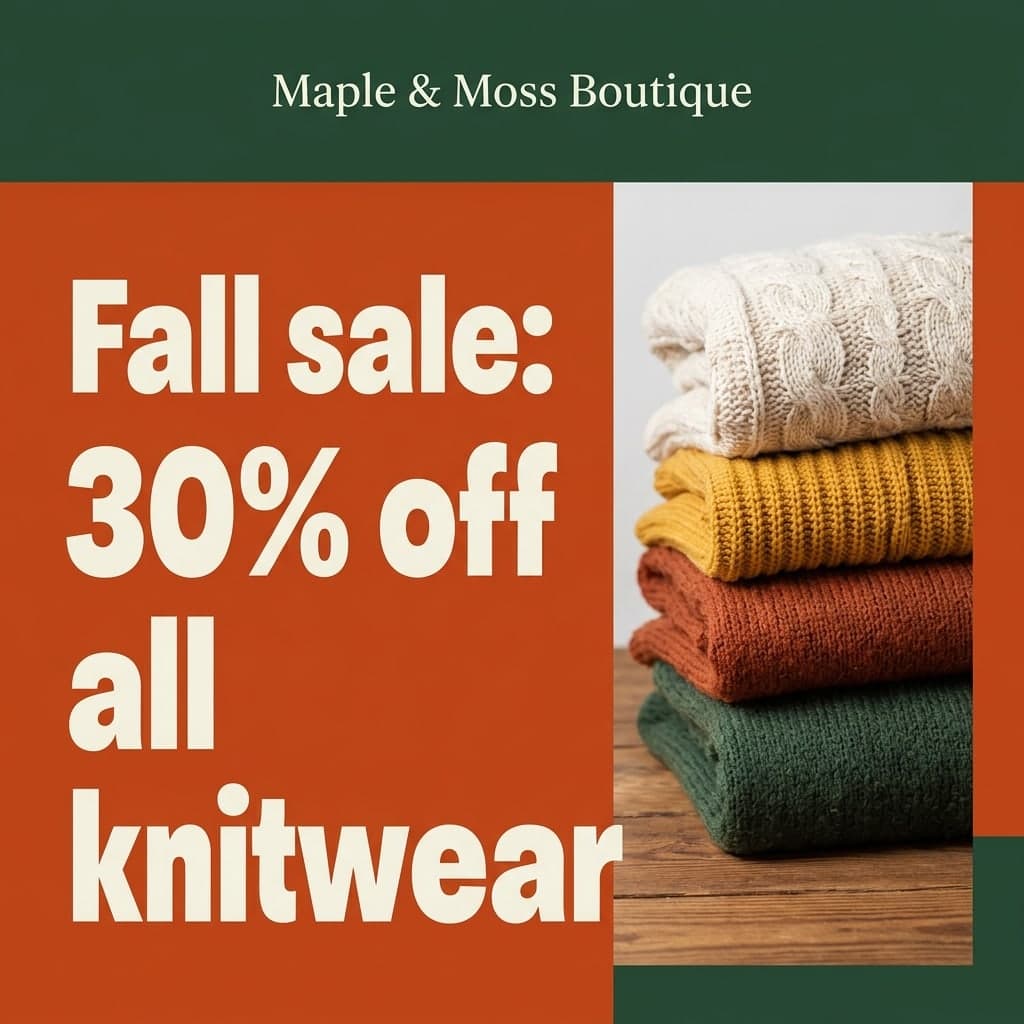
Big bold numbers on strong colors for a discount or a deal.
Typed in: “Denim & Dot Kids” · “All kids jackets 25% off”
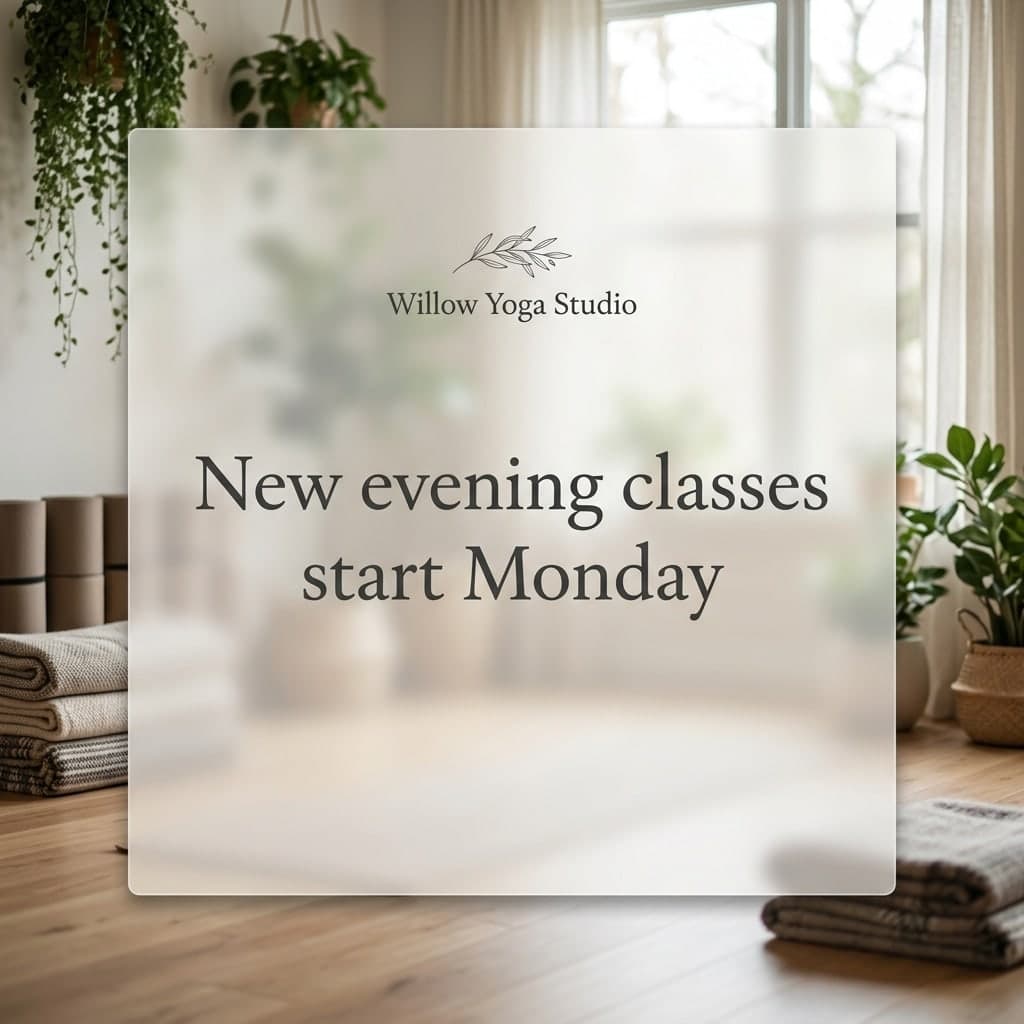
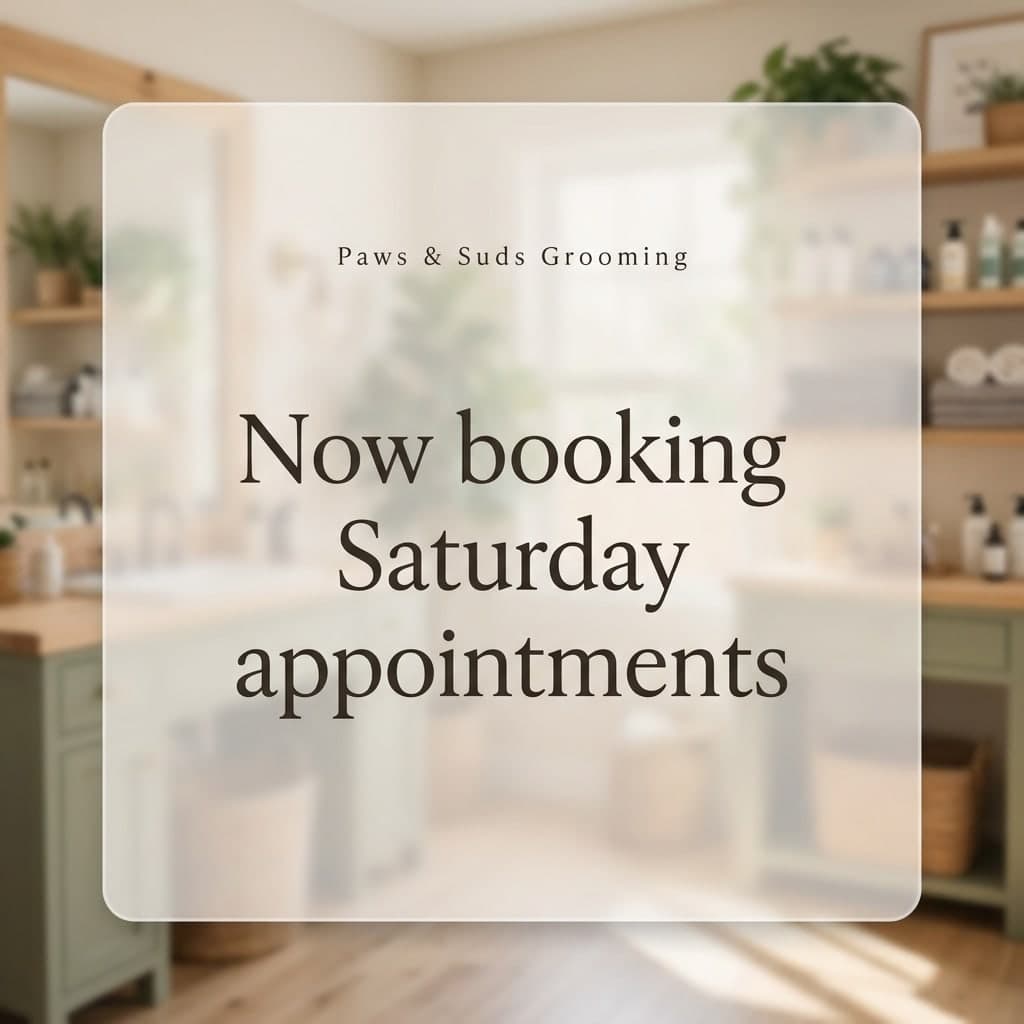
A calm text card over a shop like yours, for opening hours, bookings or news.
Typed in: “Willow Yoga Studio” · “New evening classes start Monday”
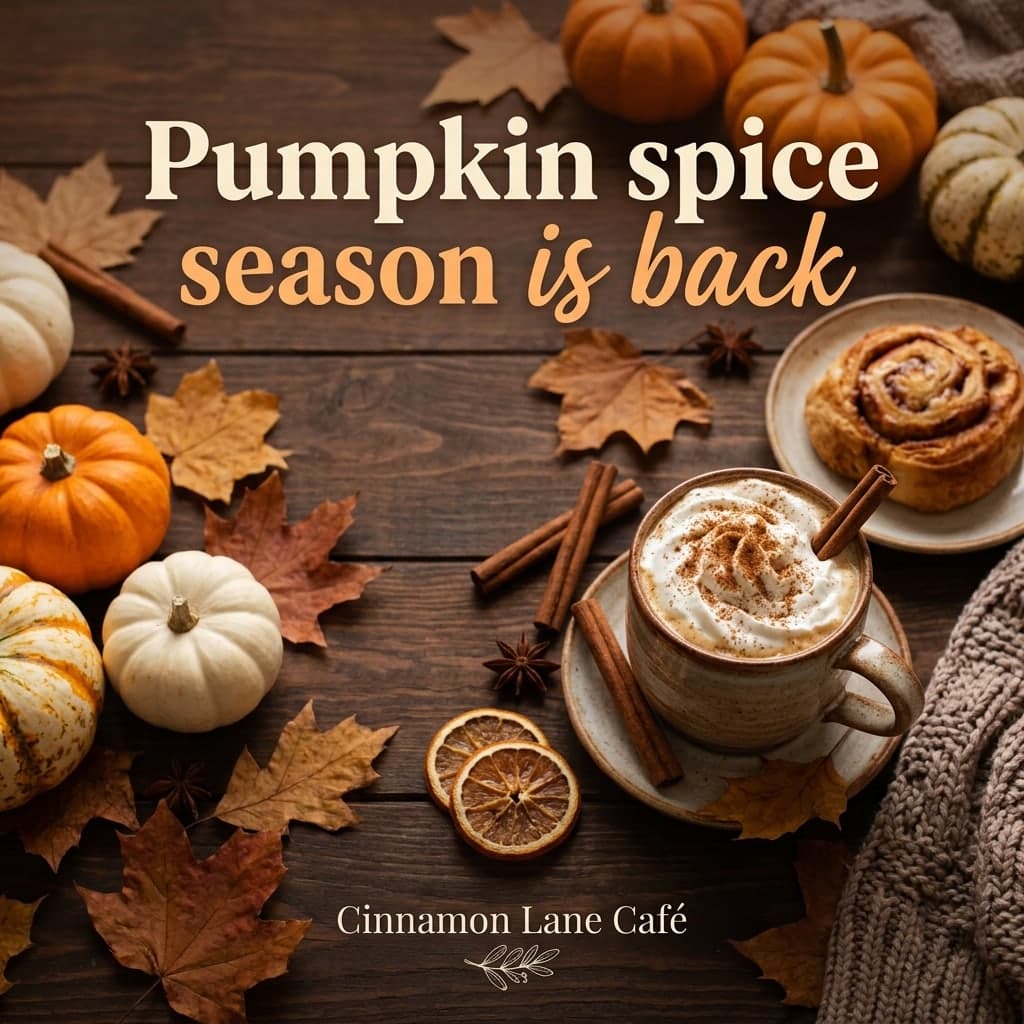
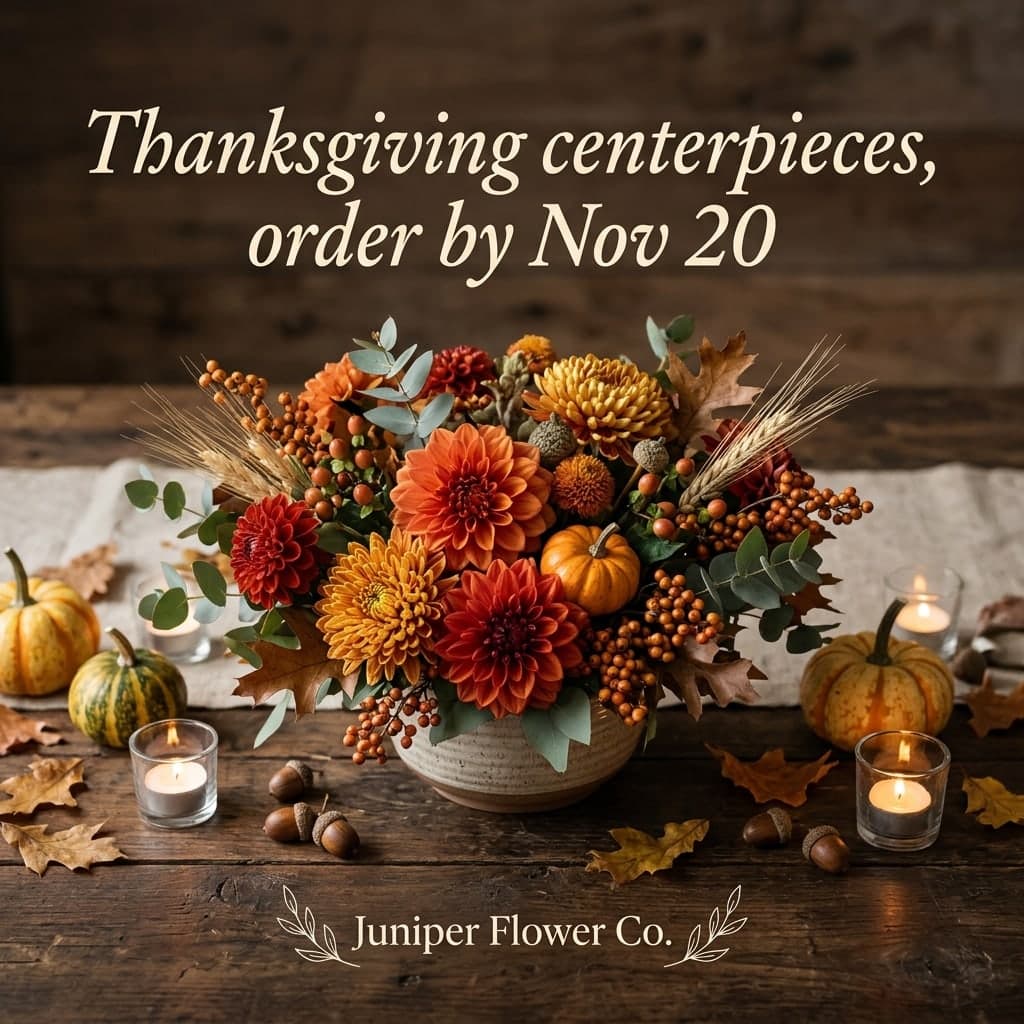
Festive props and colors that match the holiday or season you mention.
Typed in: “Cinnamon Lane Café” · “Pumpkin spice season is back”
Pick new item, sale, announcement or seasonal, and the photo, the layout and the lettering are made for that kind of post. Your shop name is set small like a logo and your line becomes the headline, printed exactly as you typed it, in your own language. No other text is invented around them.
Start freeShop name
Maple & Moss Boutique
What is new, in one line
Fall sale: 30% off all knitwear
Pick a post type
Sale
Instagram postPosts come out square at about 1024 × 1024 pixels, the classic Instagram feed format, and look just as good on Facebook or a WhatsApp status. The AI spells what you type, but it can still slip on a letter now and then, so read the post once before you share it and run it again if needed.
Start freeThree steps, no design app.



A tool that designs a finished social media post from a few words. On this page you type your shop name and one line, such as a new product, a discount or new opening hours, pick a post type, and the image, layout and lettering are generated for you. You never write a prompt.
Right here on Vidney: type your shop name and one line in the panel at the top of this page, pick new item, sale, announcement or seasonal, and create. The finished square post downloads as an image you can upload to Instagram from your phone or computer.
New accounts get 10 to 30 free credits depending on country, no card needed. A post costs 3 credits, so the free credits cover at least 3 posts. After that, credits come with a subscription plan; the cheapest, Starter, is $9 a month. You can also pay once with no subscription: $0.99 for one image or $1.99 for three, and those credits stay valid for 12 months. The price is always on the button before you create.
Not on this page. Posts come out square, about 1024 × 1024 pixels, which is the standard feed size. You can add the square image to a Story in the Instagram app, but a full-screen vertical Story design and video Reels are not made here.
Usually, yes. Your shop name and your line are printed as typed, including accents, prices and percentages. AI lettering can still get a character wrong now and then, so read the post before you share it and run it again if something is off.
Downloads on the free plan carry a small Vidney watermark; on any paid plan they download clean, including posts you made before upgrading. The images are yours to use for your shop, including commercially, subject to the source model terms.