AI Image Generator
Image to Image
Transform a reference image into a new AI image with any supported model.
See what you can make
Real prompts and their results from the models you can run here.
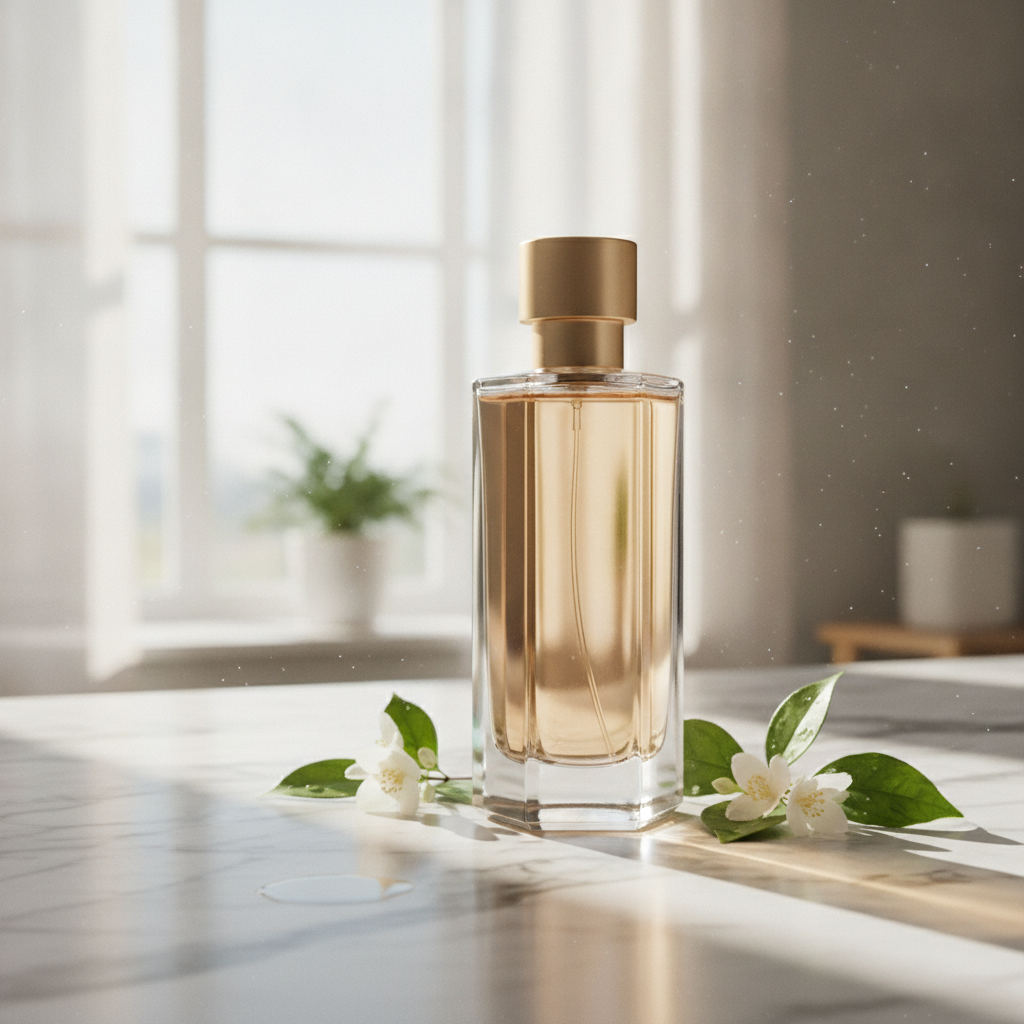
A sleek perfume bottle from a studio shot placed on a sunlit marble countertop with soft morning light, composited as one natural scene

E-commerce hero photograph of a stand-up kraft paper coffee bag with a matte cream label, square format, on a seamless warm beige background with a few roasted coffee beans scattered in front. The label text is large, crisp and spelled exactly: NORTH RIDGE in a bold black serif across the top, COFFEE ROASTERS in small spaced capitals under it, ETHIOPIA GUJI in medium black capitals in the middle, Washed · Light Roast on the next line, Peach · Jasmine · Honey on the line below, and 250 g at the bottom right of the label. Soft window light from the left, a gentle shadow, realistic paper texture and printing. No other text, no logos.

Photoreal interior of a small Japanese tea house at dawn during light rain, square format: tatami with visible weave, a low black lacquer table with a single ceramic cup and a thread of steam, shoji screens glowing with grey morning light, wet dark stepping stones and a bamboo ladle in the garden seen through the open engawa, a blank hanging scroll on the wall. Directional light from the screens on the left, soft shadows, fine wood grain on every post, precise texture at every scale from the cup to the garden. 50mm lens look, deep focus. No people, no text, no watermark.
Models for Image to Image
20 models support this task type. Open any one for full specs.
Alibaba's Wan 2.7 makes the frame and then moves it: stills, edits and clips with sound from one model family.
The small, fast Flux 3: an image from a prompt, or one change across up to ten references.
Google's new Flash image model: the words come back spelled right, and the face survives the next edit.
Two speeds on one page, and the words you typed come back spelled right.
Meta's image model checks its own draft before the picture comes back.
The Midjourney look you already know, with headlines that finally read.
xAI's image model plans the layout like a designer, so the small print survives.
The higher-detail Qwen Image 3.0 tier, for polished final frames and edits that stay faithful to the source.
One model that writes a new frame from text and revises an existing one from a plain instruction, both at 1K square.
Google's lightweight Nano Banana: 1K images and quick edits for work made in volume.
Generate AI image with Nano Banana 2: text to image and image to image, all from one Vidney workspace.
Generate AI image with Nano Banana Pro: text to image and image to image, all from one Vidney workspace.
Generate AI image with Seedream 5.0 Lite: text to image and image to image, all from one Vidney workspace.
Generate AI image with GPT Image 2.0: text to image and image to image, all from one Vidney workspace.
Generate AI image with Midjourney V7: text to image and image to image, all from one Vidney workspace.
Generate AI image with Nano Banana: text to image and image to image, all from one Vidney workspace.
Generate AI image with Seedream 4.5: text to image and image to image, all from one Vidney workspace.
Generate AI image with Flux Kontext: text to image and image to image, all from one Vidney workspace.
Generate AI image with GPT Image 1.5: text to image and image to image, all from one Vidney workspace.
Generate AI image with Seedream 4.0: text to image and image to image, all from one Vidney workspace.
How to use the Vidney Image to Image
Create AI image with the Vidney Image to Image in three steps.
Frequently asked questions
What is the Vidney Image to Image?
The Vidney Image to Image lets you create AI image from image to image using any supported model in one workspace.
Which models can I use with the Image to Image?
You can use Wan 2.7, Flux 3 Klein, Nano Banana 2.1, GPT Image 2.5, Muse Image, Midjourney V8.1, Grok Imagine Image 2.0, Qwen Image 3.0 Pro, Qwen Image 3.0, Nano Banana 2 Lite, Nano Banana 2, Nano Banana Pro, Seedream 5.0 Lite, GPT Image 2.0, Midjourney V7, Nano Banana, Seedream 4.5, Flux Kontext, GPT Image 1.5, and Seedream 4.0.
Do I need an API key to use the Image to Image?
No. Vidney handles provider access and billing, so there are no API keys to manage and no provider account to set up.