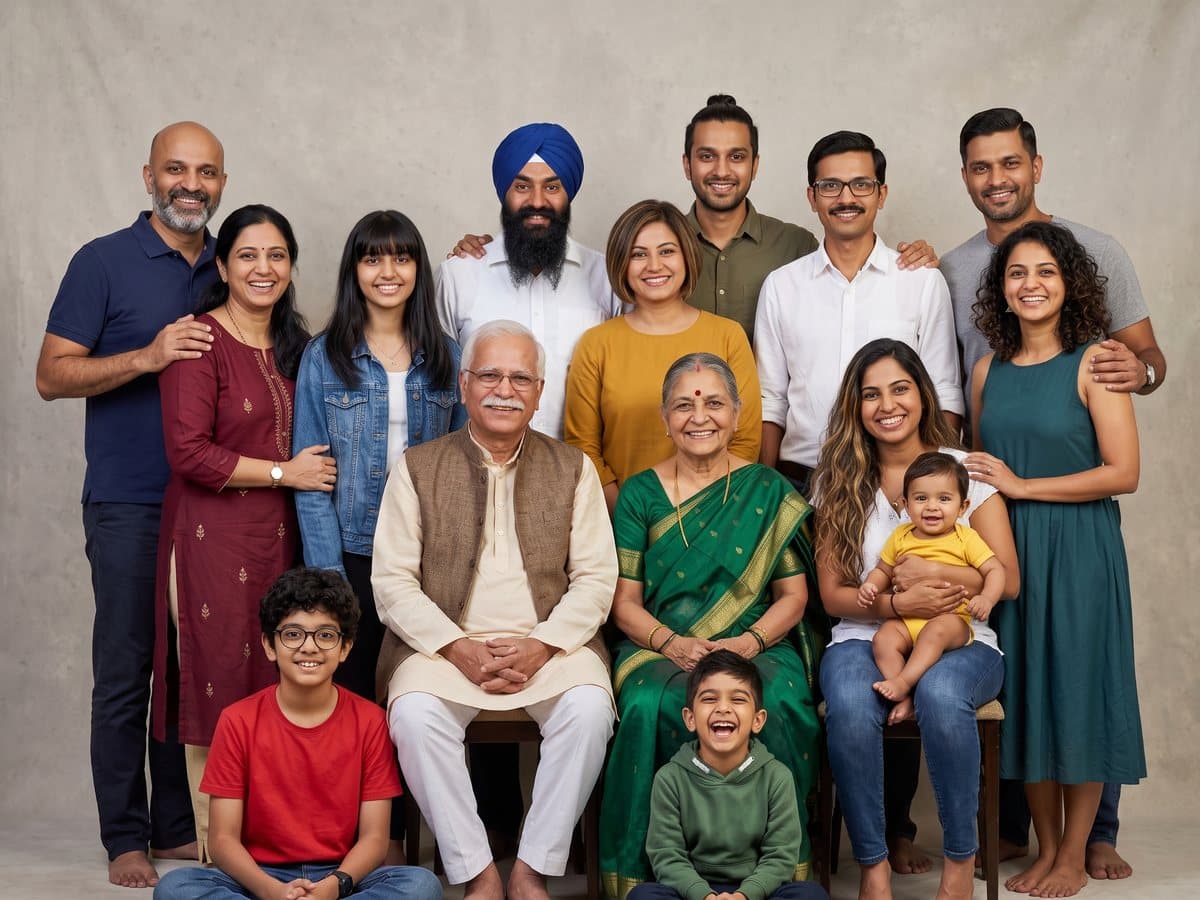
Classic studio portrait
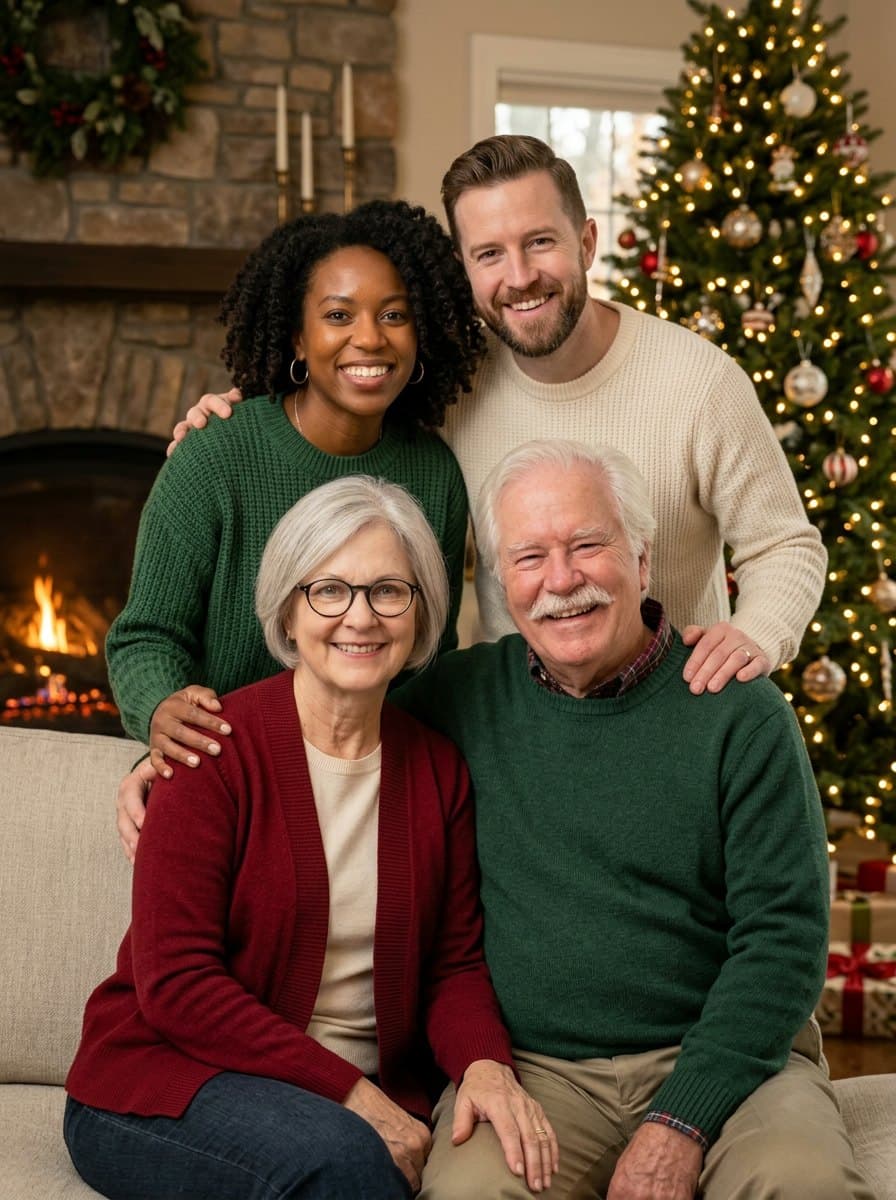
Everyone posed together on a soft studio backdrop, like a professional family session.
Photo effect
Upload up to six photos taken apart and get one natural family photo of up to 15 people, every face unchanged.
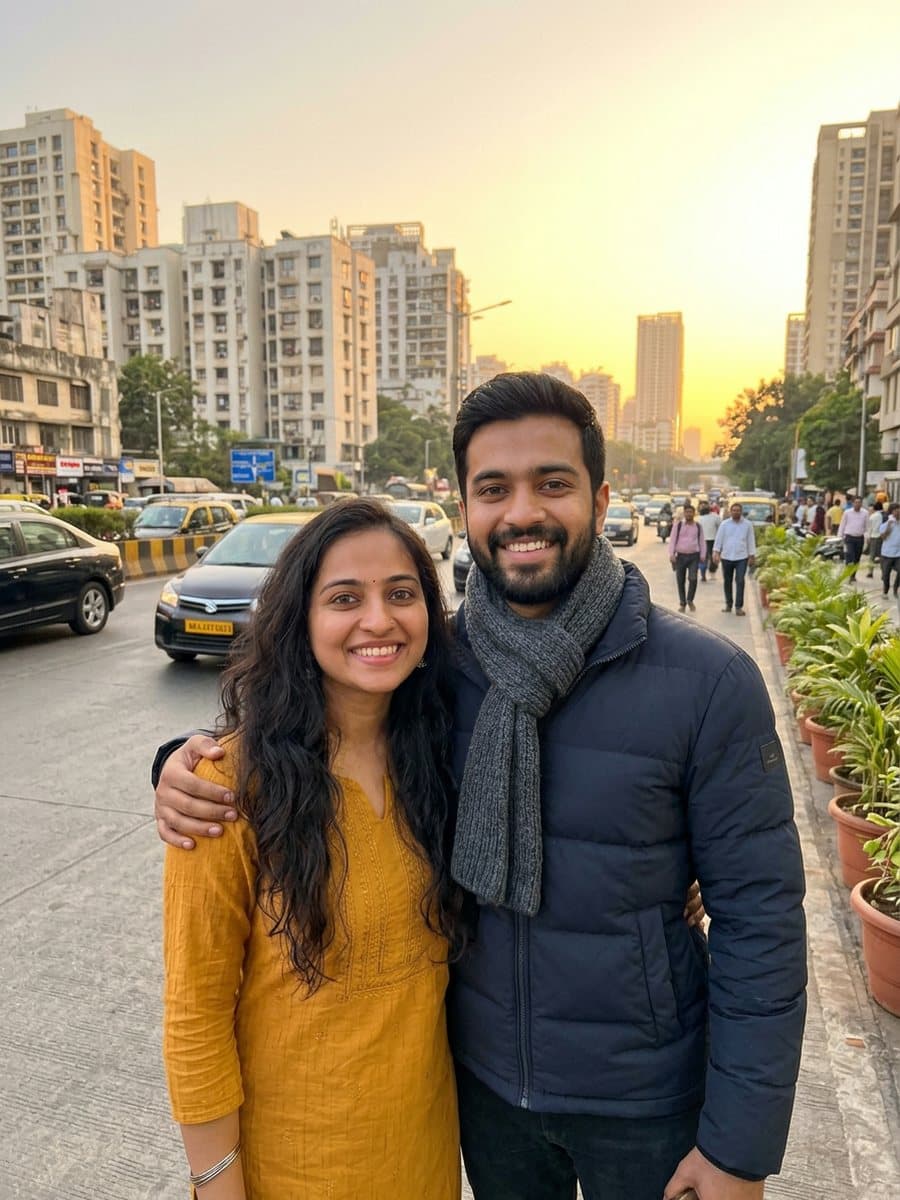
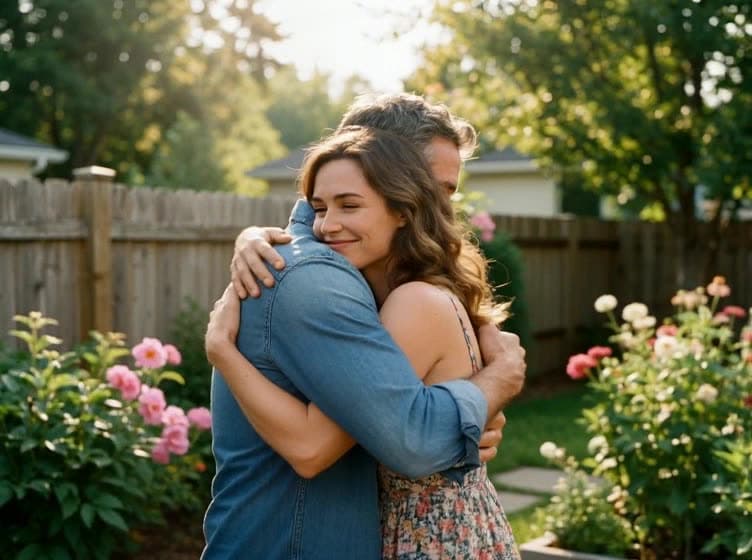
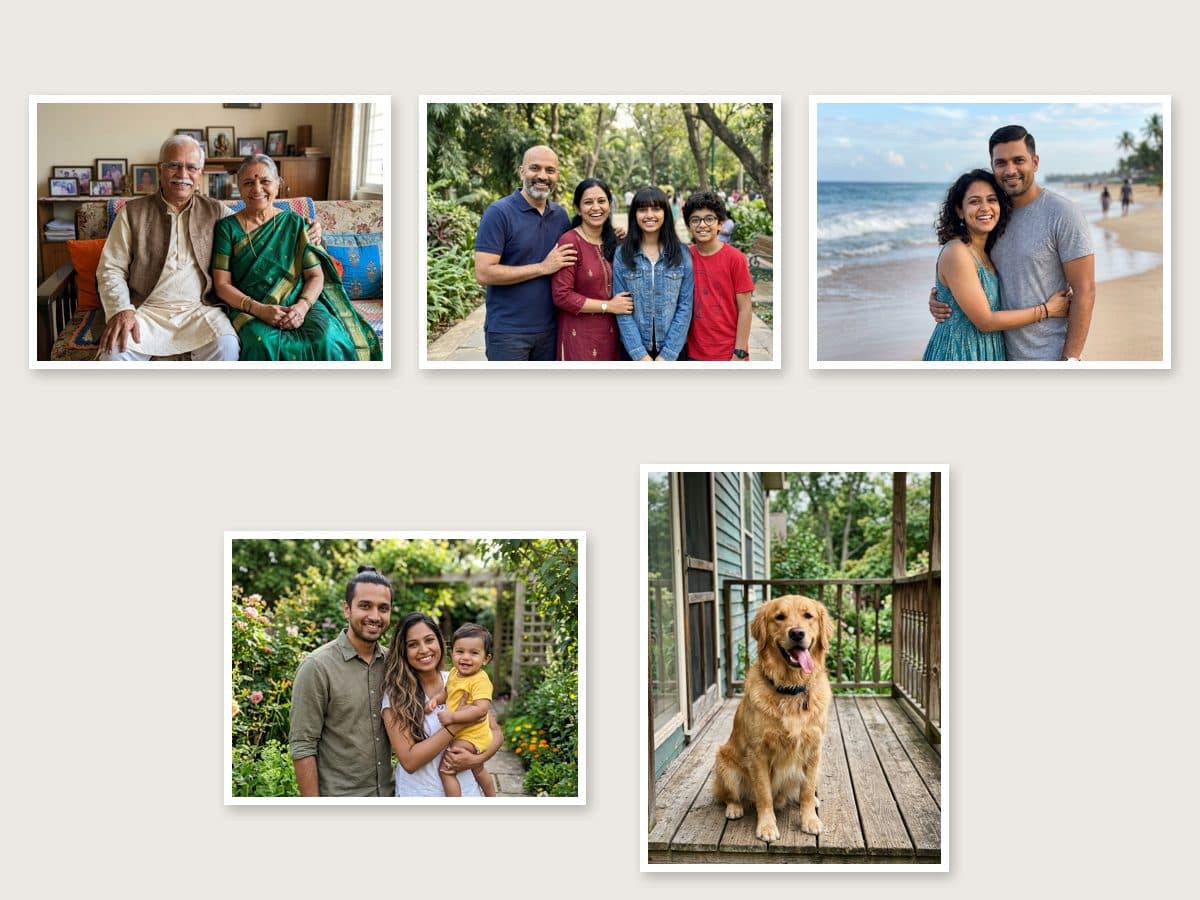
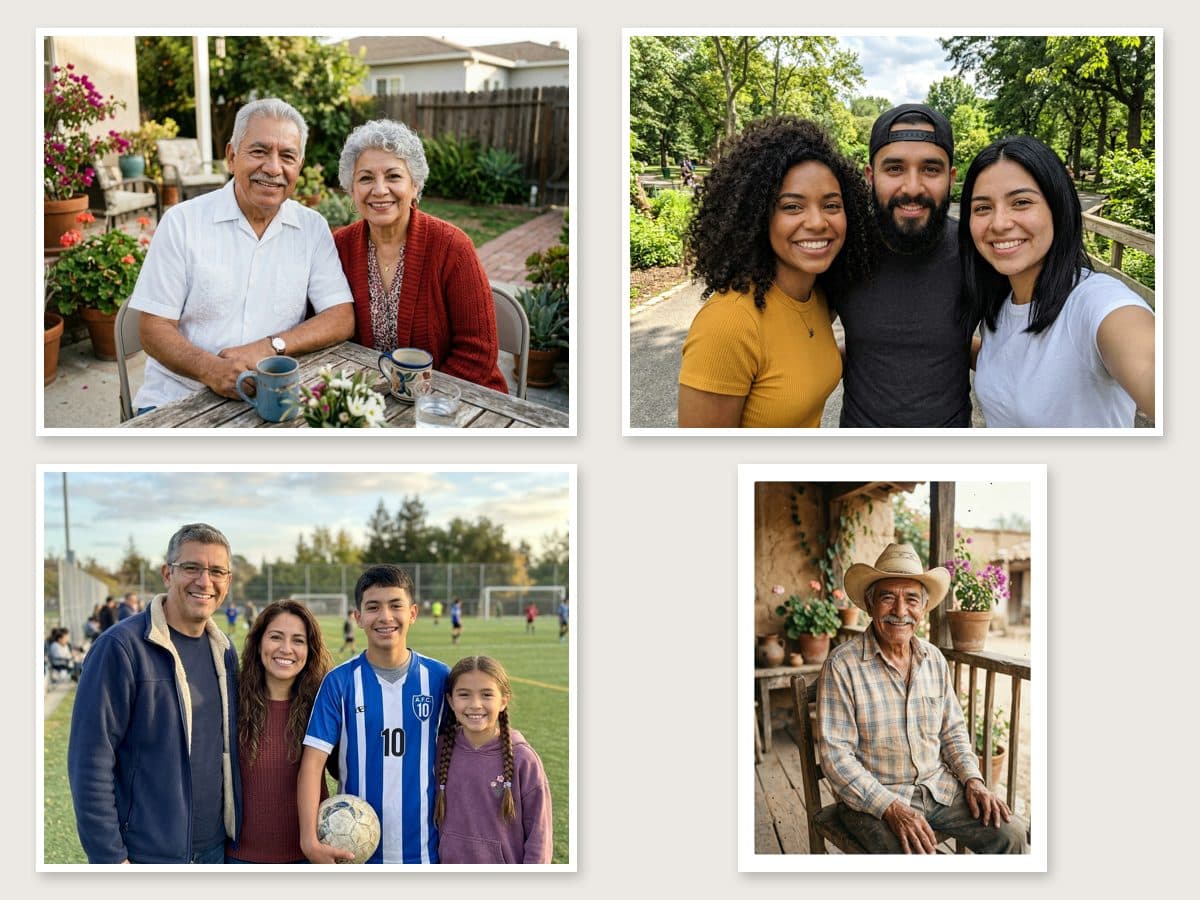
Each family below started as four to six everyday photos taken in different places. The AI puts everyone in one frame, each person exactly once, then applies the style picked in the panel.
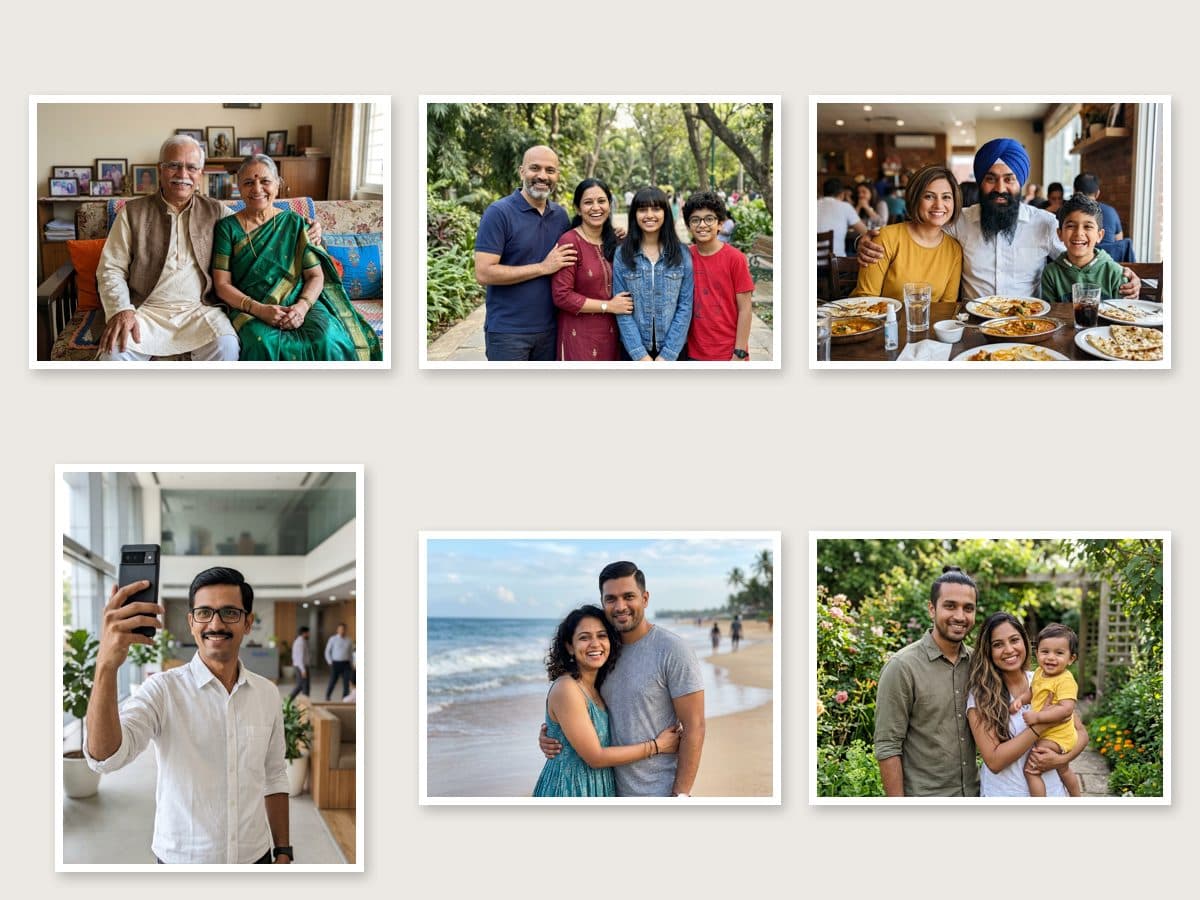 15 people from 6 photos, studio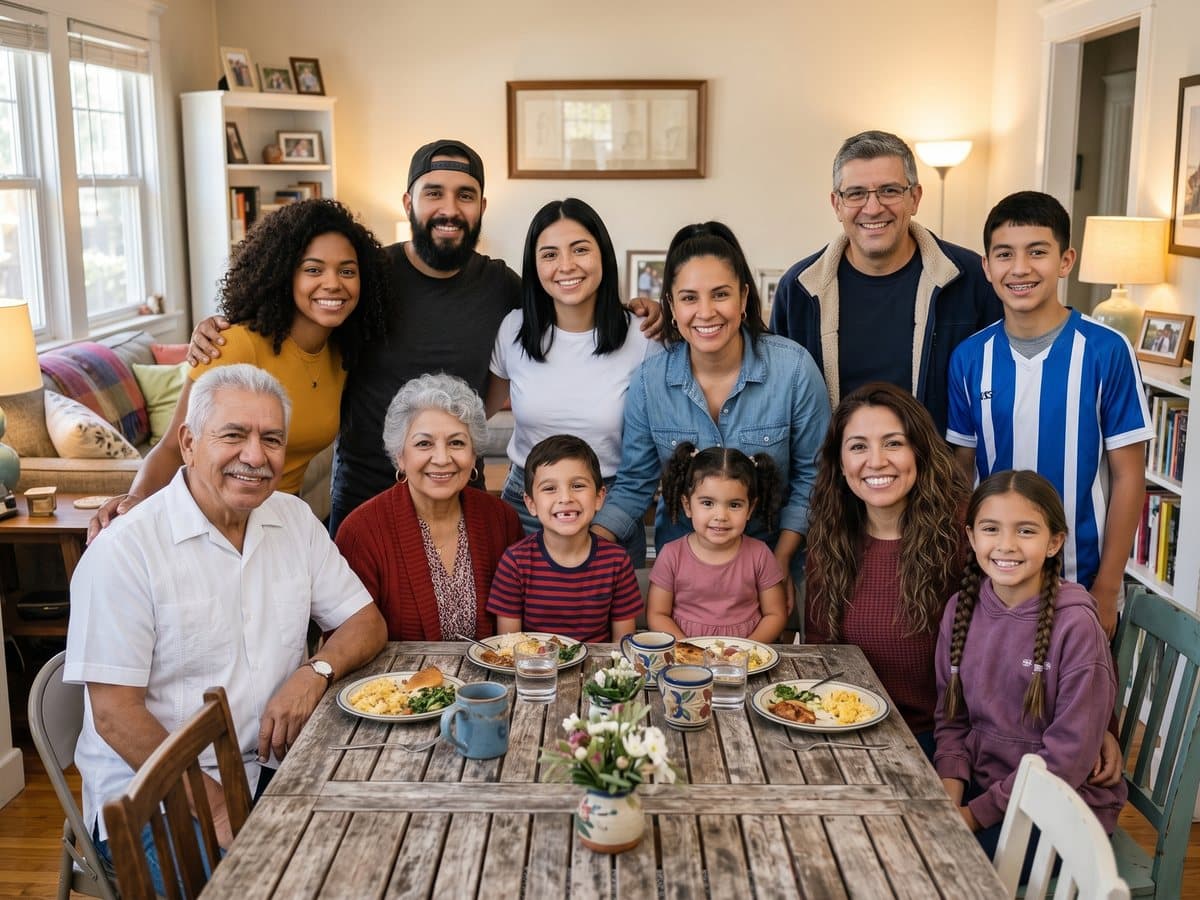
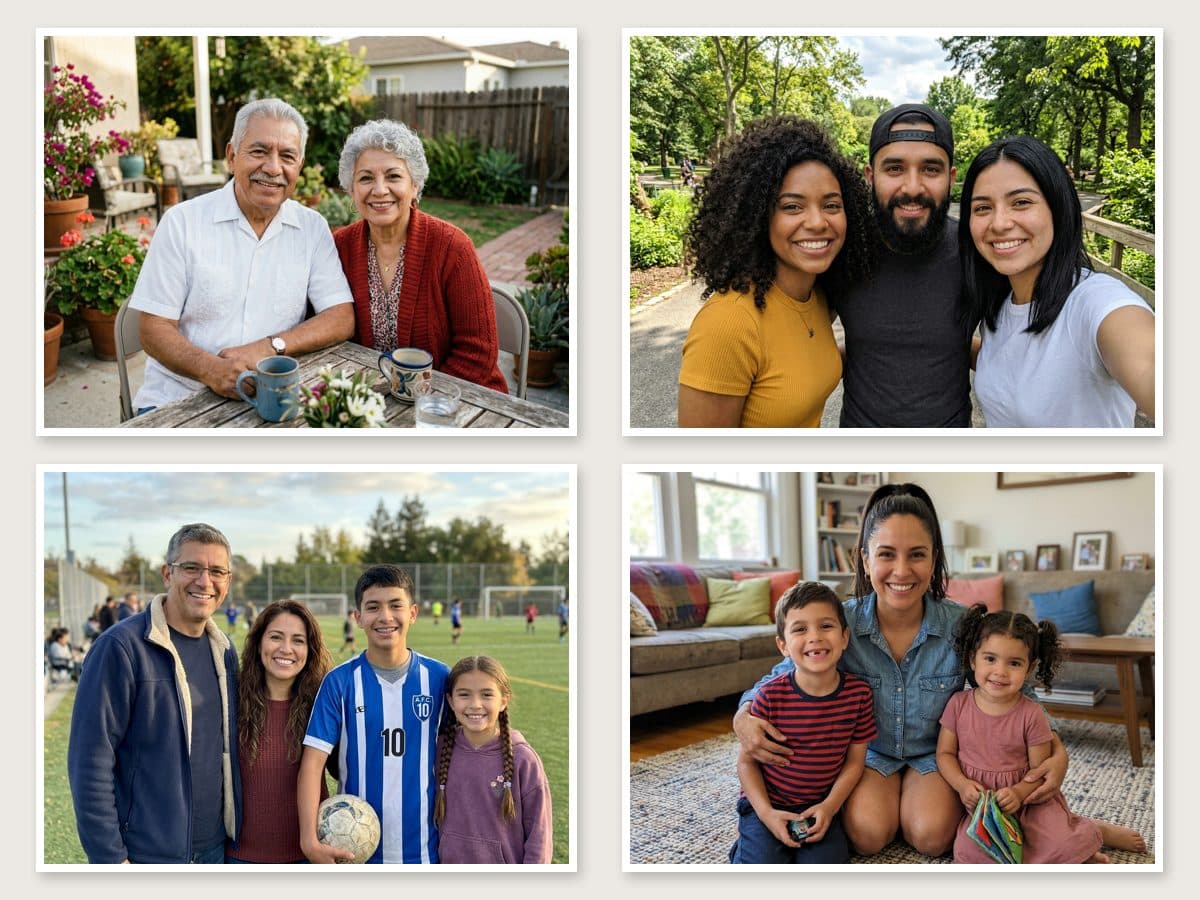 12 people around the table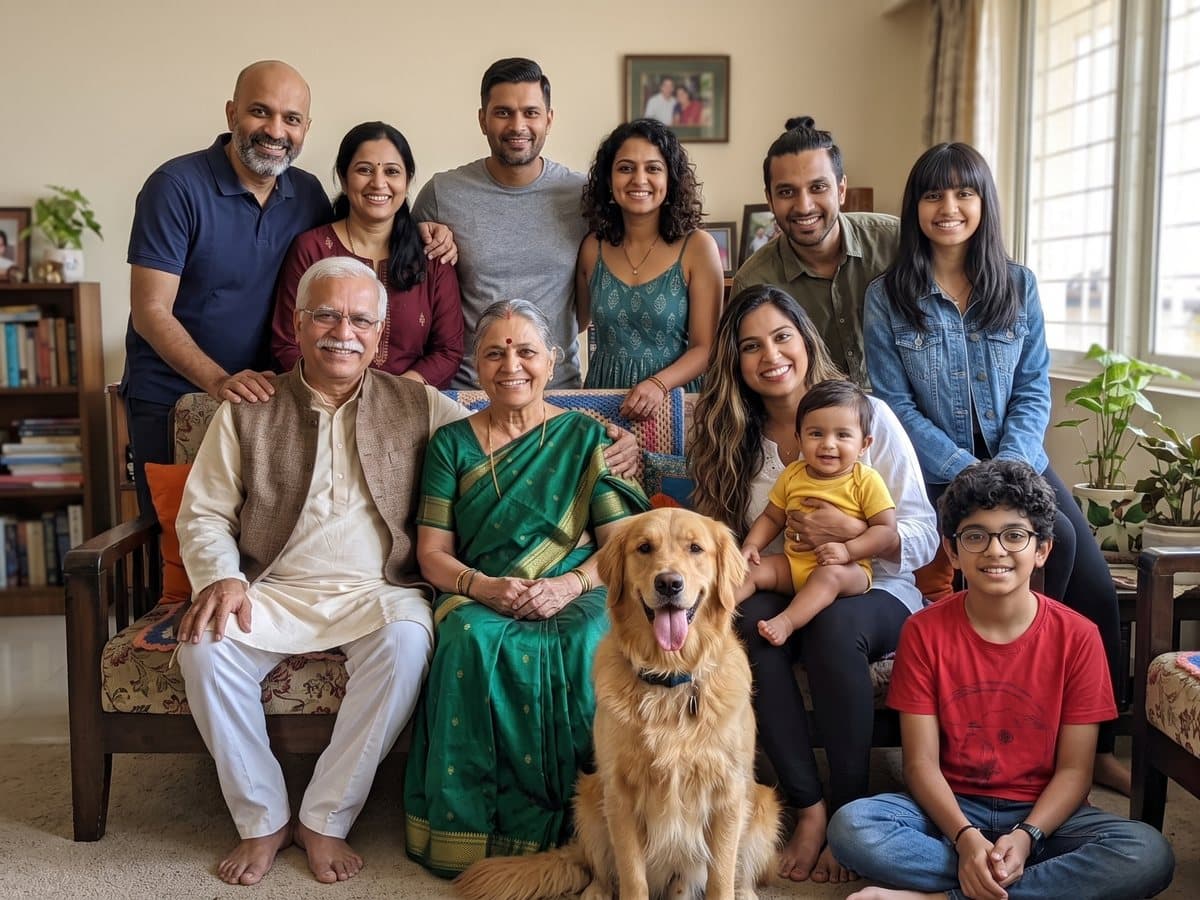
 11 people and the dog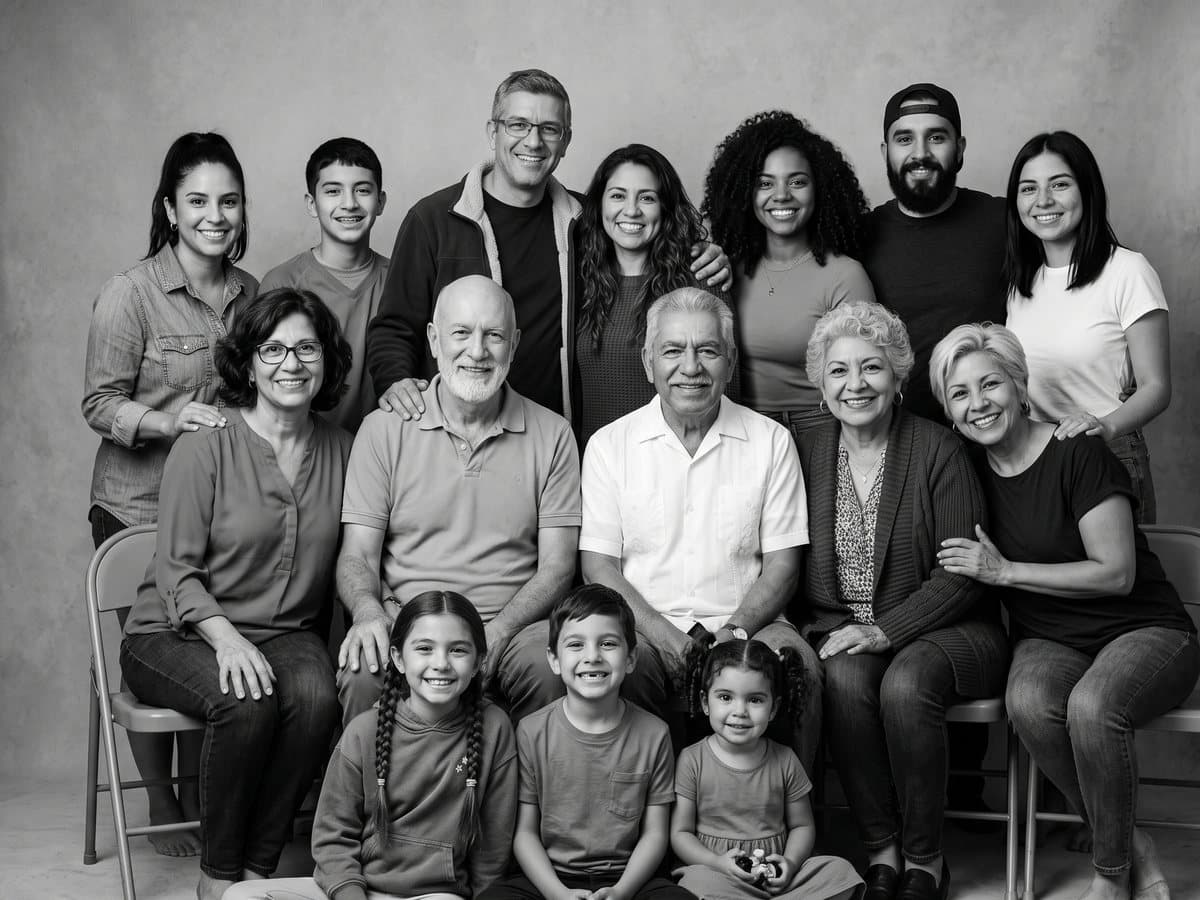
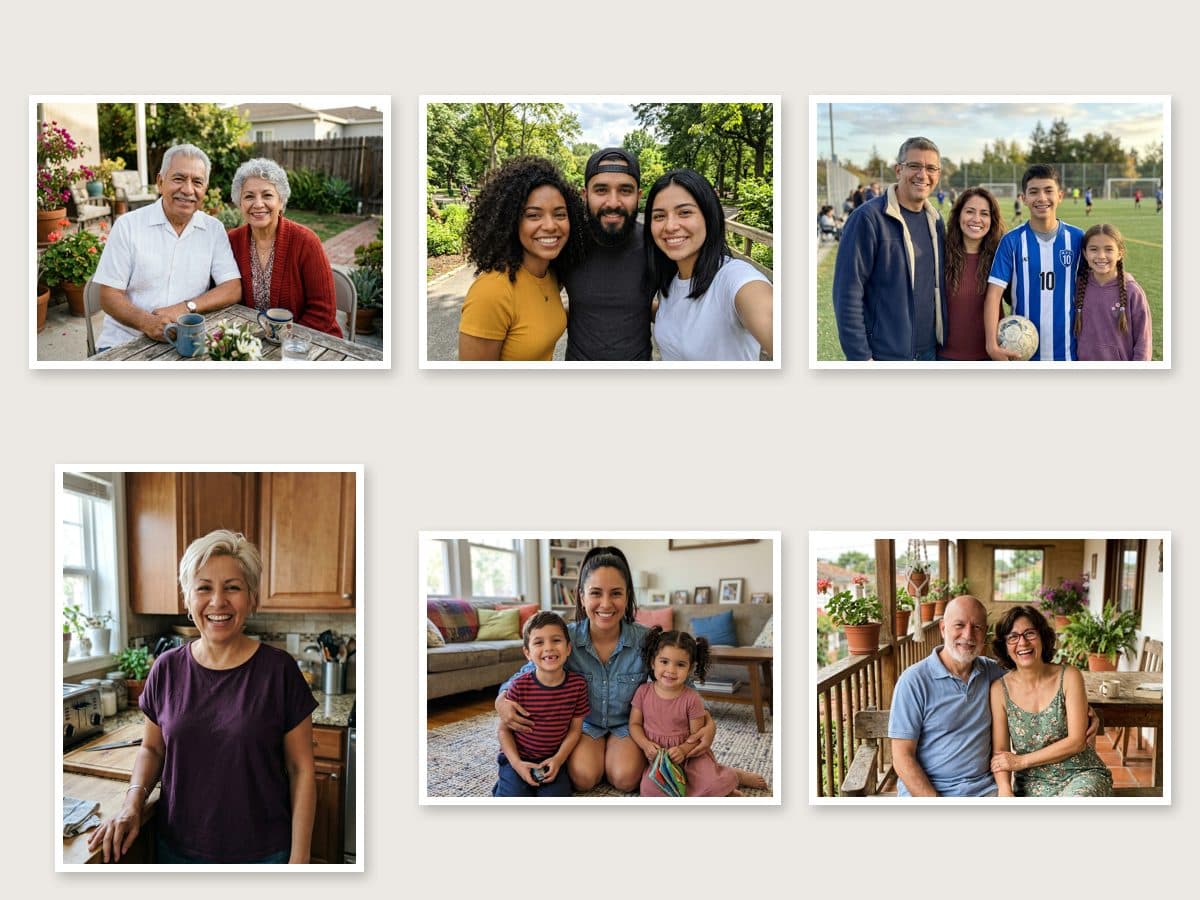 15 people in black and white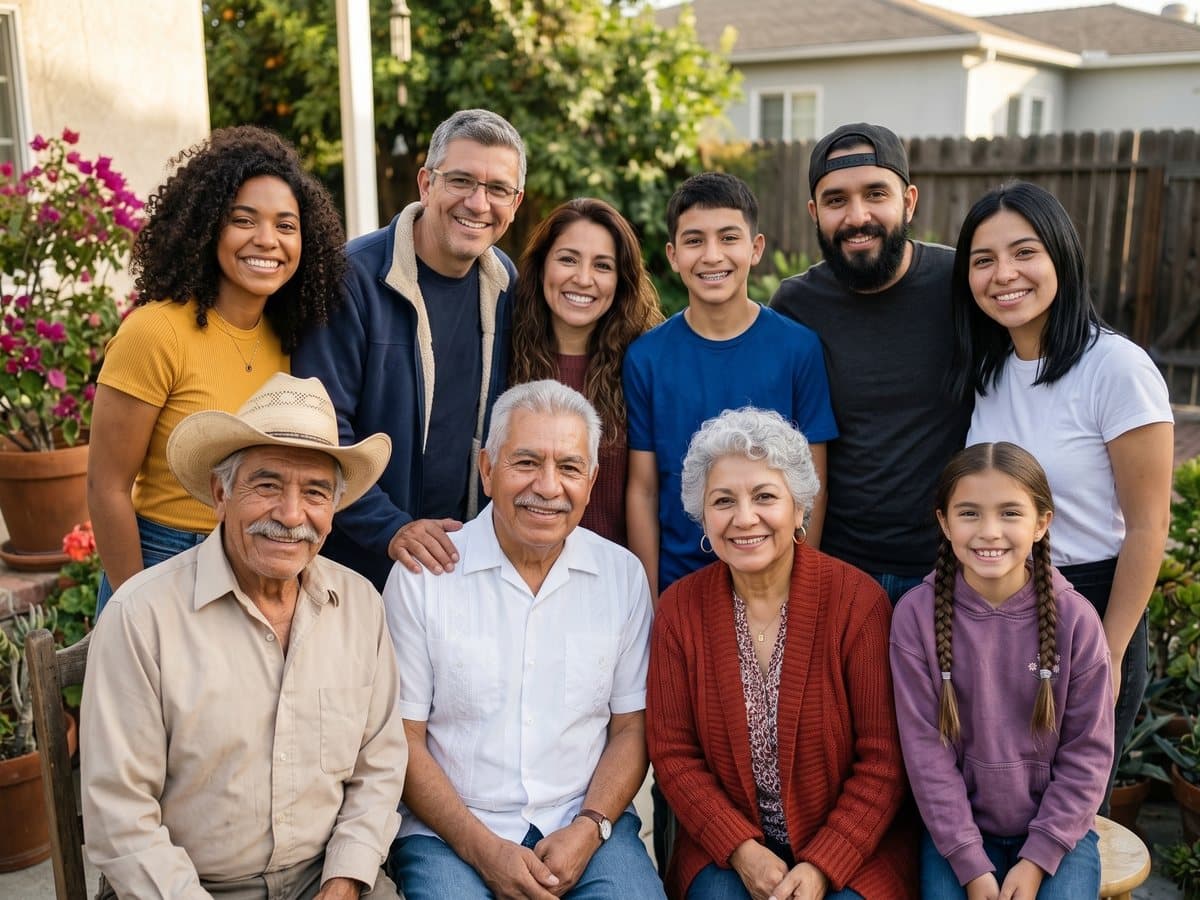
 Grandpa from an old print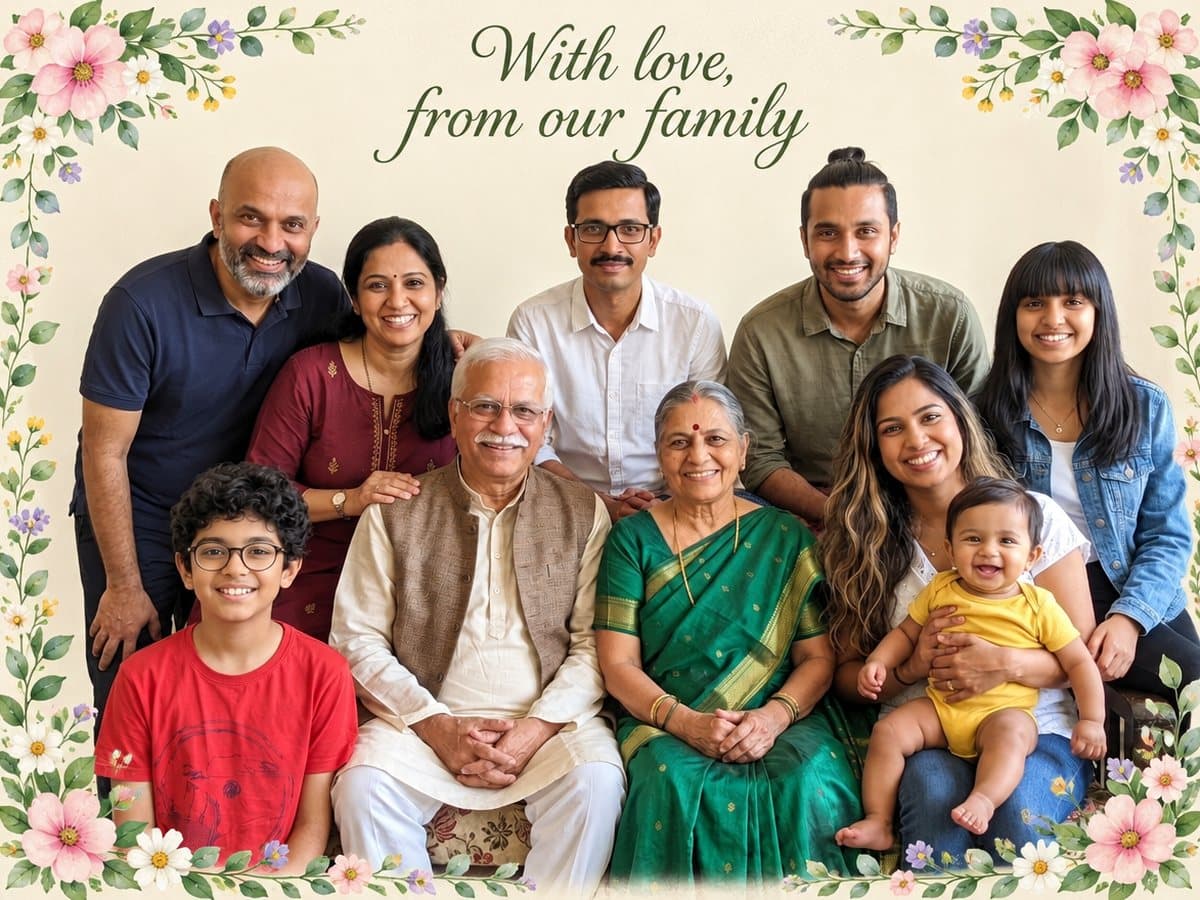
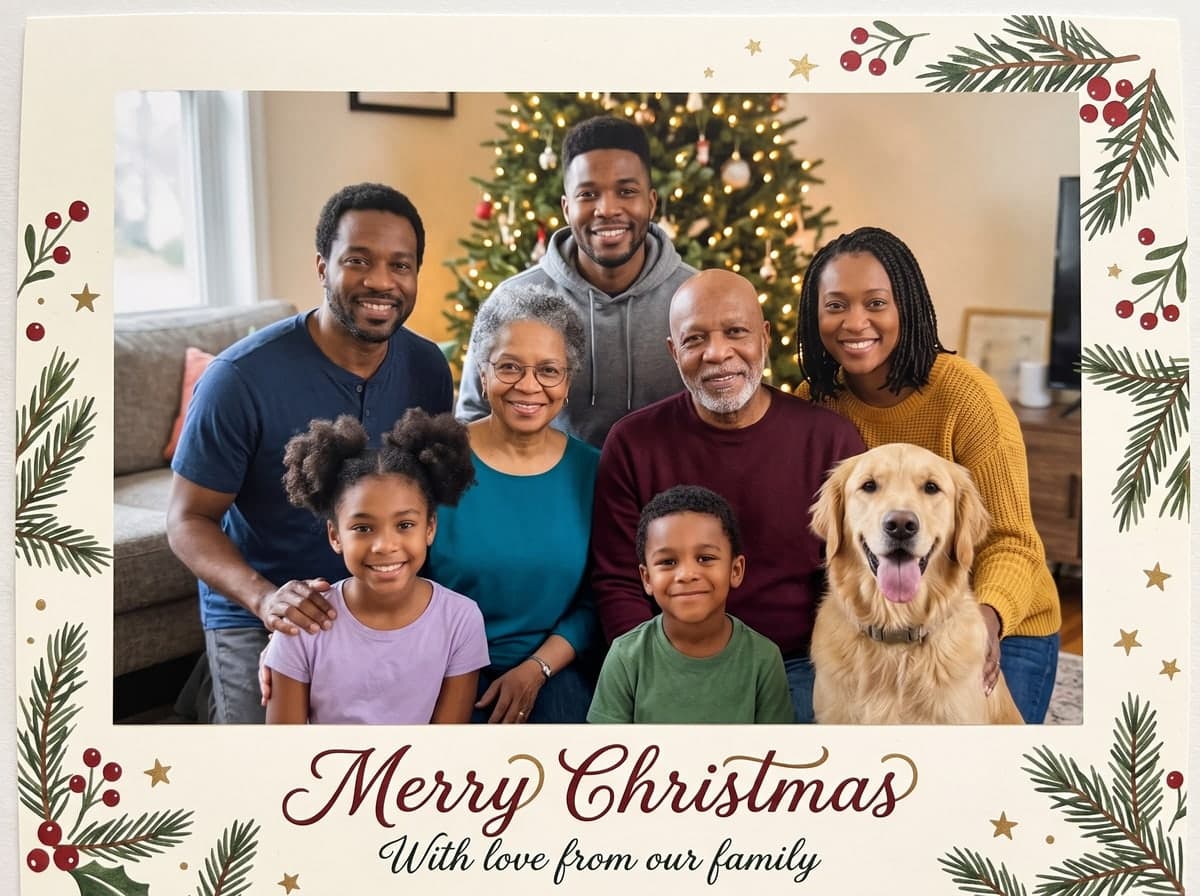
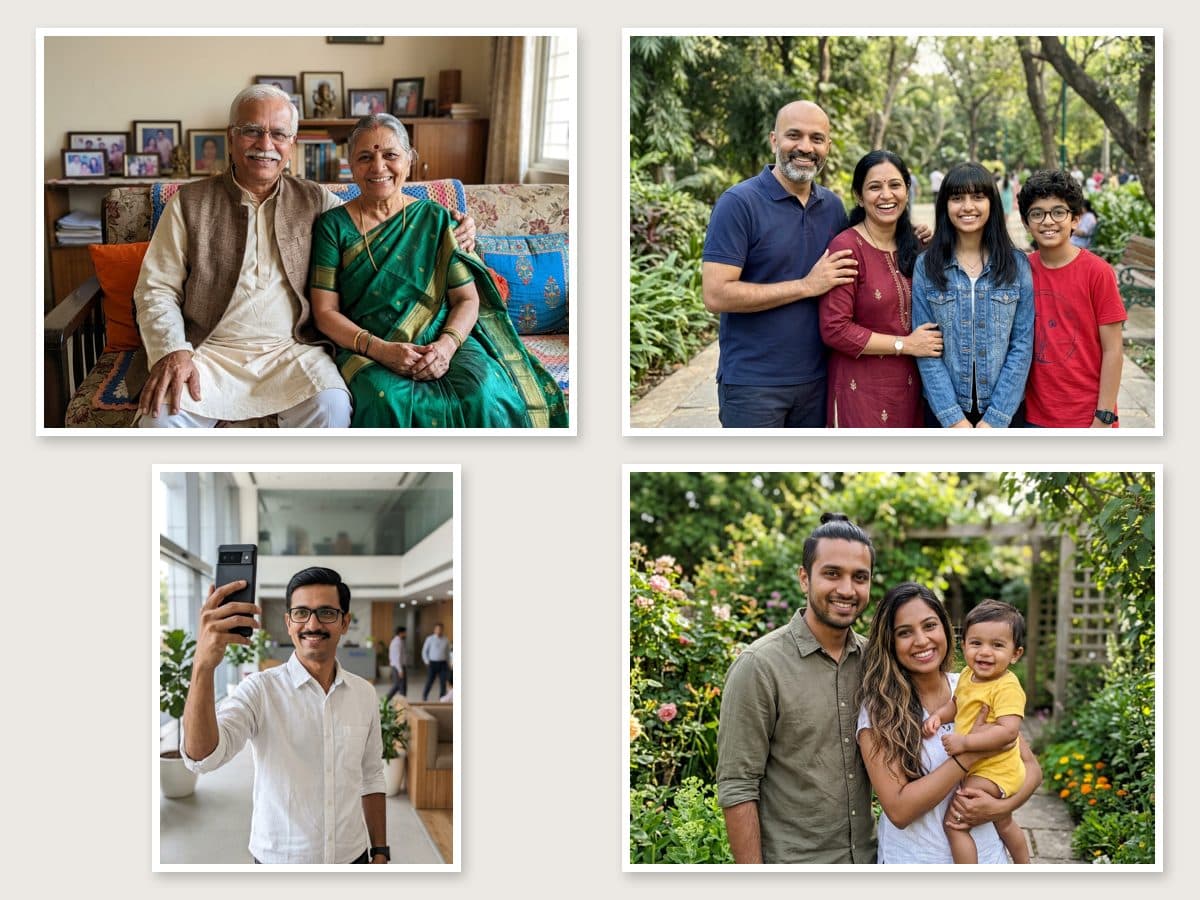 Family card with the baby, 10 people
Each one is a tested preset with its own light, palette and line. Pick it in the panel above and run your own photo through it.
Everyone posed together on a soft studio backdrop, like a professional family session.
The baby or the pet up front, everyone else close behind, in warm light at home.
A timeless black and white portrait with soft light and fine film grain.
Someone who lives far away joins you at home, in one natural photo around the table.
A loved one from an old photo, gently placed back into the family picture.
Your family photo as a card with a short greeting lettered on it. Change the words before you create.
Upload up to six photos, one person or a few in each: grandparents, a son abroad, the cousins, the baby, the dog. The AI places everyone together in one natural photo, each person and pet exactly once, with faces, hair and skin tones unchanged and one consistent light. Telling it how many people there are in total helps make sure nobody goes missing.
Start freeYour photosFamily photoClassic studio portrait, with the baby or the pet up front, black and white, family far away at home, in loving memory, and a family card with "With love, from our family" lettered on it. Standard photos come out at 2K; tick print quality for a 4K file that holds up on the wall.
Start freeThree steps, about 1 to 3 minutes of waiting.



Upload up to six photos, one person or several in each, and pick a style. The AI places everyone together in one natural photo with faces, hair and skin tones unchanged, each person and pet exactly once. Someone who lives far away, a grandparent in another city, the dog: everyone can be in the same picture.
Up to 15 people from up to six photos. Entering the total number of people is optional but helps the AI keep everyone. If someone is still missing or appears twice, generate again with the same photos; groups larger than 15 are not tested yet.
Yes, with the In loving memory style. Use a clear photo of them from your own family album; an old print works. They appear in present-day color beside the family, as a tribute image rather than a real photo. Only use photos of your own family.
New accounts get free credits, enough for your first photos. One family photo costs 5 credits in standard 2K quality, however many photos you upload. Print quality (4K) and the family card cost a little more; the total is on the button before you confirm. Credits come with a subscription plan; the cheapest, Starter, is $9 a month. You can also pay once with no subscription: $0.99 for one image or $1.99 for three, and those credits stay valid for 12 months.
No. Only use photos of your own family and of people who agreed to be in the picture; you tick a box confirming this before you create. Photos of celebrities and other public figures are not supported.
Yes, the image is yours to use, including commercially, subject to the source model terms. Downloads on the free plan carry a small Vidney watermark; on any paid plan they download clean.