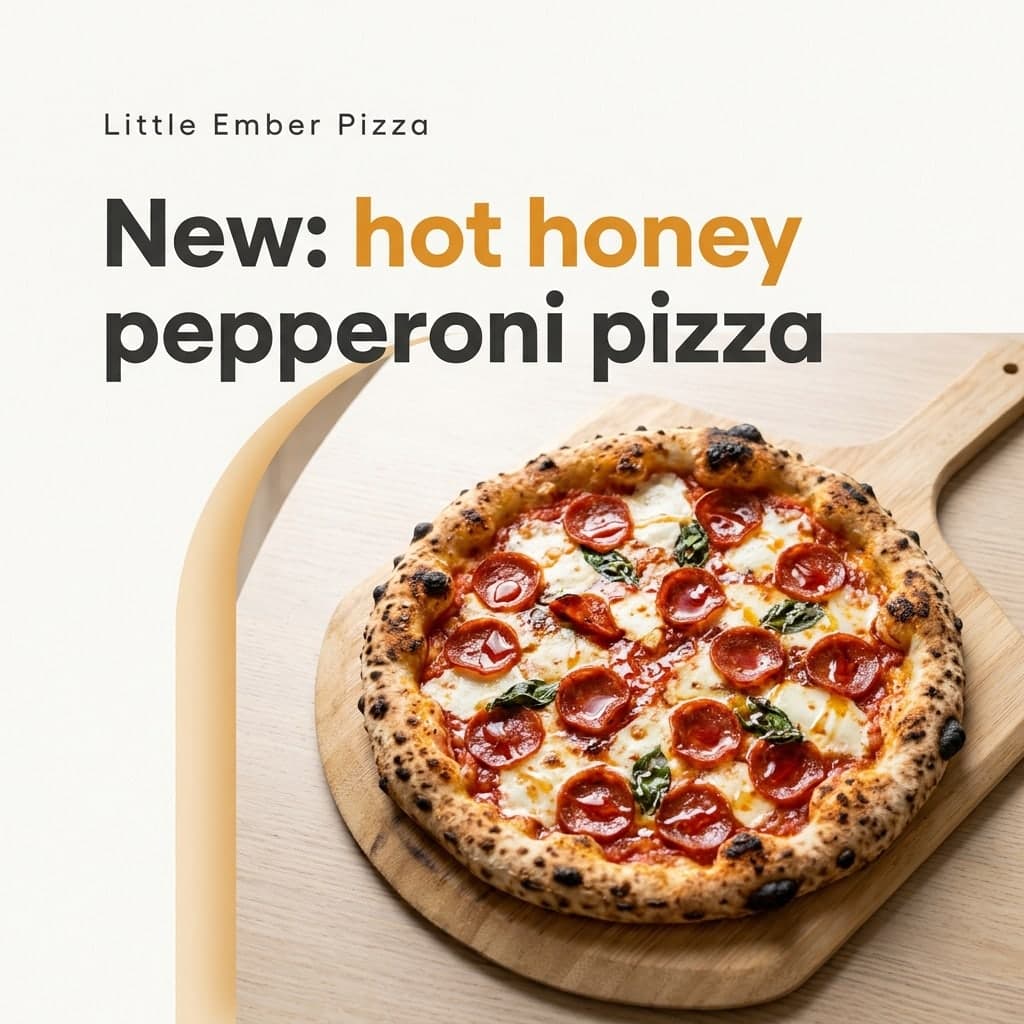
Appetizing close-up
A tight close-up of the same dish: table clutter cleared, better light and natural gloss.
Photo effect
Make the food you actually cooked look ready for a menu, a delivery listing or Instagram. The dish stays the same; the photo gets better.
3 credits per image. New accounts get 10 to 30 free credits depending on country, no card needed.
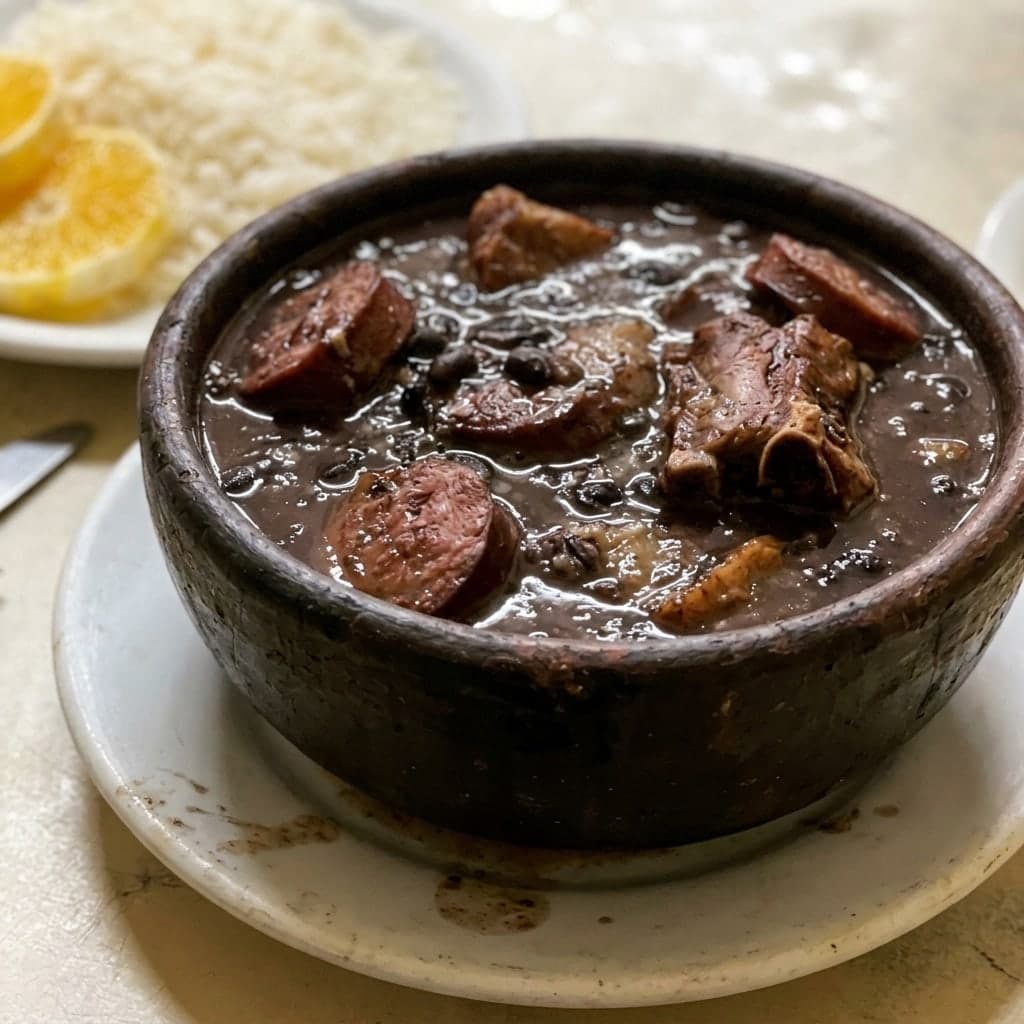
Each before photo starts as an ordinary phone shot. The after photo keeps the dish, portion and ingredients while changing only the light, crop and setting.
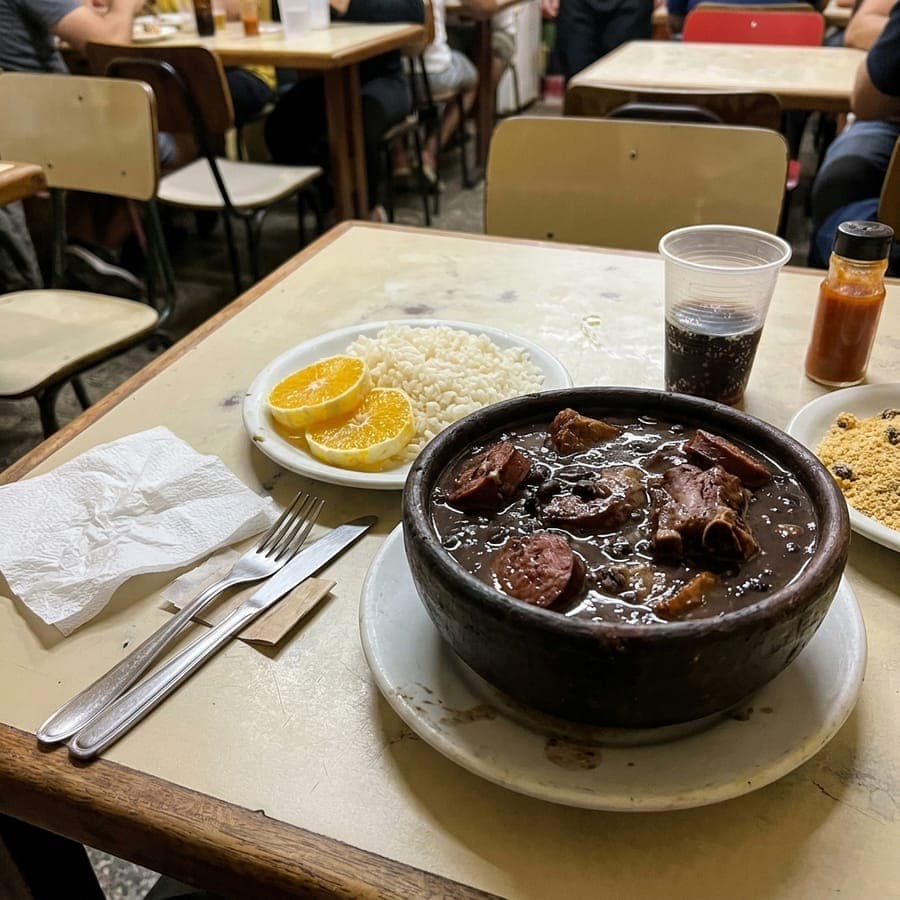 Feijoada, appetizing close-up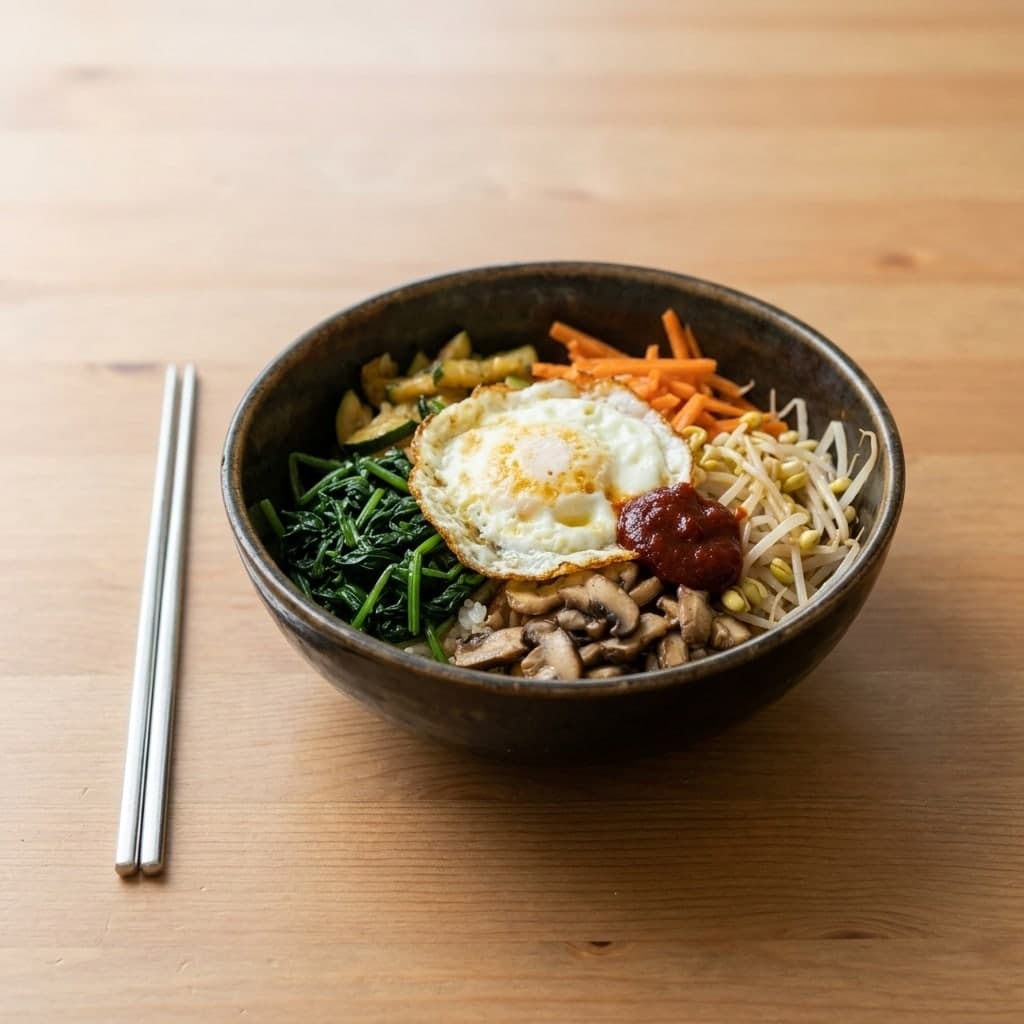
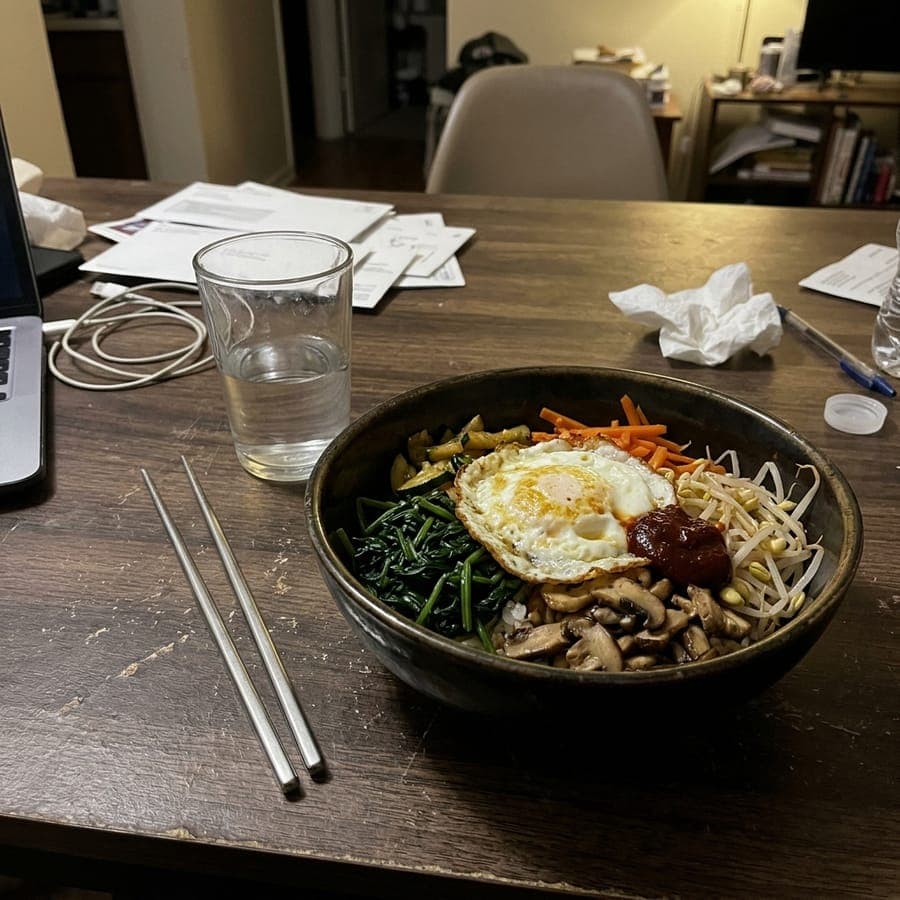 Bibimbap, delivery-app listing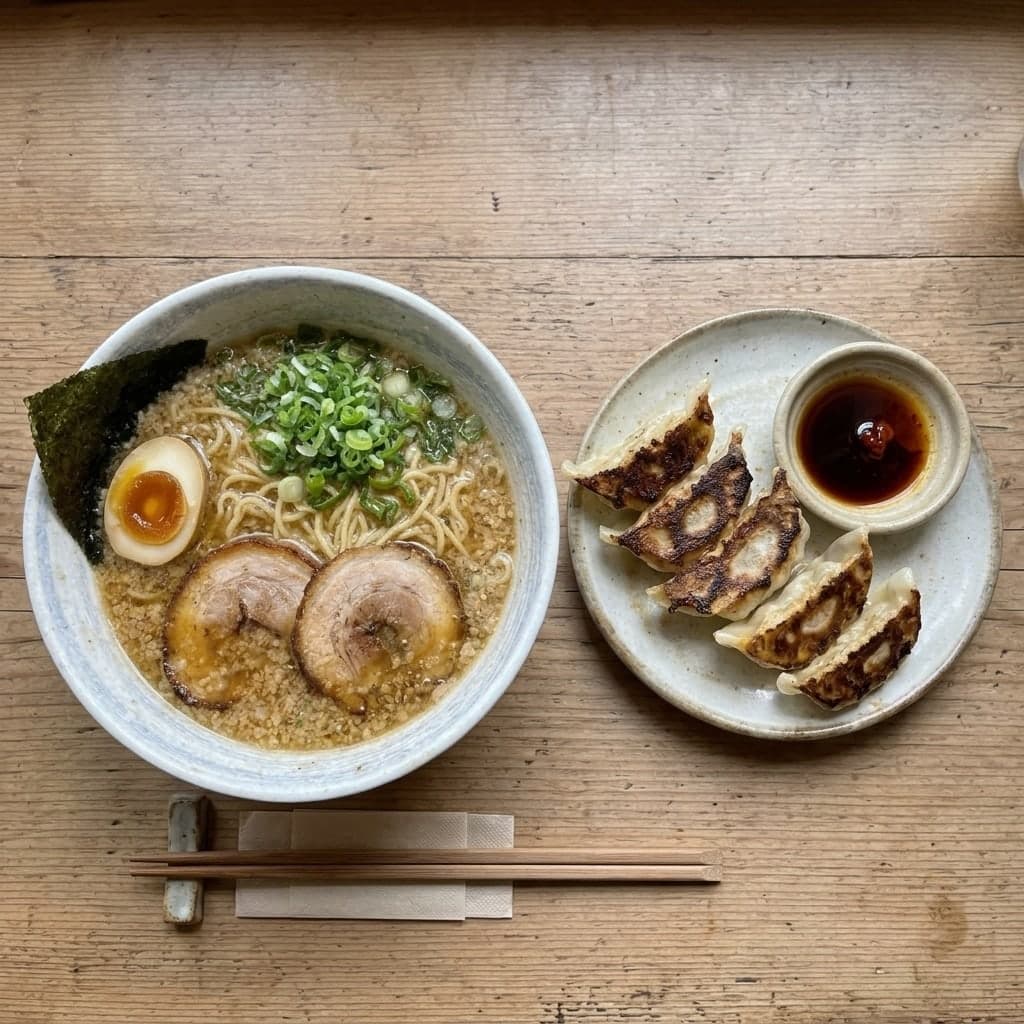
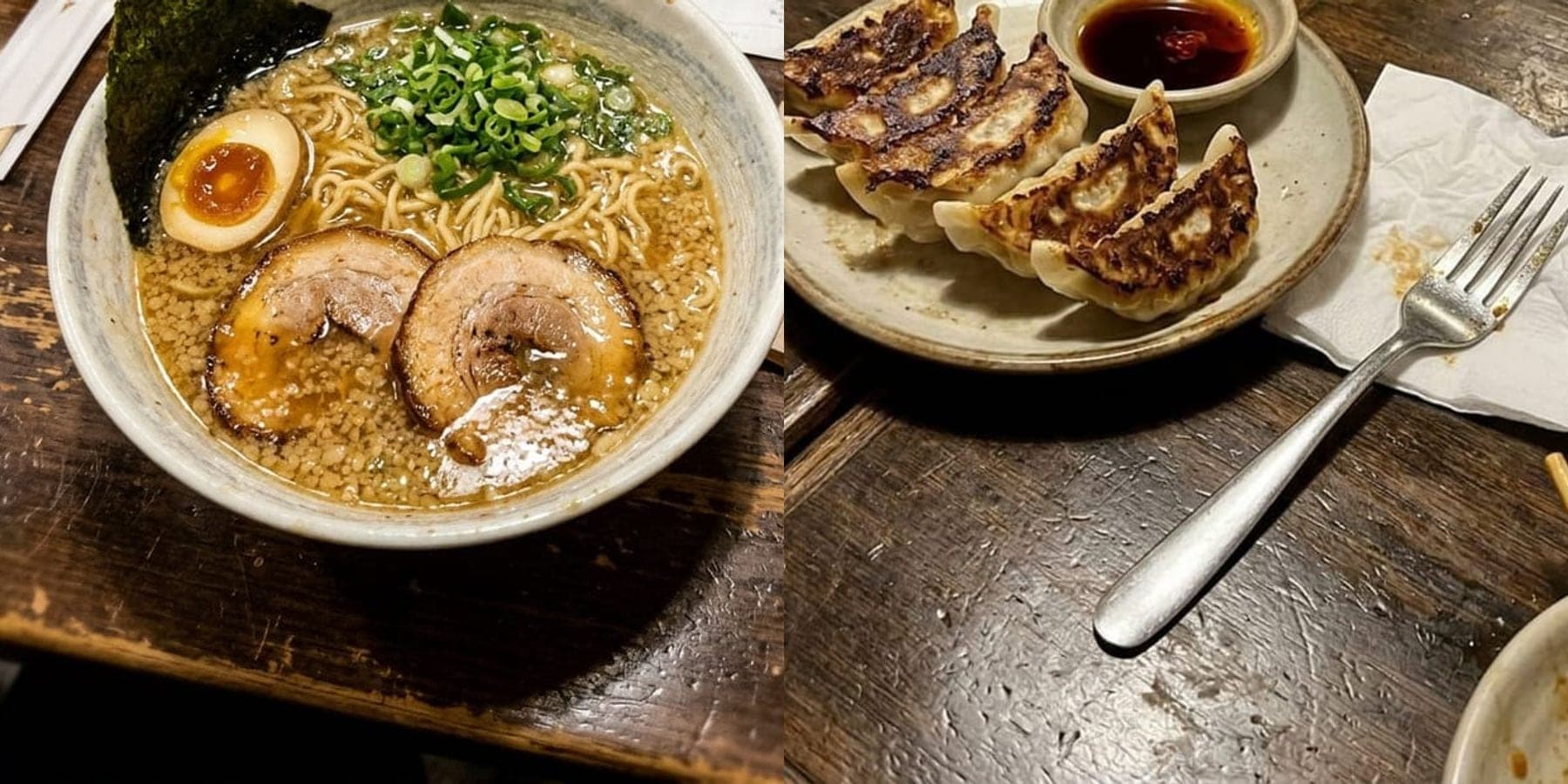 Ramen, overhead table spread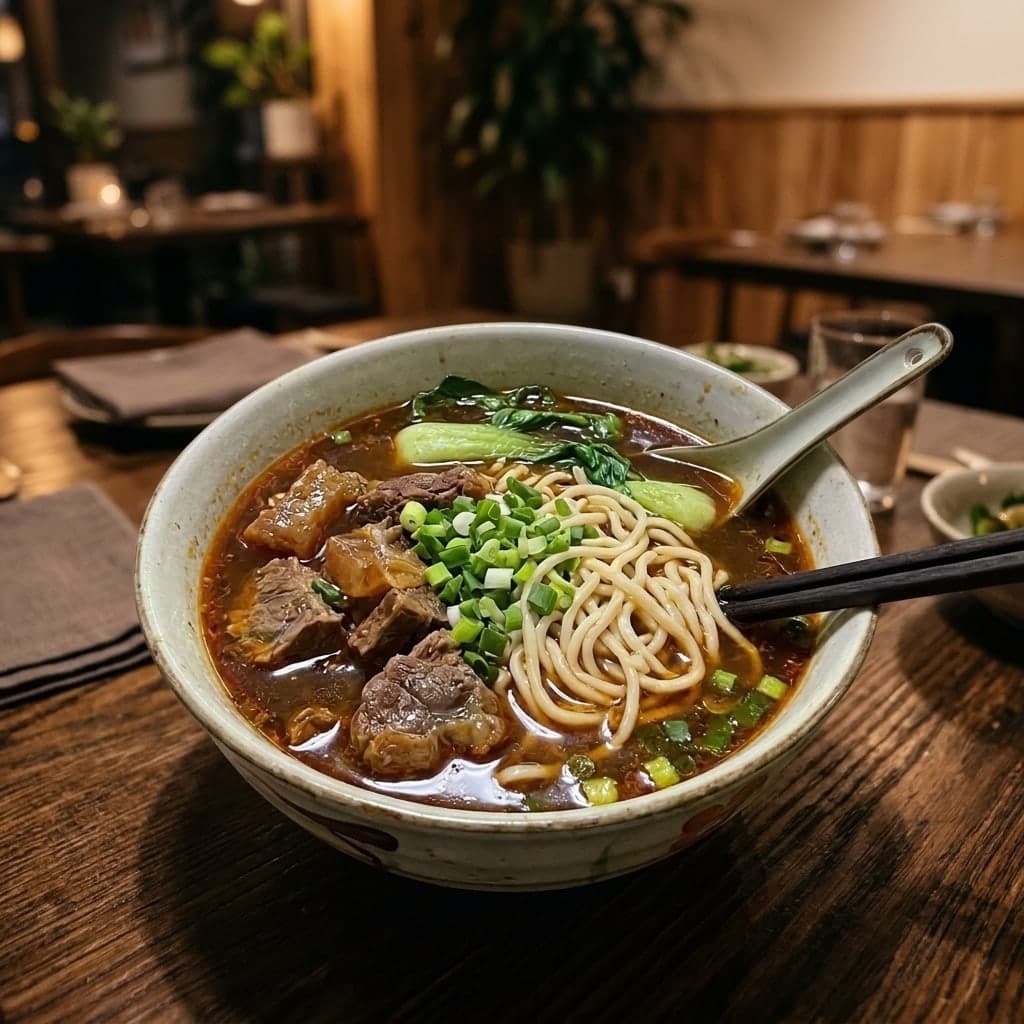
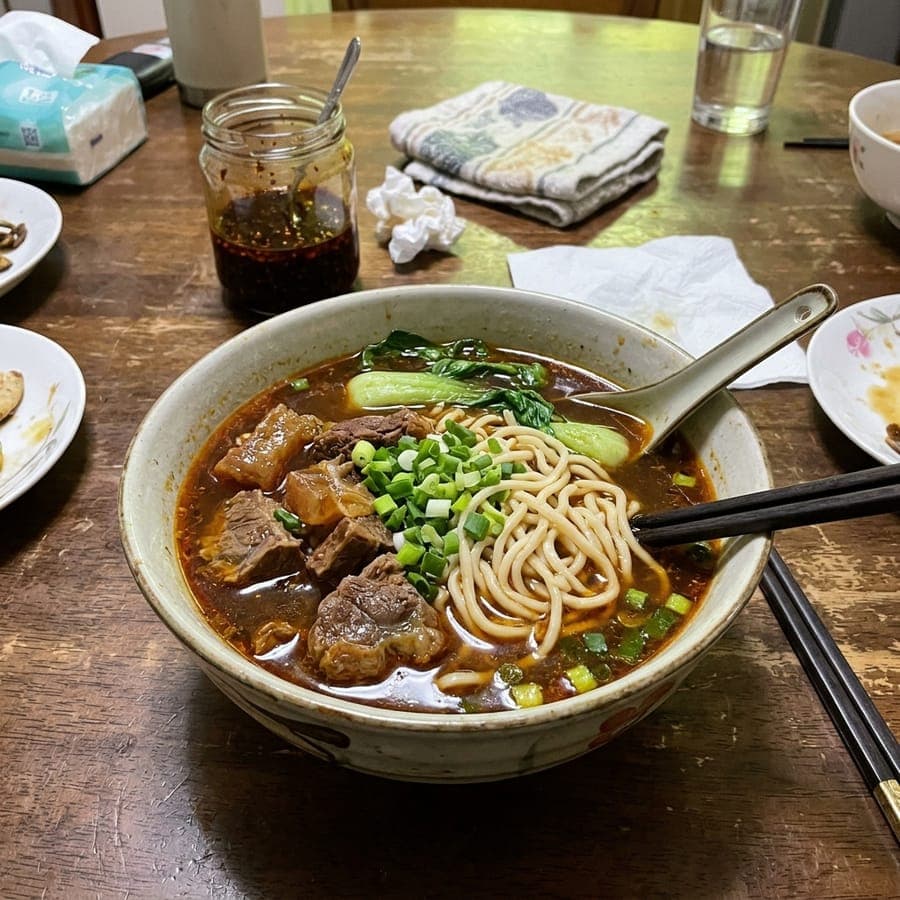 Beef noodle soup, restaurant ambiance
Each look starts from your real dish. Pick one above, upload the photo and check the result before publishing.
A tight close-up of the same dish: table clutter cleared, better light and natural gloss.
Centered, even light and a square-friendly crop for a menu thumbnail.
Compose up to six separate dish photos into one top-down table scene.
A warm styled table with soft restaurant background bokeh.
The editor lifts muddy shadows, corrects yellow indoor light and adds a natural appetite-friendly gloss without adding ingredients or changing the portion. Check the result beside the plate before you publish it.
Start freeYour photoEnhanced food photoChoose a close-up, a centered delivery listing, an overhead spread from up to six dish photos, or a warm restaurant table. Use one real dish as the source for every look.
Start freeThree steps, about a minute of waiting.



Upload a photo of the dish you really made and choose a tested look. The editor improves light, color, crop and background while asking the model to keep the same dish, ingredients and portion.
New accounts get 10 to 30 free credits depending on country, no card needed. One food photo costs 3 credits, so the free credits cover at least 3 photos. Adding more dish photos for the overhead spread adds 3 credits for combining them first, whether you add one more photo or five. After that, credits come with a subscription plan; the cheapest, Starter, is $9 a month. You can also pay once with no subscription: $0.99 for one image or $1.99 for three, and those credits stay valid for 12 months. The price is always on the button before you create.
It is a photo enhancement, not a fake dish. The prompt tells the editor to keep your dish, ingredients, portion and plate. AI can still make a mistake, so compare every result with the real food and regenerate or reject anything that looks different.
Use one real plate per photo, keep it fully in frame and avoid heavy blur. Bad light and a busy table are okay. A little space around the plate helps with a clean menu crop.
You can use it for menus and delivery listings, including an Uber Eats or DoorDash listing. Check the current rules of the service you use, and only publish a photo that still shows the real dish you serve. We do not promise approval by any platform.
Use appetizing close-up for a hero image, delivery-app listing for a centered thumbnail, overhead table spread for up to six separate dish photos, or restaurant ambiance for a warm table scene. A single photo uses the default image size shown before creation.