

Video effect
Santa Caught on Camera AI
Turn a photo of your room into proof that Santa stopped by. A fictional Santa arrives in the same space, with a quiet night-camera look.
Santa caught in three rooms
Each clip began as a real-looking room photo made for this page. Santa enters the same space, leaves a present or waves, and the camera keeps the original composition.
The room stays your room
The tree, furniture, windows and warm lights remain in place while Santa is added at a believable scale. The fixed camera keeps the result feeling like a home security clip, without a cut or a new angle.
Start free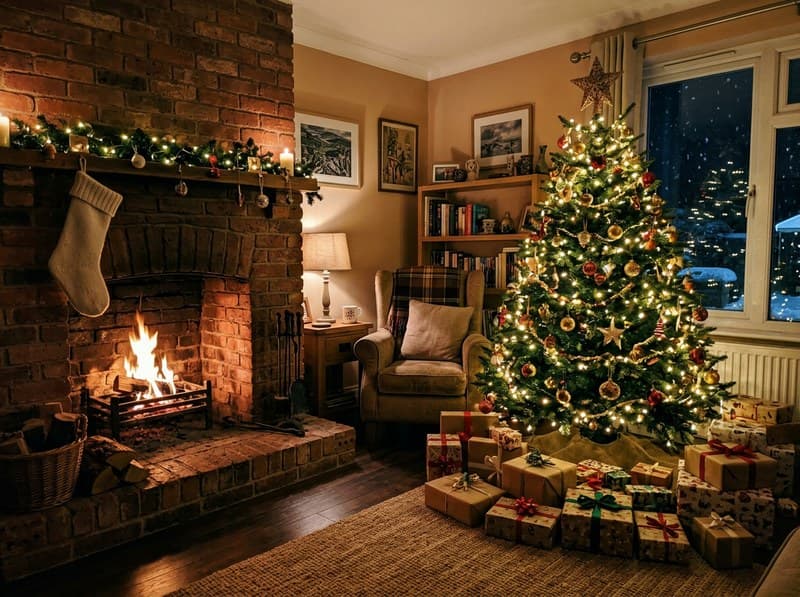 Your photo
A small Christmas surprise
Santa does one clear action so the story reads quickly: he sets down a gift, checks the tree or looks toward the camera. The prompt avoids extra people, logos and readable signs.
Start freeHow to make a Santa camera video
Three steps and about a minute of rendering.



At a glance
- Each video costs 10 credits and lasts 5 seconds.
- New accounts receive 10 to 30 free credits, so your first video fits within the minimum free allowance.
- You can also pay once with no subscription: $2.99 for one video or $5.99 for three, and those credits stay valid for 12 months.
- The video is silent, and its aspect ratio follows your photo.
- The model is made by AIsphere, and most videos are ready in under 60 seconds.
- Free-plan downloads carry a small Vidney watermark; paid plans download without it, and so do downloads for 12 months after any one-time purchase.
Frequently asked questions
Where can I make a Santa caught on camera video for free?
You can make one here. New accounts receive free credits, enough for a first clip. Upload a room photo, check the price on the button, and create it. A standard clip uses 10 credits. The free plan carry a small Vidney watermark on downloads. Credits are included with a subscription. Starter, is $9 a month. You can also pay once with no subscription: $2.99 for one video or $5.99 for three, and those credits stay valid for 12 months.
How do I put Santa in my house photo?
Upload a clear photo of your room and leave visible space near the tree, fireplace or doorway. The effect places a fictional Santa in that exact scene and keeps the room layout.
Does the Santa camera video look like night vision?
It uses a fixed security-camera feel with low evening light and a little camera grain. The room stays recognizable, so it reads as a playful home clip rather than a film scene.
Can Santa leave gifts or wave?
Yes. The default actions are a short arrival, a gift by the tree and a wave toward the camera. You can adjust the prompt for a different simple action.
Can I use a photo of my real living room?
Yes. Use a room photo you own or have permission to use. The output adds a fictional Santa and does not add real people.
Does the video have sound?
No. The sample and default output are silent, so you can add your own music or keep the quiet camera feeling.
More pet video effects
Same kind of photo, three short videos: your pet dances, talks, or sings Happy Birthday.
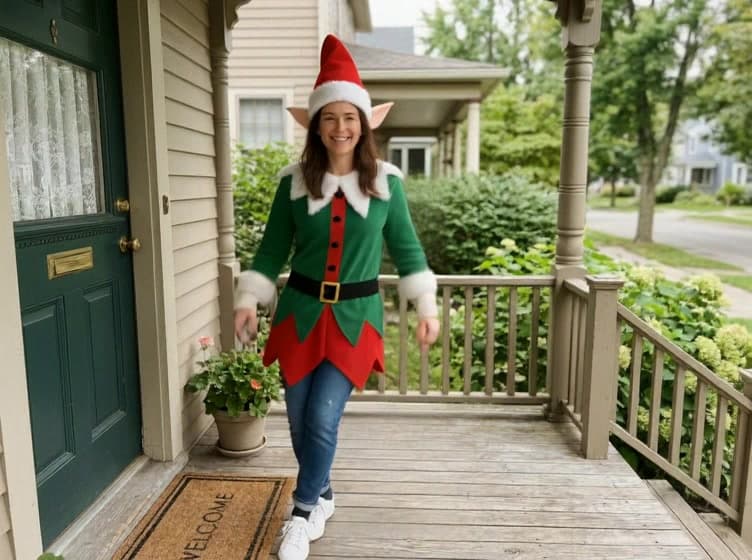
AI Christmas Elf Dance Video
Make a Christmas elf dance from one photo. The person keeps their face while a festive outfit, pointed hat and cheerful movement appear.
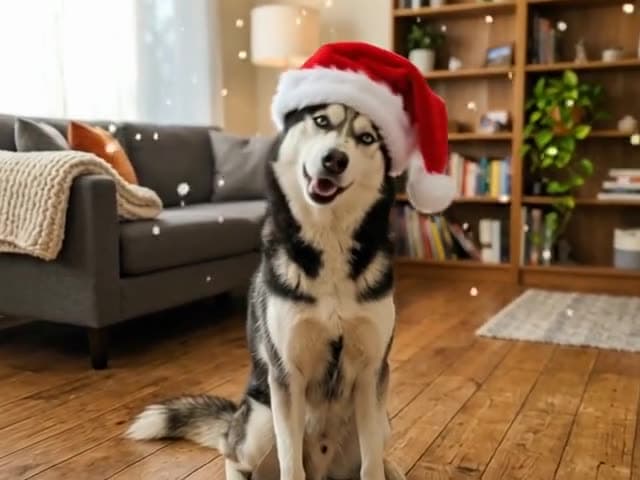
AI Pet Christmas Video
Turn one photo of your dog or cat into a Christmas video: a Santa hat on its head, snow drifting down, tree lights glowing behind.
