Photo effect
Add a Deceased Loved One to a Photo
Keep the family photo you have and add the person who was missing, from any photo of them, even an old faded print. They appear in the same light and color as everyone else, as a quiet tribute.
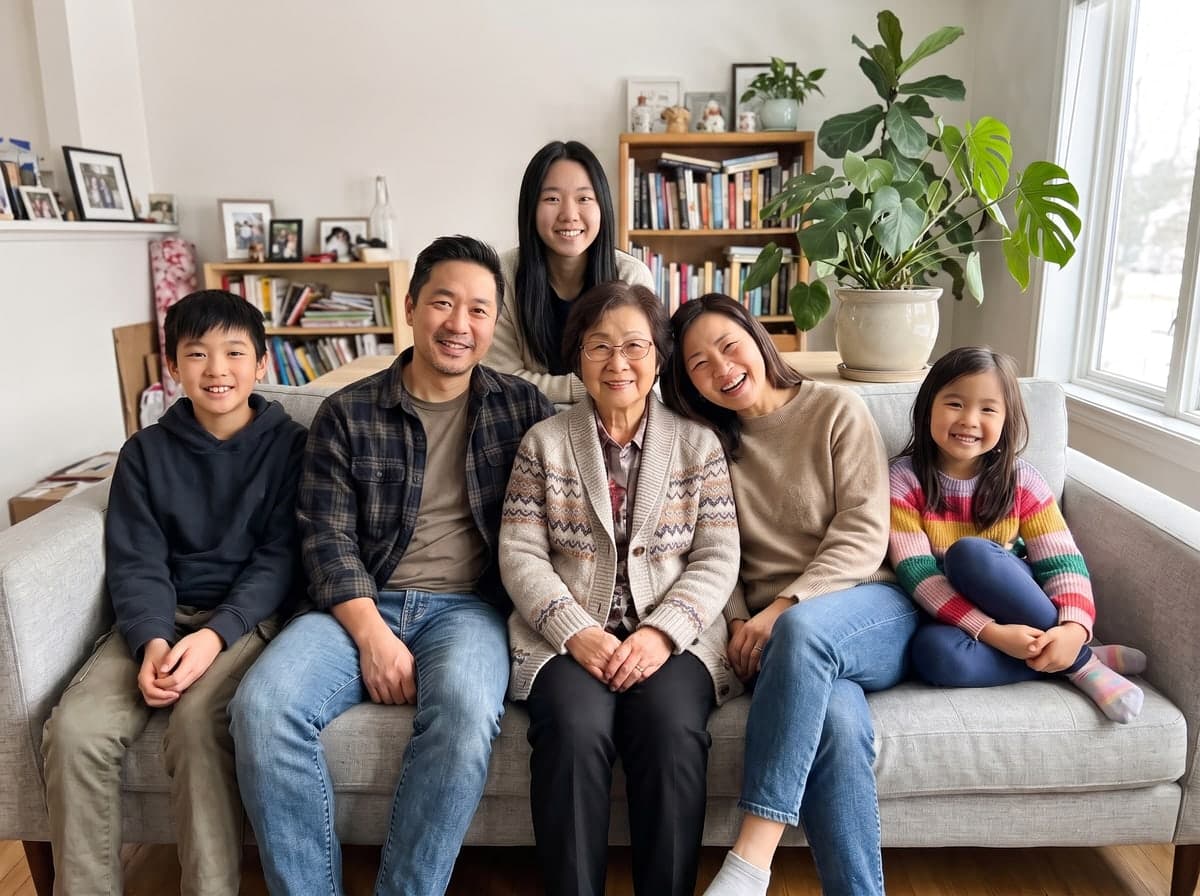
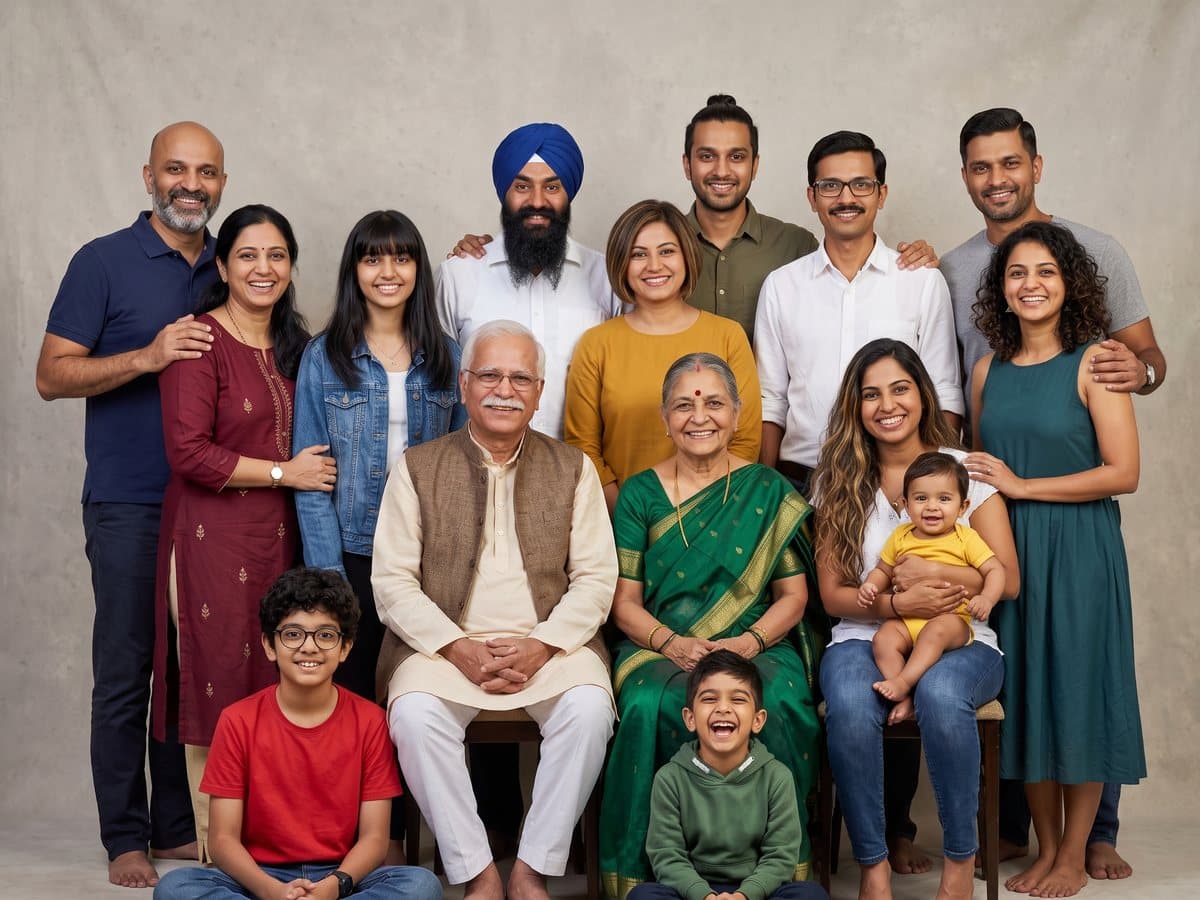
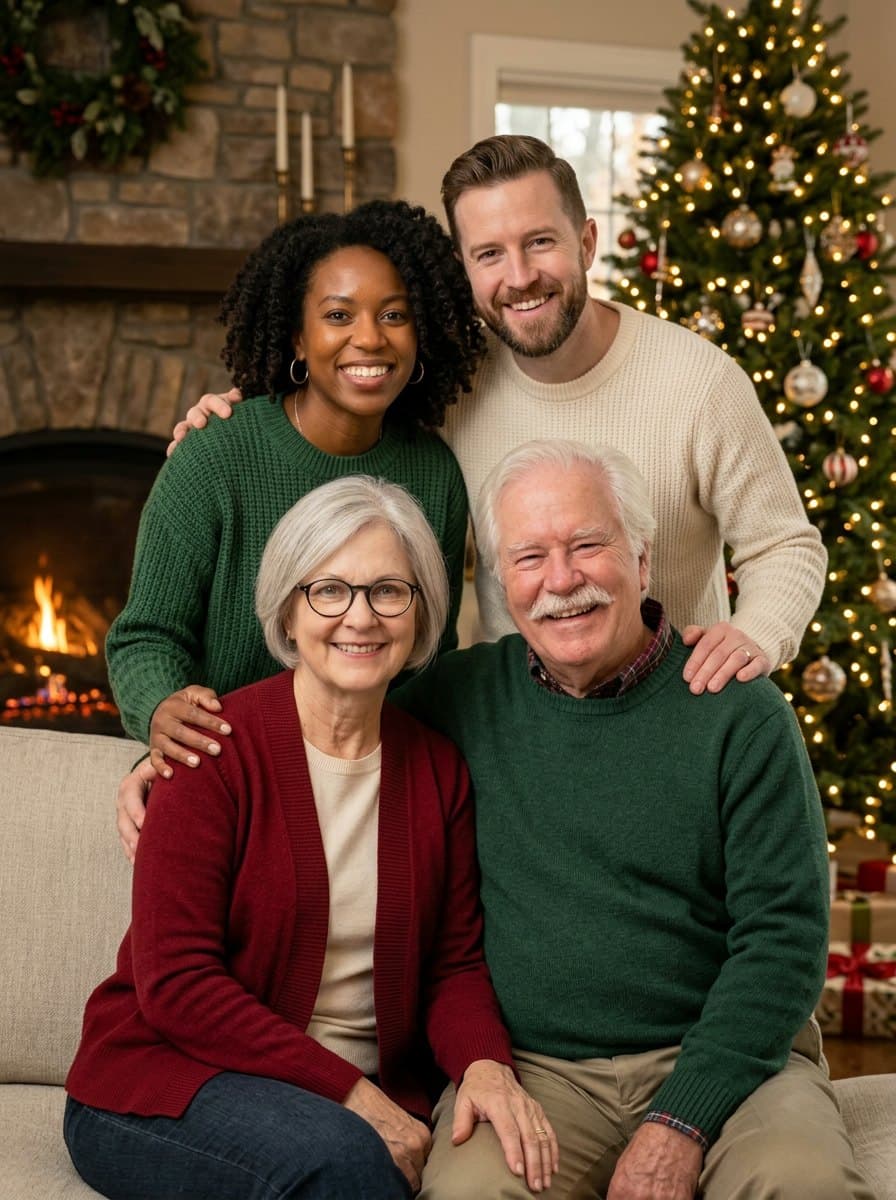
Family photos with a loved one added back
Each example started as a family photo and an old photo of someone who was missed: a faded print from the 1970s, a black and white portrait, a photo with a strong color cast. The people are AI-generated examples, not real families. The added person appears in present-day color and the same light as everyone else, with no glow or ghost effect.
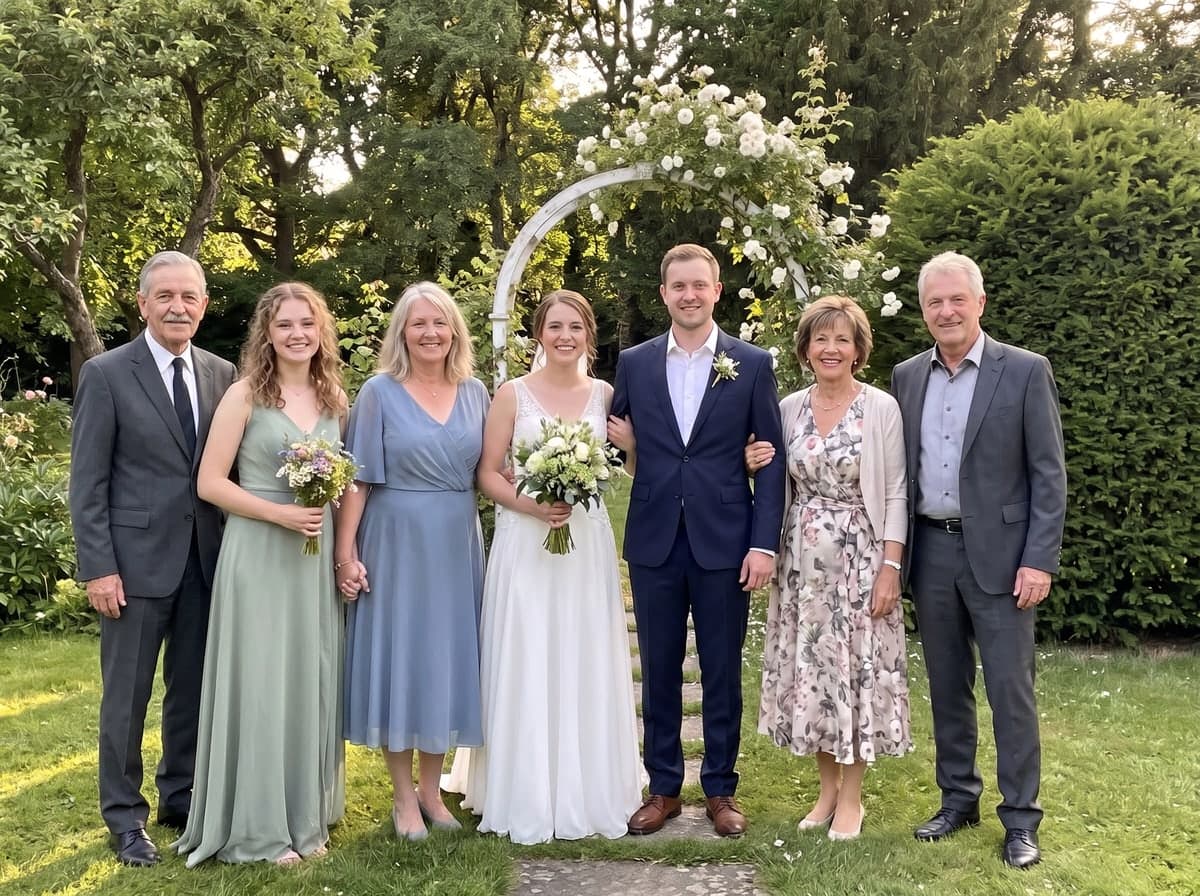
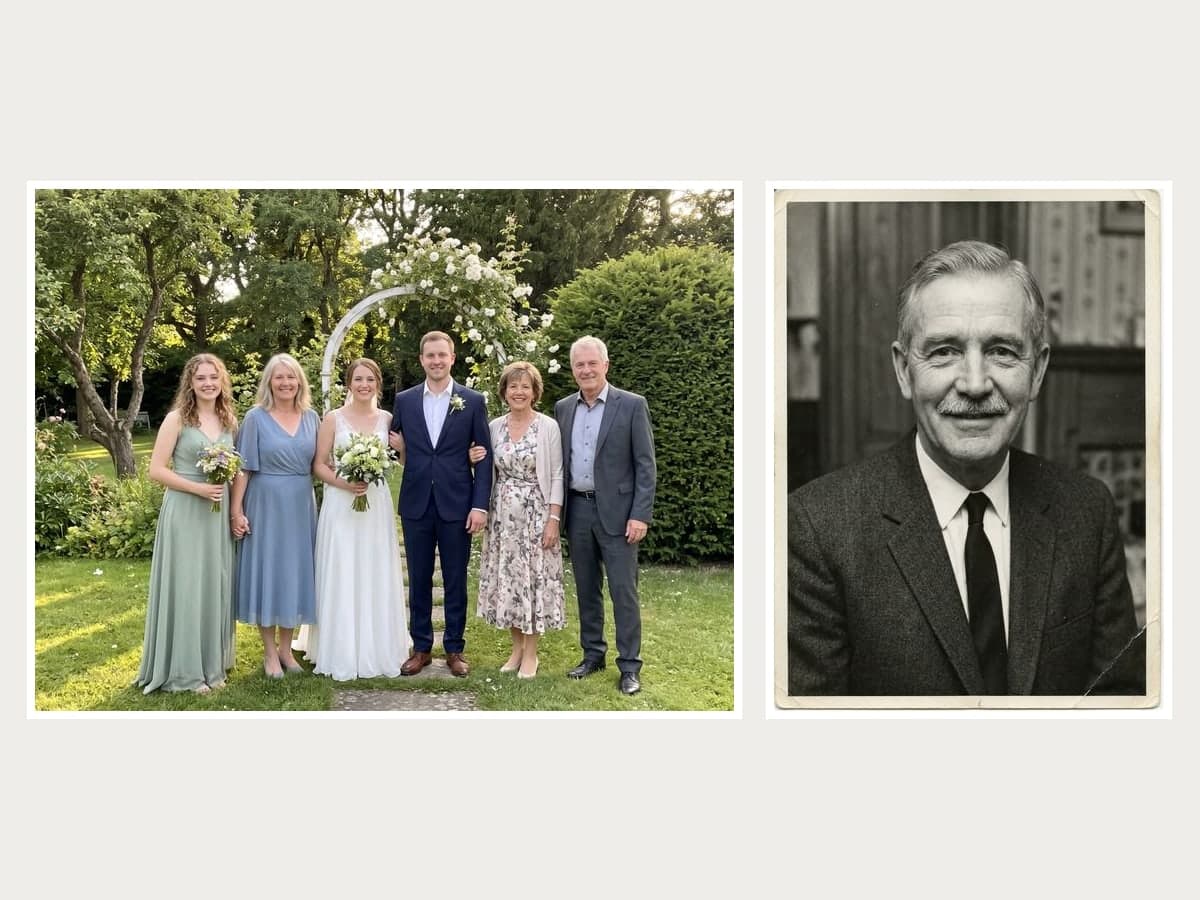 Bride’s father added from a black and white photo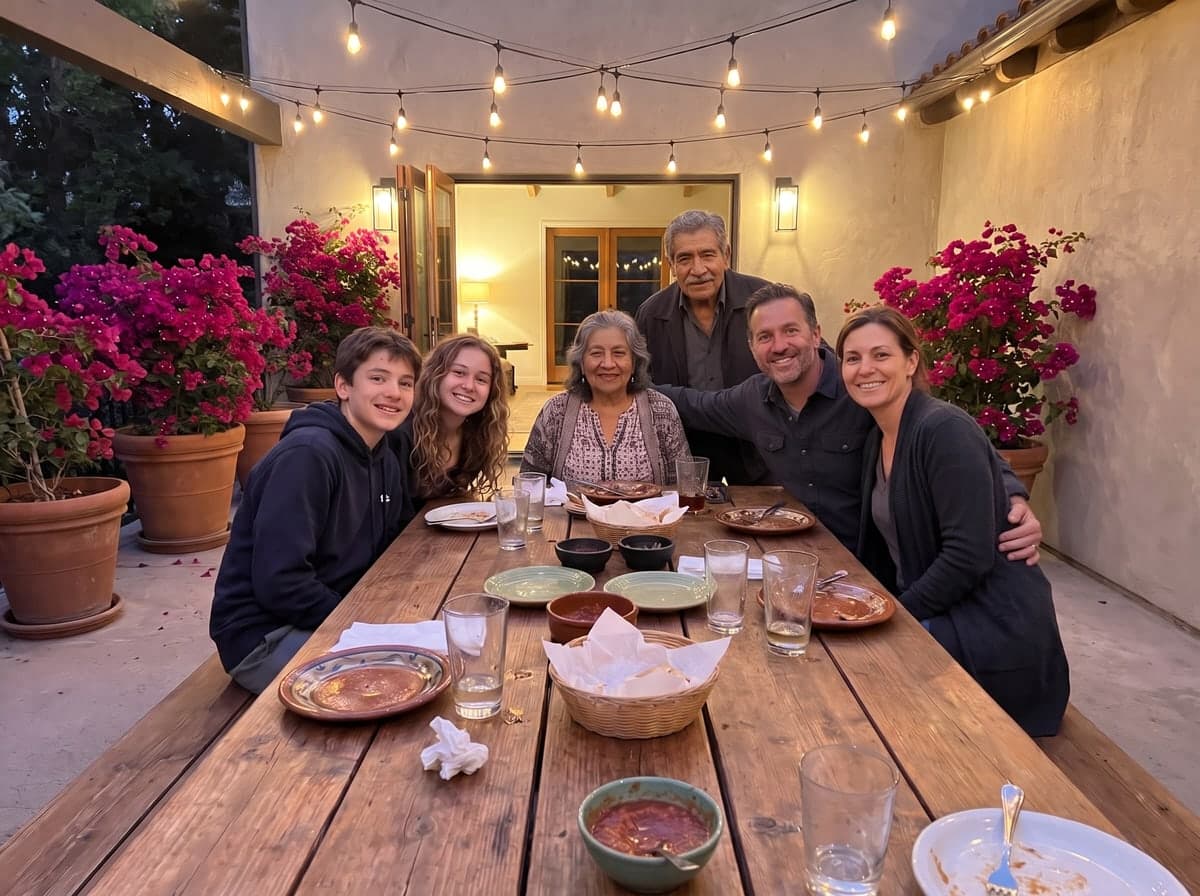
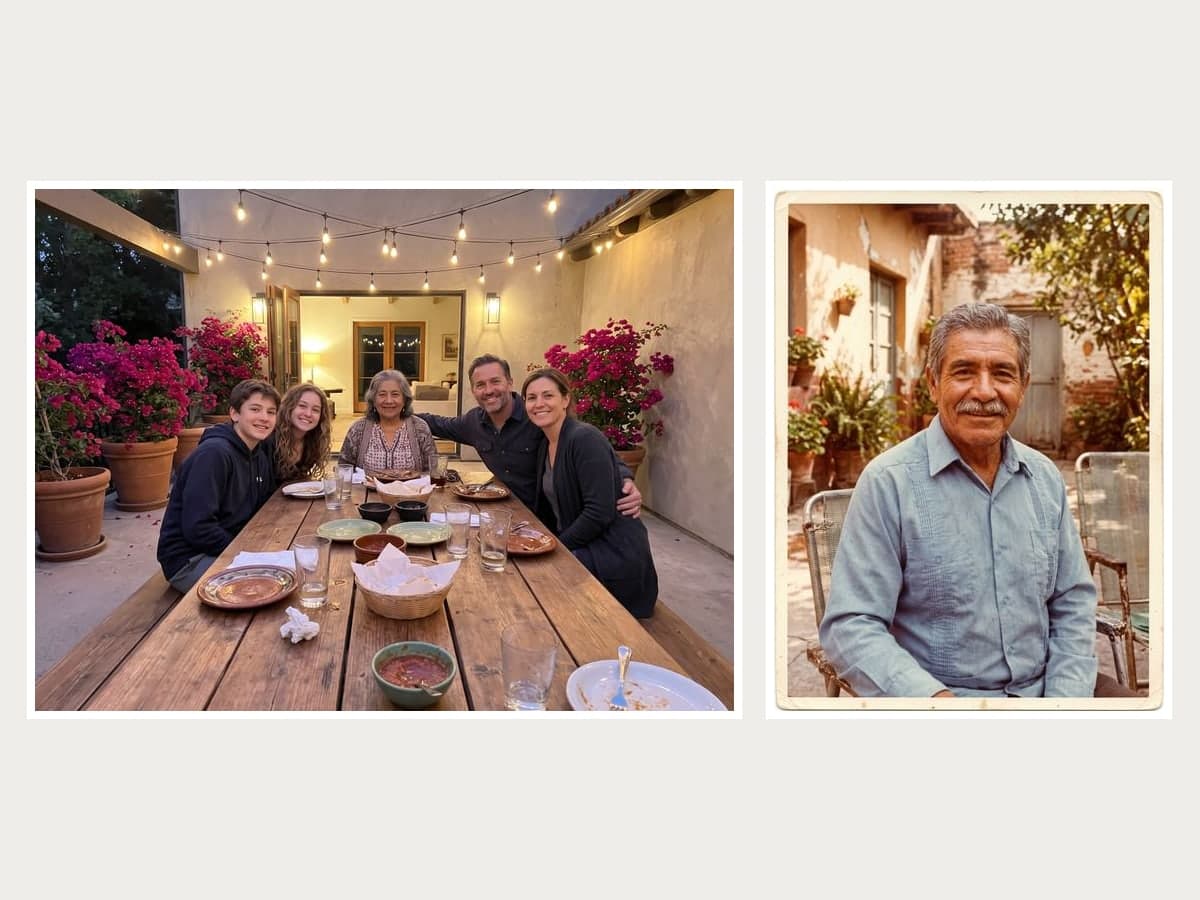 Grandpa from a faded 1970s print, at the family dinner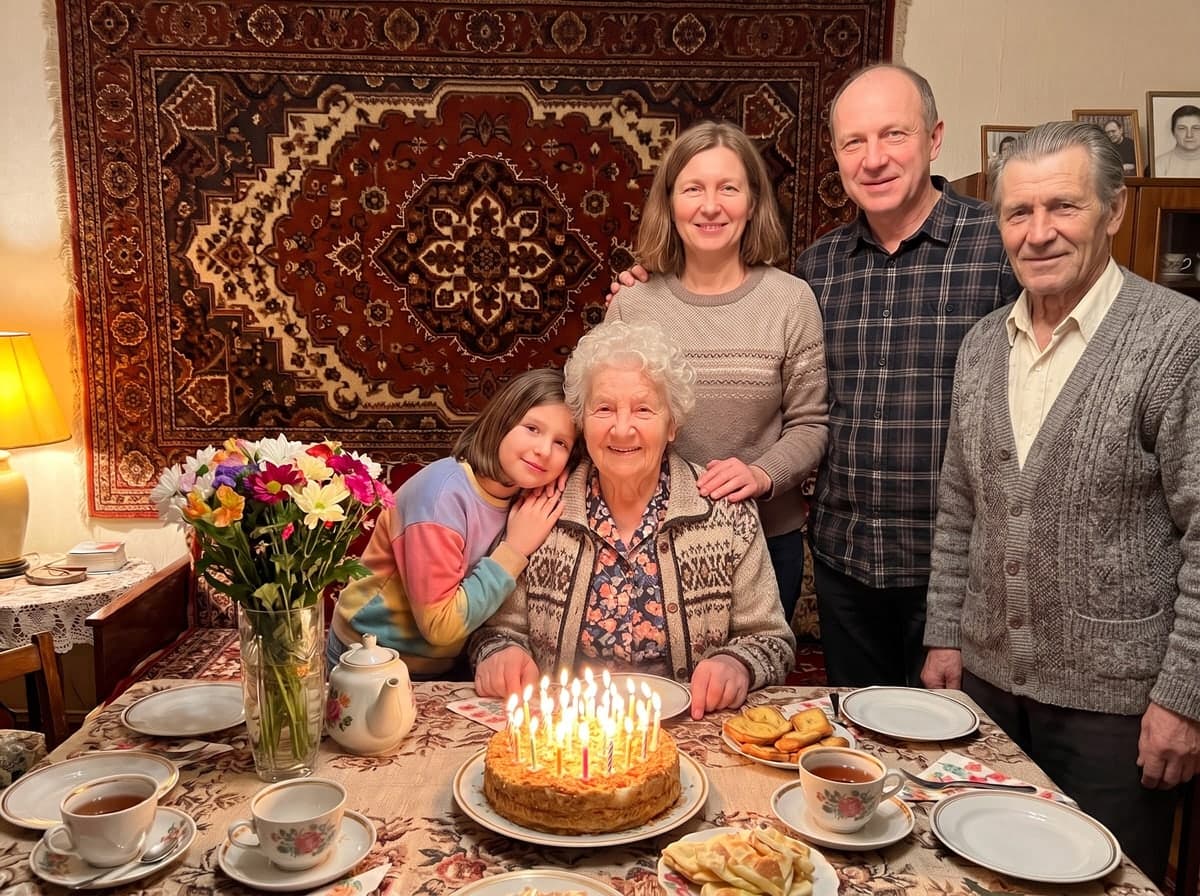
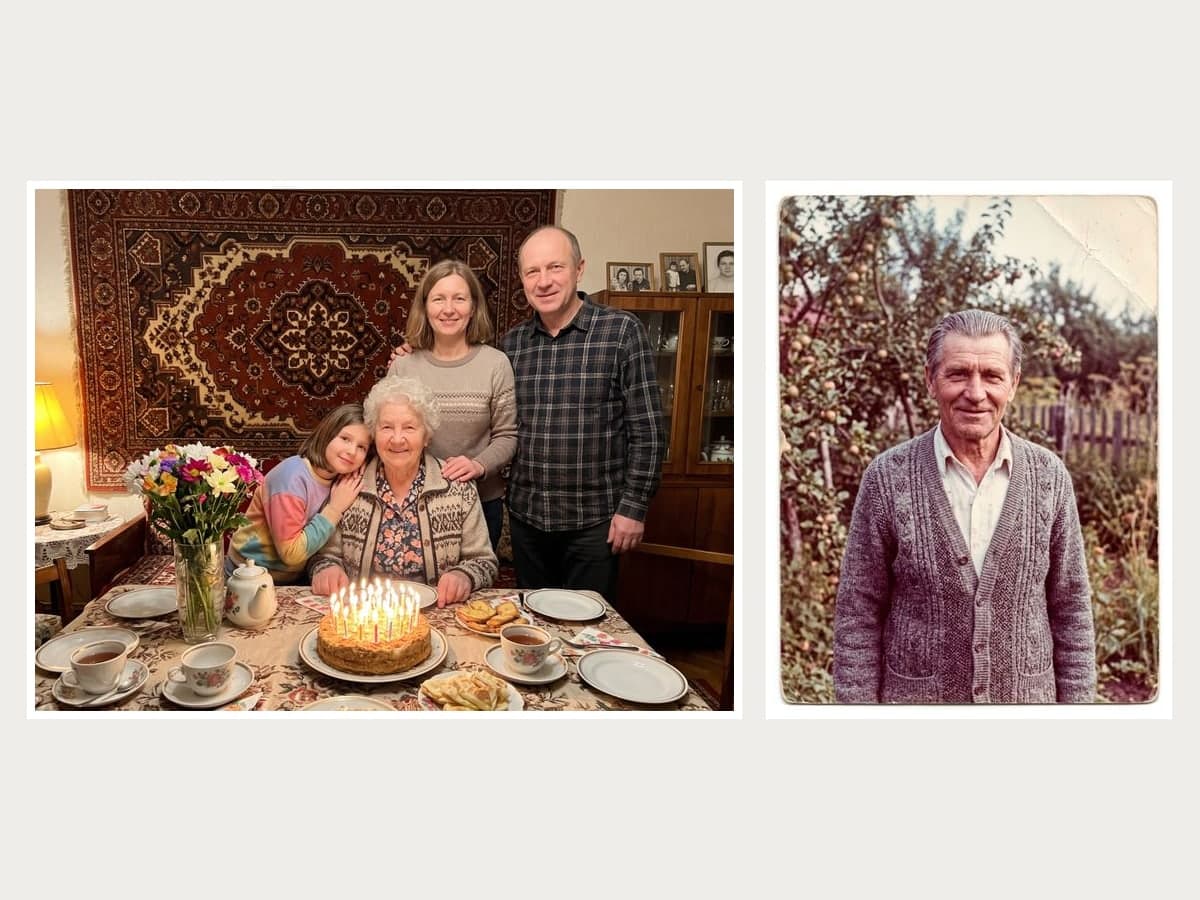 Grandpa at grandma’s 80th birthday, from a faded print
From an old print to the same light as everyone else
Scan or photograph the old print and upload it. Your loved one is shown in color, as sharp as the rest of the family and lit by the same light, so the picture feels whole rather than pasted together. Here a grandfather from a faded 1970s print joins the family dinner, standing just behind his wife.
Start freeYour two photosMemorial family photoA tribute, not a trick
It stays quiet and dignified: no halos, no glowing outlines, no see-through figures, and everyone already in the photo stays exactly as they were. It is a memorial image to print, frame or share with family, and it is best shared as that. Tick print quality for a 4K file to frame.
Start freeHow to add a loved one who has passed away to a photo
Three steps, about a minute or two of waiting.



At a glance
- Keep the family photo you have and add the person who was missing, from any photo of them, even an old faded print. They appear in the same light and color as everyone else, as a quiet tribute.
- Images are made with Nano Banana 2.1 by Google.
- Each image costs 5 credits.
- A print-quality 4K version costs 9 credits.
- New accounts get 10 to 30 free credits depending on country, no card needed, so even the smallest allowance covers 2 images at 5 credits per image.
- You can also pay once with no subscription: $0.99 for one image or $1.99 for three, and those credits stay valid for 12 months.
- Images come out at 2K resolution, 2400 × 1792 pixels (4:3).
- You upload two photos, and both are required: the main photo and the photo to add to it (JPG, PNG or WebP, up to 10 MB each).
- Before creating, you confirm that the photos are of you or that everyone in them agreed.
- A typical image is ready in about 68 seconds.
- Free-plan downloads carry a small Vidney watermark; paid plans download without it, and so do downloads for 12 months after any one-time purchase.
- One person per run, and it needs a clear photo of their face; old and faded prints are fine. AI cannot show how they would look today and may adapt their clothes. The result is a memorial image, not a real photo.
Frequently asked questions
How do I add a deceased loved one to a family photo?
Upload the family photo you want to keep, then a photo of your loved one. The AI keeps the family photo as it is and adds them to the group at the right size, in the same light and color as everyone else. Choose a spot, such as standing behind the family or at one end, or let it pick a natural place.
Will it work with an old, faded or black and white photo?
Yes. A faded color print, a black and white portrait and a photo with a strong color cast all worked in our examples: the person is shown in present-day color and sharpness. What matters most is a clear, front-facing face. A small or blurry face gives the AI less to go on, so the likeness can be weaker, and their clothes may be adapted to the scene.
Is there a free way to add a deceased loved one to a photo?
Yes, you can try it for free. New accounts get 10 to 30 free credits depending on country, no credit card needed. One photo costs 5 credits in standard 2K quality, so the free credits cover at least 2 photos. Downloads on the free plan carry a small Vidney watermark; on any paid plan, or for 12 months after a one-time purchase, they download clean. After that, credits come with a subscription plan; the cheapest, Starter, is $9 a month. You can also pay once with no subscription: $0.99 for one image or $1.99 for three, and those credits stay valid for 12 months. The price is always on the button before you create.
Will my loved one look like a ghost or an angel?
No. This version deliberately adds no halos, glow, wings or see-through effects. Your loved one is shown as a natural part of the family photo, with the same sharpness and light as everyone else, the way they would have stood with you.
Is it a real photo, and how should I share it?
It is an AI-made memorial image, not a photo that was taken. Families print it for a memorial, an anniversary, a wedding or the holidays, and we suggest saying so when you share it outside the family. AI cannot know how they would look today; it shows them as they appear in the photo you upload.
Can I use any photo of someone who has died?
Only use photos of your own family, or of people whose family agreed; you tick a box confirming this before you create. Photos of celebrities and other public figures are not supported.