

travel photo cleanup
Use Magic Eraser for travel photo cleanup. The surrounding texture, light and perspective stay coherent.
Try the AI magic eraserTry it now
Upload a photo, brush over what should disappear, and get a clean reconstruction without manual retouching.
Before
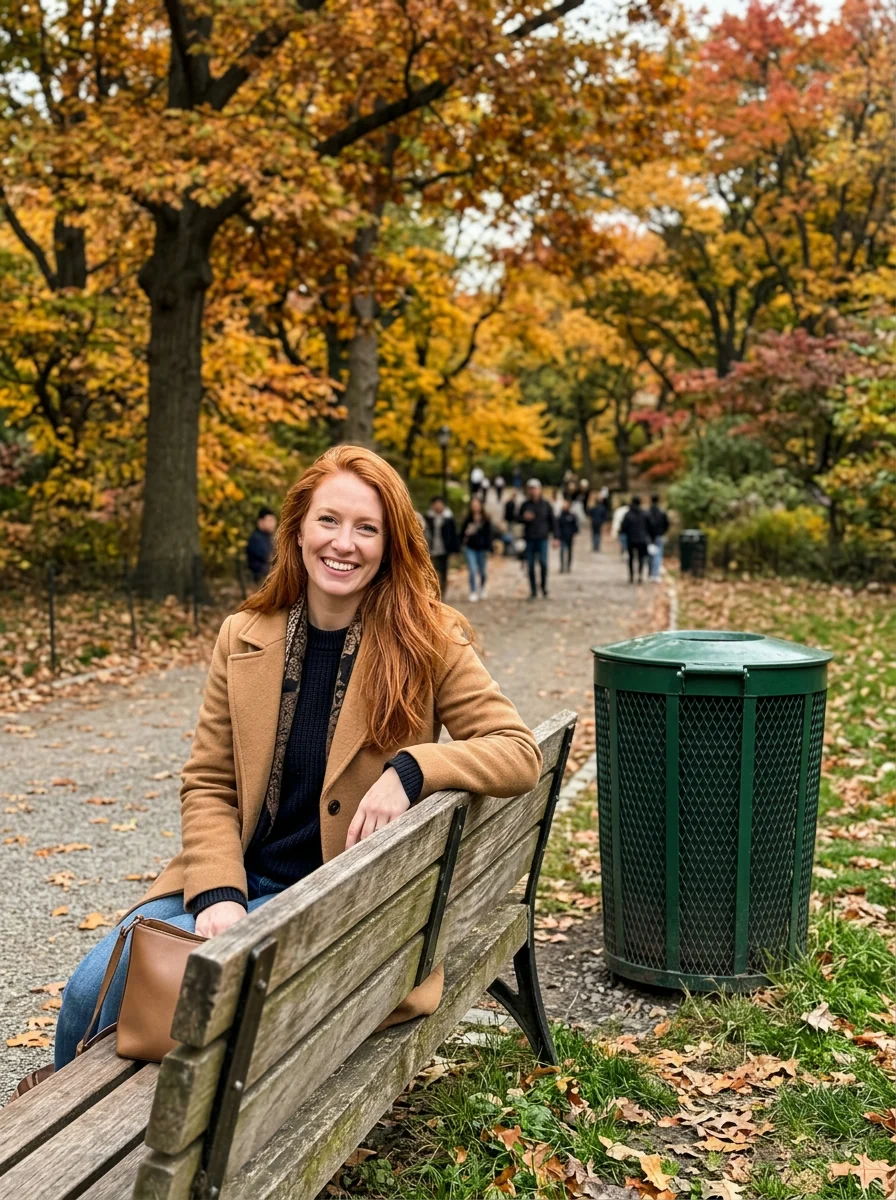
After
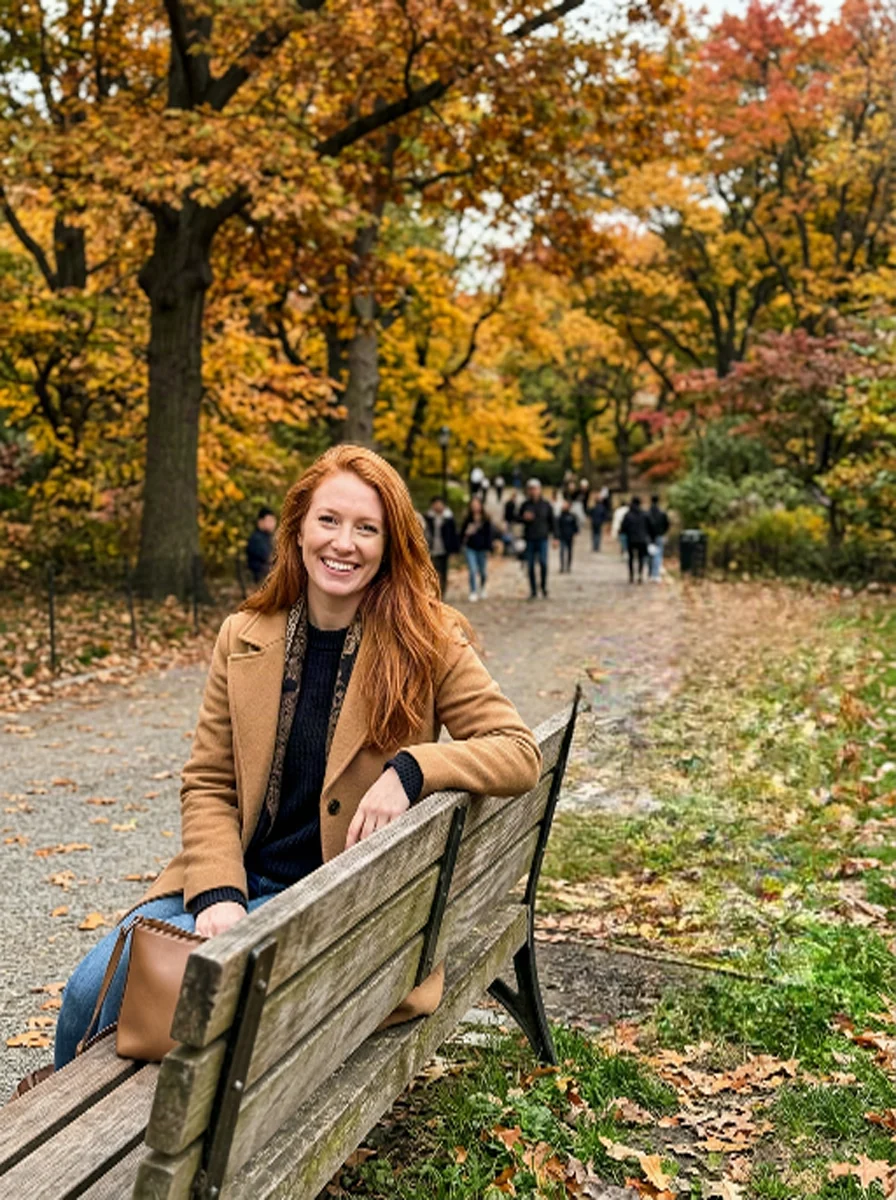
Before
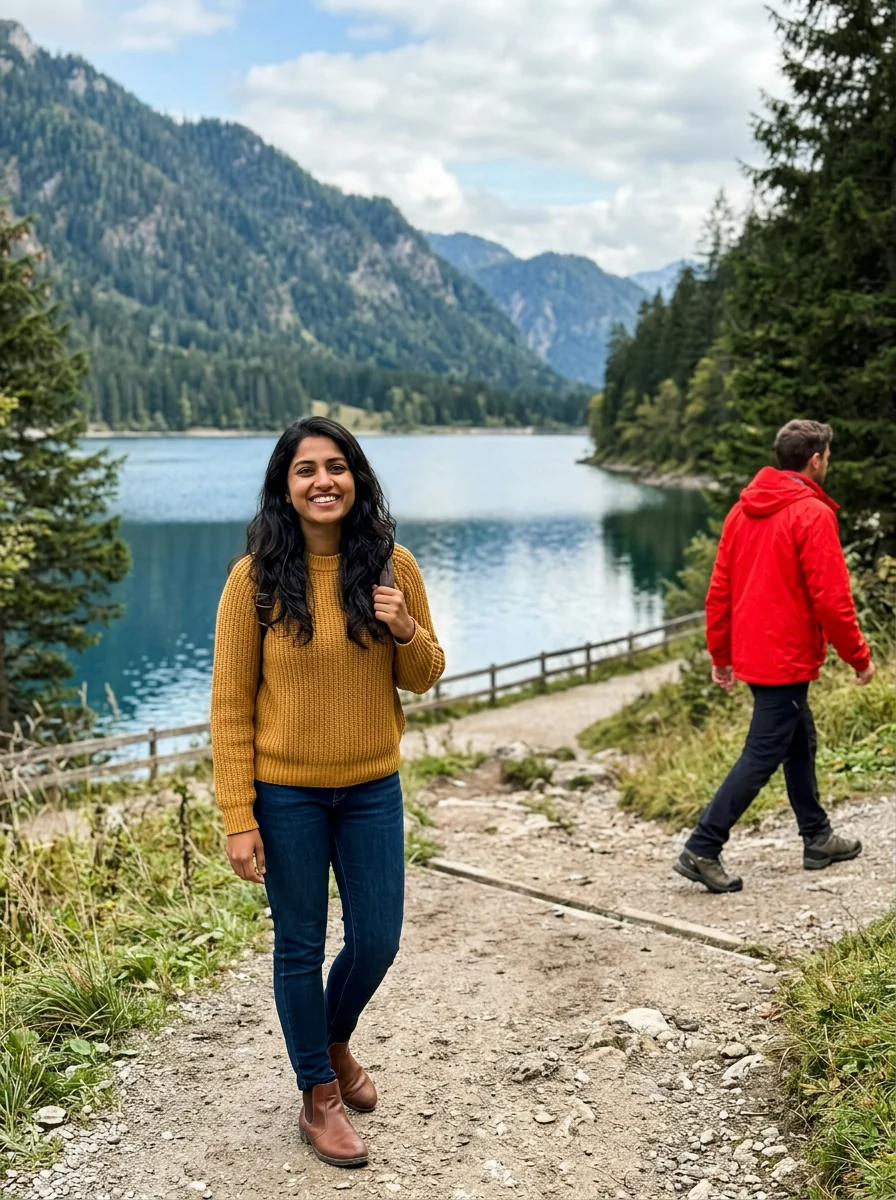
After
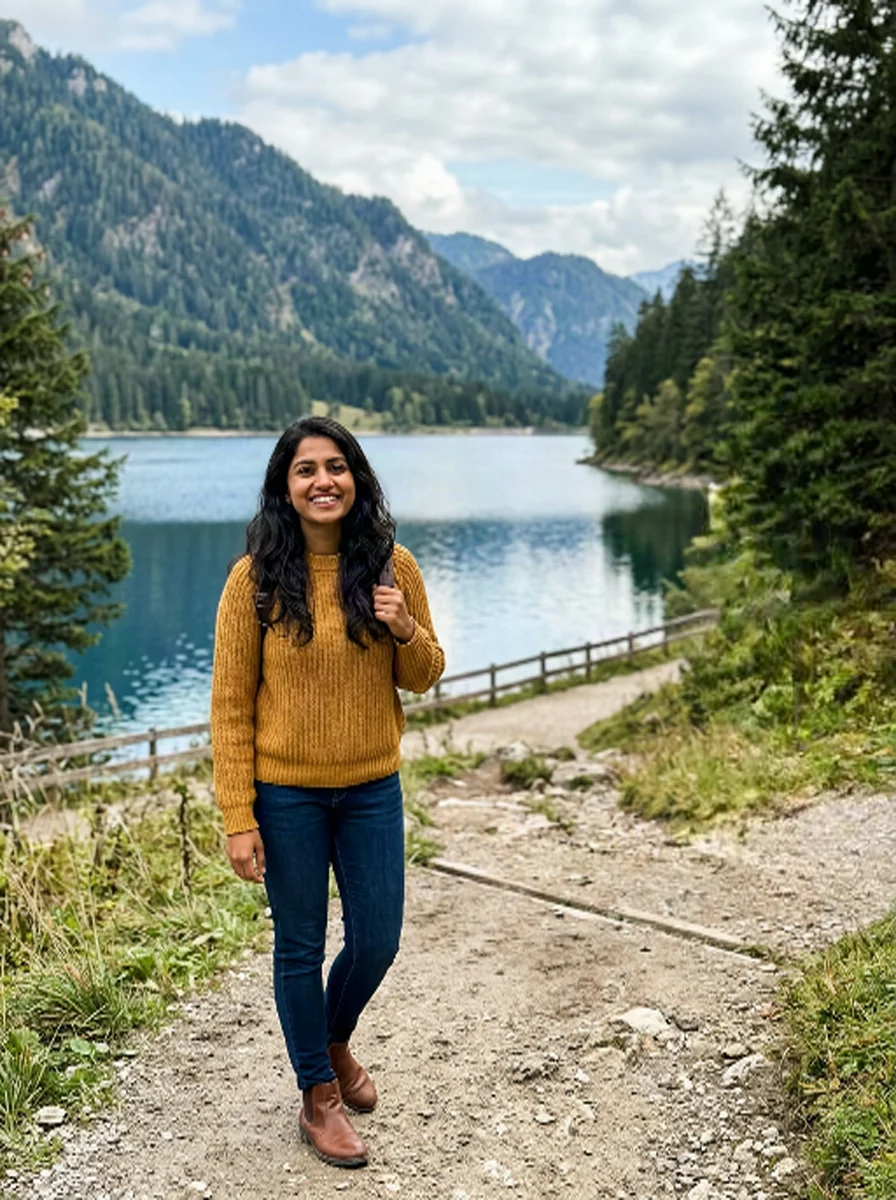
Before
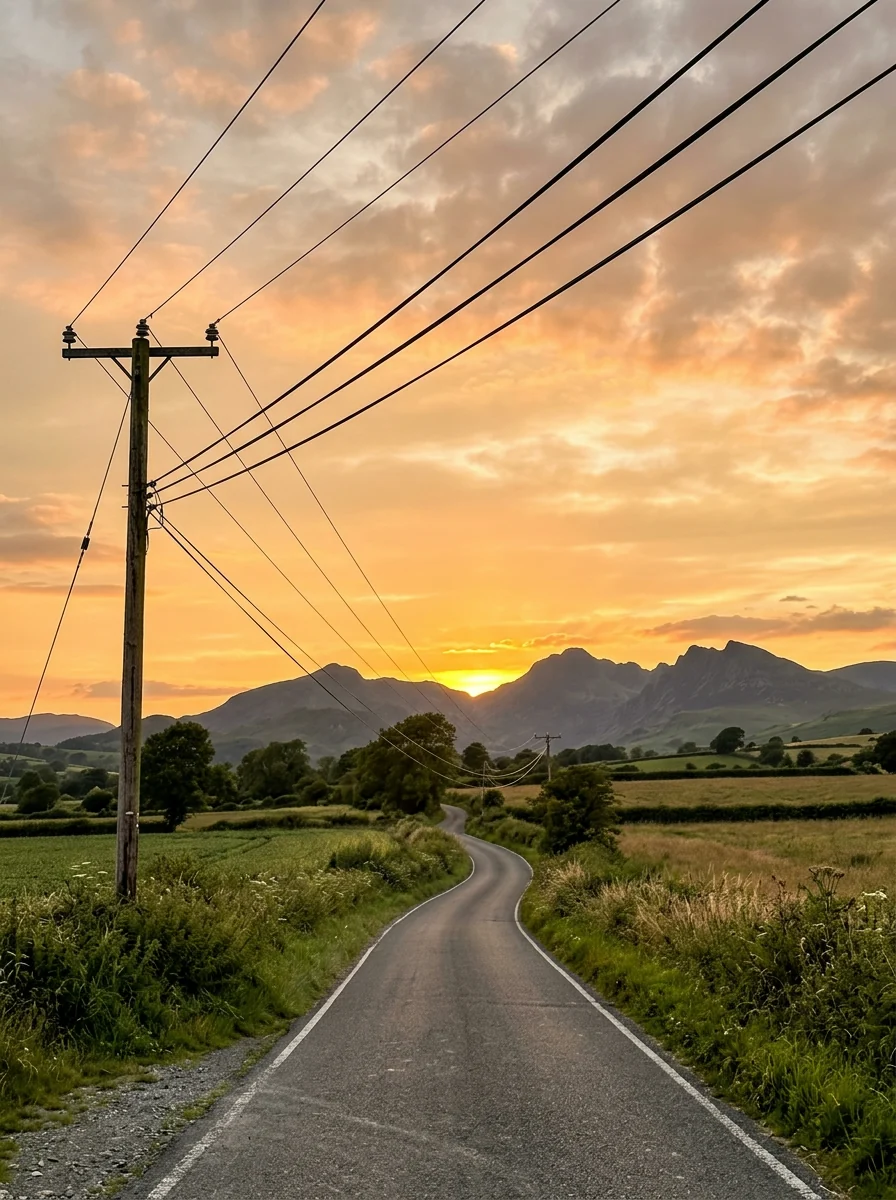
After
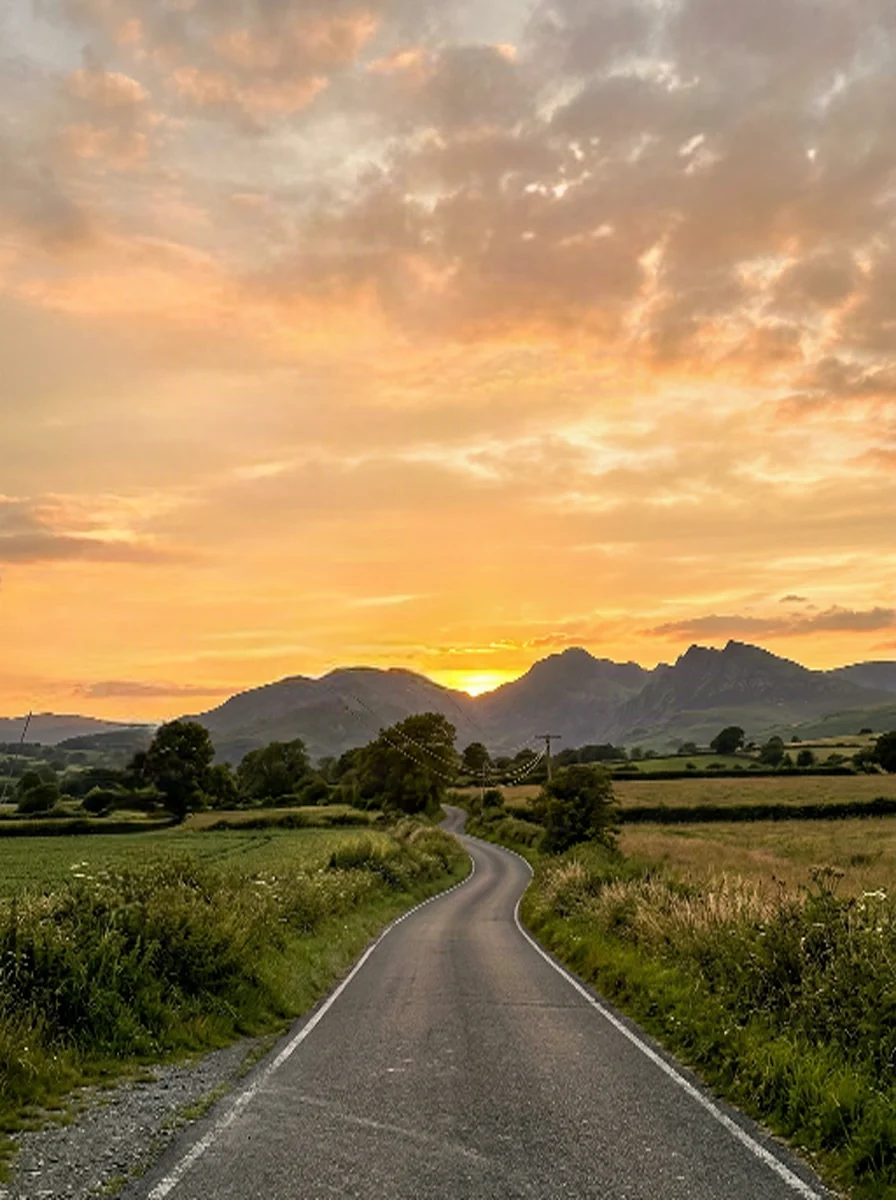
Before

After

Before
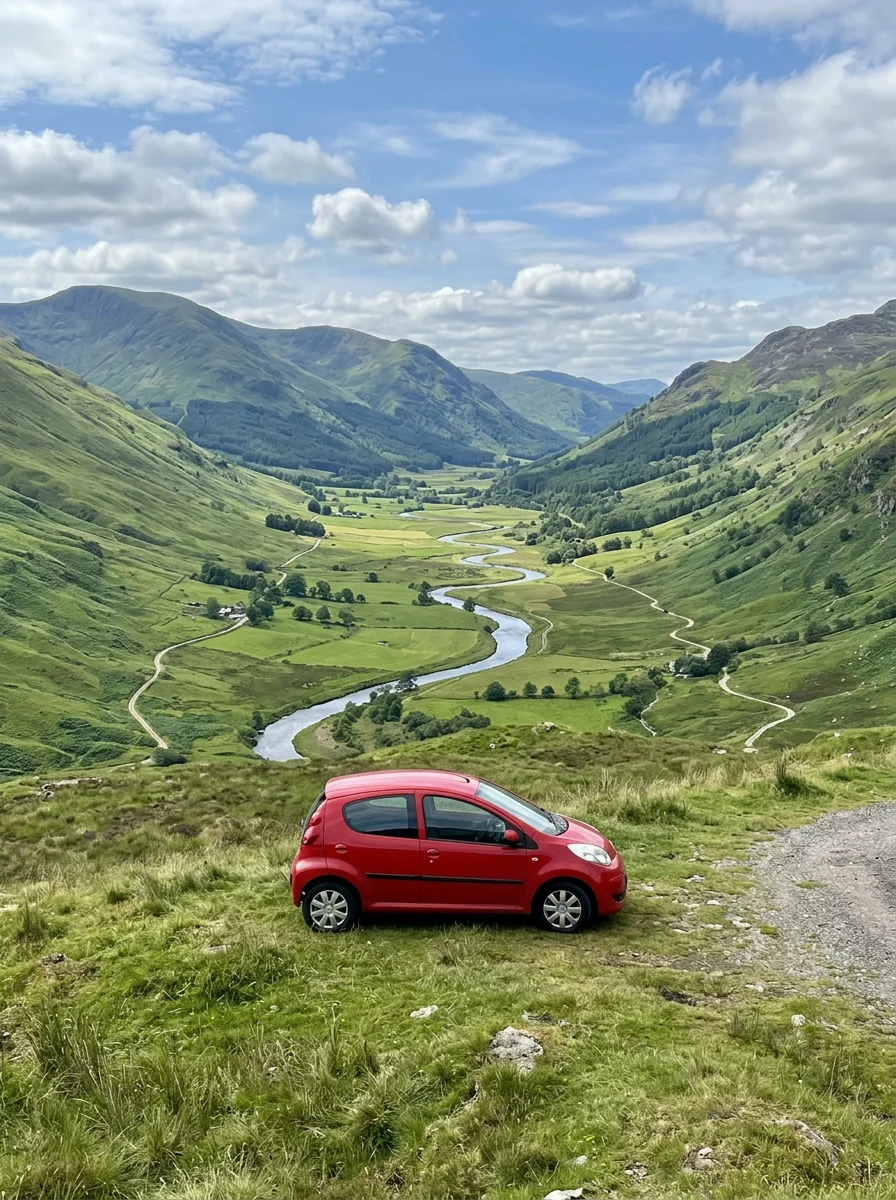
After
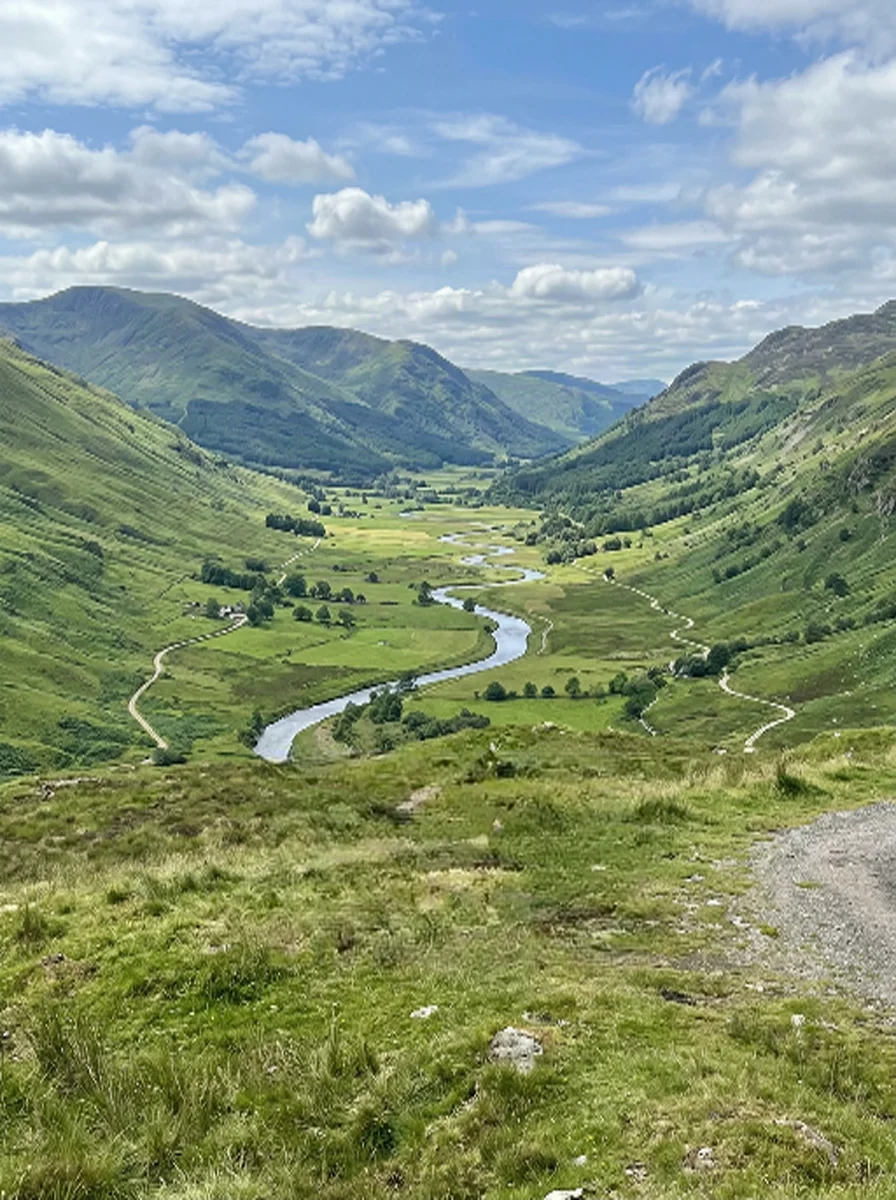
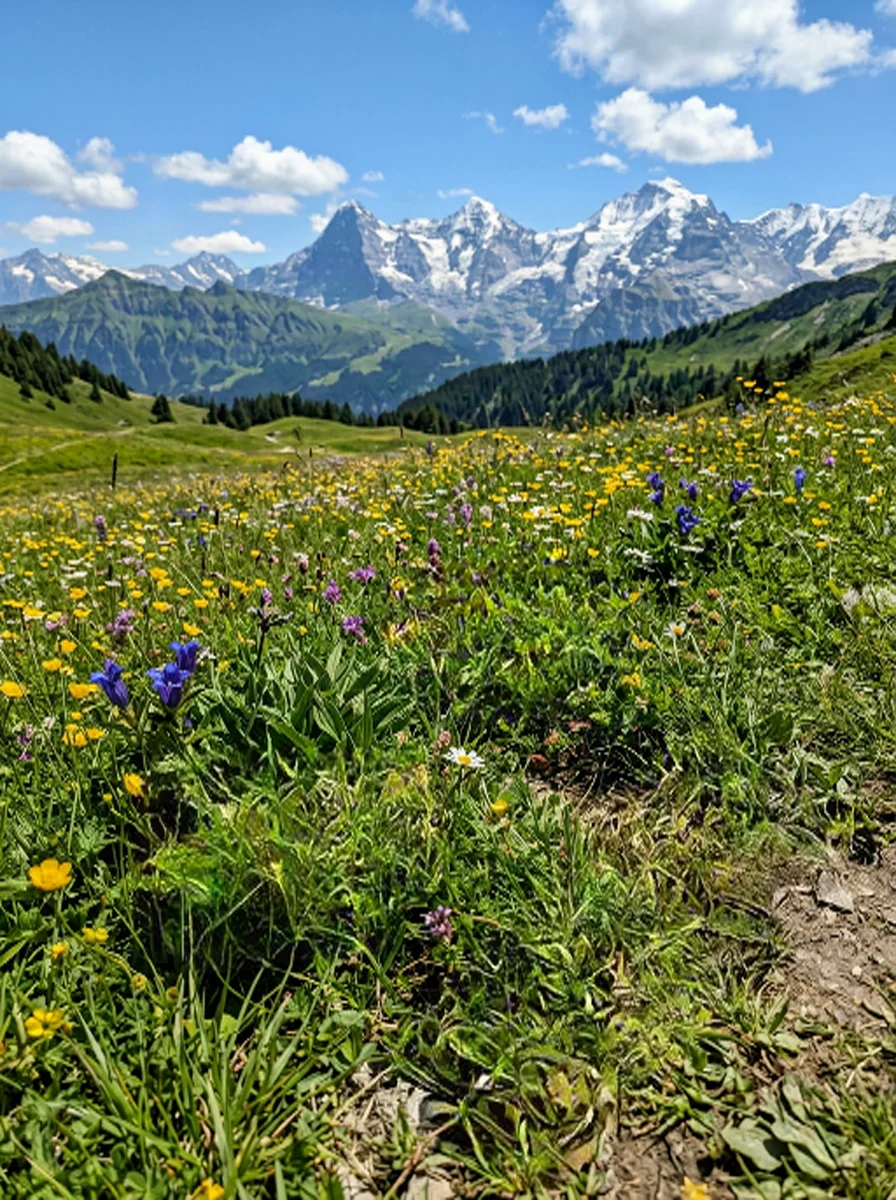
Before
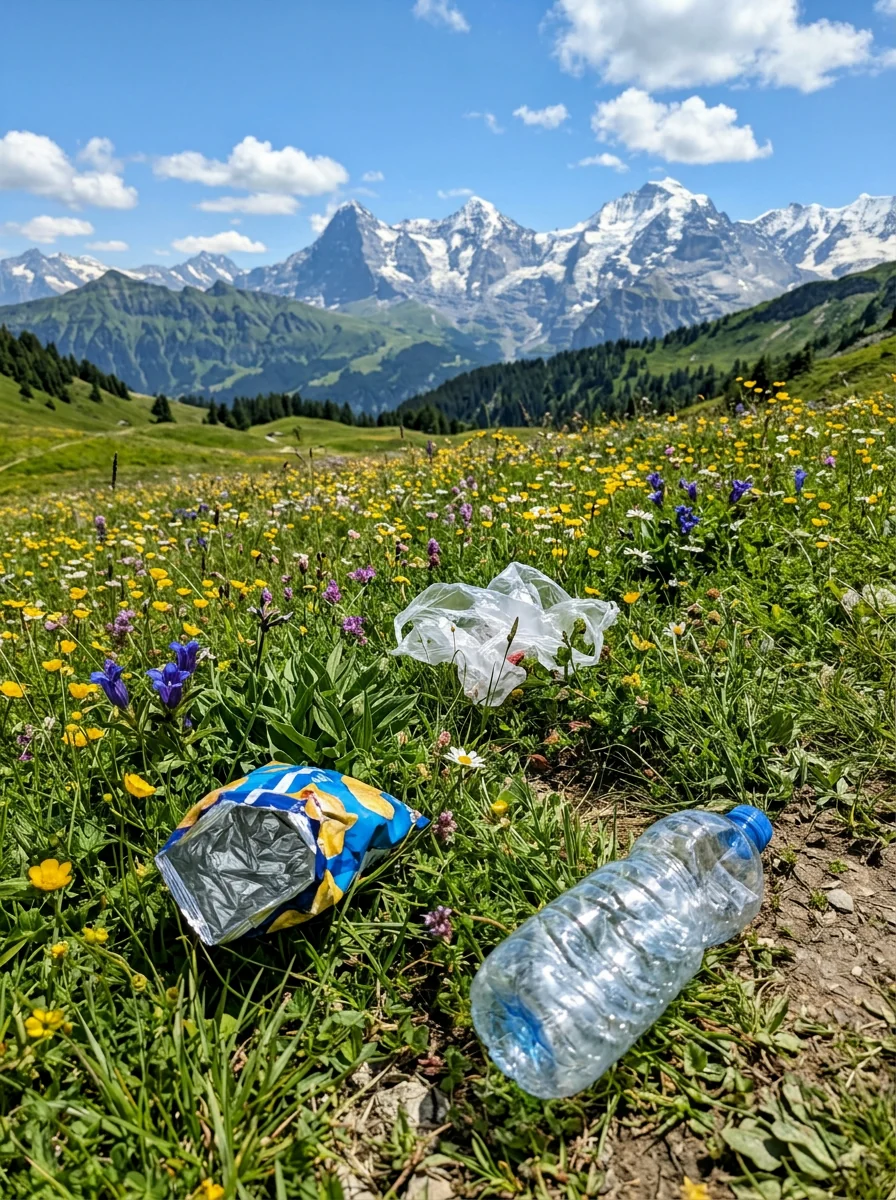
After
Use Magic Eraser for travel photo cleanup. The surrounding texture, light and perspective stay coherent.
Try the AI magic eraserUse Magic Eraser for product photo cleanup. The surrounding texture, light and perspective stay coherent.
Open the object removerUse Magic Eraser for removing passersby. The surrounding texture, light and perspective stay coherent.
Use the AI object removerUse Magic Eraser for clearing signs and wires. The surrounding texture, light and perspective stay coherent.
Clean with the photo eraserUse Magic Eraser for repairing scanned photos. The surrounding texture, light and perspective stay coherent.
Remove object from photoUse Magic Eraser for tidying social images. The surrounding texture, light and perspective stay coherent.
Open the image eraserUpload a photo, brush over what should disappear, and get a clean reconstruction without manual retouching.



Turn pasted text or weighted words into a clear word cloud, then adjust the shape, colors and word count with an instant browser preview.
Preview a tattoo idea on your own photo with realistic placement, scale and skin detail before deciding on style, size or position.
Change the clothes in a photo while preserving the same person, pose and background, with realistic fabric, fit, folds and lighting.
Try a new hair color on your photo while preserving your face, hairstyle, fine strands and natural lighting before choosing a dye.
Free online photo booth: shoot 4 photos with your webcam or phone, or upload your own, then download a print-ready photo strip, 2×2 grid or purikura sheet.
Magic Eraser is a focused photo tool that applies one requested visual change while protecting unrelated details. The surrounding texture, light and perspective stay coherent.
Use a sharp image and paint over only the unwanted area.
You can mark more than one unwanted item and add an optional note about the background you want restored.
Your photo and mask are processed for the requested edit and returned as a new image.
You can download the finished image. On the free plan, downloads include a small watermark; paid plans download without it. Make sure you have the right to use any photo you upload.
The surrounding texture, light and perspective stay coherent. Start with your own material and adjust the result until it fits.
