Vidney

AI 影片生成器

Seedance 2.5 Flash

用文字、首尾影格或參考圖片做影片。

影片

圖片

Vidney 工作台

31 個模型
0/2000
4s
4s30s
需要:32 點數

輸出

範例

三段 Seedance 2.5 Flash 實例

01

暮色裡的蒲公英

鏡頭從人物特寫拉開,蒲公英種子亮成細小光點。這段只輸入文字。

設定
  • 文字生影片
  • 4 秒
  • 480p
  • 16:9
  • 音訊開啟
提示詞(英文原文)

Close-up portrait in a meadow at dusk, filmed as one unbroken handheld take with a single slow pull-back, no cuts. A girl about seven with freckles and curly brown hair holds a dandelion clock close to her lips; the low orange sun behind her makes a soft halo in her hair. She blows, the seeds drift off and begin to glow, turning into tiny warm points of light that swirl slowly around her face, and her eyes widen. As the camera slowly eases back to a medium shot, the glowing seeds circle her and she laughs and says softly, "They came back!" Shallow depth of field, golden backlight, gentle breeze in the grass. Sound: crickets, soft wind, her breath and laugh. No text, no logos.


02

從全身推到特寫

發條機器人往鏡頭走近。開場全身和結尾特寫分別由兩張圖指定。

輸入
  • 從全身推到特寫: 起始影格起始影格
  • 從全身推到特寫: 結束影格結束影格
設定
  • 圖片生影片
  • 4 秒
  • 720p
  • 音訊開啟
提示詞(英文原文)

The vintage tin robot's wind-up key turns, it takes two stiff steps forward with a clockwork rattle, and the camera pushes in until its face fills the frame. Plain gray studio background, soft light.

03

雨夜櫥窗裡的機器人

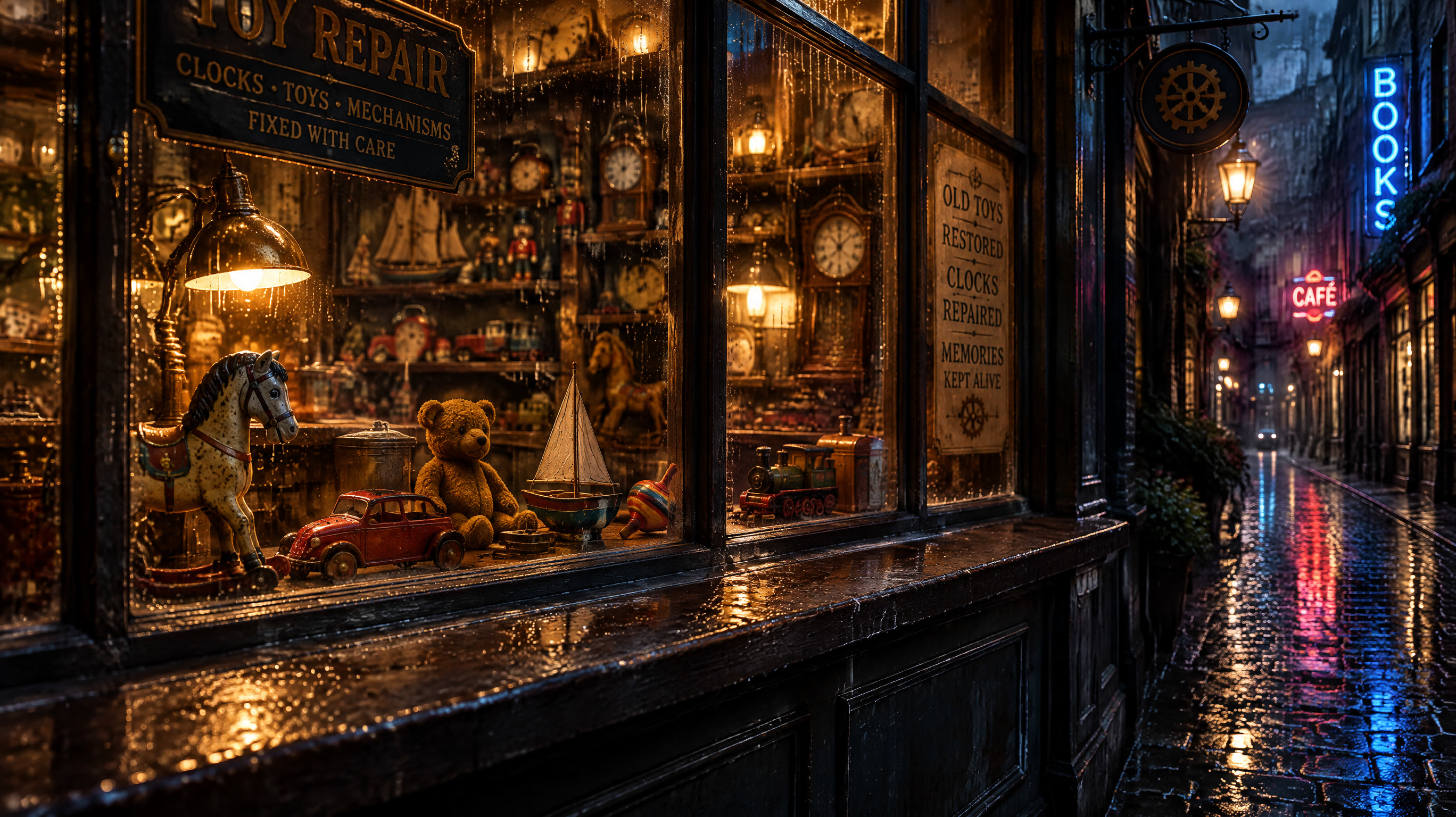
一張圖提供玩具造型,另一張提供街景。鏡頭拉開後就能看見雨夜店面。

輸入
  • 雨夜櫥窗裡的機器人: 圖片 1圖片 1
  • 雨夜櫥窗裡的機器人: 圖片 2圖片 2
設定
  • 參考素材生影片
  • 4 秒
  • 720p
  • 16:9
  • 音訊開啟
提示詞(英文原文)

The tin robot from image 1 marches stiffly along the rain-soaked windowsill of the toy repair shop in image 2, its brass wind-up key turning on its back. It stops at the edge, tilts its glass dome up toward the rain and gives a tiny wave. The camera tracks alongside at sill height, then cranes up to reveal the glowing shop window and the neon alley behind. Sound: ticking clockwork, rain on glass and stone, a distant tram bell, no music.

根據要控制的畫面選模式

先試一段動作

寫清楚誰在做什麼,光從哪裡來。先做短片確認動作節奏。

指定畫面落點

上傳首格重現開場構圖,需要停在特定畫面時再加尾格。

把主體放到新場景

分別上傳主體和場景參考圖,並在文字裡交代各自用途。

手上有什麼素材,就從那裡開始

可以直接寫場景,也可以先上傳一張首格,再視需要補上尾格。想把角色和場景分開指定,就在參考模式放入不同圖片。影片長度可選 4 至 30 秒,解析度為 480p 或 720p。圖生影片會跟隨首格比例,開關生成音軌的點數相同。

如何用 Seedance 2.5 Flash 生成 影片

在 Vidney 用 Seedance 2.5 Flash 三步驟做出 AI 影片。

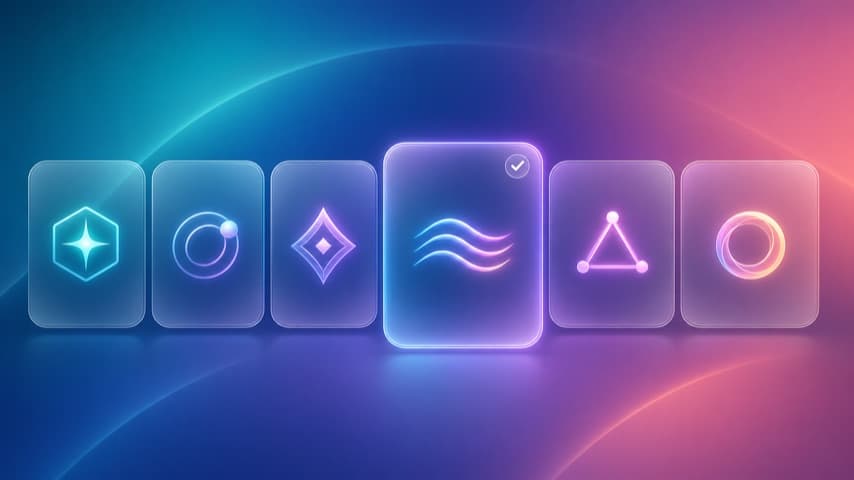
Glowing panels with one model selected from severalStreams of light forming into an emerging imageA finished image materializing from a vortex of glowing light

Seedance 2.5 Flash vs Vidu Q4 Preview vs Grok Imagine Video 1.5 vs Grok Imagine Video 1.5 Lite

與同類模型的規格並排對比,全部可在 Vidney 執行。

Seedance 2.5 FlashVidu Q4 PreviewGrok Imagine Video 1.5Grok Imagine Video 1.5 Lite
任務模式文字生成影片 · 圖像生成影片 · 多素材參考生成圖像生成影片 · 多素材參考生成文字生成影片 · 圖像生成影片 · 多素材參考生成文字生成影片 · 圖像生成影片
時長4–30 秒3–16 秒1–15 秒1–15 秒
解析度480p · 720p540p · 720p · 1080p · 2K · 4K480p · 720p · 1080p480p · 720p · 1080p(由 720p 放大)
音訊支援支援內建,永遠開啟內建,永遠開啟
費用每次生成 40 點數每次生成 159 點數每次生成 18 點數每次生成 18 點數

相關模型

更多你能在 Vidney 上執行的 AI 影片模型。

已上線

用 Seedance 2.5 生成 AI 影片:文字生成影片、圖像生成影片、與多素材參考生成,全部在同一個 Vidney 工作台完成。

每次生成 63–66 點數
已上線

用 Seedance 2.0 生成 AI 影片:文字生成影片與圖像生成影片,全部在同一個 Vidney 工作台完成。

費用顯示在生成按鈕上
已上線

Sand.ai 旗艦模型,一次生成 4 到 30 秒的有聲 1080p 影片。

每次生成 40 點數
已上線

一次最長 30 秒,聲音一起生成:把場景寫出來、讓起始畫面動起來,或用參考圖決定誰在畫面裡。

每次生成 90 點數

用 Grok Imagine Video 1.5 生成 AI 影片:文字生成影片、圖像生成影片、與多素材參考生成,全部在同一個 Vidney 工作台完成。

每次生成 18 點數
已上線

Standard 適合長鏡頭與指定結尾。Flash 文字生影片已開放,圖片生影片待開放。

每次生成 60–215 點數

常見問題

Seedance 2.5 Flash 是什麼?

Seedance 2.5 Flash 是一個你能在 Vidney 上執行的 AI 影片模型。它在同一個工作台支援 文字生成影片、圖像生成影片、與多素材參考生成。

Seedance 2.5 Flash 每次生成多少錢?

Seedance 2.5 Flash 每次生成 40 點數。確切點數在你執行前會顯示在生成按鈕上。以 Starter 方案單價(每點 US$0.03)計算,每次約 US$1.20。

Seedance 2.5 Flash 支援哪些長寬比?

Seedance 2.5 Flash 支援以下長寬比:1:1、4:3、3:4、16:9、9:16、21:9。

Seedance 2.5 Flash 的影片可以多長?

Seedance 2.5 Flash 可生成 4–30 秒 的影片。

Seedance 2.5 Flash 會生成音訊嗎?

會。Seedance 2.5 Flash 能生成帶音軌的 影片,你也可以在生成前開啟或關閉聲音。

Seedance 2.5 Flash 可以免費用嗎?

光靠註冊點數不夠。新帳號的免費點數是 6 到 12 點,而 Seedance 2.5 Flash 每次生成 40 點數,所以要訂閱方案才能使用。免費點數可以先用在比較便宜的模型上;確切點數一律會在扣點之前顯示。

用 Seedance 2.5 Flash 生成的影片可以商用嗎?

可以。你在 Vidney 用 Seedance 2.5 Flash 生成的影片,版權歸你,能放心用在商業專案:廣告投放、社群貼文、接案交付、蝦皮與電商主圖都沒問題。成品是你的,Vidney 只負責生成與儲存。

Seedance 2.5 Flash 會加浮水印嗎?

只有免費方案會加。免費方案下載的檔案會帶一個小小的 Vidney 浮水印;任何付費方案下載 Seedance 2.5 Flash 生成的影片都不帶浮水印,可以直接發佈或交給客戶。升級之後,之前生成的影片下載時也不會再有浮水印。

Seedance 2.5 Flash 的最佳替代方案有哪些?

在 Vidney 上,與 Seedance 2.5 Flash 最接近的替代方案是 Vidu Q4 Preview、Grok Imagine Video 1.5、與Grok Imagine Video 1.5 Lite。這些模型都在同一個工作台運作、共用同一個點數餘額,你可以用同一段提示詞在每款模型上各跑一次,並排比較生成結果。

使用 Seedance 2.5 Flash 需要 API 金鑰或服務商帳號嗎?

不需要。Vidney 會替你執行 Seedance 2.5 Flash,沒有 API 金鑰要管理,也不必另外設定服務商帳號。

立即用 Seedance 2.5 Flash 創作