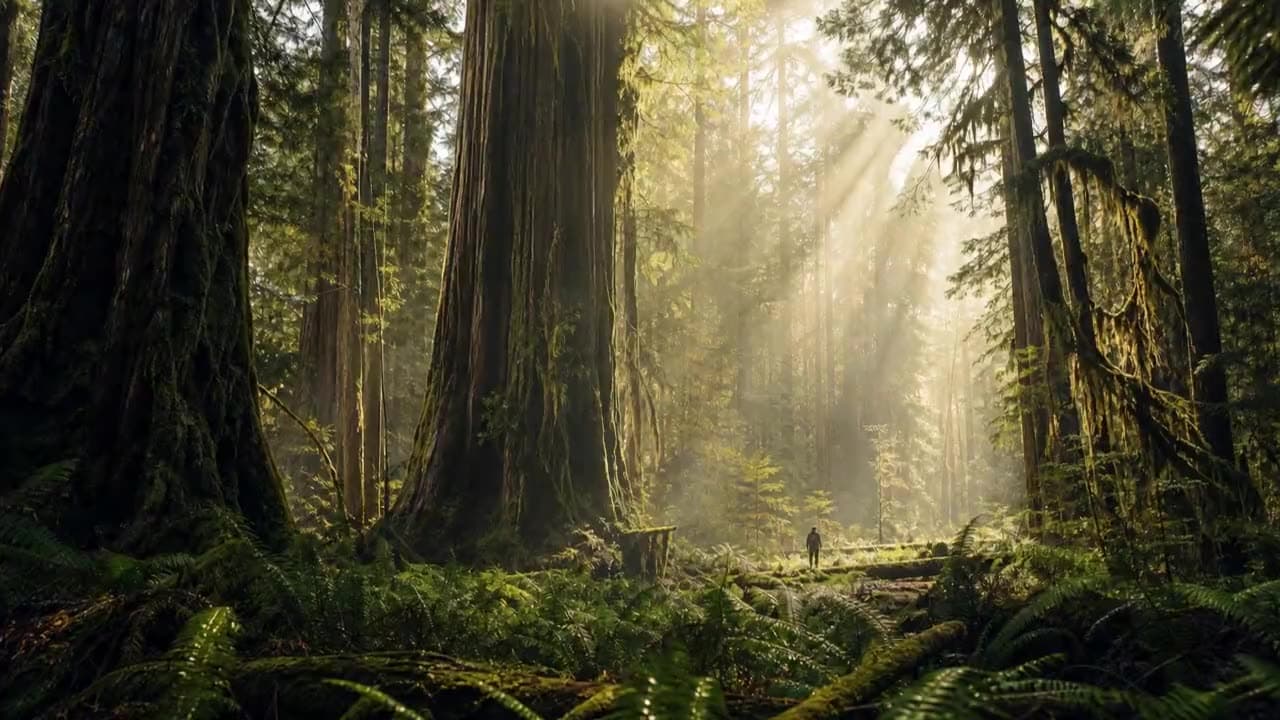
能做出什麼
這裡可用模型的真實提示詞與生成結果。
A diver leaps from a high board into a pool, water splashing up and rippling outward as the surface settles
A martial artist performs a powerful spinning kick, hair and loose clothing trailing the motion with real weight
A three-shot sequence at a small stone harbor at sunrise, the same woman in every shot. Shot 1, wide aerial: a red wooden fishing boat motors into the harbor past a white lighthouse, gulls circling overhead. Shot 2, medium handheld on deck: a young fisherwoman with a dark braid, a yellow oilskin jacket and a grey knit beanie hauls a dripping net full of silver fish over the side, water pouring off the net. Shot 3, close-up: she wipes sea spray from her cheek with the back of her glove, looks down at the catch and laughs. Sound: engine chug, gulls, waves against the hull, the net slapping onto the deck, her laugh. No music, no subtitles.
圖像生成影片 可用的模型
24 個模型支援這個任務類型。點開任一個查看完整規格。
用 Grok Imagine Video 1.5 生成 AI 影片:文字生成影片、圖像生成影片、與多素材參考生成,全部在同一個 Vidney 工作台完成。

如何使用 Vidney 圖像生成影片
用 Vidney 圖像生成影片 三步驟做出 AI 影片。

常見問題
Vidney 圖像生成影片 是什麼?
Vidney 圖像生成影片 讓你用任一支援的模型,在同一個工作台從圖像生成影片創作 AI 影片。
圖像生成影片 可以用哪些模型?
你可以使用 Vidu Q4 Preview、Grok Imagine Video 1.5、Grok Imagine Video 1.5 Lite、Kling 4.0、Gemini Omni 1.1 Flash、MiniMax H3 Max、Wan 3.0、Seedance 2.5、MiniMax H3、Seedance 2.0、Veo 3.1、Kling 3.0、Kling 2.6、Wan 2.6、Kling V3 Omni、Runway Gen-4 Turbo、Seedance 1.5 Pro、Kling 2.5 Turbo、Wan 2.7、Kling O1、Vidu Q3、Wan 2.5、Pixverse V6、與HappyHorse 1.0。
使用 圖像生成影片 需要 API 金鑰嗎?
不需要。Vidney 會處理服務商接取與計費,沒有 API 金鑰要管理,也不必設定服務商帳號。