

能做出什麼
這裡可用模型的真實提示詞與生成結果。
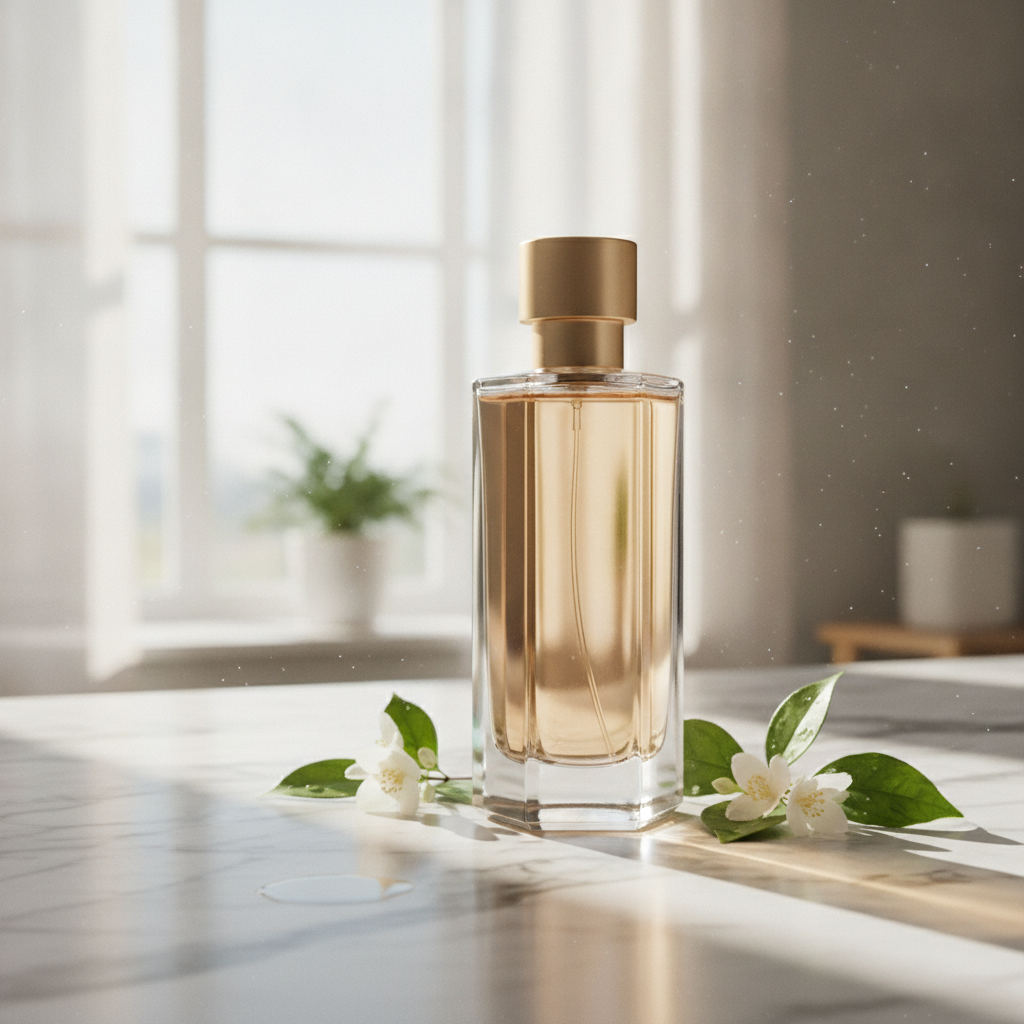
A sleek perfume bottle from a studio shot placed on a sunlit marble countertop with soft morning light, composited as one natural scene

E-commerce hero photograph of a stand-up kraft paper coffee bag with a matte cream label, square format, on a seamless warm beige background with a few roasted coffee beans scattered in front. The label text is large, crisp and spelled exactly: NORTH RIDGE in a bold black serif across the top, COFFEE ROASTERS in small spaced capitals under it, ETHIOPIA GUJI in medium black capitals in the middle, Washed · Light Roast on the next line, Peach · Jasmine · Honey on the line below, and 250 g at the bottom right of the label. Soft window light from the left, a gentle shadow, realistic paper texture and printing. No other text, no logos.

Photoreal interior of a small Japanese tea house at dawn during light rain, square format: tatami with visible weave, a low black lacquer table with a single ceramic cup and a thread of steam, shoji screens glowing with grey morning light, wet dark stepping stones and a bamboo ladle in the garden seen through the open engawa, a blank hanging scroll on the wall. Directional light from the screens on the left, soft shadows, fine wood grain on every post, precise texture at every scale from the cup to the garden. 50mm lens look, deep focus. No people, no text, no watermark.
圖像生成圖像 可用的模型
20 個模型支援這個任務類型。點開任一個查看完整規格。
用 Grok Imagine Image 2.0 生成 AI 圖像:文字生成圖像與圖像生成圖像,全部在同一個 Vidney 工作台完成。
如何使用 Vidney 圖像生成圖像
用 Vidney 圖像生成圖像 三步驟做出 AI 圖像。



常見問題
Vidney 圖像生成圖像 是什麼?
Vidney 圖像生成圖像 讓你用任一支援的模型,在同一個工作台從圖像生成圖像創作 AI 圖像。
圖像生成圖像 可以用哪些模型?
你可以使用 Wan 2.7、Flux 3 Klein、Nano Banana 2.1、GPT Image 2.5、Muse Image、Midjourney V8.1、Grok Imagine Image 2.0、Qwen Image 3.0 Pro、Qwen Image 3.0、Nano Banana 2 Lite、Nano Banana 2、Nano Banana Pro、Seedream 5.0 Lite、GPT Image 2.0、Midjourney V7、Nano Banana、Seedream 4.5、Flux Kontext、GPT Image 1.5、與Seedream 4.0。
使用 圖像生成圖像 需要 API 金鑰嗎?
不需要。Vidney 會處理服務商接取與計費,沒有 API 金鑰要管理,也不必設定服務商帳號。
