画像エフェクト
Add a Deceased Loved One to a Photo
Keep the family photo you have and add the person who was missing, from any photo of them, even an old faded print. They appear in the same light and color as everyone else, as a quiet tribute.
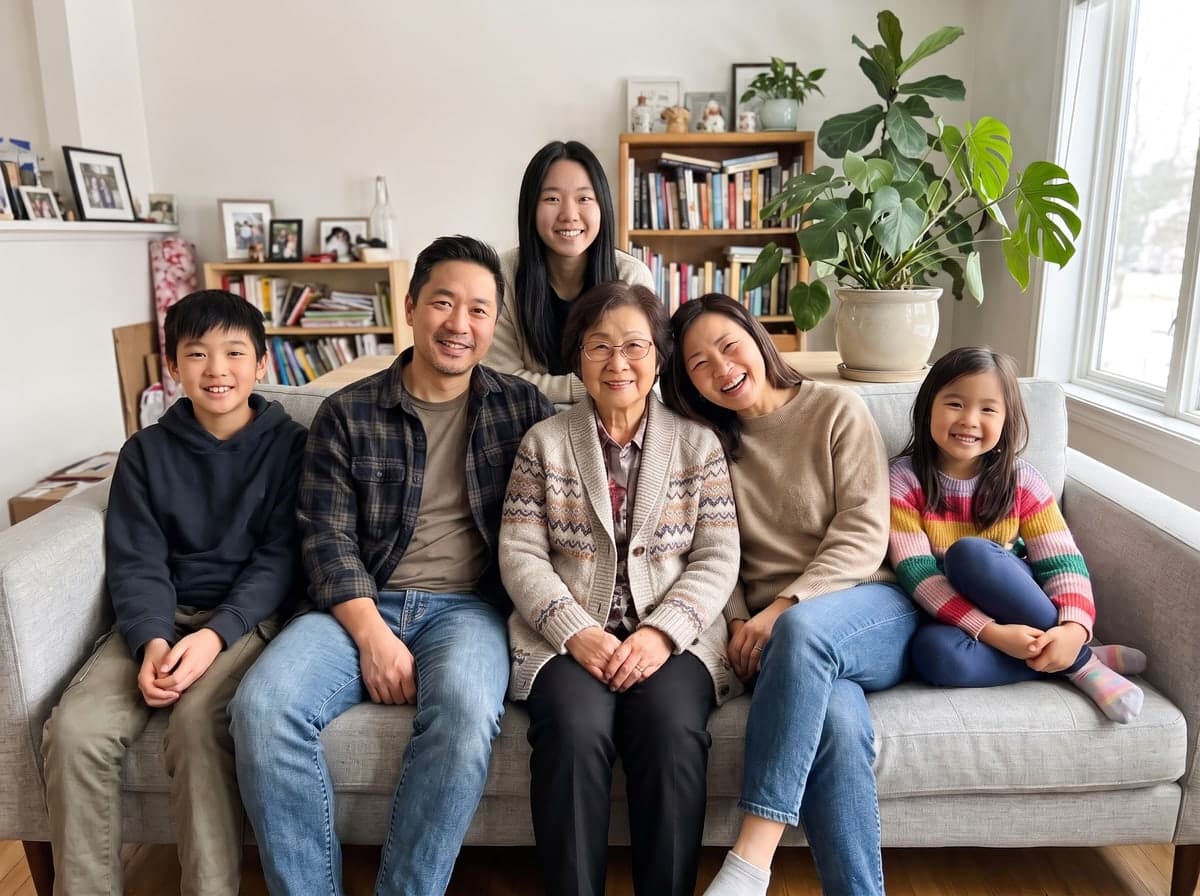
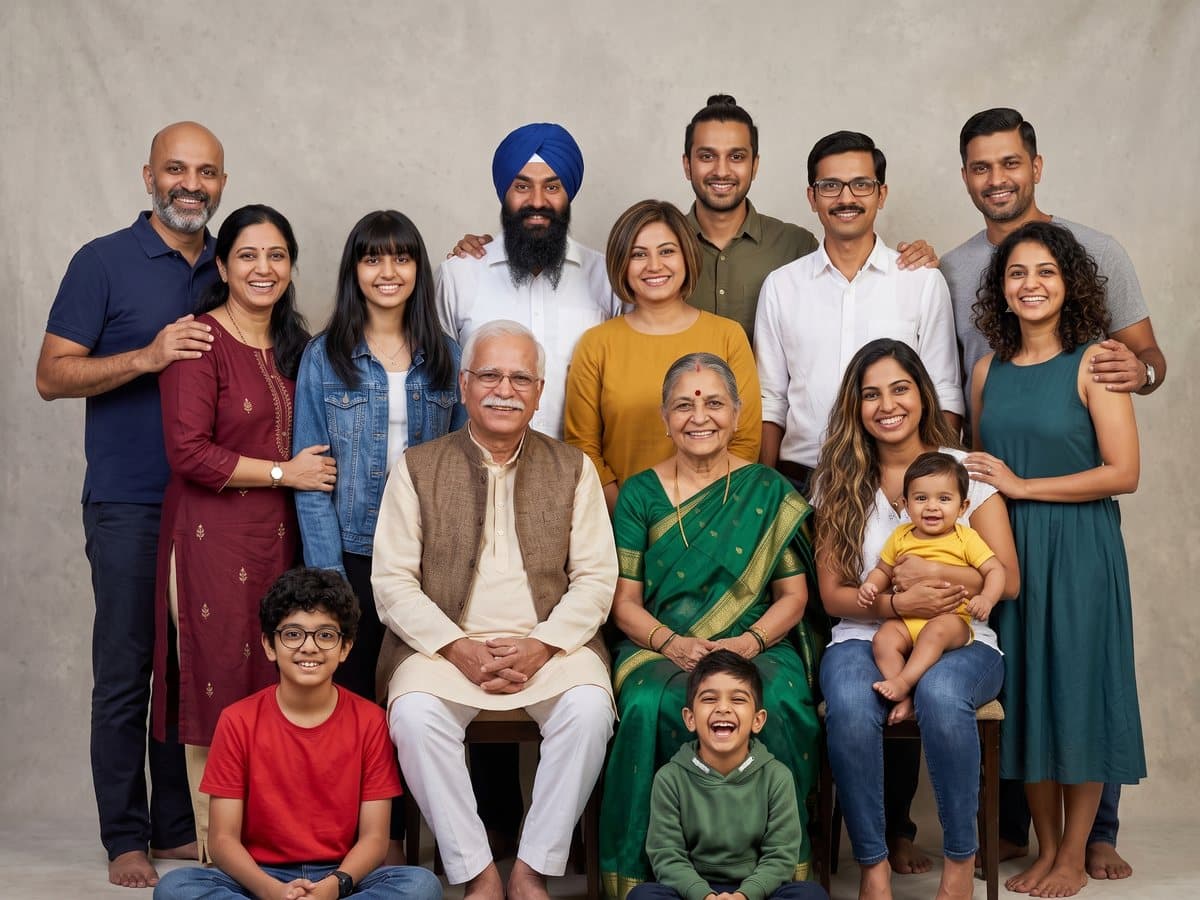
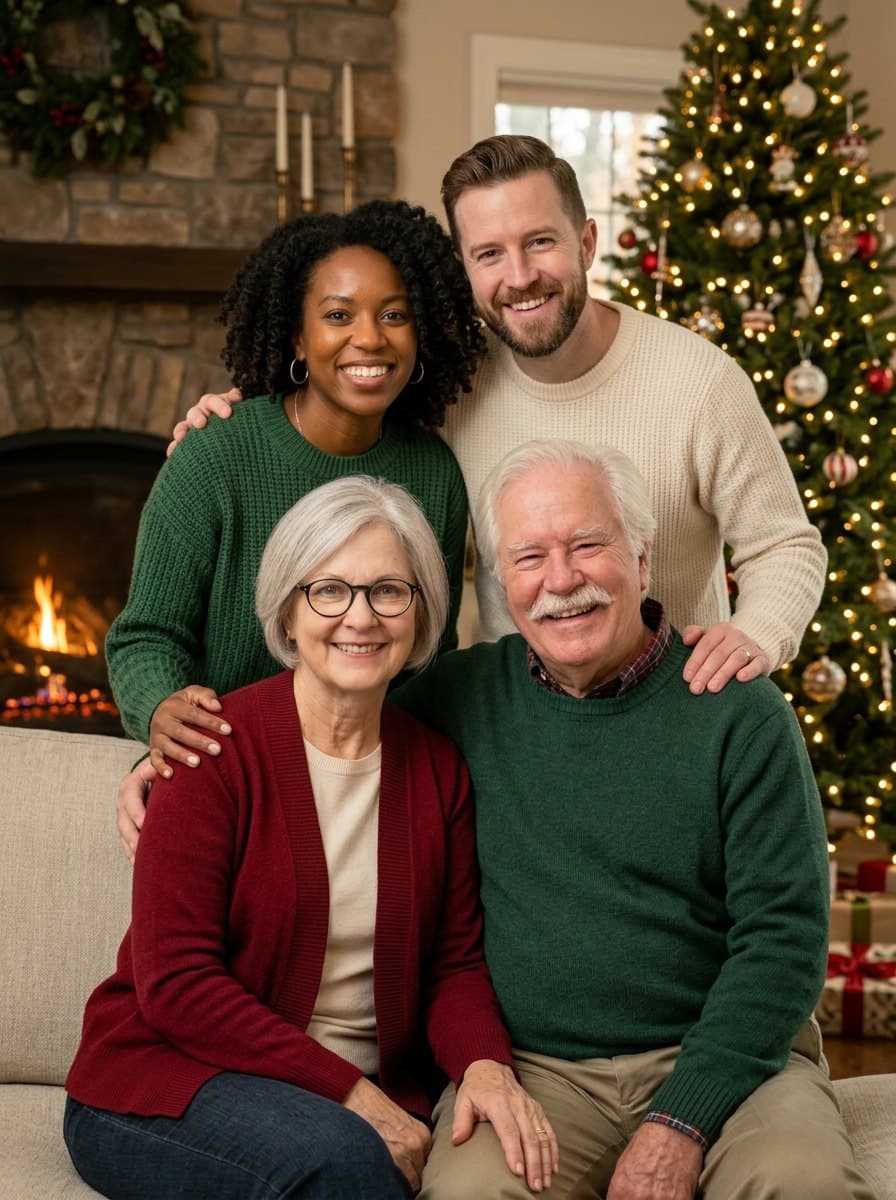
Family photos with a loved one added back
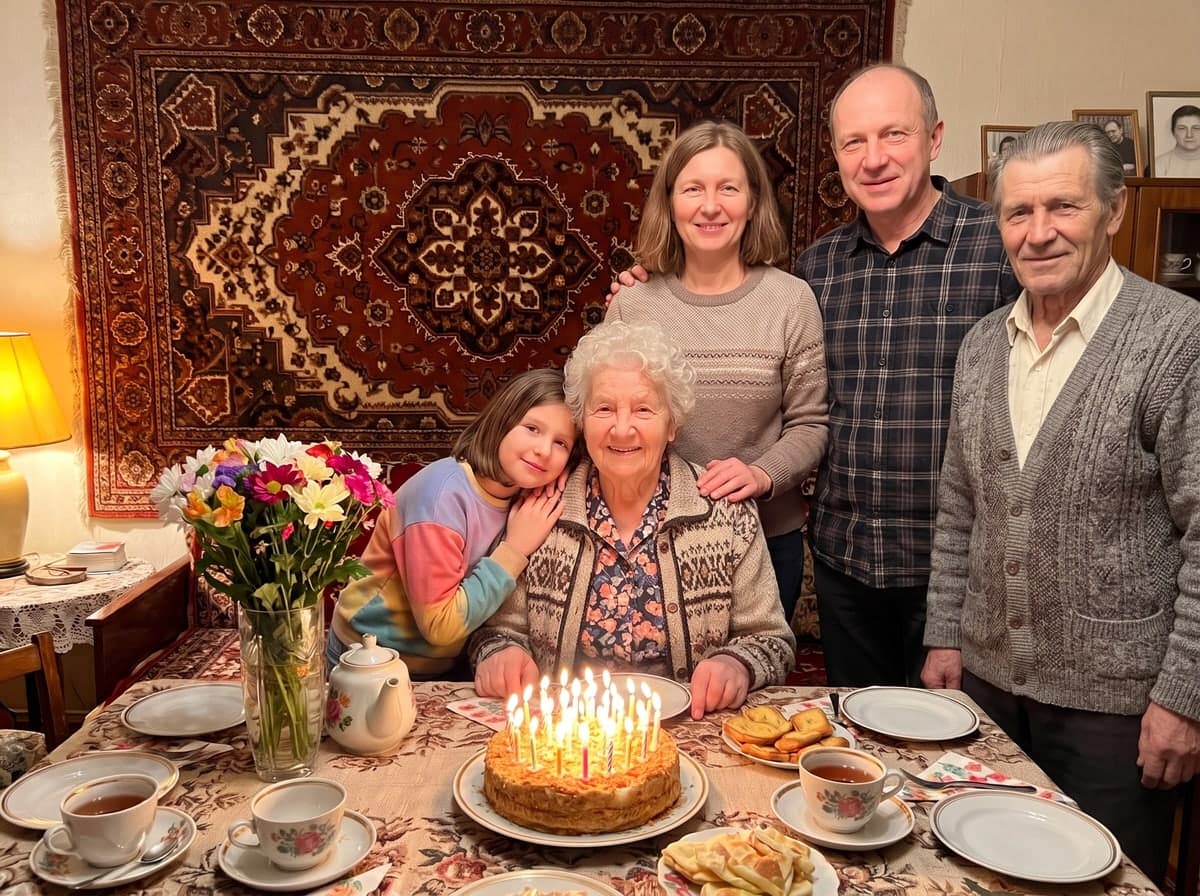
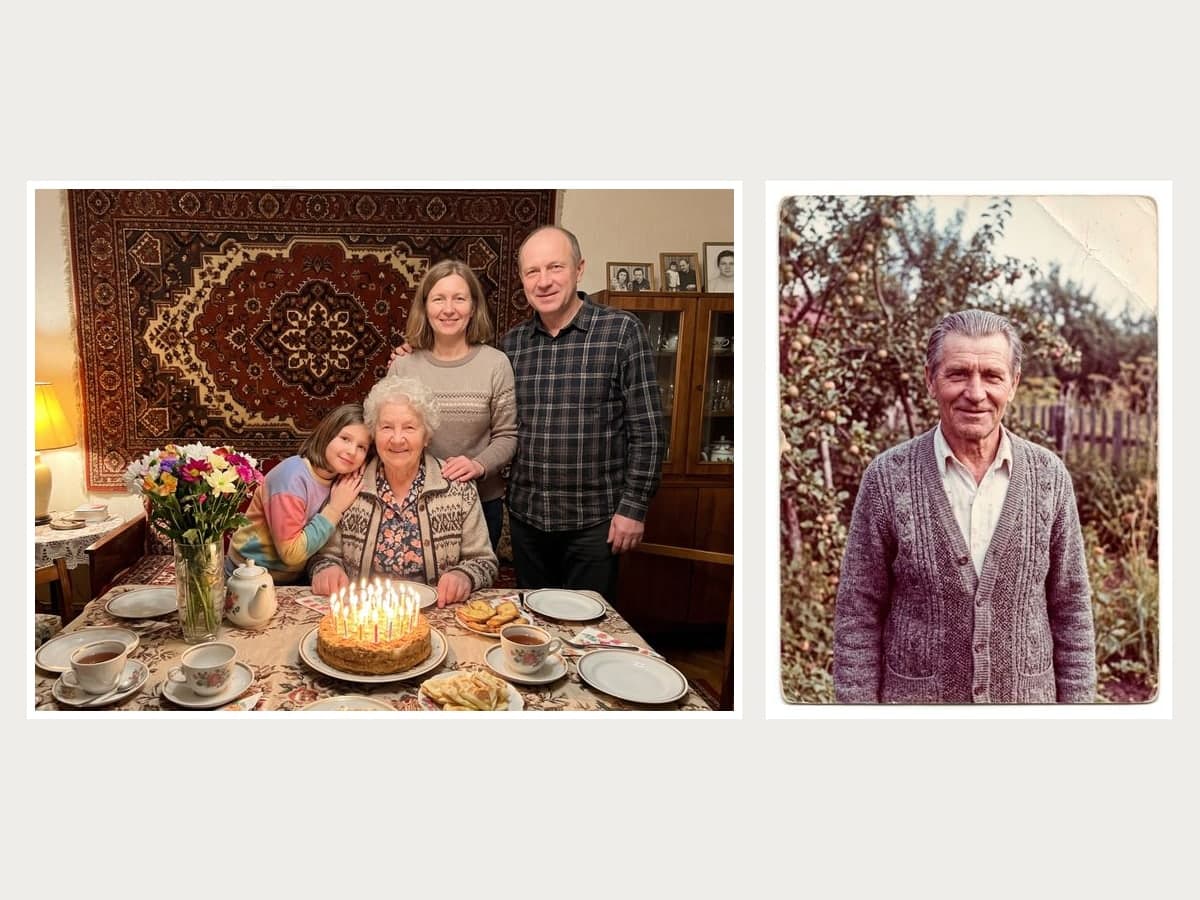
Each example started as a family photo and an old photo of someone who was missed: a faded print from the 1970s, a black and white portrait, a photo with a strong color cast. The people are AI-generated examples, not real families. The added person appears in present-day color and the same light as everyone else, with no glow or ghost effect.
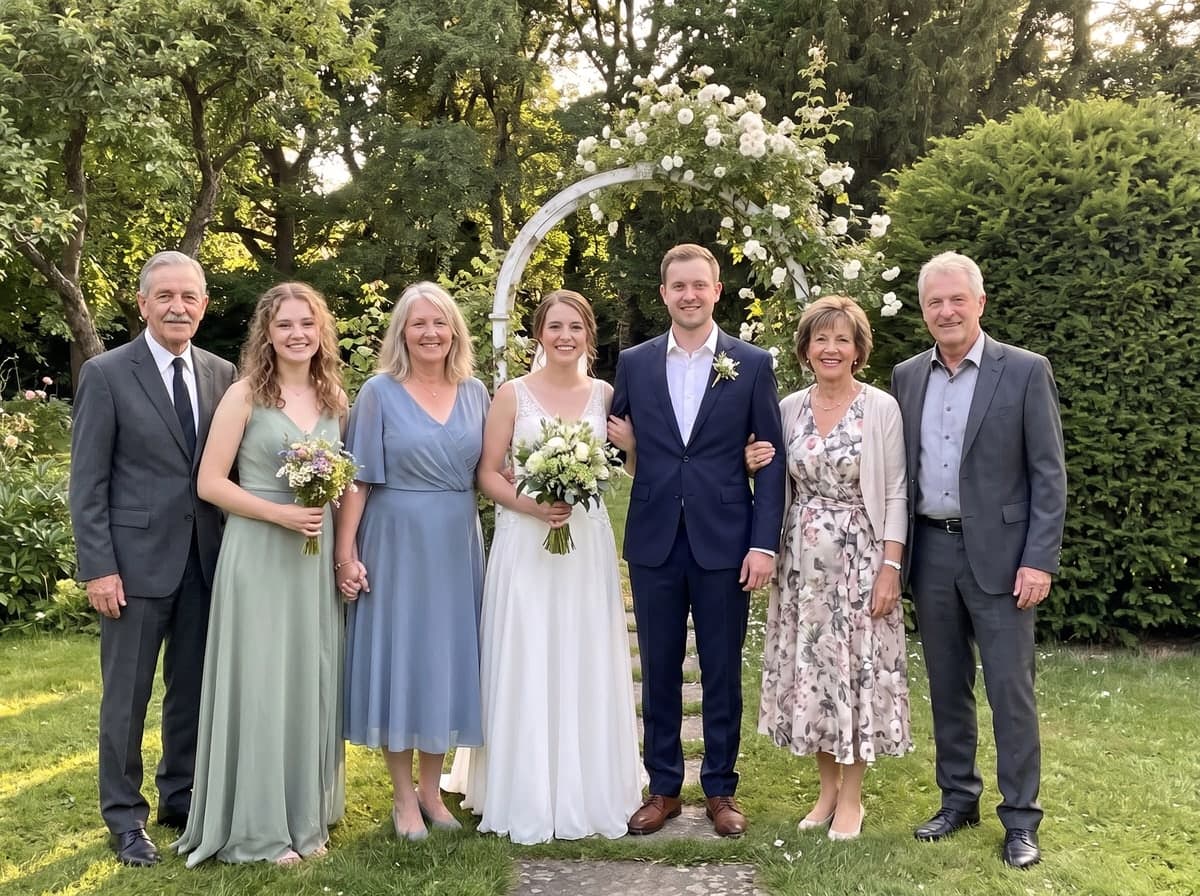
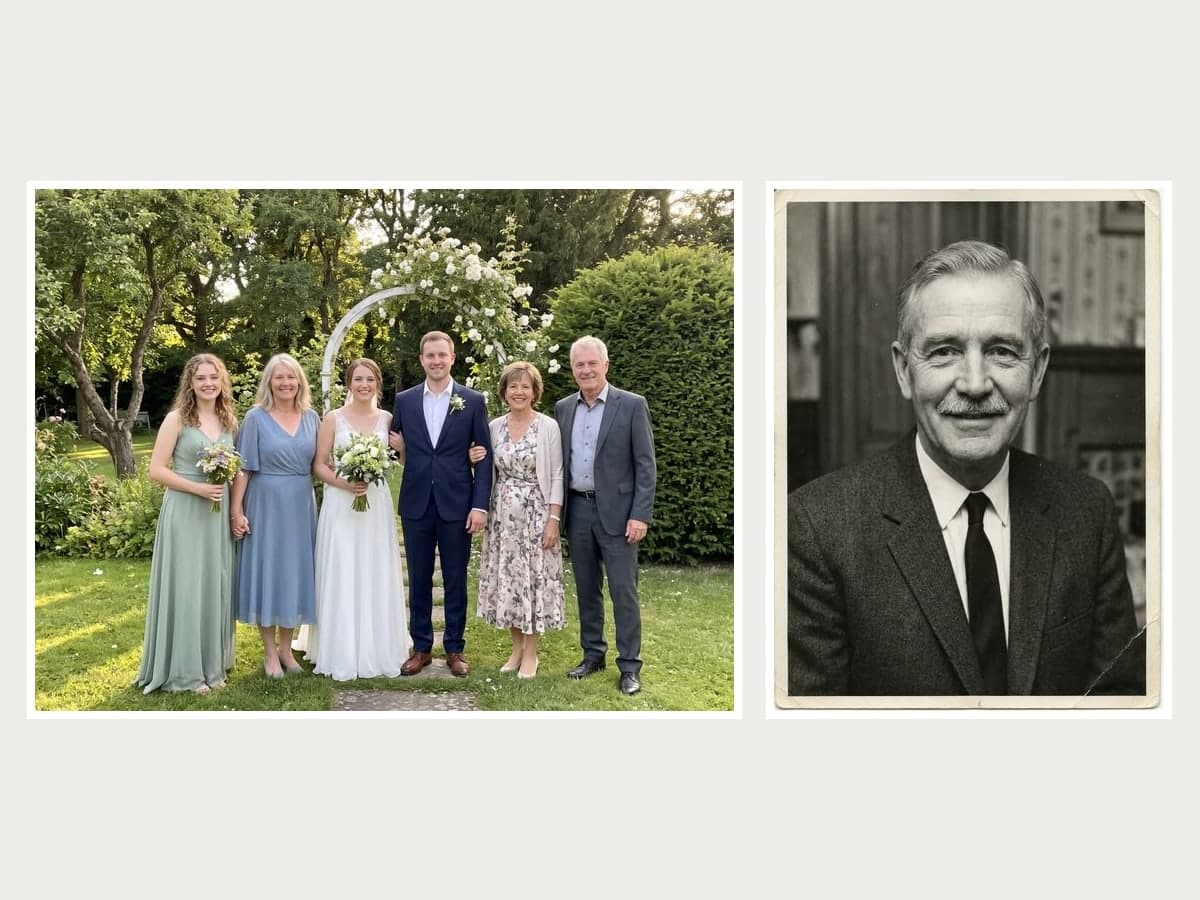 サンプル 1: Memorial family photo
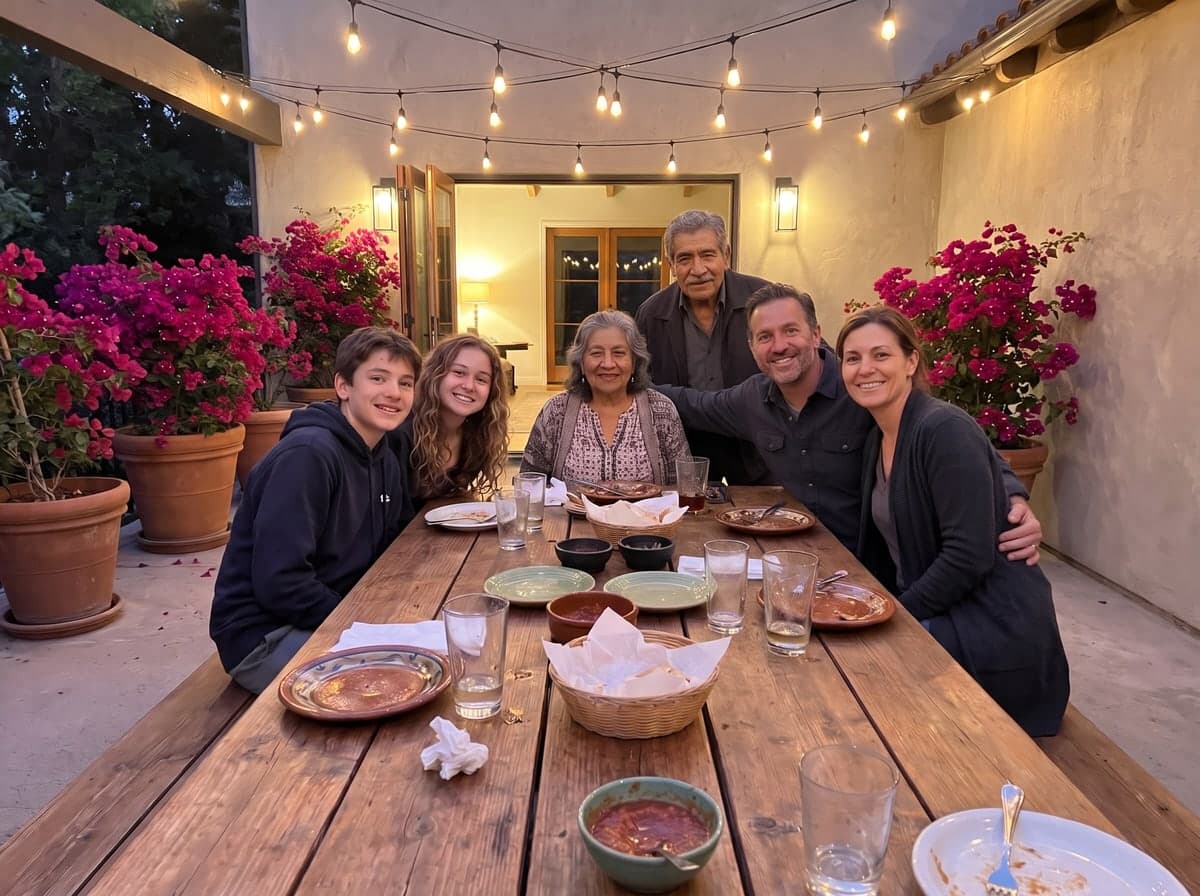
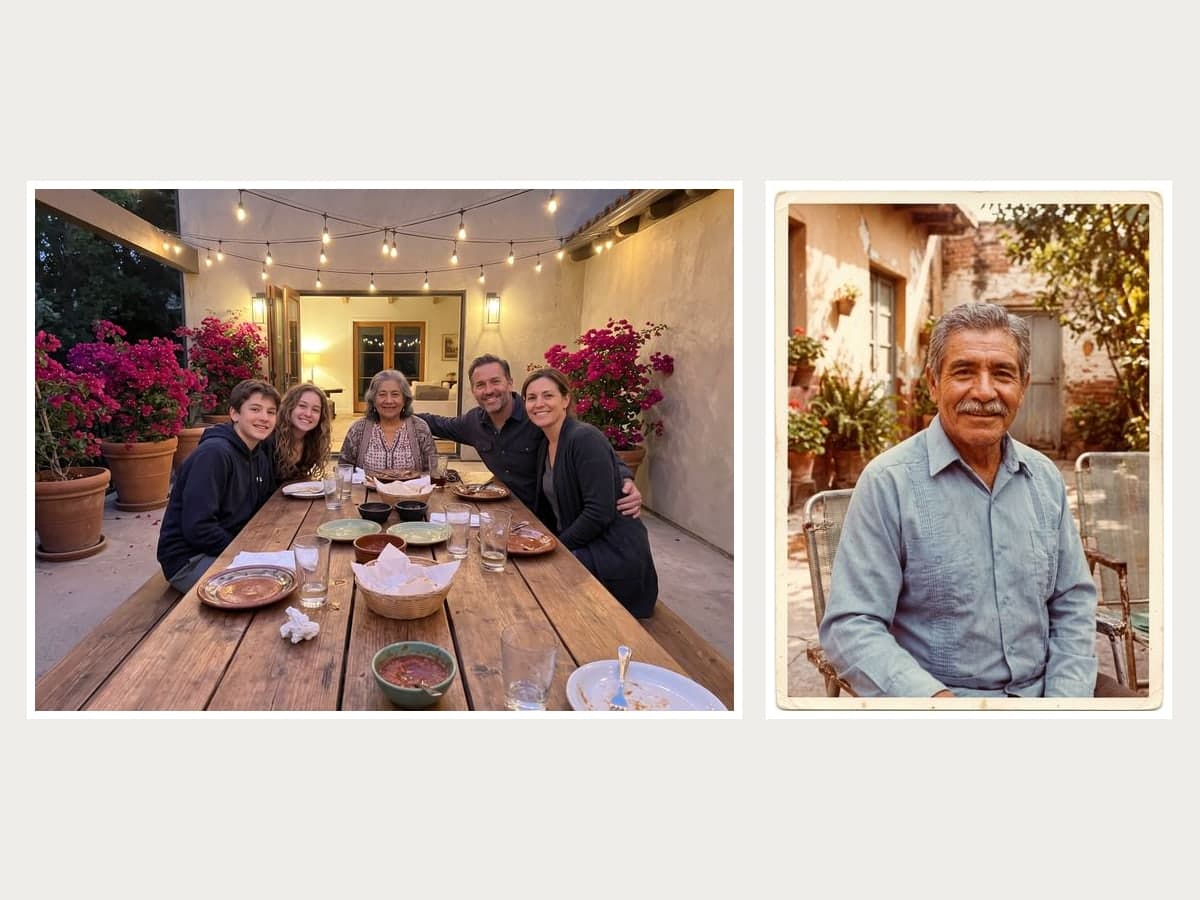 サンプル 2: Memorial family photo
 サンプル 3: Memorial family photo
From an old print to the same light as everyone else
Scan or photograph the old print and upload it. Your loved one is shown in color, as sharp as the rest of the family and lit by the same light, so the picture feels whole rather than pasted together. Here a grandfather from a faded 1970s print joins the family dinner, standing just behind his wife.
無料で始めるYour two photosMemorial family photoA tribute, not a trick
It stays quiet and dignified: no halos, no glowing outlines, no see-through figures, and everyone already in the photo stays exactly as they were. It is a memorial image to print, frame or share with family, and it is best shared as that. Tick print quality for a 4K file to frame.
無料で始めるHow to add a loved one who has passed away to a photo
Three steps, about a minute or two of waiting.



基本情報
- Keep the family photo you have and add the person who was missing, from any photo of them, even an old faded print. They appear in the same light and color as everyone else, as a quiet tribute.
- 画像はGoogleのNano Banana 2.1で生成します。
- サブスク登録なしで1枚ずつ購入できます。1枚$0.99、3枚$1.99で、まだ作っていない枚数は12か月有効です。表示価格は米ドル(税抜)です。決済画面で税込みの最終金額が表示されます(多くの地域では現地通貨)。
- 印刷向けの4K版も1枚あたり同じ価格です。
- 新規アカウントは国・地域に応じて少なくとも1枚を無料で作れます(カード登録不要)。
- 画像は2K解像度、2400 × 1792ピクセル(比率4:3)で出力されます。
- 元の写真と、そこに加える写真の2枚が必要です(各JPG、PNG、WebP、最大10MB)。
- 生成の前に、写真が本人のものであるか、写っている全員の同意を得ていることを確認します。
- 画像1枚はおよそ68秒で仕上がります。
- 無料プランのダウンロードには小さなVidneyの透かしが入り、有料プランと、1回払いの購入から12か月間は透かしなしで保存できます。
- One person per run, and it needs a clear photo of their face; old and faded prints are fine. AI cannot show how they would look today and may adapt their clothes. The result is a memorial image, not a real photo.
よくある質問
How do I add a deceased loved one to a family photo?
Upload the family photo you want to keep, then a photo of your loved one. The AI keeps the family photo as it is and adds them to the group at the right size, in the same light and color as everyone else. Choose a spot, such as standing behind the family or at one end, or let it pick a natural place.
Will it work with an old, faded or black and white photo?
Yes. A faded color print, a black and white portrait and a photo with a strong color cast all worked in our examples: the person is shown in present-day color and sharpness. What matters most is a clear, front-facing face. A small or blurry face gives the AI less to go on, so the likeness can be weaker, and their clothes may be adapted to the scene.
Is there a free way to add a deceased loved one to a photo?
Yes, you can try it for free. New accounts can make at least 1 photo free, depending on country, no card needed. Downloads on the free plan carry a small Vidney watermark; on any paid plan, or for 12 months after a one-time purchase, they download clean.サブスク登録なしで1枚ずつ購入できます。1枚$0.99、3枚$1.99で、まだ作っていない枚数は12か月有効です。表示価格は米ドル(税抜)です。決済画面で税込みの最終金額が表示されます(多くの地域では現地通貨)。 For regular use, subscriptions start at $9 a month. The price is always shown before you create.
Will my loved one look like a ghost or an angel?
No. This version deliberately adds no halos, glow, wings or see-through effects. Your loved one is shown as a natural part of the family photo, with the same sharpness and light as everyone else, the way they would have stood with you.
Is it a real photo, and how should I share it?
It is an AI-made memorial image, not a photo that was taken. Families print it for a memorial, an anniversary, a wedding or the holidays, and we suggest saying so when you share it outside the family. AI cannot know how they would look today; it shows them as they appear in the photo you upload.
Can I use any photo of someone who has died?
Only use photos of your own family, or of people whose family agreed; you tick a box confirming this before you create. Photos of celebrities and other public figures are not supported.
ほかの写真エフェクト