사진 효과
I'm So Sorry I Lied AI Trend
Upload your real Halloween photo. AI makes the too-good-to-be-true version for the first slide, plus the store-bought and homemade steps; your real photo is the reveal.
이미지 1장에 3크레딧. 신규 계정은 국가에 따라 10~30크레딧을 무료로 받으며 카드 등록은 필요 없습니다.
The lie and the truth, one real photo each
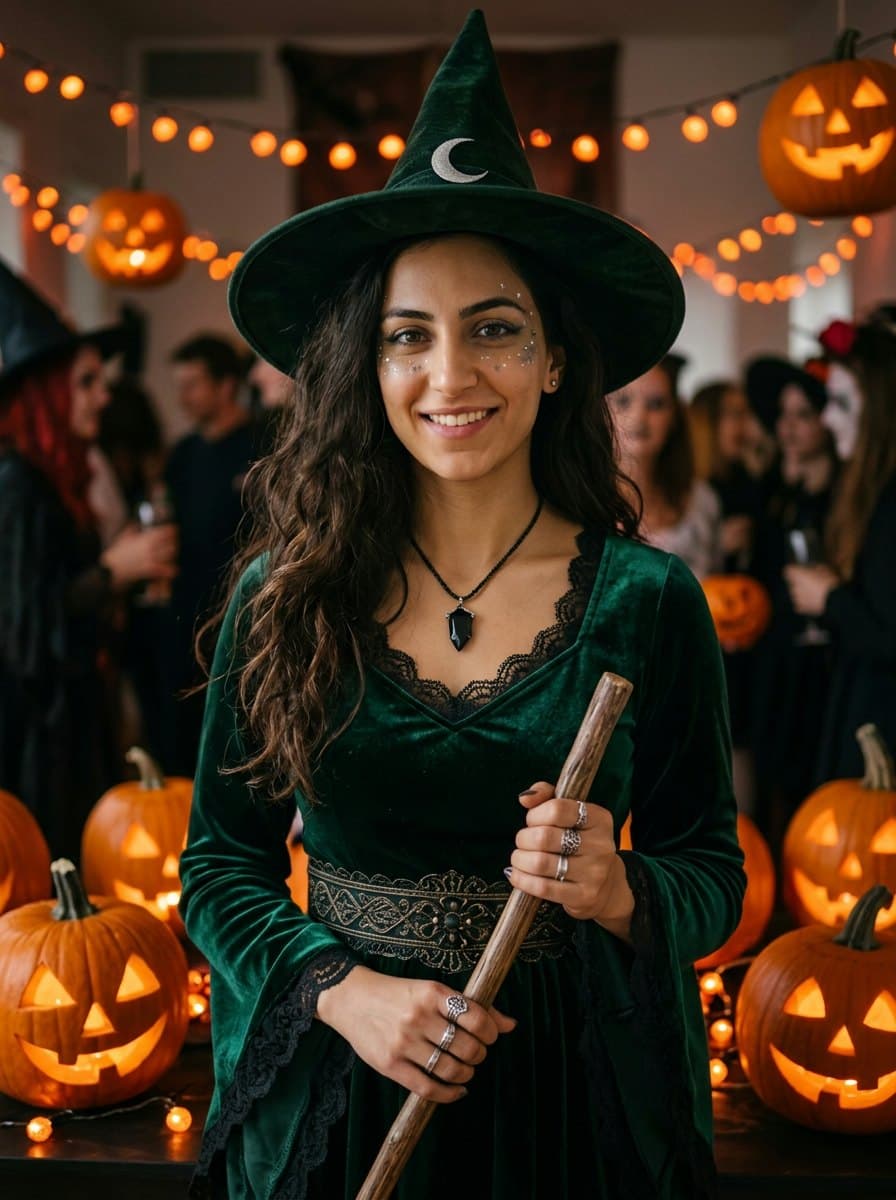
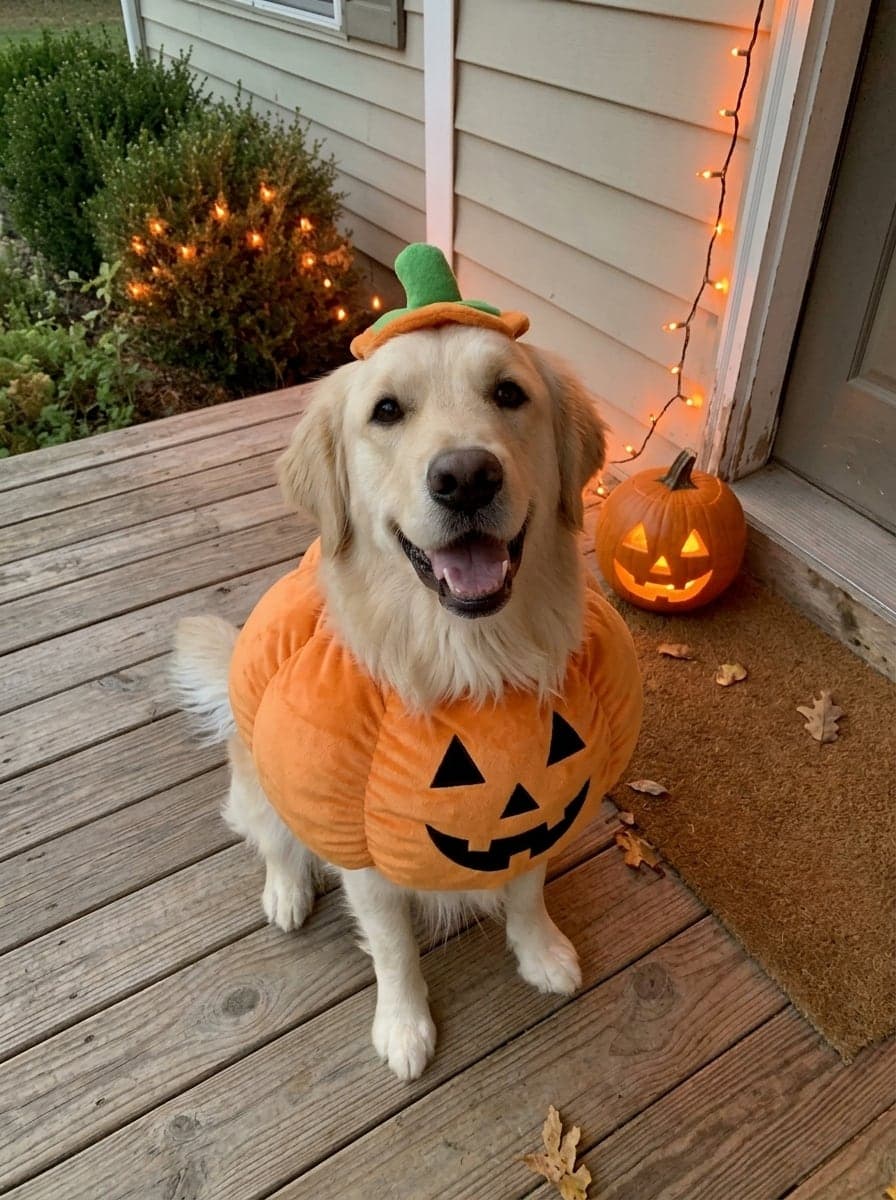
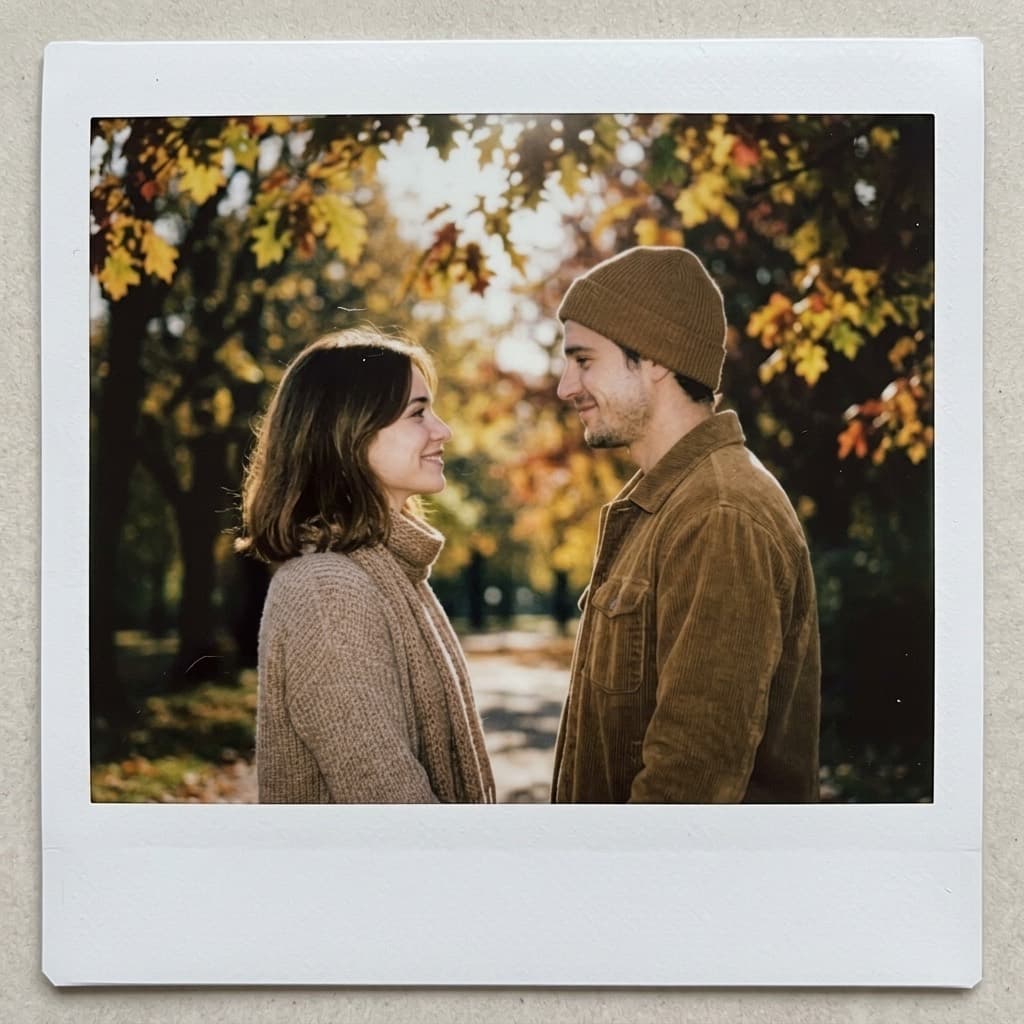
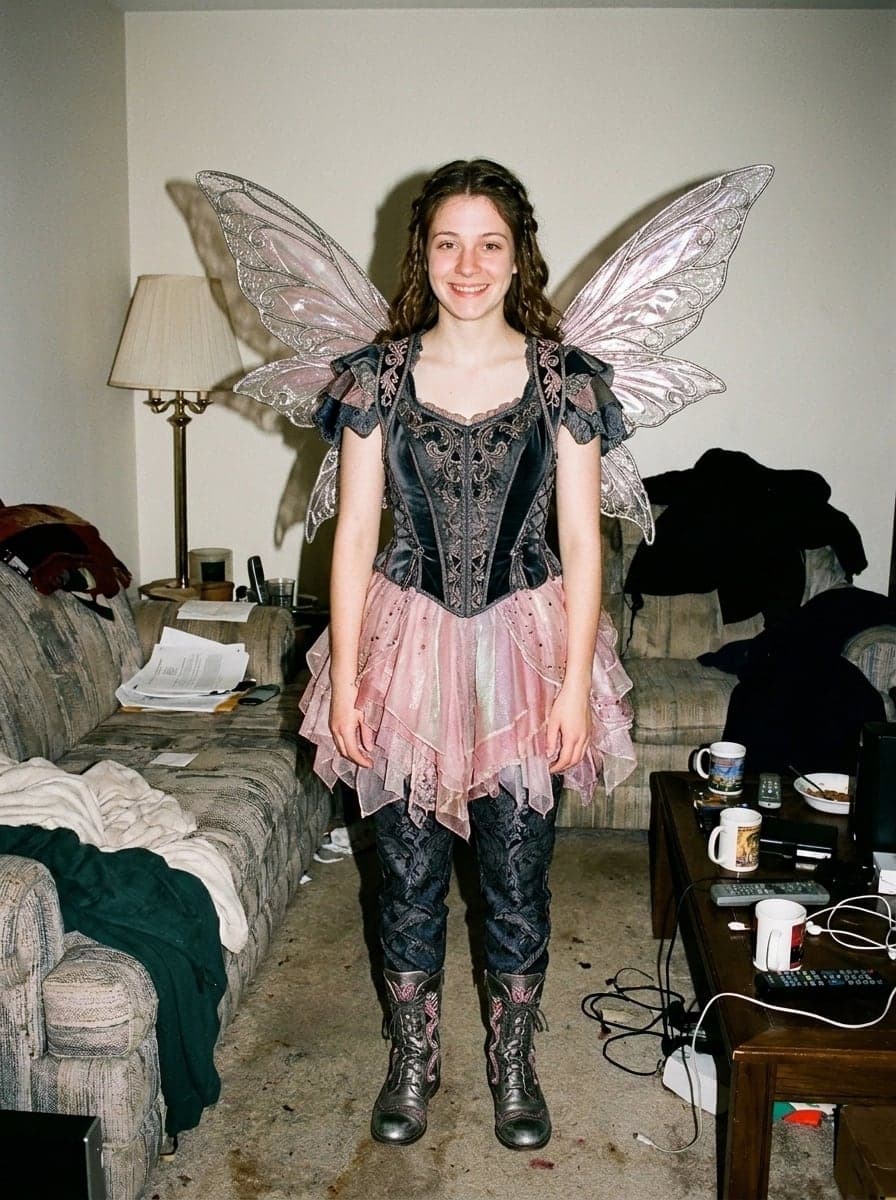
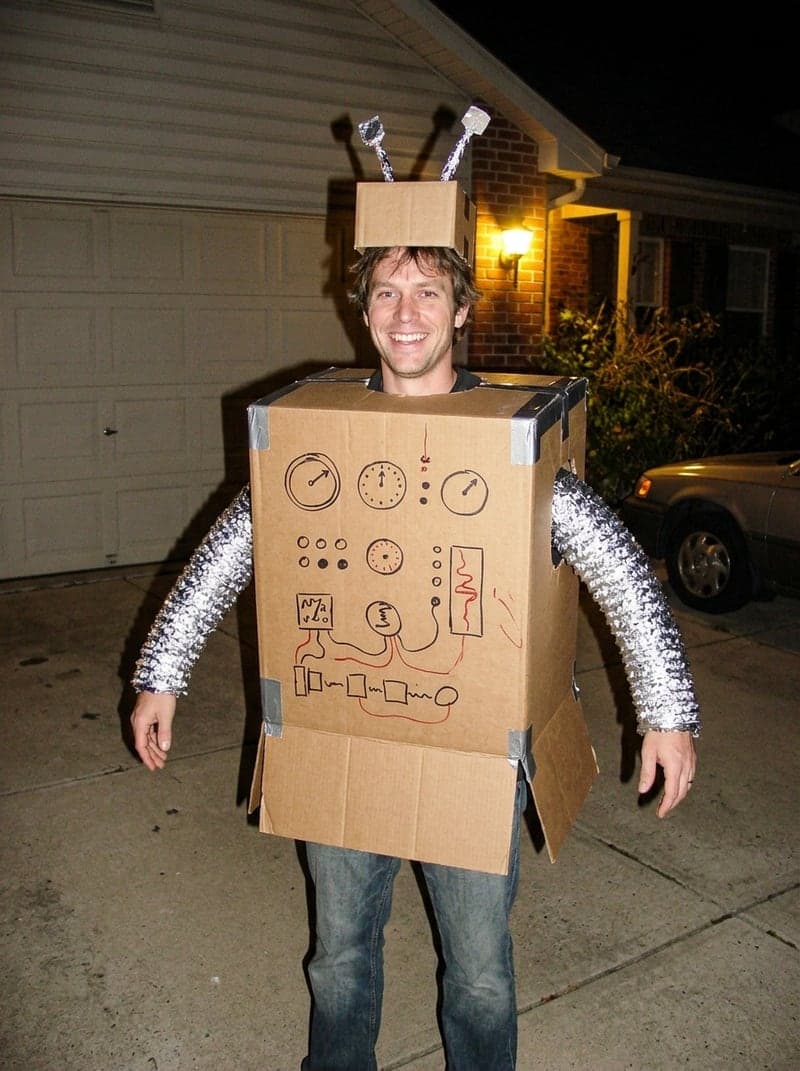
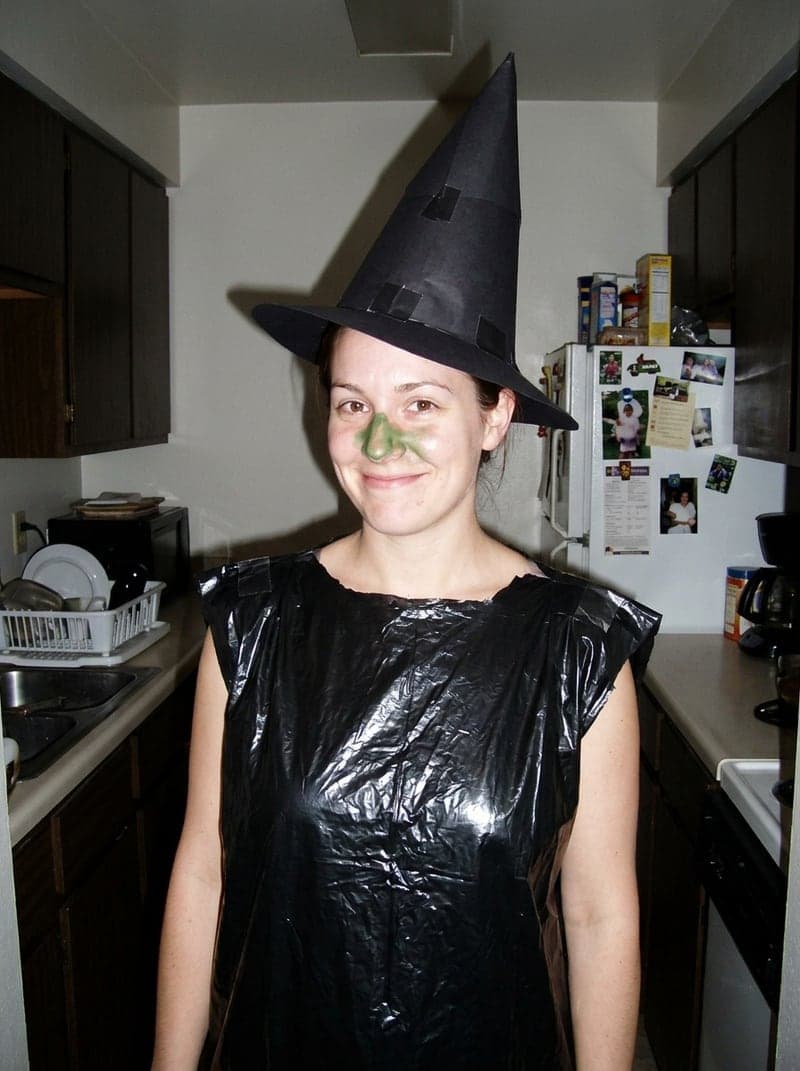
The big picture is the AI lie and the small one in the corner is the real photo it came from; everyone here is an AI-generated example person. The fairy was run three times, once per slide: perfect, store-bought, homemade. Add the original as the last slide and you have the full four-slide reveal.
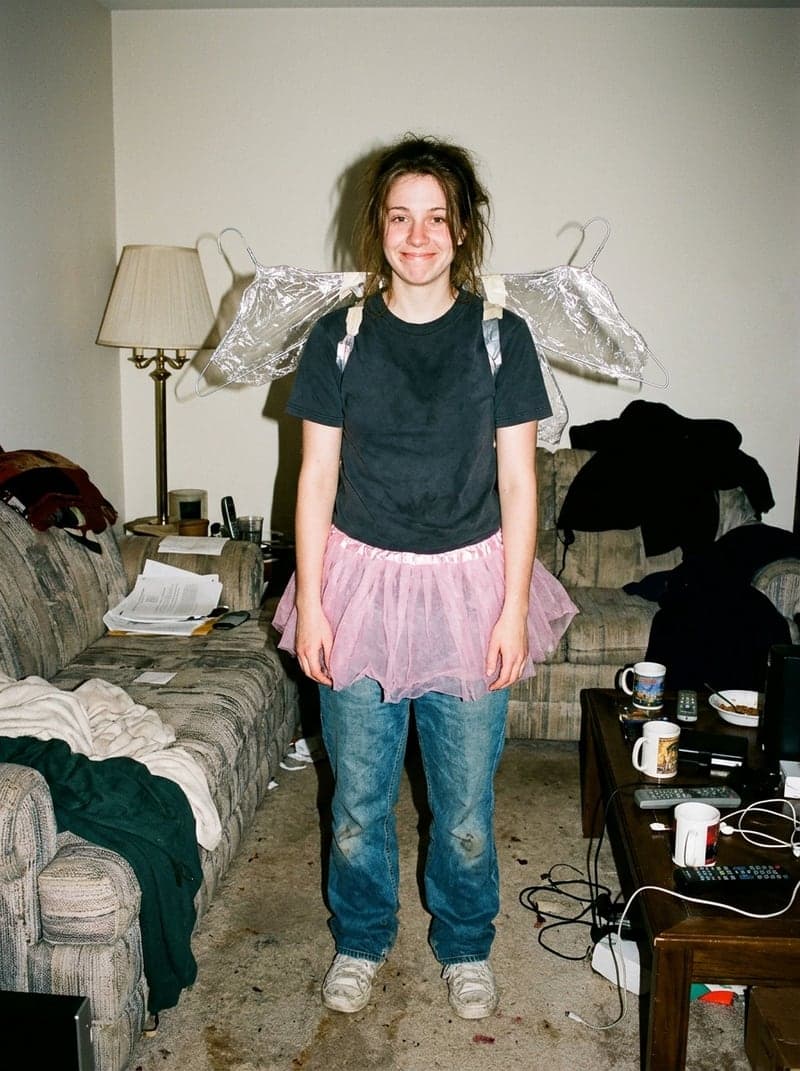 예시 1: The lie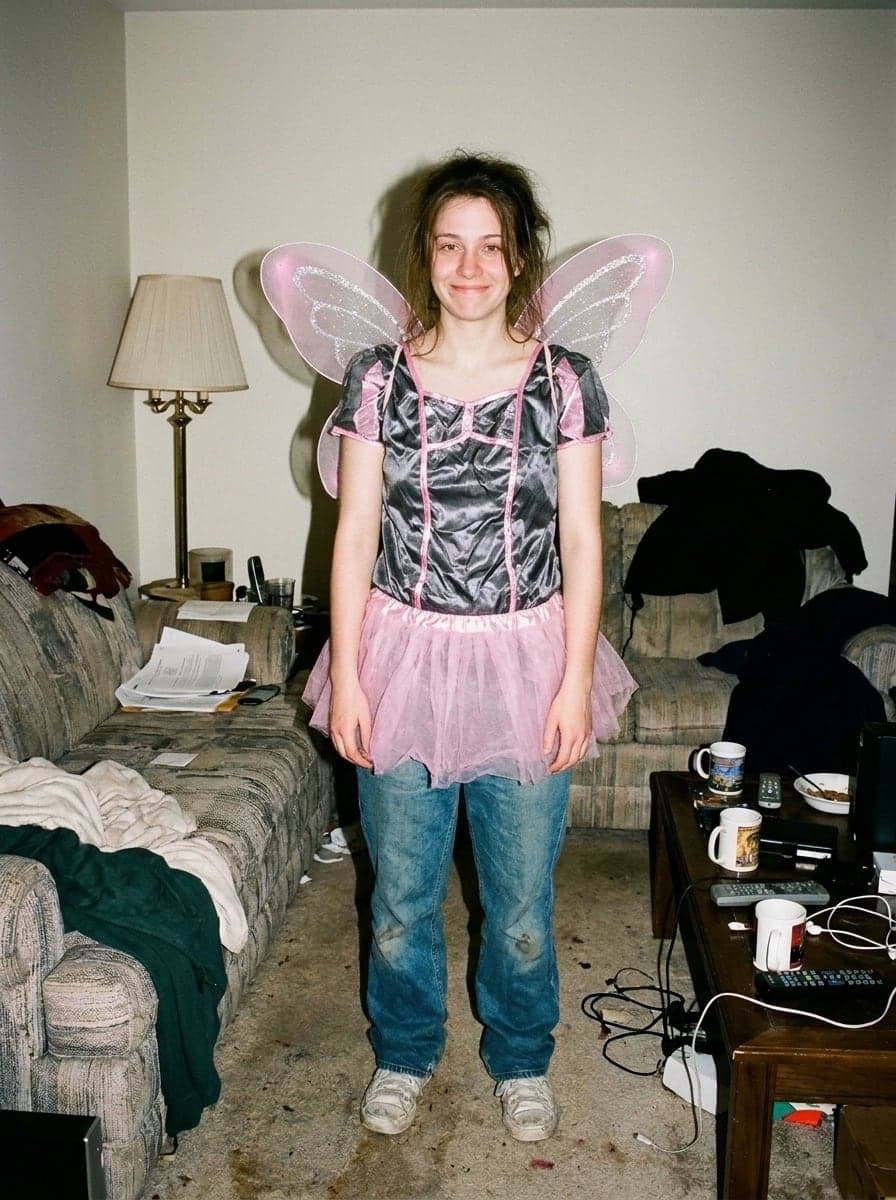
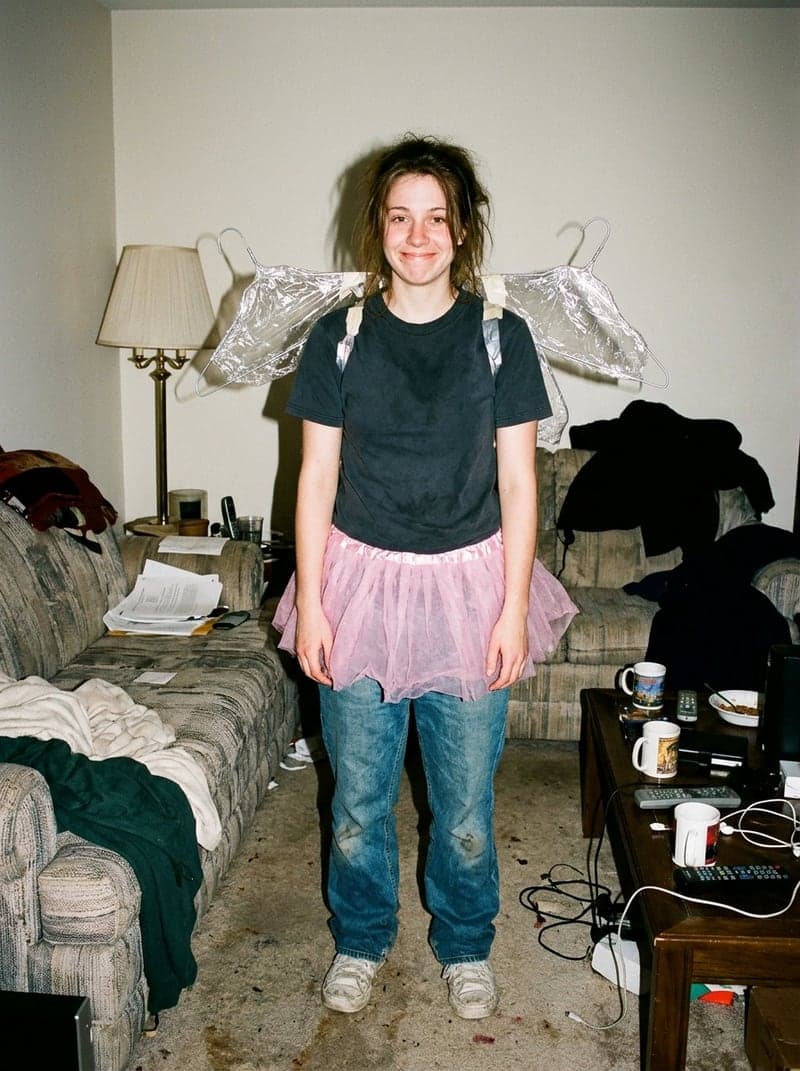 예시 2: The lie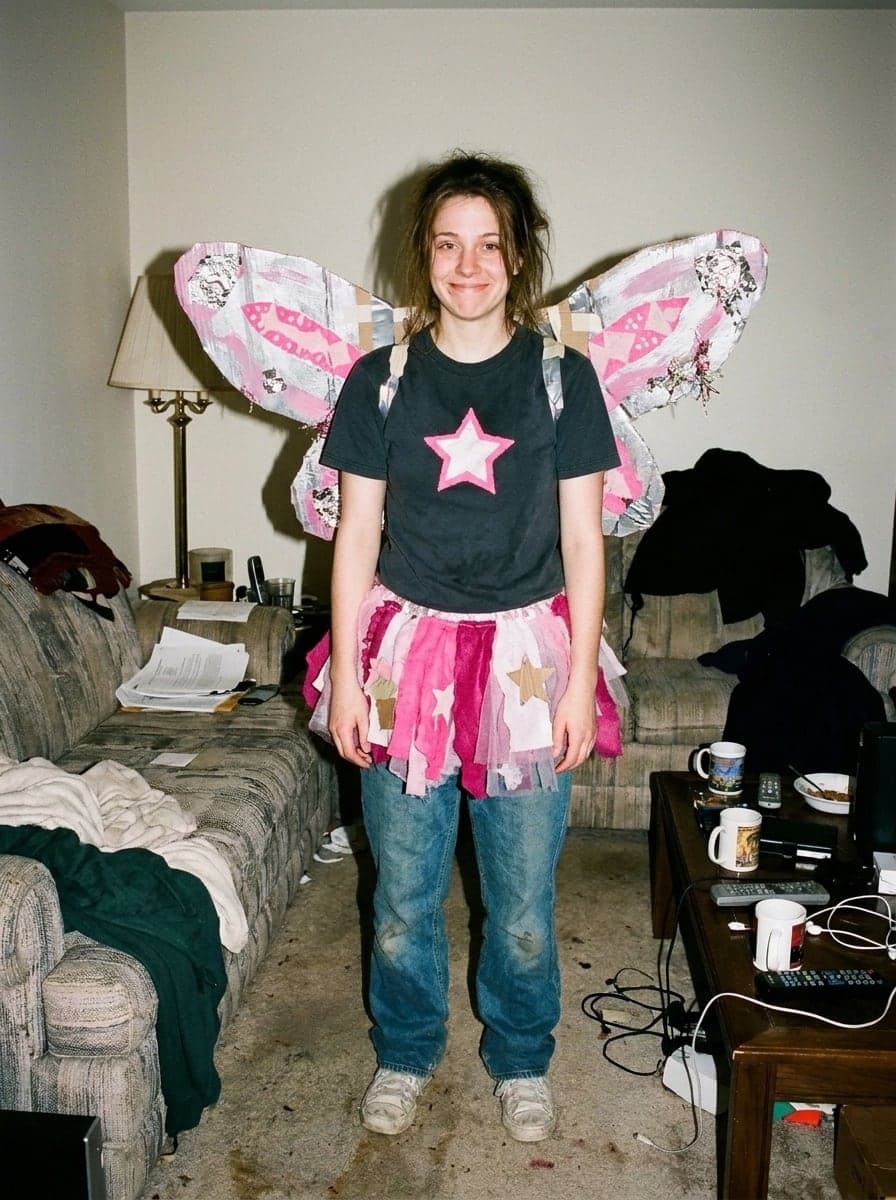
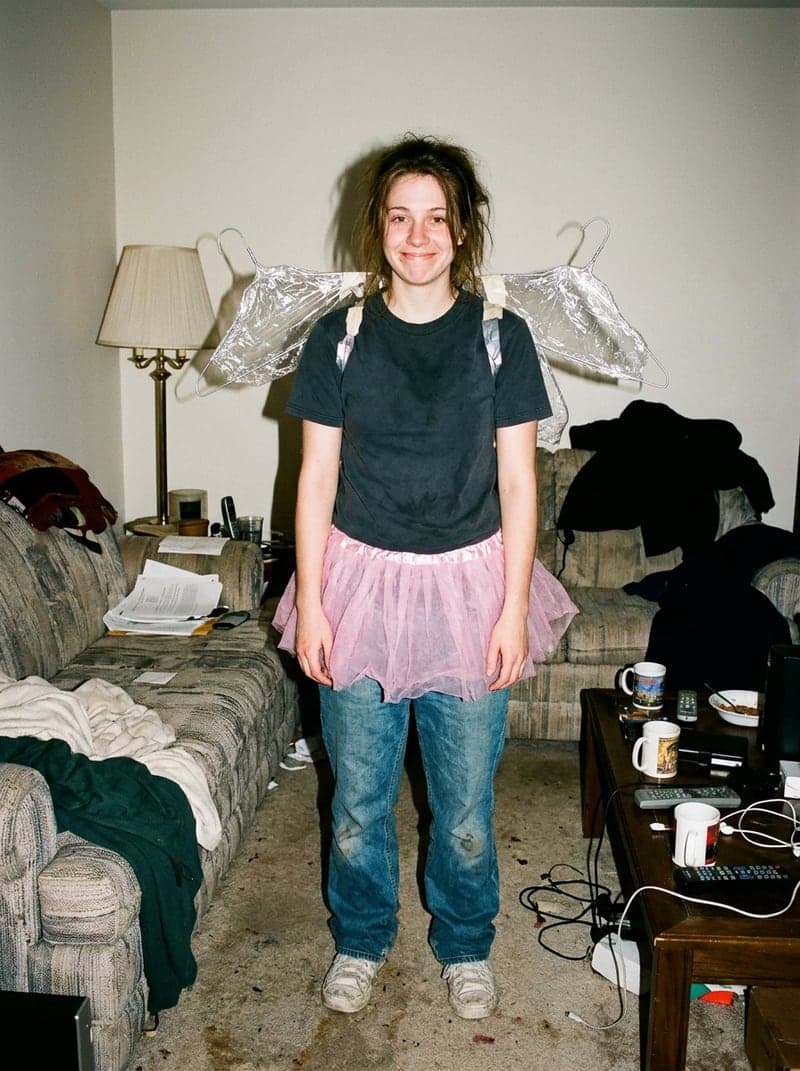 예시 3: The lie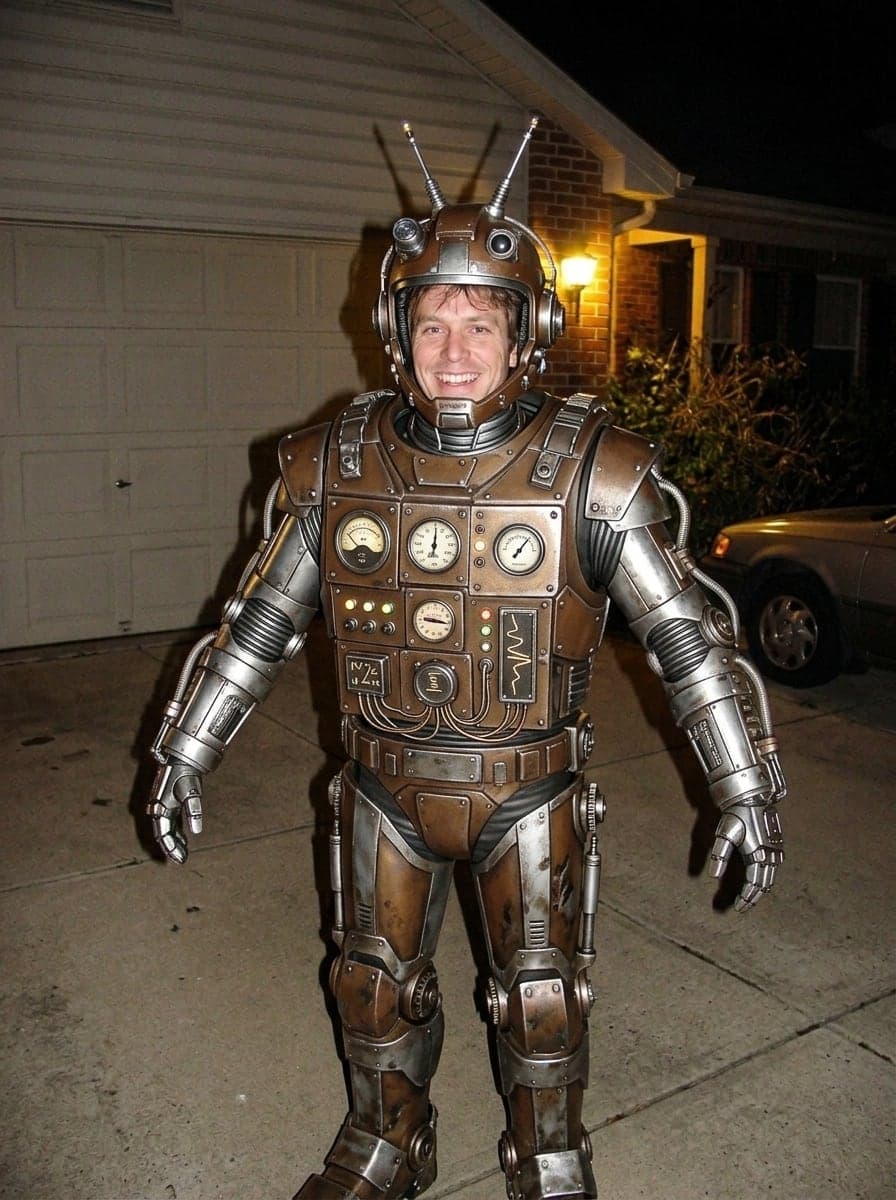
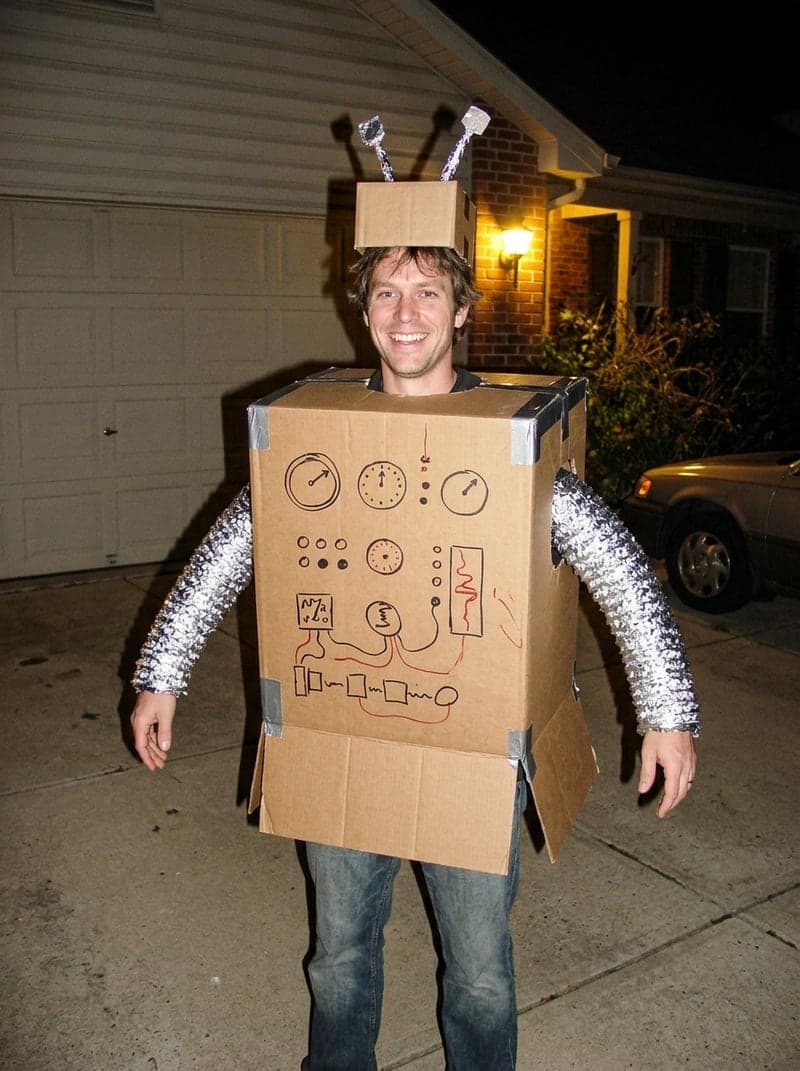 예시 4: The lie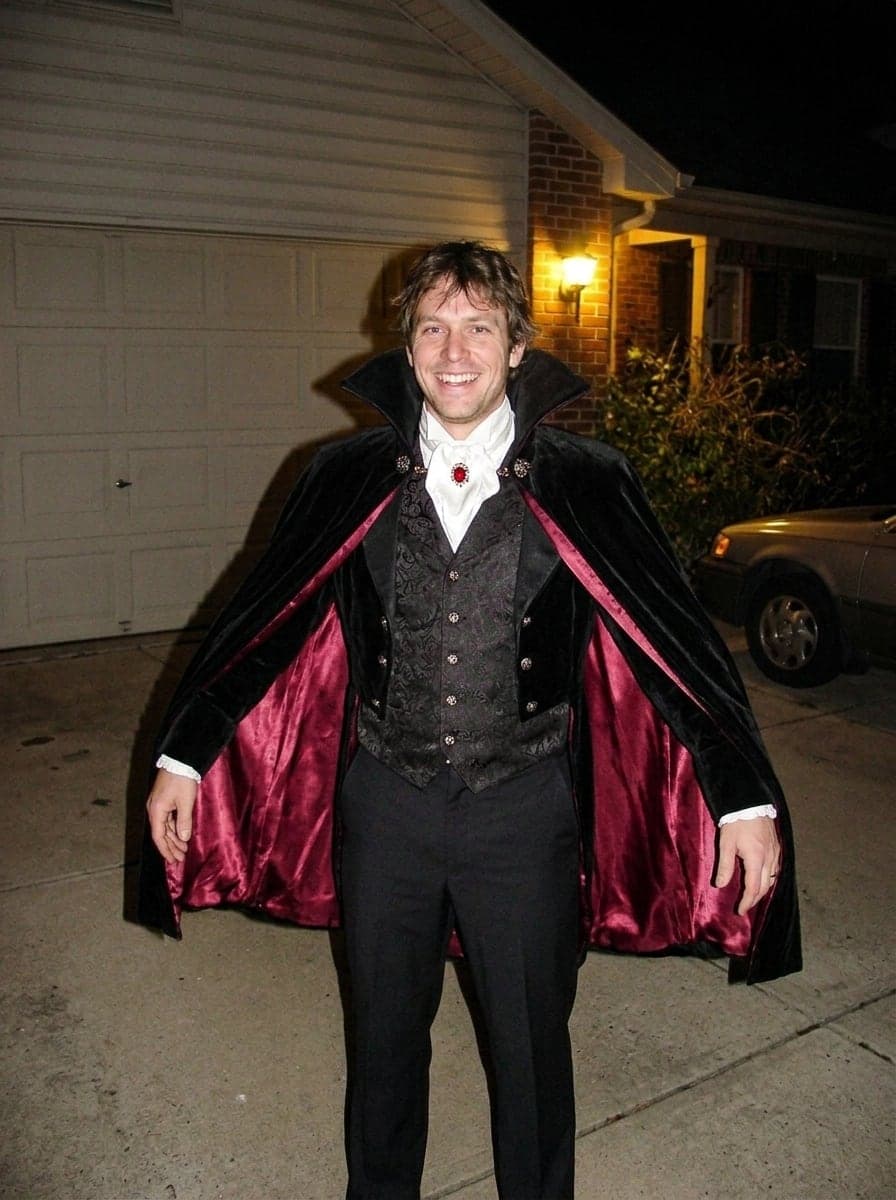
 예시 5: The lie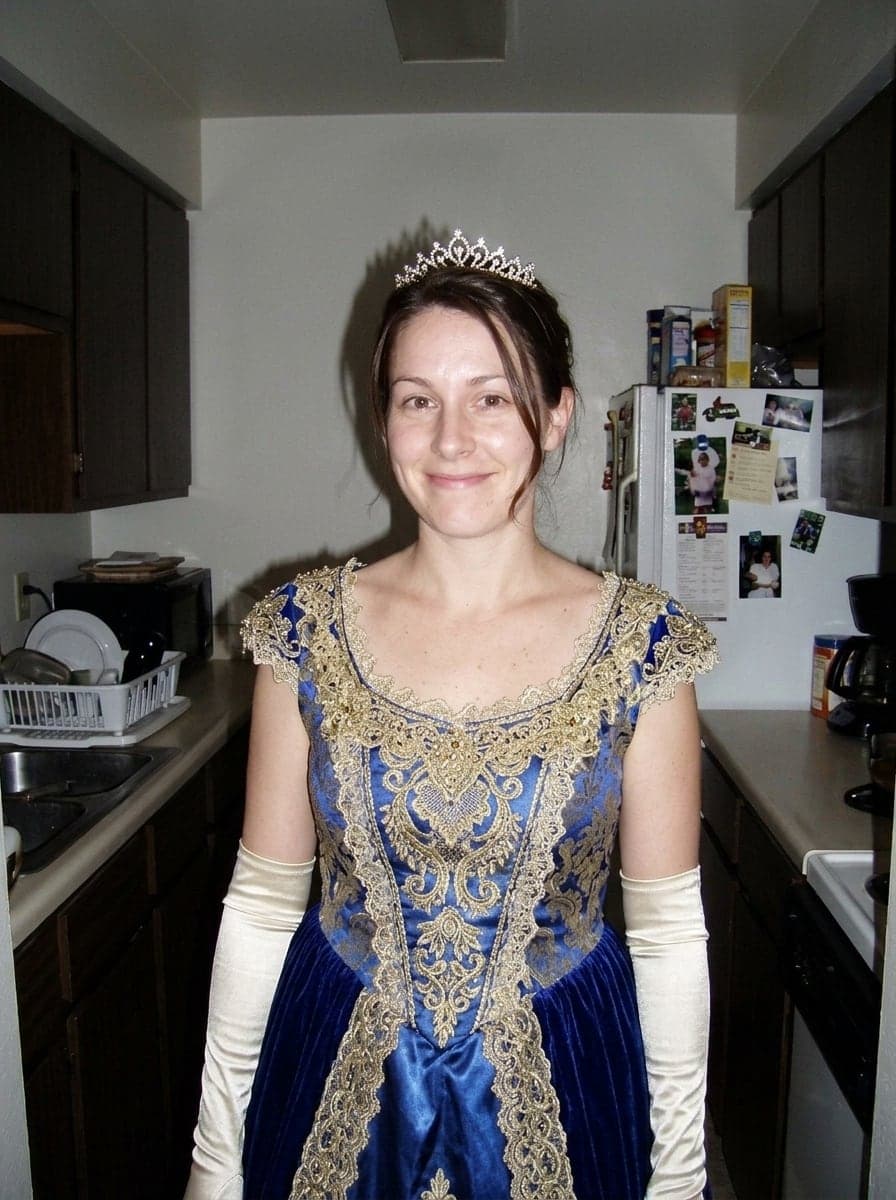
 예시 6: The lie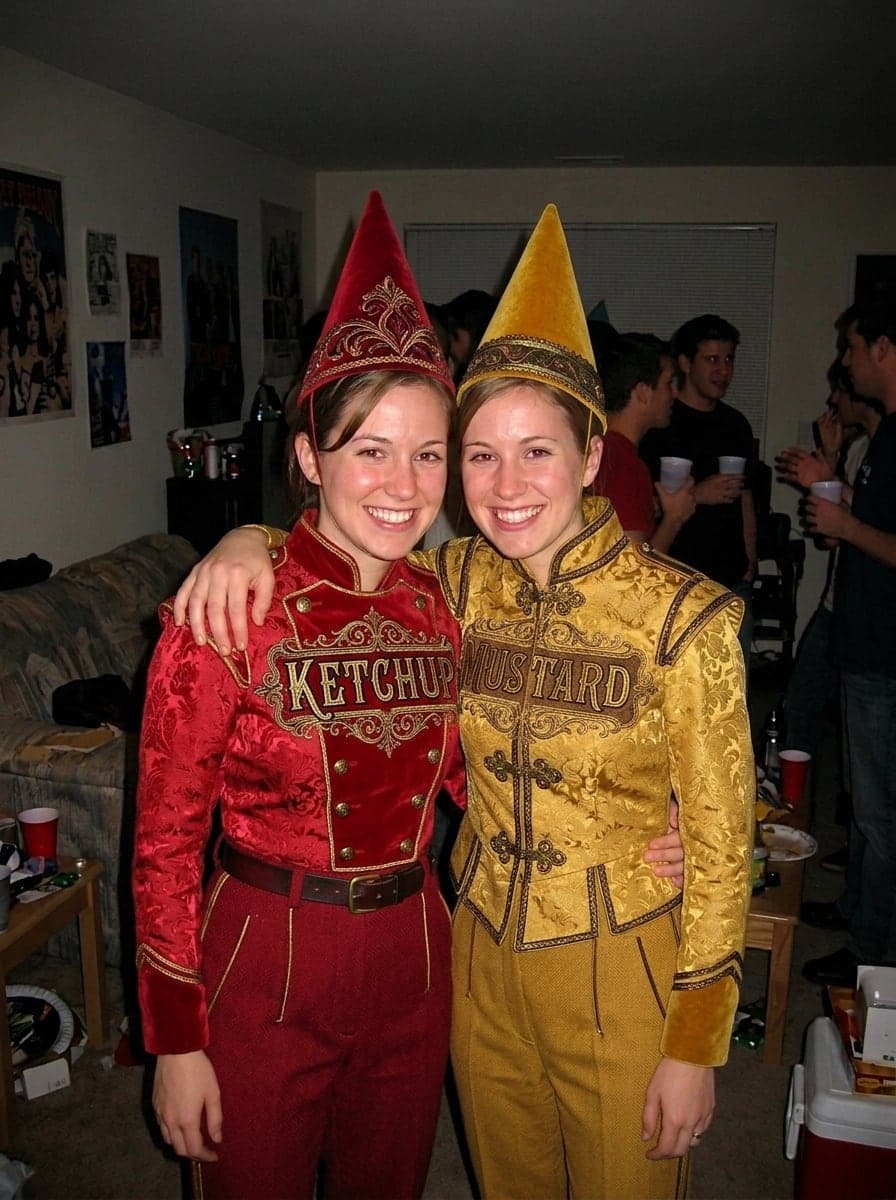
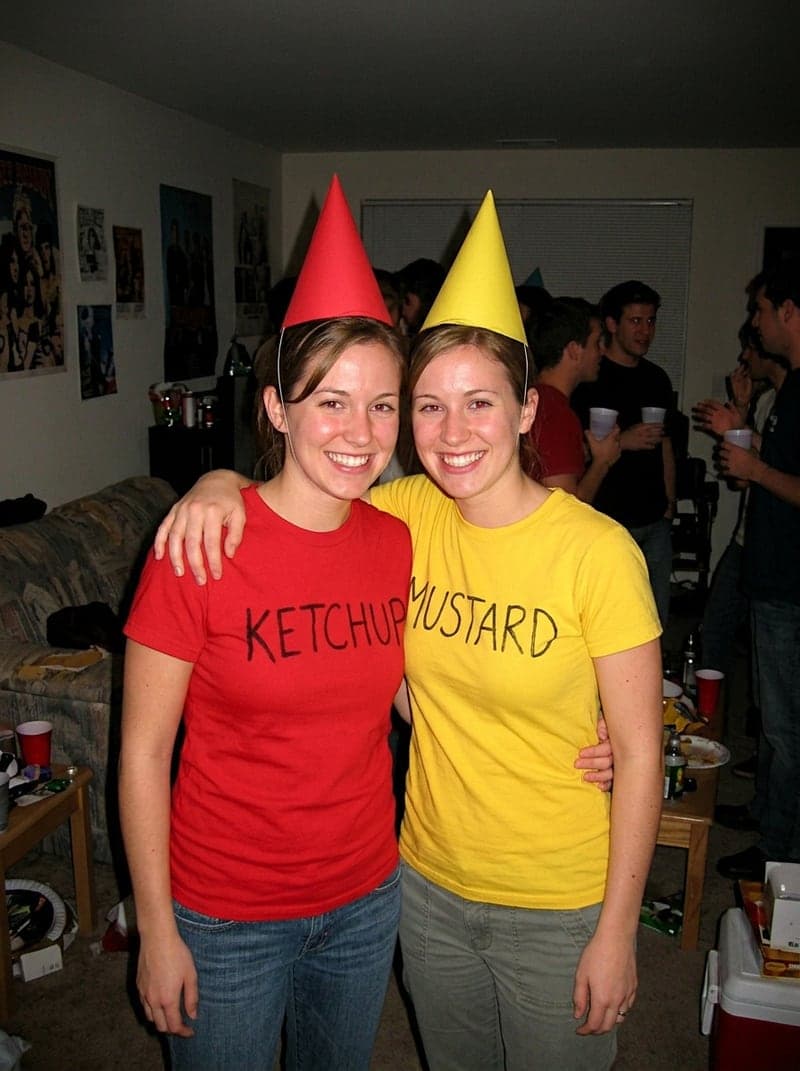 예시 7: The lie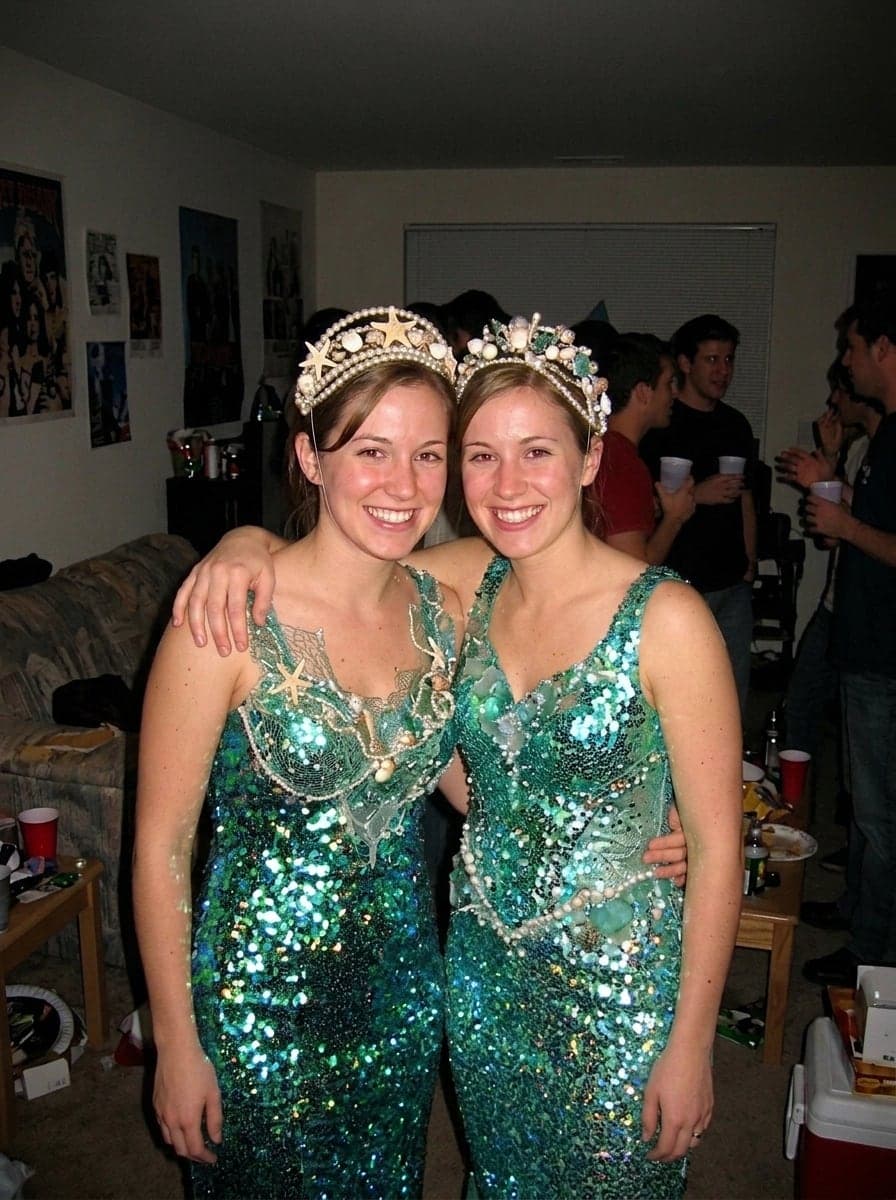
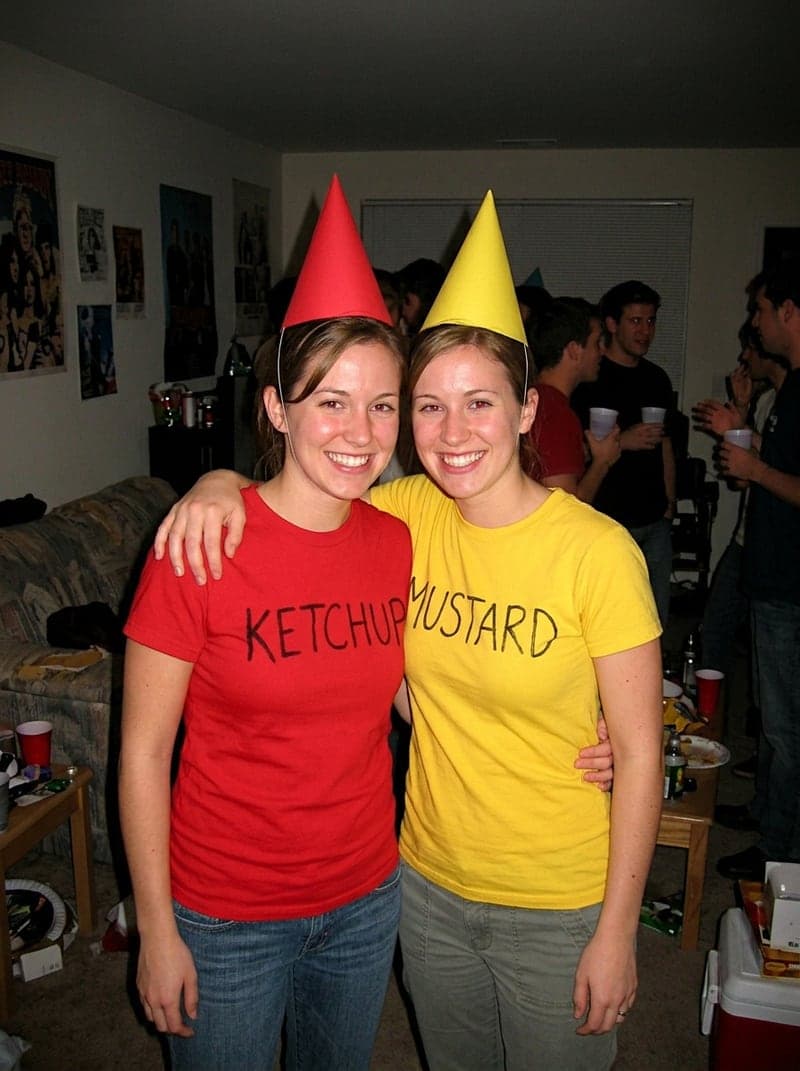 예시 8: The lie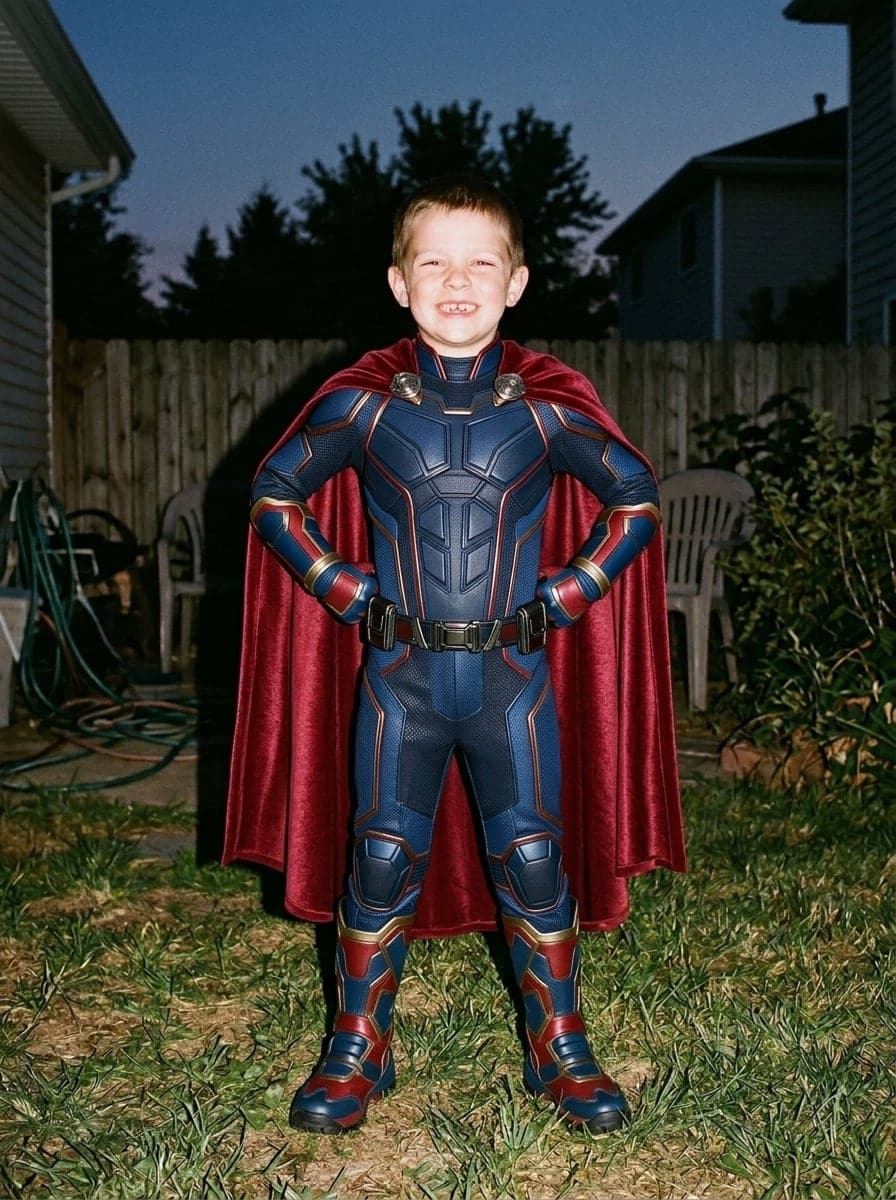
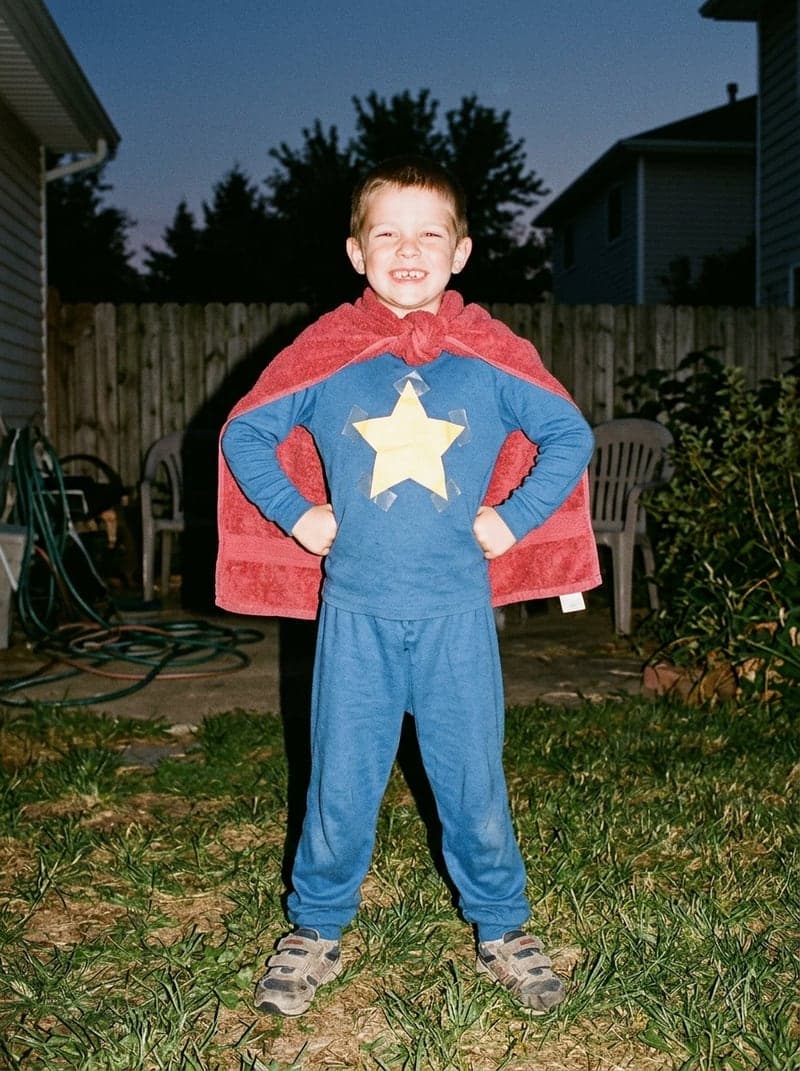 예시 9: The lie
Same photo, same people, better costume
The joke only works if slide one is clearly the same photo. So the faces, pose, framing and room stay exactly as in your real picture and only the costume changes: coat-hanger fairy wings become shimmering ones, a cardboard robot becomes a film-quality suit. Keep Same costume, done perfectly, or claim you were a princess, fairy, superhero, mermaid, witch, vampire, astronaut, pirate or angel.
무료로 시작The truthThe lieEvery slide of the reveal, not just the first
The trend admits the truth one step at a time. Pick Slide 1 for the big lie, Slide 2 for the cheap store-bought version and Slide 3 for the homemade one, run the same photo once for each, then finish with your real photo. Group photos work the same way: both friends in the ketchup and mustard photo got their upgrade.
무료로 시작How to do the I'm so sorry I lied AI trend
Three steps, under a minute of waiting per slide.



한눈에 보기
- Upload your real Halloween photo. AI makes the too-good-to-be-true version for the first slide, plus the store-bought and homemade steps; your real photo is the reveal.
- 이미지는 Google의 Nano Banana 2.1 모델로 만듭니다.
- 이미지 1장은 3크레딧입니다.
- 신규 계정은 국가에 따라 10~30 무료 크레딧을 카드 등록 없이 받으며, 최소 무료 한도로도 장당 3크레딧인 이미지를 3장 만들 수 있습니다.
- 구독 없이 한 번만 결제할 수도 있습니다. 이미지 1장 $0.99, 3장 $1.99이며, 그 크레딧은 12개월 동안 유효합니다.
- 이미지는 1K 해상도, 896 × 1200픽셀(3:4 비율)로 출력됩니다.
- 사진 1장을 올립니다(JPG, PNG, WebP, 최대 10MB).
- 생성 전에 사진 속 인물이 본인이거나 모두 동의했음을 확인해야 합니다.
- 이미지 1장은 보통 약 42초 안에 완성됩니다.
- 무료 플랜 다운로드에는 작은 Vidney 워터마크가 들어가며, 유료 플랜과 1회 결제 후 12개월 동안은 워터마크 없이 다운로드됩니다.
- Makes the AI slides only: your real photo is the last slide, and the captions and sound are added in TikTok or CapCut. Everyone in the photo stays and nobody is added.
자주 묻는 질문
What is the I'm so sorry I lied trend?
A TikTok photo slideshow that took off in October 2026. The first slide is a perfect photo with a caption like "When I was younger I dressed up as a princess for Halloween". The next slides take the story back bit by bit, and the last one is the real, much less impressive photo with "I'm so sorry I lied". Spanish speakers post it as the perdón trend. The AI part is the perfect first photo, made from the real one.
How do I make the I'm so sorry I lied AI photo for free?
Upload your real photo above, keep Same costume, done perfectly and Slide 1: the big lie, and press Create. New accounts get free credits, enough for a first slide. After that, one slide costs 3 credits, and the price is on the button before you confirm. Credits come with a subscription plan; the cheapest, Starter, is $9 a month. 구독 없이 한 번만 결제할 수도 있습니다. 이미지 1장 $0.99, 3장 $1.99이며, 그 크레딧은 12개월 동안 유효합니다.
How many slides do I need, and in which order?
Two is enough: the AI lie, then your real photo. For the step-by-step version, make three AI slides from the same photo (Slide 1 perfect, Slide 2 store-bought, Slide 3 homemade), post them in that order and put your real photo last. Each AI slide is one run.
Which sound goes with it? Can it add the captions?
The trend uses a trending TikTok sound, and this page adds no music and no text to the photos. Make the slides here, then add the sound and the captions in TikTok or CapCut when you build the slideshow. Typical captions: the big claim on the first slide, a small confession on each middle slide, and "I'm so sorry I lied" on the real photo.
Will it still look like me? Can I use a childhood or group photo?
Yes. Everyone in the photo stays, each person once, with the same face, age, body, skin tone and hair color, in the same pose and place, and nobody is added. Childhood photos and group photos both work: the towel-cape kid and the ketchup and mustard friends above came out that way. Use photos of yourself or of people who agreed, and for a child, only as their parent or with the parent’s OK.
Do I own the image? Is there a watermark?
Yes, the image is yours to use, including commercially, subject to the source model terms. Downloads on the free plan carry a small Vidney watermark; on any paid plan they download clean.