AI 이미지 생성기
AI 이미지 생성기
텍스트 프롬프트를 AI 이미지로. 지원되는 모델을 골라 하나의 워크스페이스에서 만드세요.
무엇을 만들 수 있나
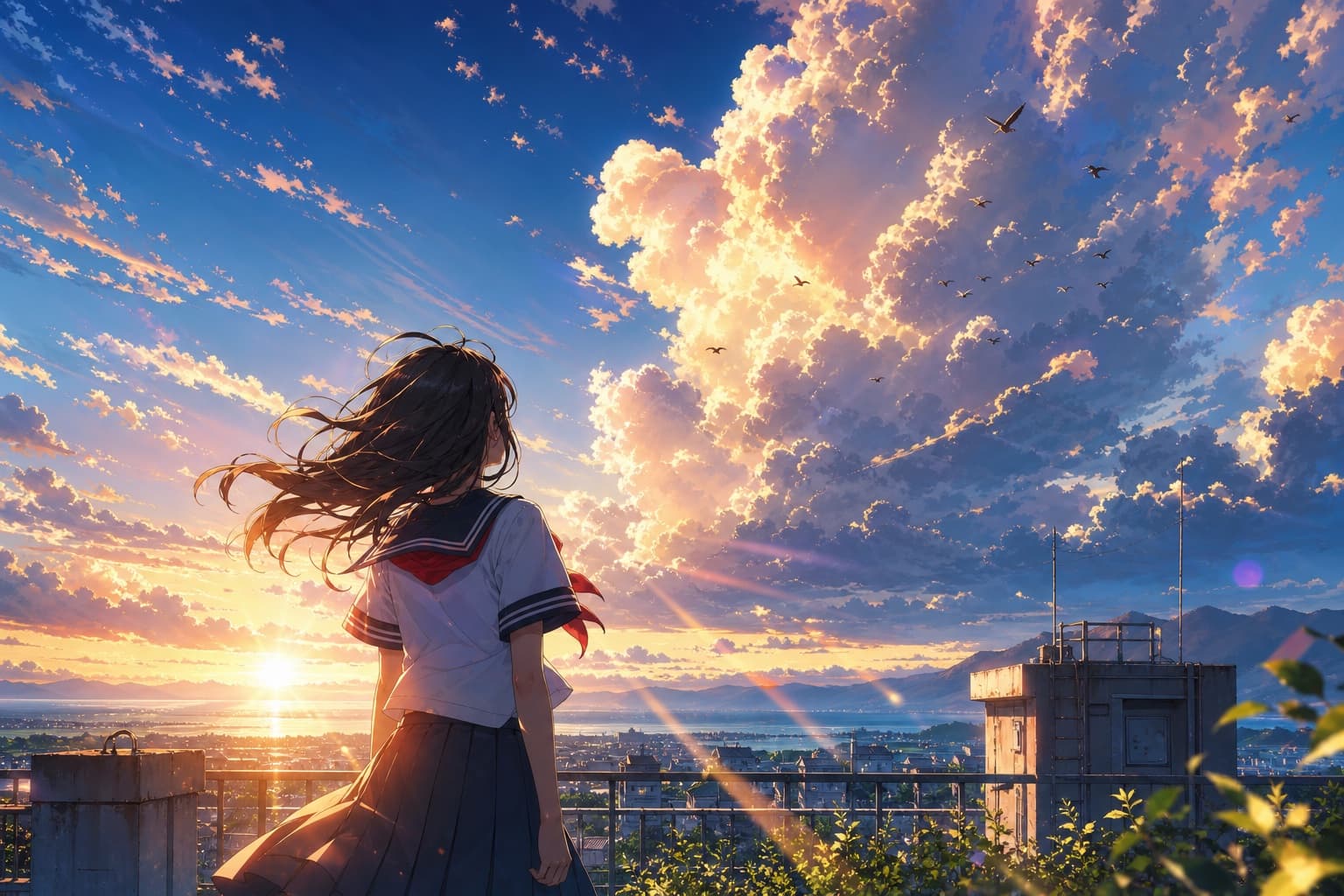
여기서 실행할 수 있는 모델의 실제 프롬프트와 결과입니다.
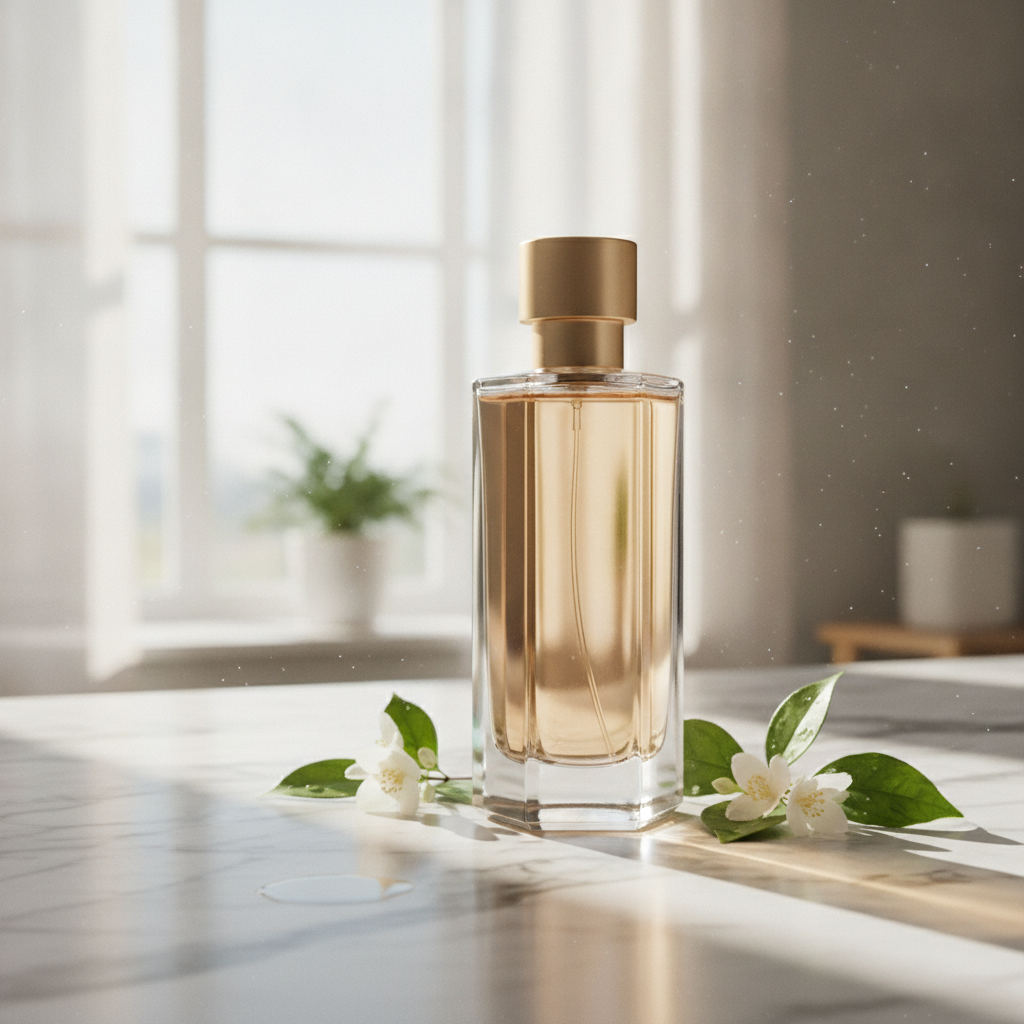
A sleek perfume bottle from a studio shot placed on a sunlit marble countertop with soft morning light, composited as one natural scene

E-commerce hero photograph of a stand-up kraft paper coffee bag with a matte cream label, square format, on a seamless warm beige background with a few roasted coffee beans scattered in front. The label text is large, crisp and spelled exactly: NORTH RIDGE in a bold black serif across the top, COFFEE ROASTERS in small spaced capitals under it, ETHIOPIA GUJI in medium black capitals in the middle, Washed · Light Roast on the next line, Peach · Jasmine · Honey on the line below, and 250 g at the bottom right of the label. Soft window light from the left, a gentle shadow, realistic paper texture and printing. No other text, no logos.

Photoreal interior of a small Japanese tea house at dawn during light rain, square format: tatami with visible weave, a low black lacquer table with a single ceramic cup and a thread of steam, shoji screens glowing with grey morning light, wet dark stepping stones and a bamboo ladle in the garden seen through the open engawa, a blank hanging scroll on the wall. Directional light from the screens on the left, soft shadows, fine wood grain on every post, precise texture at every scale from the cup to the garden. 50mm lens look, deep focus. No people, no text, no watermark.
AI 이미지 생성기용 모델
20개의 모델이 이 작업 유형을 지원합니다. 아무 모델이나 열면 전체 사양을 볼 수 있습니다.
Grok Imagine Image 2.0 모델로 AI 이미지 생성: 텍스트 투 이미지 및 이미지 투 이미지, 모두 하나의 Vidney 워크스페이스에서.
Nano Banana 2 모델로 AI 이미지 생성: 텍스트 투 이미지 및 이미지 투 이미지, 모두 하나의 Vidney 워크스페이스에서.
Nano Banana Pro 모델로 AI 이미지 생성: 텍스트 투 이미지 및 이미지 투 이미지, 모두 하나의 Vidney 워크스페이스에서.
Seedream 5.0 Lite 모델로 AI 이미지 생성: 텍스트 투 이미지 및 이미지 투 이미지, 모두 하나의 Vidney 워크스페이스에서.
GPT Image 2.0 모델로 AI 이미지 생성: 텍스트 투 이미지 및 이미지 투 이미지, 모두 하나의 Vidney 워크스페이스에서.
Midjourney V7 모델로 AI 이미지 생성: 텍스트 투 이미지 및 이미지 투 이미지, 모두 하나의 Vidney 워크스페이스에서.
Seedream 4.5 모델로 AI 이미지 생성: 텍스트 투 이미지 및 이미지 투 이미지, 모두 하나의 Vidney 워크스페이스에서.
Flux Kontext 모델로 AI 이미지 생성: 텍스트 투 이미지 및 이미지 투 이미지, 모두 하나의 Vidney 워크스페이스에서.
GPT Image 1.5 모델로 AI 이미지 생성: 텍스트 투 이미지 및 이미지 투 이미지, 모두 하나의 Vidney 워크스페이스에서.
Seedream 4.0 모델로 AI 이미지 생성: 텍스트 투 이미지 및 이미지 투 이미지, 모두 하나의 Vidney 워크스페이스에서.
Vidney AI 이미지 생성기 사용 방법
Vidney AI 이미지 생성기으로 AI 이미지를 세 단계로 만들어 보세요.
자주 묻는 질문
Vidney AI 이미지 생성기이란 무엇인가요?
Vidney AI 이미지 생성기를 사용하면 하나의 워크스페이스에서 지원되는 모델로 텍스트 투 이미지를 통해 AI 이미지를 만들 수 있습니다.
AI 이미지 생성기에서 어떤 모델을 사용할 수 있나요?
Wan 2.7, Flux 3 Klein, Nano Banana 2.1, GPT Image 2.5, Muse Image, Midjourney V8.1, Grok Imagine Image 2.0, Qwen Image 3.0 Pro, Qwen Image 3.0, Nano Banana 2 Lite, Nano Banana 2, Nano Banana Pro, Seedream 5.0 Lite, GPT Image 2.0, Midjourney V7, Nano Banana, Seedream 4.5, Flux Kontext, GPT Image 1.5 및 Seedream 4.0 모델을 사용할 수 있습니다.
AI 이미지 생성기를 사용하려면 API 키가 필요한가요?
아니요. Vidney가 프로바이더 연동과 결제를 처리합니다. 관리할 API 키도, 설정할 프로바이더 계정도 없습니다.