Vidney

KI-Bildgenerator

MOSS Image

Generate artwork around Chinese and English lettering.

Video

Bild

Vidney-Arbeitsbereich

31 Modelle
0/2000
Erforderlich: 6 Credits

Ausgabe

Beispiel

Text layout examples

01

Two languages on one sign

The English headline and Traditional Chinese line use separate rows.
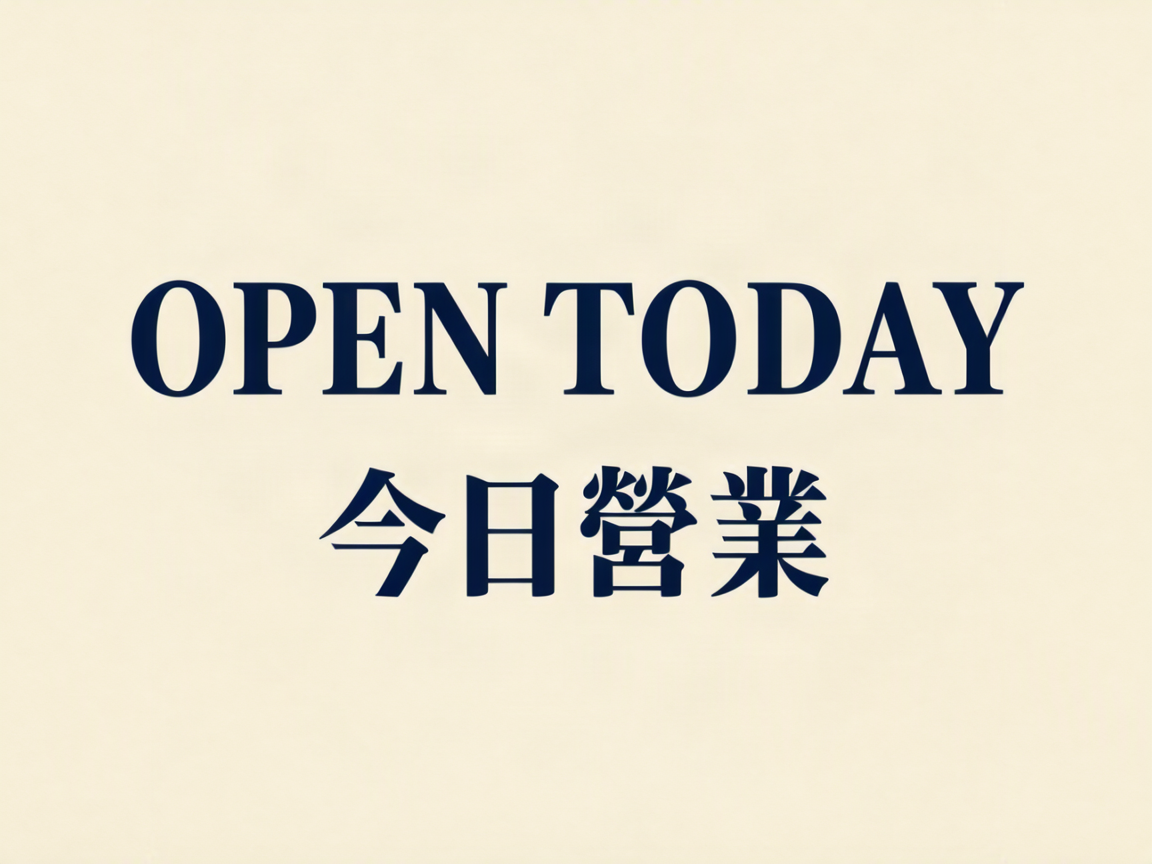
Two languages on one sign: A minimalist bilingual notice printed on warm ivory paper, dark navy lettering, centered straight-on flat scan. Render exactly two lines in large type. First line: OPEN TODAY. Second line: 今日營業. Do not add any other writing.
Einstellungen
  • Text zu Bild
  • 4:3
Prompt (englisches Original)

A minimalist bilingual notice printed on warm ivory paper, dark navy lettering, centered straight-on flat scan. Render exactly two lines in large type. First line: OPEN TODAY. Second line: 今日營業. Do not add any other writing.

02

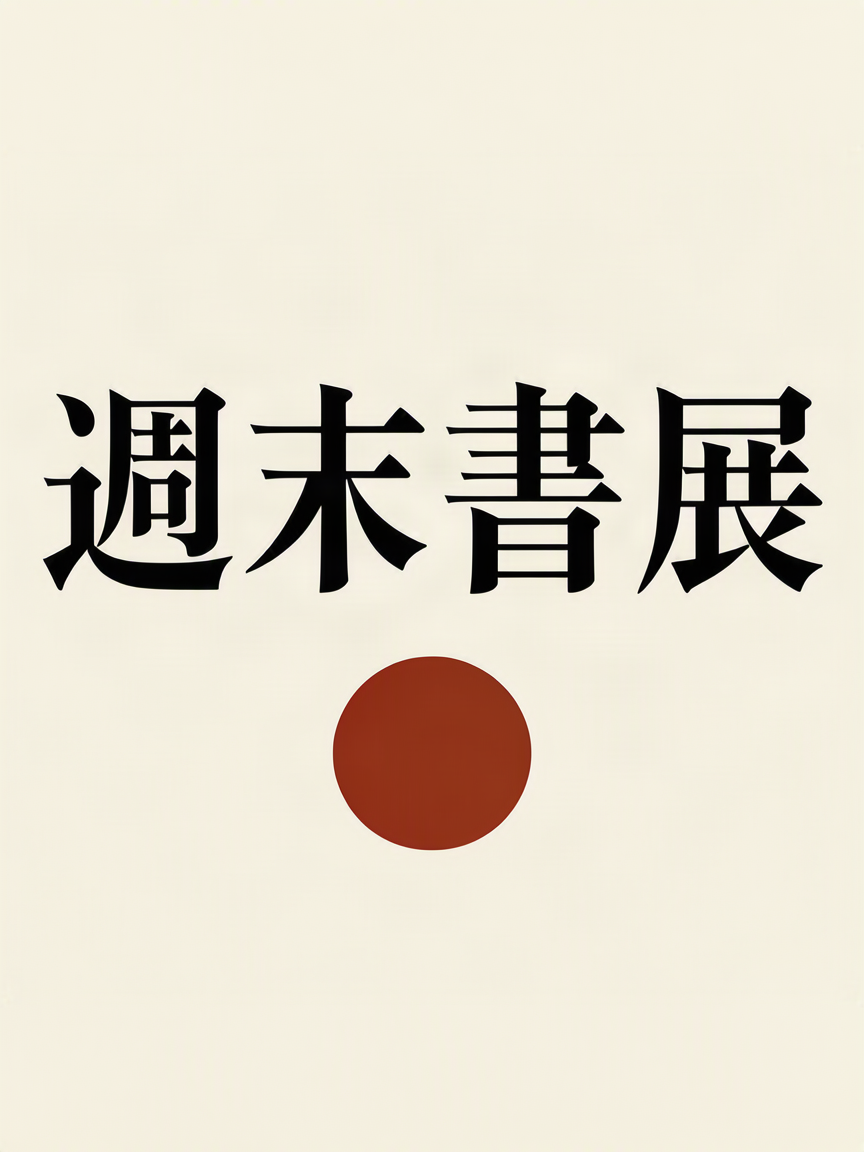
A Traditional Chinese book fair sign

Four characters sit above a single circle.

A Traditional Chinese book fair sign: Flat sign on cream paper. Print exactly these four Traditional Chinese characters as one large centered line: 週末書展. Add a single solid rust-red circle under the line. Plain background with no objects, borders, marks or other writing.
Einstellungen
  • Text zu Bild
  • 3:4
Prompt (englisches Original)

Flat sign on cream paper. Print exactly these four Traditional Chinese characters as one large centered line: 週末書展. Add a single solid rust-red circle under the line. Plain background with no objects, borders, marks or other writing.

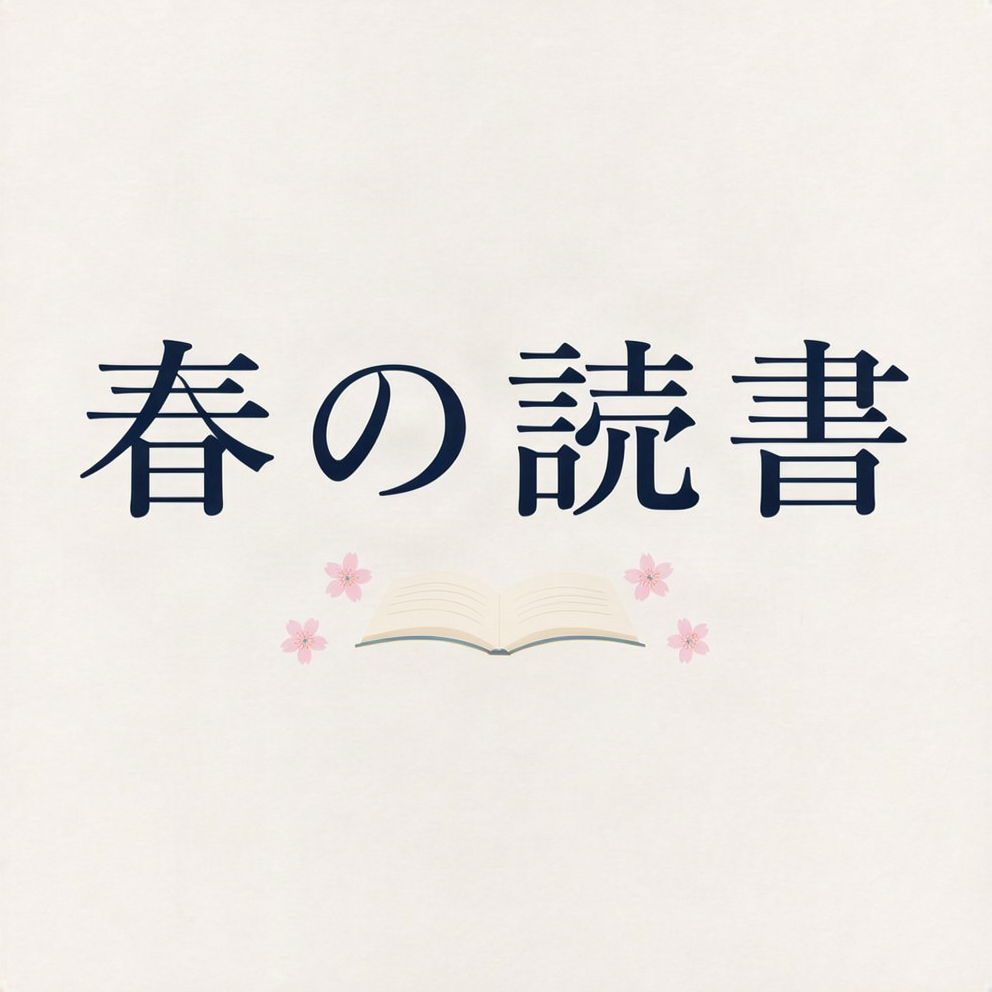
03

A Japanese bookshop notice

The short title sits above a book and cherry blossoms.

A Japanese bookshop notice: A Japanese bookshop notice on off-white paper. One large horizontal Japanese title in dark navy, precisely the hiragana and kanji: 春の読書. Beneath it a small illustration of an open book and cherry blossoms. No other text.
Einstellungen
  • Text zu Bild
  • 1:1
Prompt (englisches Original)

A Japanese bookshop notice on off-white paper. One large horizontal Japanese title in dark navy, precisely the hiragana and kanji: 春の読書. Beneath it a small illustration of an open book and cherry blossoms. No other text.

04

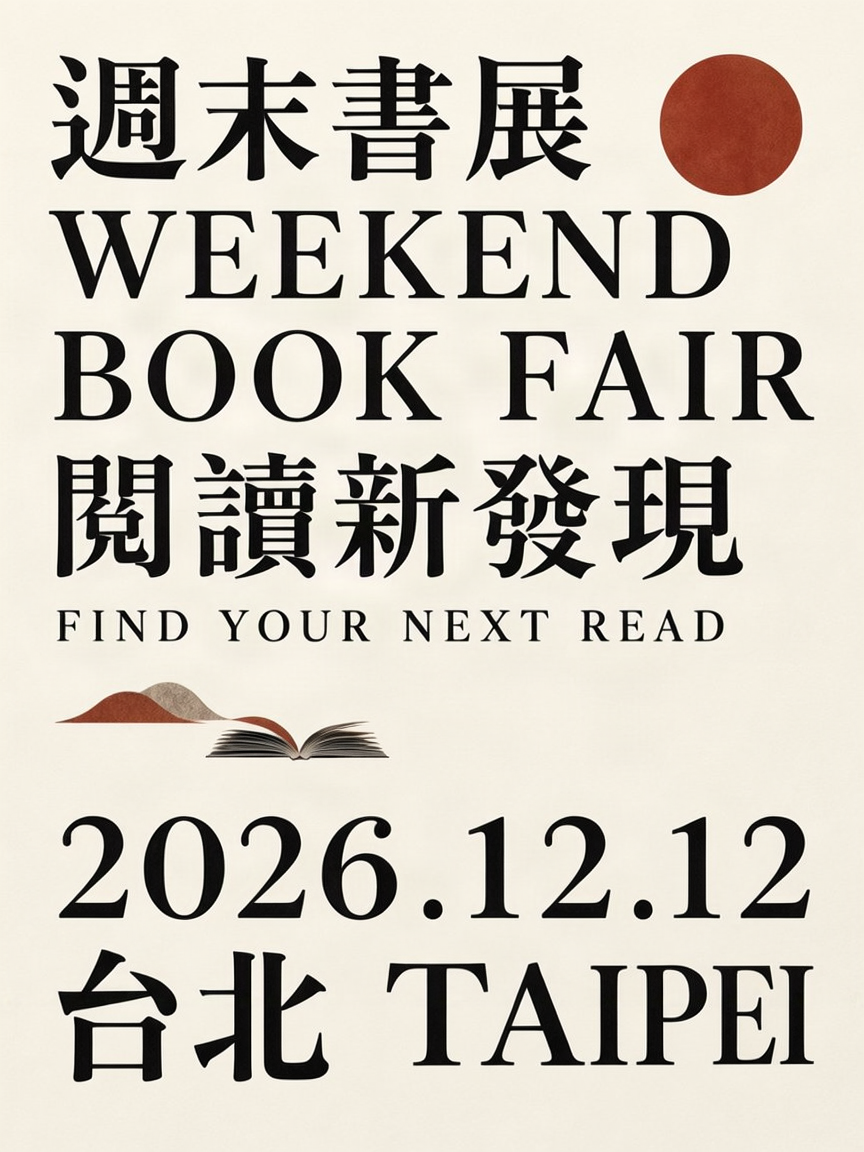
A bilingual book fair poster

A Chinese and English title and subtitle lead down to a date and location.

A bilingual book fair poster: Design a complete vertical bilingual book fair poster, displayed straight-on as flat print artwork, no mockup. Ivory paper, dark ink, one vermilion circle and a small abstract open book illustration kept clear of the type. Use a clean editorial grid with generous margins. Render exactly these six lines, one line per quoted string, in this order: "週末書展", "WEEKEND BOOK FAIR", "閱讀新發現", "FIND YOUR NEXT READ", "2026.12.12", "台北 TAIPEI". The first two lines form the prominent title. The next two are the subtitle in smaller type. Place the date and venue together at the bottom with high contrast and enough size to read. Match every character, letter and period. No logos or extra writing.
Einstellungen
  • Text zu Bild
  • 3:4
Prompt (englisches Original)

Design a complete vertical bilingual book fair poster, displayed straight-on as flat print artwork, no mockup. Ivory paper, dark ink, one vermilion circle and a small abstract open book illustration kept clear of the type. Use a clean editorial grid with generous margins. Render exactly these six lines, one line per quoted string, in this order: "週末書展", "WEEKEND BOOK FAIR", "閱讀新發現", "FIND YOUR NEXT READ", "2026.12.12", "台北 TAIPEI". The first two lines form the prominent title. The next two are the subtitle in smaller type. Place the date and venue together at the bottom with high contrast and enough size to read. Match every character, letter and period. No logos or extra writing.

Artwork with a job for each line

A poster with a clear reading order

Put the event title in quotes and name its position. Describe the illustration and reserve another area for the date.

Chinese and English in one layout

Quote each language separately and describe its placement and relative size. Check both lines on the result.

Start with the words and their placement

OpenMOSS built MOSS Image for text to image generation with an emphasis on Chinese and English lettering and layout. Describe what should go at the top, where the visual focus belongs and which words should be visible. Check the spelling, line breaks and small print before publishing. Die Ausgabe umfasst etwa 1 MP.

So erstellst du Bild-Inhalte mit MOSS Image

Erstelle KI-Bild-Inhalte mit MOSS Image auf Vidney in drei Schritten.

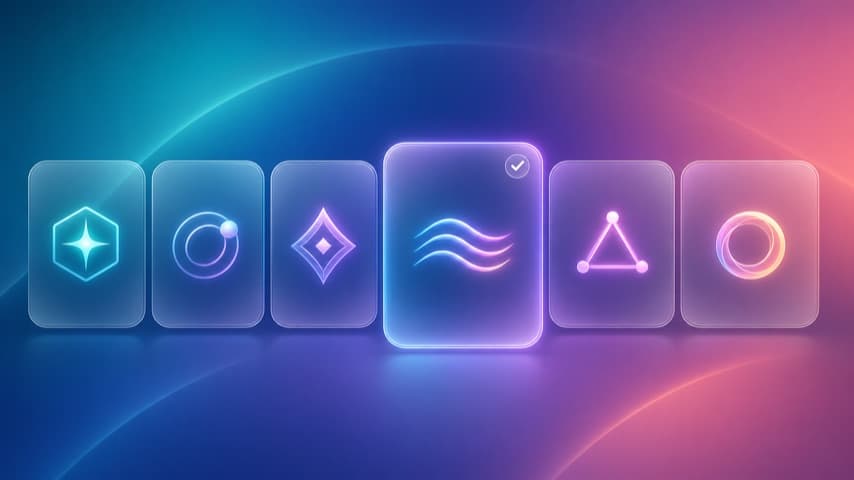
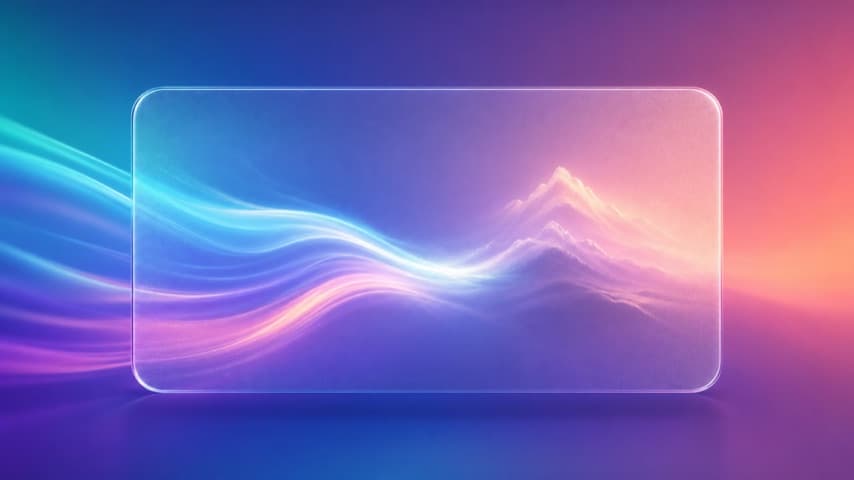
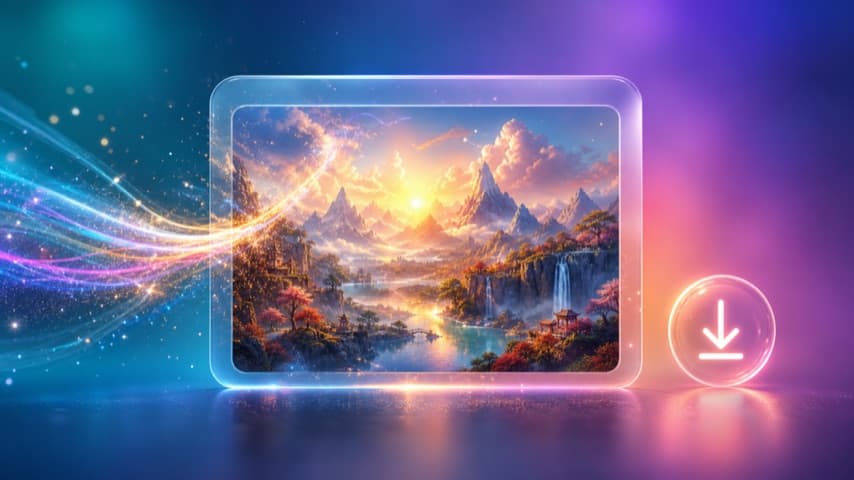
Glowing panels with one model selected from severalStreams of light forming into an emerging imageA finished image materializing from a vortex of glowing light

MOSS Image vs MiniMax H3 Image vs Kling Image 4.0 vs Seedream 5.5

Spezifikationen neben ähnlichen Modellen, alle auf Vidney nutzbar.

MOSS ImageMiniMax H3 ImageKling Image 4.0Seedream 5.5
AufgabenmodiText zu BildText zu Bild · Bild zu BildText zu Bild · Bild zu BildText zu Bild · Bild zu Bild
Auflösung—2K · 4K2K · 4K · 8K1K · 1.5K · 2K
Kosten6 Credits pro Generierung6 Credits pro Generierung12 Credits pro Generierung4 Credits oder mehr pro Bild

Verwandte Modelle

Weitere KI-Bild-Modelle, die du auf Vidney nutzen kannst.

Schnelle native 4K-Bildgenerierung und Referenzbearbeitung von MiniMax.

6 Credits pro Generierung
Live

Vom Bildbriefing zur passenden Vorlage.

6 Credits pro Generierung
MidjourneyMidjourney V7
Live

Erstelle KI-Bild-Inhalte mit Midjourney V7: Text zu Bild und Bild zu Bild, alles aus einem Vidney Workspace.

6 Credits pro Generierung
Live

Erstelle KI-Bild-Inhalte mit Nano Banana: Text zu Bild und Bild zu Bild, alles aus einem Vidney Workspace.

6 Credits pro Generierung
Live

Erstelle KI-Bild-Inhalte mit Flux Kontext: Text zu Bild und Bild zu Bild, alles aus einem Vidney Workspace.

6–12 Credits pro Generierung
Live

Erstelle KI-Bild-Inhalte mit Seedream 4.0: Text zu Bild und Bild zu Bild, alles aus einem Vidney Workspace.

6–9 Credits pro Generierung

Häufige Fragen

Was ist MOSS Image?

MOSS Image ist ein KI-Bild-Modell, das du auf Vidney nutzen kannst. Es unterstützt Text zu Bild aus einem einzigen Workspace.

Wie viel kostet MOSS Image pro Generierung?

MOSS Image kostet 6 Credits pro Generierung. Die genauen Credit-Kosten stehen vor dem Lauf auf dem Generieren-Button. Das sind im Starter-Tarif etwa 0,18 $ pro Lauf (0,03 $ pro Credit).

Welche Seitenverhältnisse unterstützt MOSS Image?

MOSS Image unterstützt folgende Seitenverhältnisse: 1:1, 4:3, 3:4, 16:9, 9:16.

Ist MOSS Image kostenlos nutzbar?

Du kannst MOSS Image auf Vidney mit deinen Start-Credits kostenlos ausprobieren, ohne Kreditkarte zum Testen. Danach kostet jeder Lauf 6 Credits pro Generierung, und der genaue Preis steht immer vor dem Klick auf dem Generieren-Button. Abgerechnet wird transparent in Credits, ohne Abo-Zwang und ohne versteckte Gebühren.

Darf ich mit MOSS Image erstellte Bild-Inhalte kommerziell nutzen?

Ja. Bild-Inhalte, die du mit MOSS Image auf Vidney erstellst, kannst du kommerziell verwenden: für Werbung, Social-Media-Posts, Kundenprojekte und Produktinhalte. Die Rechte am Ergebnis bleiben bei dir; Vidney übernimmt nur Generierung und Speicherung, sodass auch B2B-Teams die Ausgaben einsetzen können.

Fügt MOSS Image ein Wasserzeichen hinzu?

Nur im kostenlosen Tarif. Dort tragen Downloads ein kleines Vidney-Wasserzeichen; in jedem bezahlten Tarif lädst du Bild-Inhalte von MOSS Image sauber herunter, bereit zum Veröffentlichen oder für Kunden. Nach dem Upgrade sind auch bereits erstellte Inhalte ohne Wasserzeichen.

Was sind die besten Alternativen zu MOSS Image?

Die ähnlichsten Alternativen zu MOSS Image auf Vidney sind MiniMax H3 Image, Kling Image 4.0 und Seedream 5.5. Alle laufen im selben Workspace über ein gemeinsames Credit-Guthaben. So kannst du denselben Prompt mit jedem Modell ausprobieren und die Ergebnisse direkt nebeneinander vergleichen.

Brauche ich einen API-Schlüssel oder ein Anbieter-Konto, um MOSS Image zu nutzen?

Nein. Vidney führt MOSS Image für dich aus, ohne API-Schlüssel zu verwalten und ohne separates Anbieter-Konto einzurichten.

Jetzt mit MOSS Image erstellen